All Categories
- ATEN
- EPSON
- HISENSE
-
AV Signal Distribution
In AV Signal Distribution
- JK
-
Screens
In Screens
-
Projector
-
Cables
In Cables
- DTECH
- Business
- VISION
-
Projector Bracket
In Projector Bracket
-
Digital Signage Solutions
In Digital Signage Solutions
Brands
-
Audio
In Audio














All Categories
- ATEN
- EPSON
- HISENSE
-
AV Signal Distribution
In AV Signal Distribution
- JK
-
Screens
In Screens
-
Projector
-
Cables
In Cables
- DTECH
- Business
- VISION
-
Projector Bracket
In Projector Bracket
-
Digital Signage Solutions
In Digital Signage Solutions
Brands
-
Audio
In Audio

BROWSE CATEGORIES
Help
Flat Panel Bracket
Lexin Flat Panel Tilt Bracket 660x430mm,for 32-70″- FS701L
R2,251.71
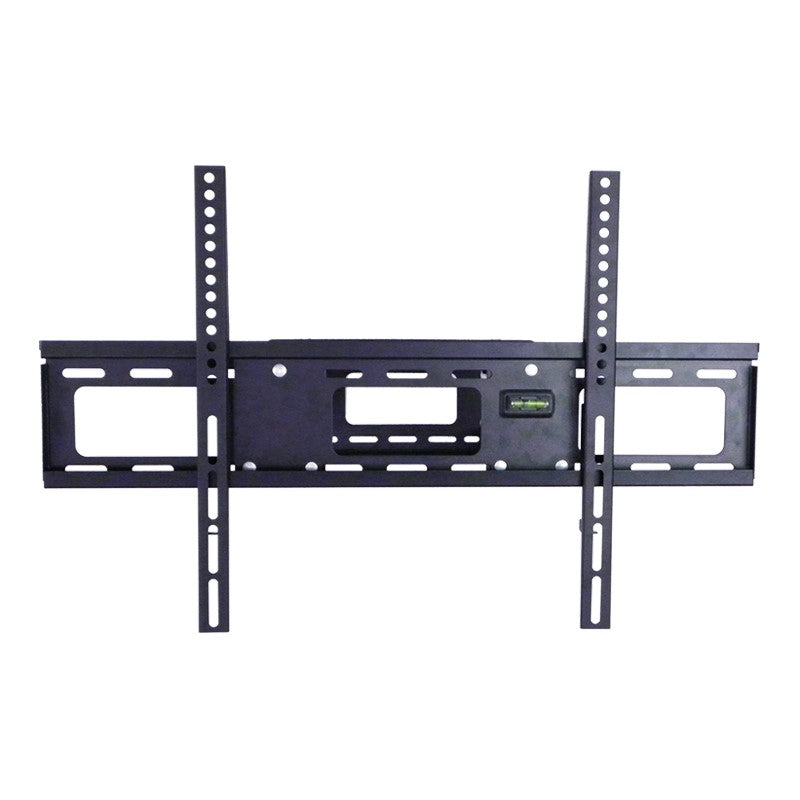
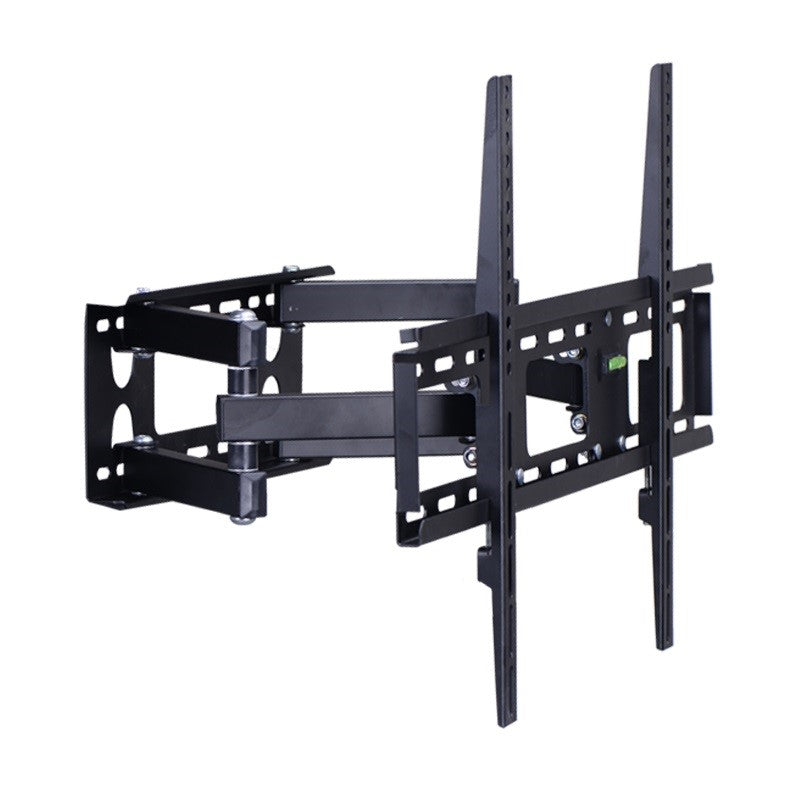
A black steel wall mount for 32 to 70 inch flat panels, sold as a tilt bracket but pictured on a folding double arm.
- No load rating confirmed for this model
- Tilt angle and arm reach not published
- Hole spacing listed as 100 x 100 to 660 x 430 mm; upper limit unconfirmed
- Mounting hardware and manual listed as supplied
- Brand :Lexin
- SKU :LEXIN-FS701L
- Category :Flat Panel Bracket
- Availability :
 In Stock
16 in stock
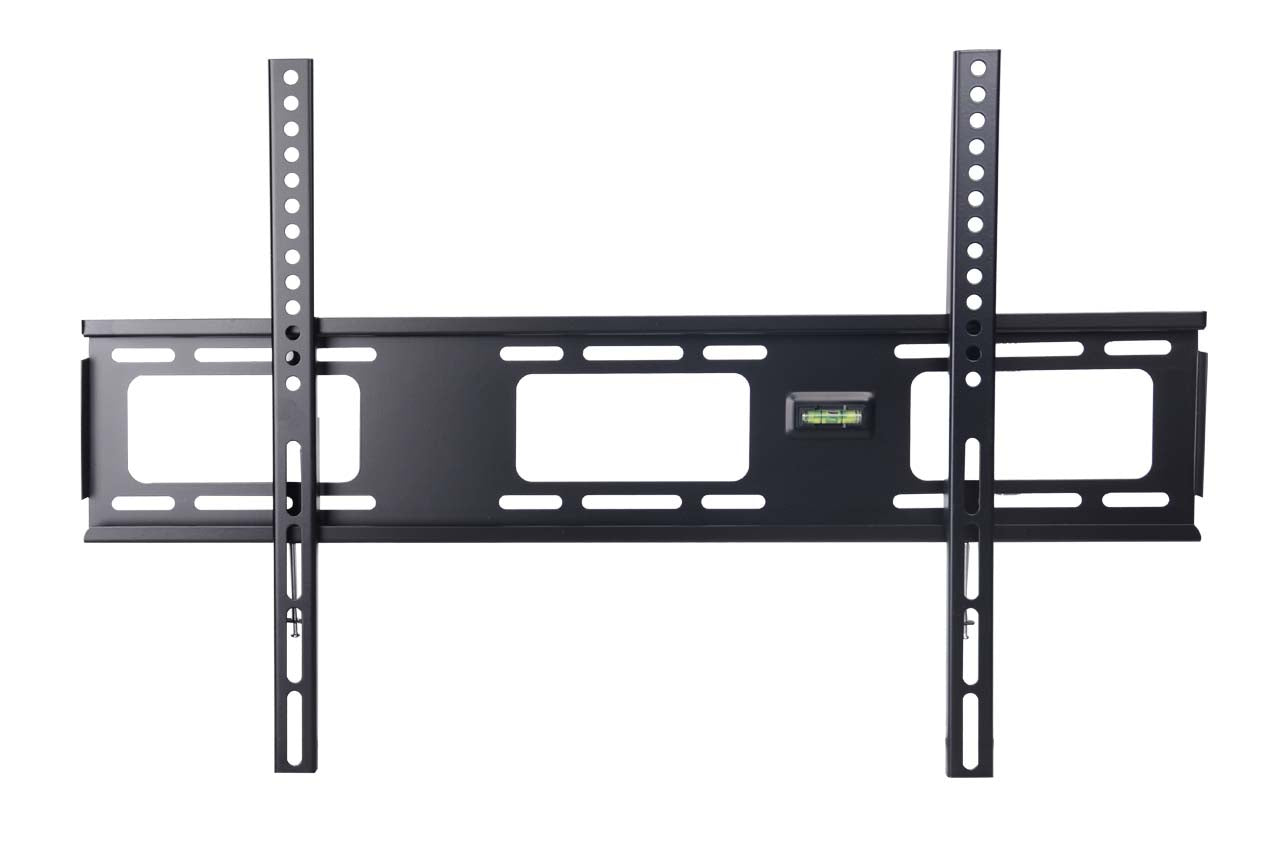
The Lexin FS701L is a black steel wall mount listed for flat panels from 32 to 70 inches. Our product title calls it a tilt bracket, but one of its two photos shows the screen plate on a folding double arm, and no tilt angle or arm reach is published. No load rating is confirmed for it either, because the size and load lines in its listing repeat the text of a different Lexin bracket. Confirm the movement and a rating for this model before you order.
Tilt bracket or folding arm: what changes on the wall
A tilt bracket keeps the panel close to the wall and angles it downwards, which helps when the screen hangs above head height. A folding arm pulls the panel off the wall and turns it towards one side of the room. Held out at full reach, an arm also levers on the top wall fixings in a way a flat bracket does not, so the movement type changes how you fix the bracket and how much cable slack you leave.
If a stated tilt range is what you need, the Lexin LSTA016B tilt bracket is listed at 0 to 15 degrees for 32 to 60 inch screens with holes up to 600 x 400 mm, with a rating of 55 kg in 1.60 mm steel or 75 kg in 2.00 mm steel.
Load rating not confirmed for this model
The FS701L listing’s size and load lines match the published text for Lexin’s LSTA015B fixed bracket almost word for word, so they may not describe this bracket, and no other source gives a rating. Until the supplier confirms one, treat the FS701L’s safe load as unknown. Ask for the rating of the version supplied, and whether it holds with an arm fully extended, before you hang a screen on it, then fix into brick, concrete or the studs of a partition with anchors rated for the screen.
Hole spacing listed as 100 x 100 to 660 x 430 mm
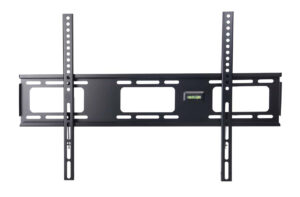
The upper end of that range is the same figure as the copied size line, so treat it as unconfirmed. In the front photo the screen plate carries two vertical arms drilled along their length. Measure your screen’s hole pattern against those arms before you buy, particularly a large pattern near the listed limit.
Key specifications of the Lexin FS701L
| Listed type | Tilt bracket (one photo shows a folding double arm) |
|---|---|
| Screen sizes | 32 to 70 inch |
| Maximum load | Not confirmed for this model |
| VESA spacing | 100 x 100 to 660 x 430 mm as listed; upper limit unconfirmed |
| Listed contents | Mounting hardware and manual |
| Tilt range, arm reach, wall gap | Not published |
| Finish | Black steel |
Questions about the Lexin FS701L
Can the FS701L swivel the screen to one side?
Only if it is the folding-arm type in the three-quarter photo; a tilt bracket keeps the screen square to the wall. The listing names neither a swivel angle nor a tilt range, so confirm which version is supplied if the screen has to face part of the room.
Will the FS701L take a 75 inch screen?
Not by its listing, which stops at 70 inches, even if a 75 inch panel’s holes fall inside the listed range. From our flat panel wall brackets, choose one that is listed for the size and has a published load rating covering the screen’s weight.
How far does the FS701L hold the screen from the wall?
The listing gives no depth for a folded position or an extended one. Measure the assembled bracket before you cut cables to length, set a power point behind the screen, or plan to fit the panel into a recess.
Is a plasterboard wall strong enough for the FS701L?
Only where the bracket screws into the studs or into timber backing fixed behind the board, with anchors rated for the screen’s weight. The listing does not itemise the wall plugs in the kit, and on the arm type the top fixings also take the pull of the extended arm.
You must be logged in to post a review.
You may also like these
Lexin
Low stock (2 left)
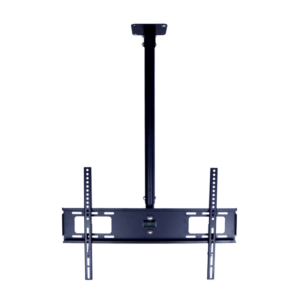
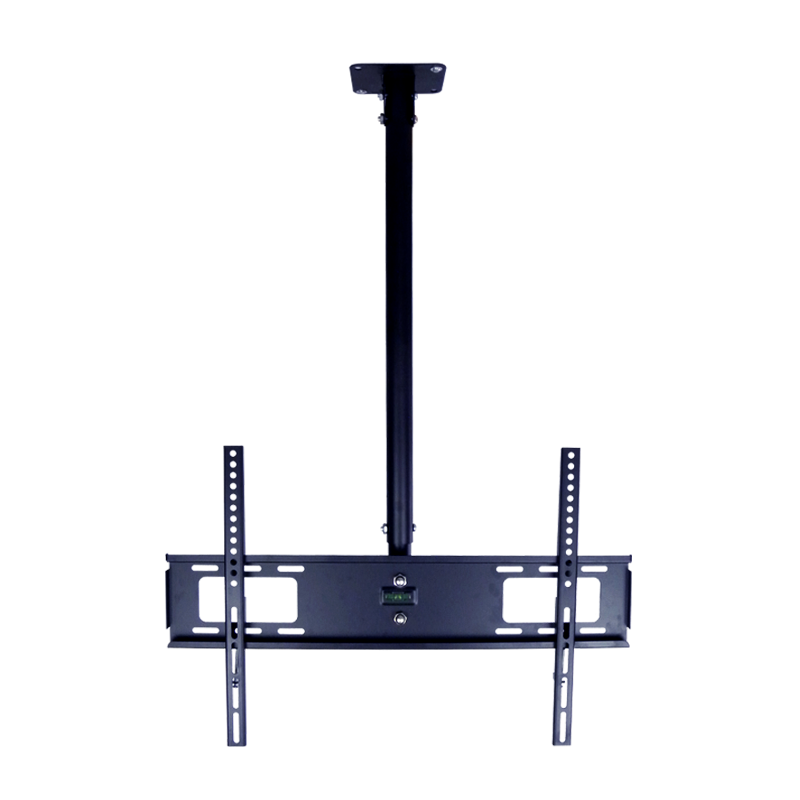
Lexin Flat Panel Ceiling Bracket 2m pole for 37-70" - TA003L
R2,560.83
TA003L Low stock (2 left)
Epson
Low stock (2 left)
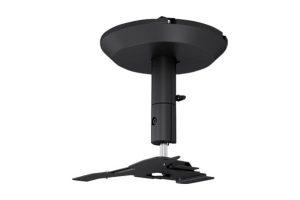
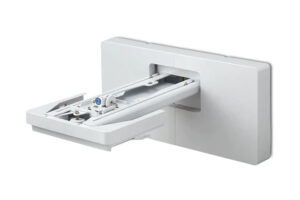
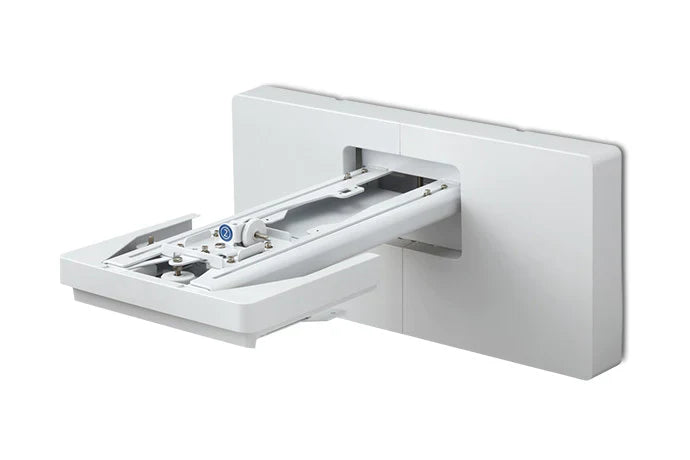
Epson Ultra Short Throw Wall Mount Projector Bracket - ELPMB62
R4,443.96
ELPMB62 Low stock (2 left)
Reviews
There are no reviews yet.