All Categories
- ATEN
- EPSON
- HISENSE
-
AV Signal Distribution
In AV Signal Distribution
- JK
-
Screens
In Screens
-
Projector
-
Cables
In Cables
- DTECH
- Business
- VISION
-
Projector Bracket
In Projector Bracket
-
Digital Signage Solutions
In Digital Signage Solutions
Brands
-
Audio
In Audio














All Categories
- ATEN
- EPSON
- HISENSE
-
AV Signal Distribution
In AV Signal Distribution
- JK
-
Screens
In Screens
-
Projector
-
Cables
In Cables
- DTECH
- Business
- VISION
-
Projector Bracket
In Projector Bracket
-
Digital Signage Solutions
In Digital Signage Solutions
Brands
-
Audio
In Audio

BROWSE CATEGORIES
Help
Digital Signage 24x7
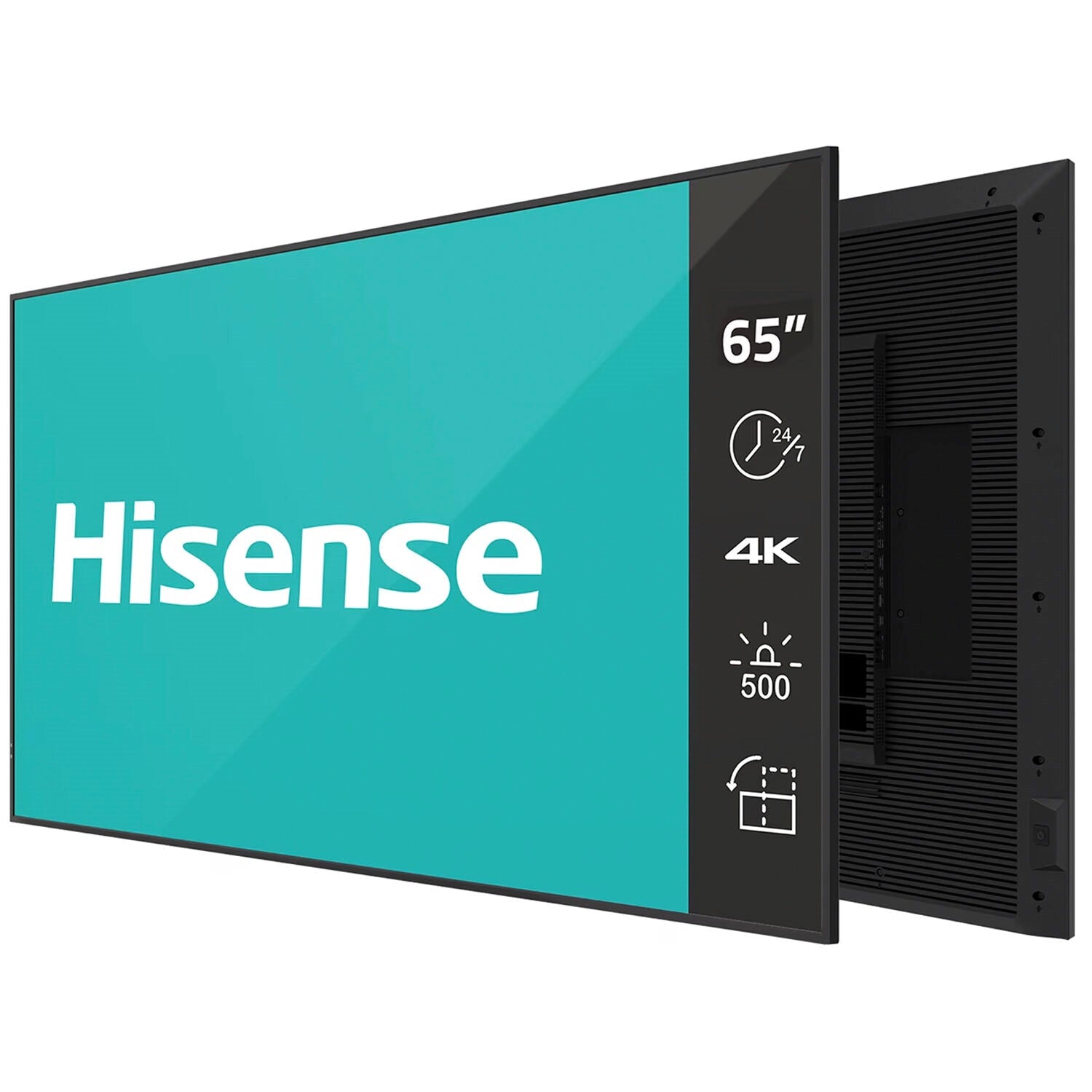
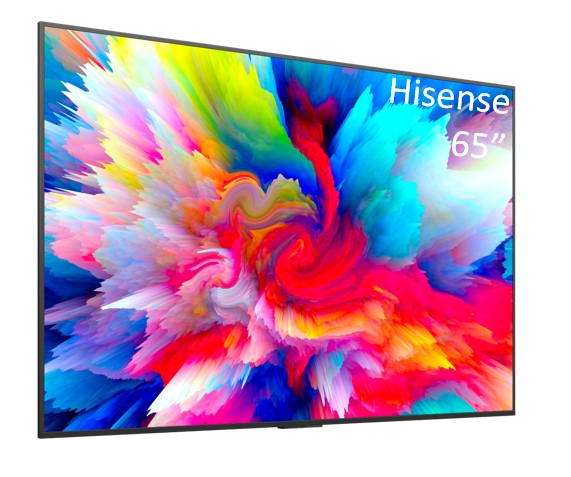
Hisense Digital Signage 65″, 500 nits, 4k resolution, with 7day x 24hrs operation, Android 14 – 65DM66GE
R22,295.87
A 65 inch Hisense 4K signage display rated for round-the-clock running, with its own Android 14 player, for reception walls, counters and menu boards indoors.
- 500 nits typical, 25% haze anti-glare surface
- Smallest DM66GE with USB-C: video, audio and 65 W charging
- 21.5 kg on a 400 x 400 mm VESA pattern
- Landscape or portrait
- Brand :Hisense
- SKU :HISENSE-65DM66GE
- Category :Digital Signage 24x7
- Availability :
 In Stock
2 in stock
The Hisense 65DM66GE is a 65″ (164 cm visible) 4K signage display rated for 24-hour, seven-day running at 500 nits, with an Android 14 player built in. It is the smallest DM66GE with a USB-C input, so a laptop can show its screen and charge over one cable.
At 21.5 kg on a 400 x 400 mm VESA pattern, it suits a reception wall, a shop counter or a menu board indoors. Hisense rates the front IP5X, which covers dust, not water.
Picture size and viewing distance at 65 inches
Hisense’s manual gives the visible diagonal as 164 cm, a picture about 1.43 m wide and 0.80 m tall. Spread over 3,840 pixels, each one is roughly 0.37 mm across, which a person with 6/6 vision stops resolving at about 1.3 m. Small type on a price list or a floor plan beside a lift stays legible to someone standing close.
The panel is rated at 500 nits typical and 1,200:1 contrast behind a 25% haze anti-glare surface. A light sensor drives the Auto adjust setting, which is on from the factory and locks the brightness slider; switch it off in the Display menu to set a fixed level.
USB-C and the other connections
The 32 to 55 inch DM66GE models have no USB-C port, so this is the first size with one. It carries video, audio and file transfer from a laptop and supplies up to 65 W of USB Power Delivery, in profiles from 5 V at 3 A to 20 V at 3.25 A.
- HDMI inputs: three, one HDMI 2.1 and two HDMI 2.0. HDMI 2 has eARC for a soundbar or amplifier.
- HDMI output: repeats HDMI 3 or USB-C, so a second screen can mirror a presenter’s laptop. Hisense does not list the built-in player as a source for it.
- Control: 3.5 mm RS232 jacks for serial in and loop-out, a 2.5 mm jack for a wired IR receiver, and RJ45 LAN.
- Other: Type-A USB (2.0 and 3.2 Gen 1, one of each), a 3.5 mm audio output, Wi-Fi 6, Bluetooth 5.4 and two 10 W speakers.
Mounting the 65DM66GE in landscape or portrait
Four M6 screws go into the 400 x 400 mm pattern, and Hisense allows 11.0 to 12.5 mm of thread inside the rear shell; longer screws damage the set. The manual names the Hisense LG400030D bracket for this size. The Vision VFM-W8X4V/2 wall mount lists 400 x 400 mm among its patterns, is rated for 60 kg and for 47 to 75 inch screens, and comes with M6 screws.
Hisense approves brick and concrete walls, with each anchor holding more than a third of the display’s weight, which is over 7.2 kg here. Plasterboard and timber need reinforcement first. Keep a 10 cm gap on all four sides and do not set the screen into a closed niche. A forward tilt of up to 15° is allowed in landscape only.
For portrait, turn the set anticlockwise so that the power light and remote sensor, on the left edge in landscape, end up on the bottom edge. It then stands 832.8 mm wide and 1,458.9 mm tall, and the Screen rotation setting turns the picture and the menus together. Packed, it weighs 30 kg in a carton 1,629 mm long, 1,022 mm high and 160 mm deep.
Running content without a PC
Inside is a quad-core ARM Cortex-A73 player with 4 GB of DDR4 and 32 GB of eMMC. According to Hisense, its Android 14 build takes third-party apps and over-the-air updates; it does not mention Google Play. The CMS key on the remote opens VisionInfo, Hisense’s content and device management platform, and we list its Cloud and On-Premises licences under content management solutions. Without a CMS, set the switch-on source to a Media Autoplay playlist or an input, and let the timer handle up to three on and off periods a day.
What comes in the box
The April 2026 datasheet puts four items in the carton: a quick setup guide, the remote with batteries, a power cord and an RS232 converter cable. Hisense’s user manual is less firm, calling the RS232 cable optional and the power cord dependent on the country of sale. Wall brackets and stands are bought separately.
Key specifications of the 65DM66GE
| Screen | 65″, 164 cm visible diagonal |
|---|---|
| Resolution | 3840 x 2160 at 60 Hz |
| Brightness | 500 nits typical |
| Panel | IPS, 1,200:1 contrast, 25% haze |
| Rated use | 7 days x 24 hours |
| Weight | 21.5 kg (30 kg packed) |
| VESA pattern | 400 x 400 mm, 4 x M6 |
| Body size | 1,458.9 x 832.8 x 63.7 mm |
| USB-C | 1 x, 65 W Power Delivery |
| Player | Android 14, Cortex-A73, 4 GB, 32 GB eMMC |
| Maximum power | 300 W (standby under 0.5 W) |
| Speakers | 2 x 10 W |
Questions about the Hisense 65DM66GE
Can the 65DM66GE show the same menu board image all day?
Only with some movement in the content. Hisense’s manual warns that a still picture held for more than two hours can leave a residual image. Its Screen saver menu has a burn protection mode that cycles pixel, scroll-bar or gradient patterns on a timer, but it ships switched off. A playlist that changes slides keeps one image from sitting on the panel for hours.
Will the screen go to standby by itself?
Yes, with the factory settings. The manual lists a no-signal standby of 10 minutes and a 15-minute standby for the Android side when nobody operates it. Both timers sit in the Switch on/off menu and both have an Off setting, so set them before the screen is left to run unattended.
Will my laptop charge while it is connected over USB-C?
Yes, if it charges over USB Power Delivery at 65 W or less. The port supplies that power while it carries the laptop’s picture and sound. A laptop that needs more than 65 W should keep its own charger plugged in.
How do I stop staff or shoppers changing the settings?
Use the Security and Permission menu, which opens with the PIN 0000 until you change it. It can lock the IR remote, the buttons on the set and the setup menu, leaving only Display, Sound and Security and Permission visible. Further locks cover Wi-Fi, Ethernet and the Android system.
Can the 65DM66GE face the street from a shop window?
Not behind glass that takes direct sun. Hisense rates it at 500 nits, IP5X on the front only and 0 to 40 °C, and it halves the backlight when its internal temperature reaches 70 °C. For a window, the Hisense 75WH80GE window-facing display is the high-brightness option.
You must be logged in to post a review.
You may also like these
Hisense
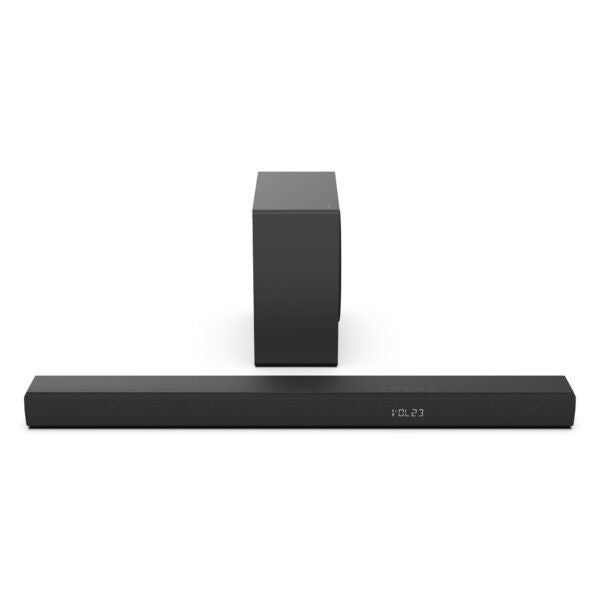
Hisense Sound Bar, Bluetooth, 480W 3.1 Channel with Wireless Subwoofer - HS3100
R3,177.14
HS3100 Out of Stock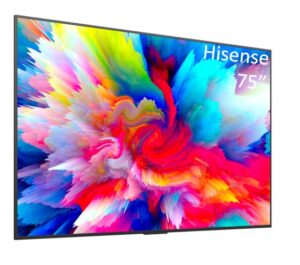
Hisense
Low stock (1 left)
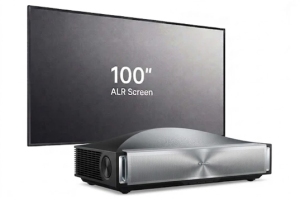
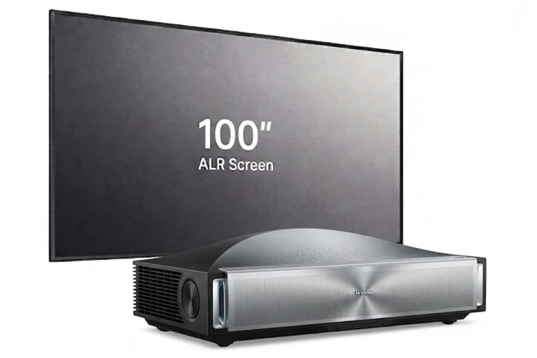
Hisense Laser Projection TV, 3500 Ansi Lumens, 4K resolution, UST, Incl 100" ALR - 100PX4PRO
R59,740.02
100PX4PRO Low stock (1 left)
Hisense
Low stock (1 left)
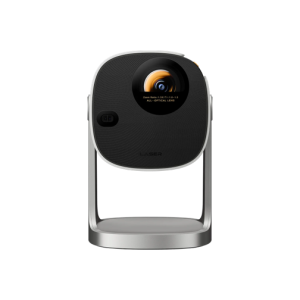
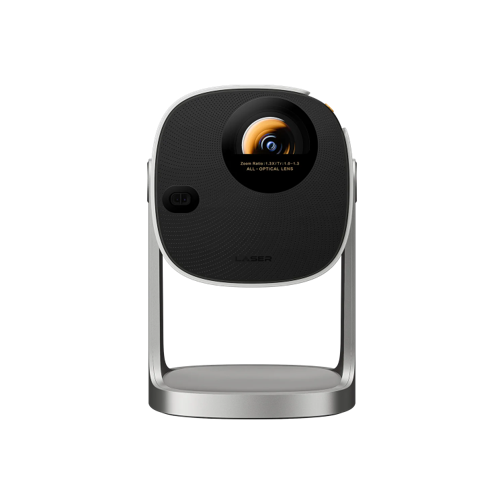
Hisense Mini Laser Projector, 1000 Ansi Lumens, 4K resolution - P1
R22,265.88
P1 Low stock (1 left)
Reviews
There are no reviews yet.