n
e
x
m
a
r
t

All Categories
-
AV Signal Distribution
In AV Signal Distribution
-
Screens
In Screens
-
Projector
-
Cables
In Cables
- Business
-
Digital Signage Solutions
In Digital Signage Solutions
Brands
-
Projector Bracket
In Projector Bracket
-
Audio
In Audio
-
Professional
Brands
-
Flat Panel Bracket
In Flat Panel Bracket
-
Home Cinema
Brands
-
Wireless Presentation Systems
In Wireless Presentation Systems
Brands
-
Interactive Panels
In Interactive Panels
Brands
-
Visualisers
In Visualisers
Brands


All Categories
-
AV Signal Distribution
In AV Signal Distribution
-
Screens
In Screens
-
Projector
-
Cables
In Cables
- Business
-
Digital Signage Solutions
In Digital Signage Solutions
Brands
-
Projector Bracket
In Projector Bracket
-
Audio
In Audio
-
Professional
Brands
-
Flat Panel Bracket
In Flat Panel Bracket
-
Home Cinema
Brands
-
Wireless Presentation Systems
In Wireless Presentation Systems
Brands
-
Interactive Panels
In Interactive Panels
Brands
-
Visualisers
In Visualisers
Brands
Content Management Solutions
ScreenBeam 08 1 Year Licence – SBWDO8EU1Y
R3,722.75
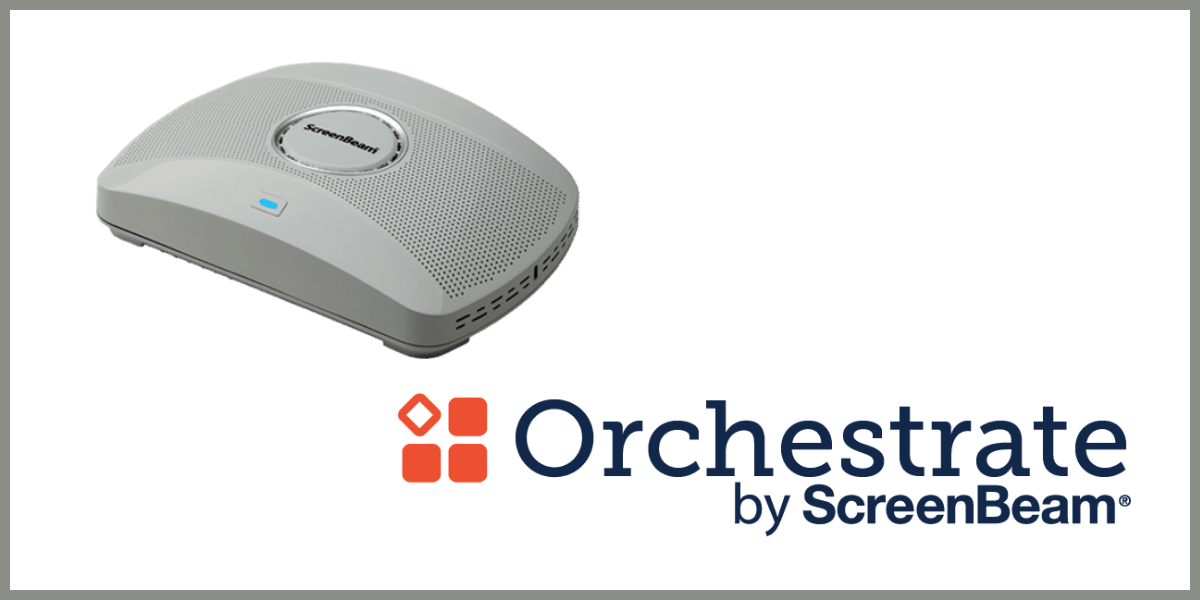
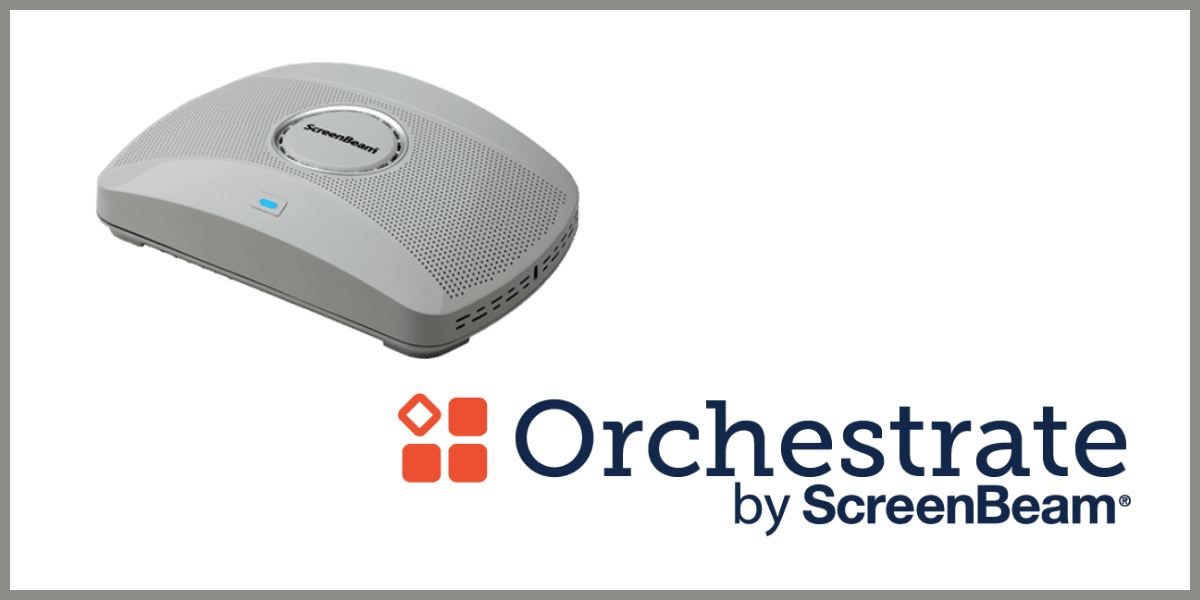
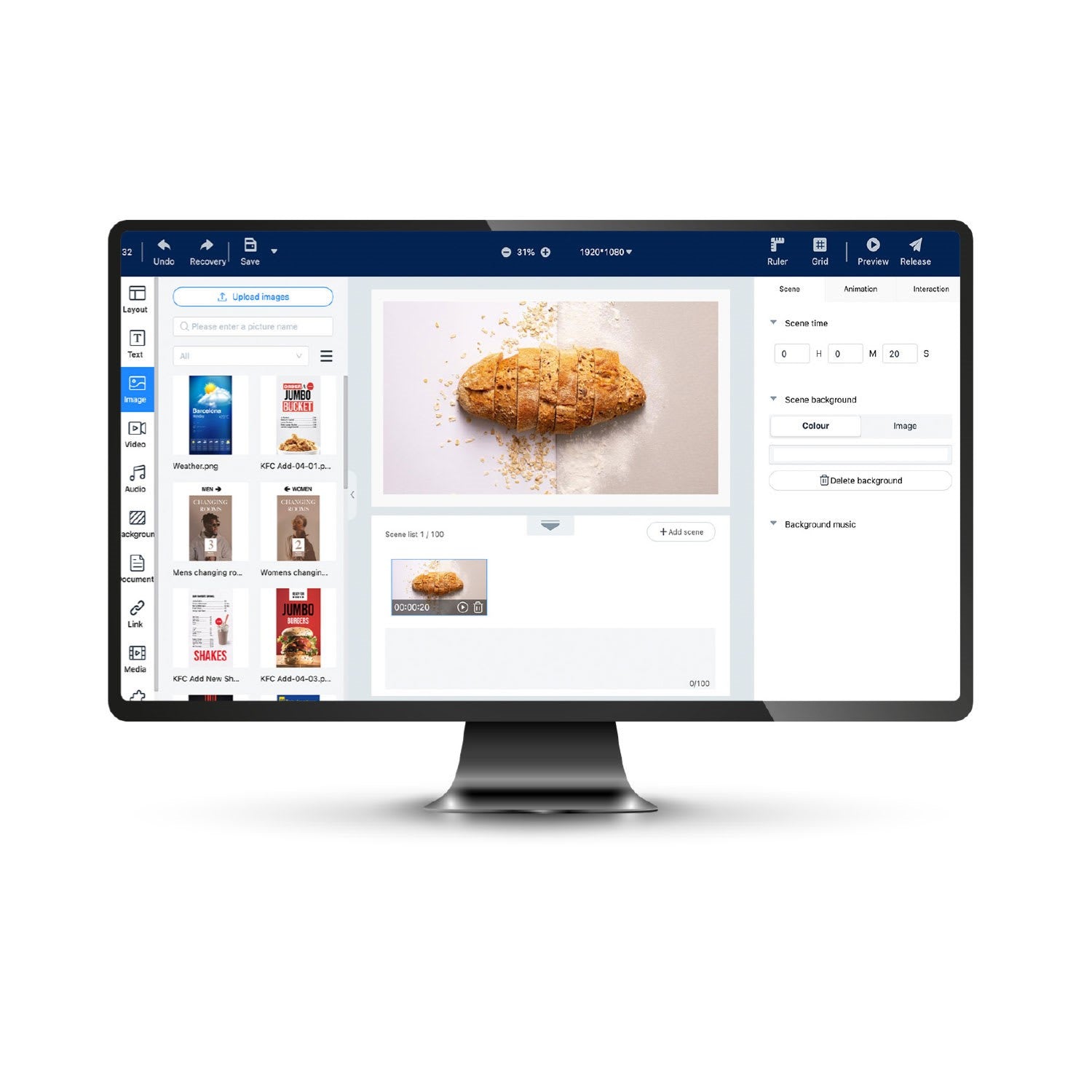
• Orchestrate by ScreenBeam enables a unique combination of powerful instructional tools, classroom management, and wireless display in one simple application.
• Orchestrate by ScreenBeam is a licensed subscription feature designed to provide instructors in a 1:1 environment a better way to collaborate and interact with students with tools that help the teacher engage the students as part of the instructional process.
• For student device management, Orchestrate by ScreenBeam supports up to 50 student Windows and Chromebook devices without taxing the teacher’s laptop, the school’s network, or requiring additional servers.
• ScreenBeam 08 1 Year Licence - SBWDO8EU1Y - This is 1 year Orchestrate by ScreenBeam Licence
- Brand :Screenbeam
- SKU :SCREENBEAM-SBWDO8EU1Y
- Category :Content Management Solutions
- Availability :Out of Stock
Out of stock
Description
• Concurrent Mode
Screenbeam can be joined in either Standard mode or with orchestrate without administrator intervention.
• Real-time Monitoring
Real-time view of student screens / activity. Not just browser – whole screen view.
• Snip-to-share
Capture any image from a document camera, PDF, or other source from the teacher screen and send to student screens at the push of a button.
• Teacher/Student Ink and Touchback
Windows exclusive feature allows teacher to collaborate with wirelessly inking and touch to student devices when used with IFP.
• Lock Screen
Blank and lock user inputs on student devices.
• Web Launch
Open websites on student devices in an instant.
• Wireless Display
Teacher and Student can share screens wirelessly with teacher approval.
• Snip to save
Teacher can capture screenshots of student desktops to save for formative assessment or to discuss later.
• Group chat
Teacher-Student Chat initiated by teacher to individual or groups of students. No student-to-student chat unless in the group with teacher.
• Rostering
Connects to rostering service to automatically pull in student name/info into class (One Roster Compatible)
• User authentication with AAD
Students will automatically join class session when teacher begins one.
• Multiple browser support
Edge (Chromium) and Chrome browsers.
• Email reports of roster imports
Send reports that inform your IT team the result of a roster import and details of any errors
You must be logged in to post a review.
SBWDO8EU1Y Datasheet PDF

Reviews
There are no reviews yet.