All Categories
- ATEN
- EPSON
- HISENSE
-
AV Signal Distribution
In AV Signal Distribution
- JK
-
Screens
In Screens
-
Projector
-
Cables
In Cables
- DTECH
- Business
- VISION
-
Projector Bracket
In Projector Bracket
-
Digital Signage Solutions
In Digital Signage Solutions
Brands
-
Audio
In Audio














All Categories
- ATEN
- EPSON
- HISENSE
-
AV Signal Distribution
In AV Signal Distribution
- JK
-
Screens
In Screens
-
Projector
-
Cables
In Cables
- DTECH
- Business
- VISION
-
Projector Bracket
In Projector Bracket
-
Digital Signage Solutions
In Digital Signage Solutions
Brands
-
Audio
In Audio

BROWSE CATEGORIES
Help
ATEN
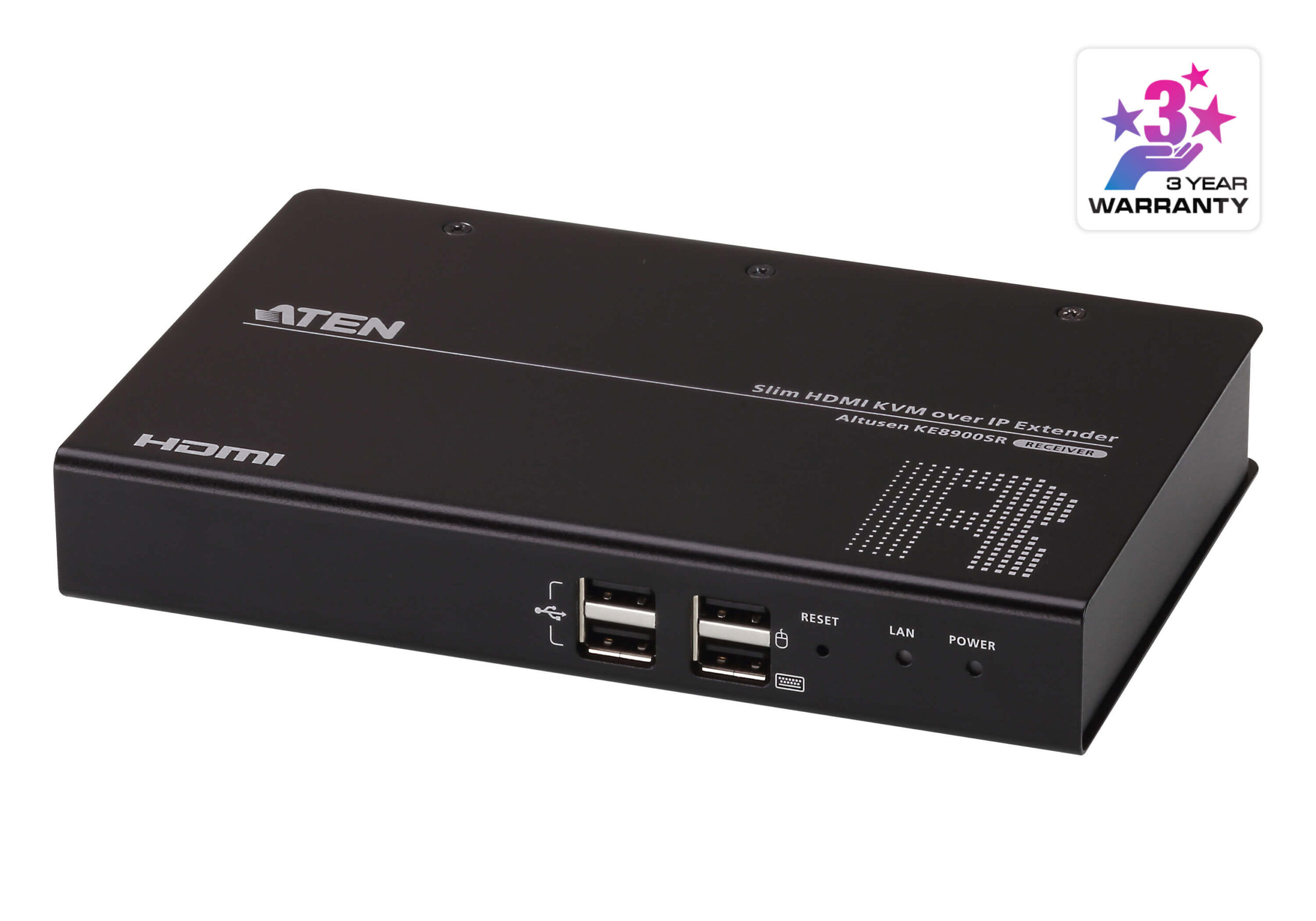
Aten Extender, KVM Over IP, Receiver – KE8900SR
R20,508.62
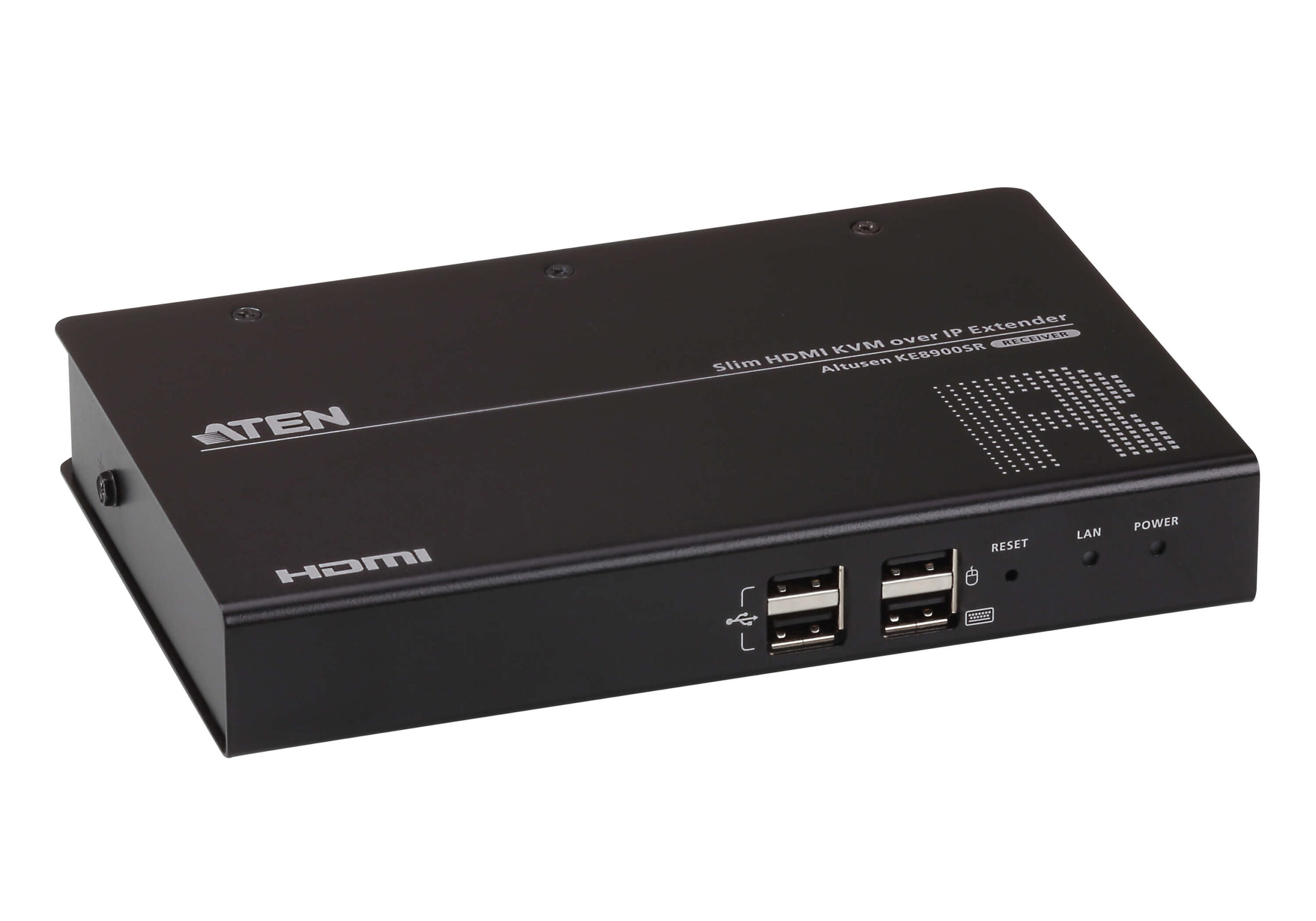
Desk-end receiver for Aten's KE series KVM over IP extenders, so an operator's HDMI monitor, keyboard and mouse can work computers kept in a server or equipment room.
- One HDMI output, 1920 x 1200 at 60 Hz maximum
- Two console and two virtual media USB ports
- Switches between up to 12 transmitters without extra software
- Needs a KE transmitter such as the KE8900ST
- Brand :Aten
- SKU :ATEN-KE8900SR
- Category :ATEN
- Availability :Out of Stock
Out of stock
The Aten KE8900SR is the desk end of Aten’s slim HDMI KVM over IP extender. An HDMI monitor, USB keyboard and mouse plug into it, and they work a computer connected to a KE transmitter such as the Aten KE8900ST, sold separately, either up to 100 m away on one cable or anywhere on the same network. The monitor output tops out at 1920 x 1200 at 60 Hz, and on a network one receiver can switch between several transmitters.
Switching between computers from one desk
In Slim Matrix Mode, which needs no management software, a receiver can reach up to 12 transmitters, whether KE6900ST, KE8900ST or KE9900ST models, and any number of receivers can join. The operator moves between computers with the hotkeys Ctrl + F1 to Ctrl + F12. The receiver’s on-screen menu sets up both itself and the transmitter, and its on-screen preview shows the video of up to 36 displays on one screen.
Aten’s CCKM server software adds the control-room features. Boundless switching hands the keyboard and mouse to the next receiver when the cursor crosses a screen edge, and push and pull shares screen content. Four access modes per transmitter decide whether users share control or are kept from interfering with each other. CCKM also builds video walls of up to 12 x 12 displays per layout and sets connections to run by time and date.
USB, virtual media and serial ports
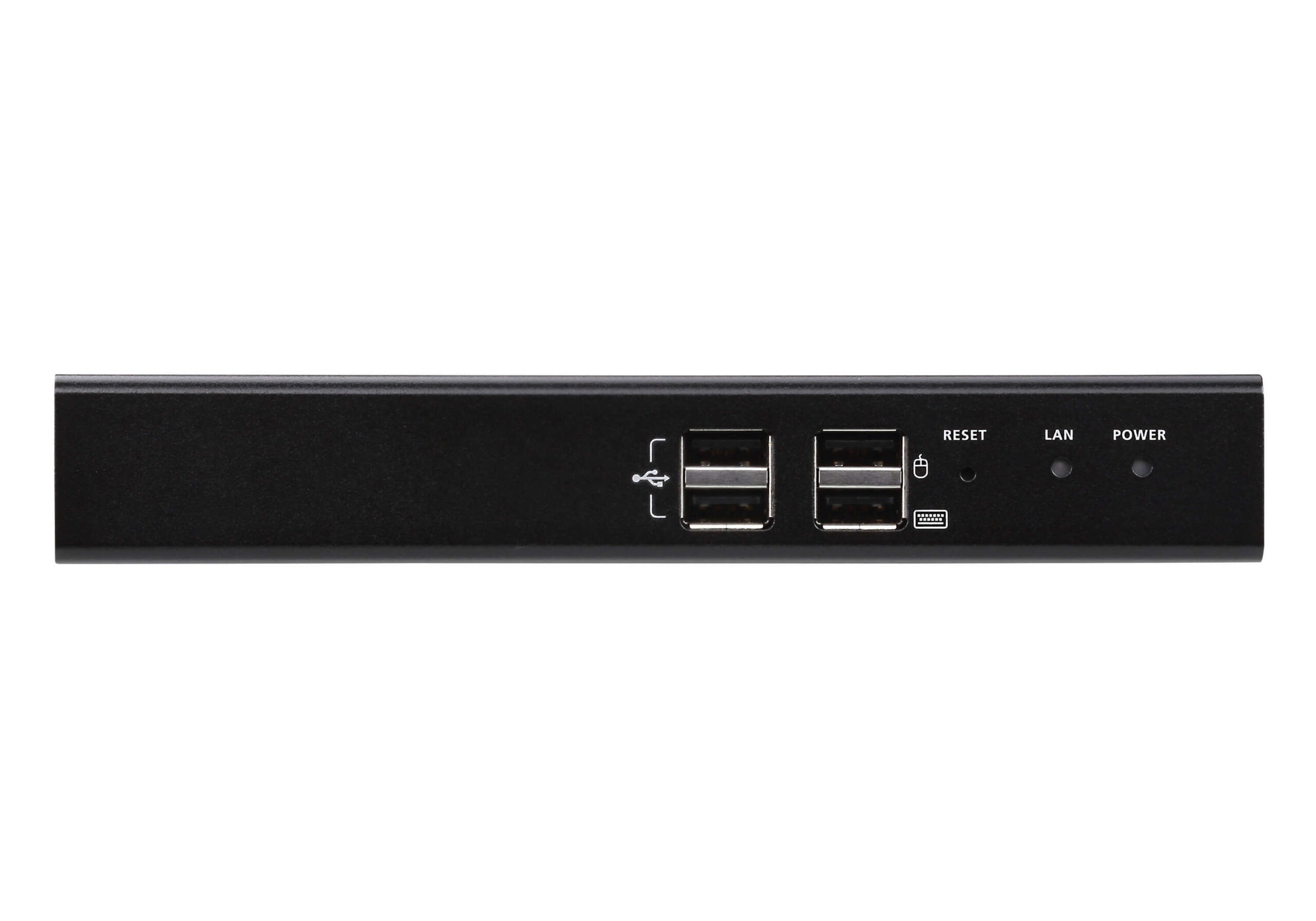
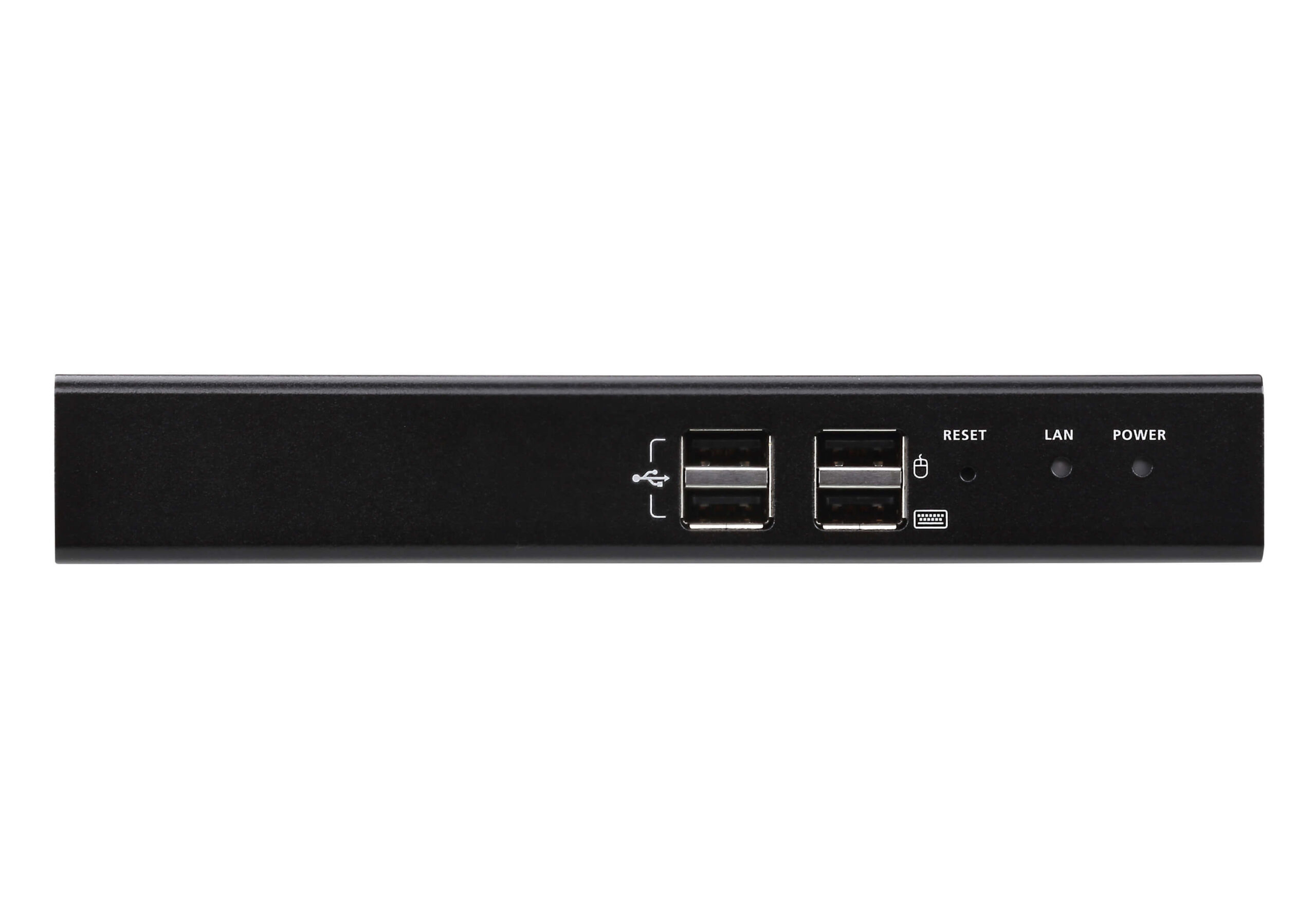
The front panel has four USB Type-A ports in two pairs. Two are console ports for the keyboard and mouse, which the transmitter emulates to the computer. The other two are virtual media ports: a USB flash drive or hard drive, a CD or DVD drive, or a smart card or CAC reader plugged in here appears on the remote computer, for file transfers, OS patches, software installs and diagnostics.
On the back, a DB-9 male RS-232 port takes a serial terminal for the text menu and command line, or a serial device such as a touch screen or barcode scanner. The receiver has no analogue audio jack, and Aten publishes no audio specification for its HDMI output.
Network link, power and box contents
The receiver reaches its transmitter directly, through one length of Cat 5e or Cat 6 up to 100 m long, or through a Gigabit network with IGMP support, where Aten sets no distance limit. Its LAN port runs at 10/100/1000 Mbps and can be kept off the office network, and the traffic between the units is AES encrypted.
Power is DC 5 V through a single jack, at 4.35 W. Unlike the transmitter, the receiver has no terminal block, and Aten lists no PoE. The fanless metal case weighs 0.64 kg, works at 0 to 50 °C and can sit on a desk or be fixed to a wall or rack.
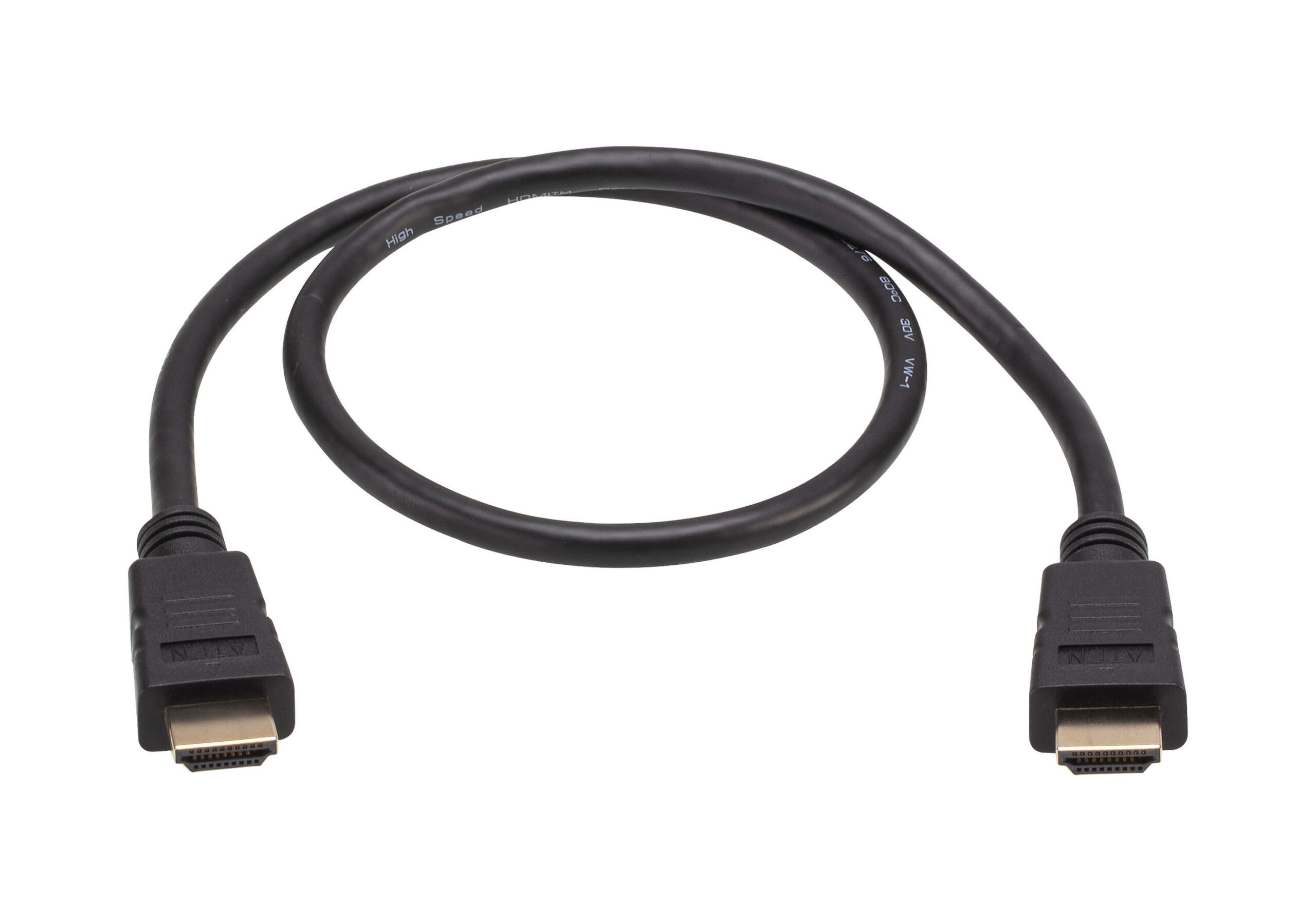
In the box: the receiver, its power adapter, a mounting kit, user instructions and an HDMI Lockpro. No HDMI lead is included, so pick one from our HDMI copper cables to reach the monitor. More KVM extenders, including point-to-point HDBaseT sets, are listed in our KVM extender category.
Key specifications of the Aten KE8900SR
| Role | Receiver (desk end), for KE series transmitters |
|---|---|
| Monitor output | 1 x HDMI, 1920 x 1200 at 60 Hz maximum |
| Console USB | 2 x USB Type-A (keyboard and mouse) |
| Virtual media USB | 2 x USB Type-A |
| Serial | DB-9 male RS-232 |
| Network | RJ-45, 10/100/1000 Mbps; up to 100 m point to point |
| Power | DC 5 V jack, 4.35 W |
| Case | Metal, 0.64 kg; 18.20 x 11.75 x 2.87 cm |
| Operating range | 0 to 50 °C, 0 to 95% RH non-condensing |
Questions about the Aten KE8900SR
How many computers can one KE8900SR control?
Up to 12 in Aten’s Slim Matrix Mode, with each computer on its own KE transmitter and no extra software. Bigger matrices are built and managed under Aten’s CCKM software, which runs on a server and needs Aten’s USB or virtual licence above 8 nodes.
Can two desks see the same computer?
Yes, over a network. Aten lists one-to-many connections, so one transmitter can feed several receivers. Under CCKM, an administrator sets the access mode on each transmitter to allow shared control or to keep one user from taking over another’s session.
Will a USB webcam or headset work on the KE8900SR?
Aten does not say so. It specifies the two console ports for keyboard and mouse emulation and the two virtual media ports for storage, CD and DVD drives and smart card or CAC readers. Webcams, headsets and other USB devices are not on its list, so test anything else at the desk before relying on it.
Can the KE8900SR show a 4K picture?
No. Its HDMI output stops at 1920 x 1200 at 60 Hz. Aten’s 4K HDMI receiver in the KE range is the KE8950R, and a 4K picture also needs a transmitter that accepts 4K, which the slim KE8900ST does not.
Do I need Aten’s CCKM software?
Not for a single link or for Slim Matrix Mode, both of which the receiver’s on-screen menu configures. CCKM is needed for video walls, boundless switching, scheduled connections, transmitter groups and directory log-ins such as LDAP or Active Directory. Aten’s Basic CCKM licence is free and covers up to 8 nodes.
Connectors
| Virtual Media | 2 x USB Type A Female (Black) |
|---|---|
| Console Ports | 2 x USB Type A Female (Black) 1 x HDMI Female (Black) 1 x DB-9 Male (Black) |
| Power | 1 x DC Jack (Black) |
| LAN Ports | 1 x RJ-45 (Black) |
Switches
| Reset | 1 x Semi-recessed Pushbutton |
|---|
LEDs
| 10/100/1000 Mbps | 1 (10: Orange / 100: Orange & Green / 1000: Green) |
|---|---|
| Power | 1 (Blue) |
Emulation
| Keyboard / Mouse | USB |
|---|---|
| Power Consumption | DC5V:4.35W:46BTU |
| Video Resolution | Up to 1920 x 1200 @ 60Hz |
Environmental
| Operating Temperature | 0–50°C |
|---|---|
| Storage Temperature | 20–60°C |
| Humidity | 0–95% RH, Non-condensing |
Physical Properties
| Housing | Metal |
|---|---|
| Weight | 0.64 kg ( 1.41 lb ) |
| Dimensions (L x W x H) | 18.20 x 11.75 x 2.87 cm (7.17 x 4.63 x 1.13 in.) |
| Note | For some of rack mount products, please note that the standard physical dimensions of WxDxH are expressed using a LxWxH format. |
You must be logged in to post a review.
KE8900SR Datasheet PDF
You may also like these
 In Stock
Aten
Reviews
There are no reviews yet.