All Categories
- ATEN
- EPSON
- HISENSE
-
AV Signal Distribution
In AV Signal Distribution
- JK
-
Screens
In Screens
-
Projector
-
Cables
In Cables
- DTECH
- Business
- VISION
-
Projector Bracket
In Projector Bracket
-
Digital Signage Solutions
In Digital Signage Solutions
Brands
-
Audio
In Audio














All Categories
- ATEN
- EPSON
- HISENSE
-
AV Signal Distribution
In AV Signal Distribution
- JK
-
Screens
In Screens
-
Projector
-
Cables
In Cables
- DTECH
- Business
- VISION
-
Projector Bracket
In Projector Bracket
-
Digital Signage Solutions
In Digital Signage Solutions
Brands
-
Audio
In Audio

BROWSE CATEGORIES
Help
ATEN
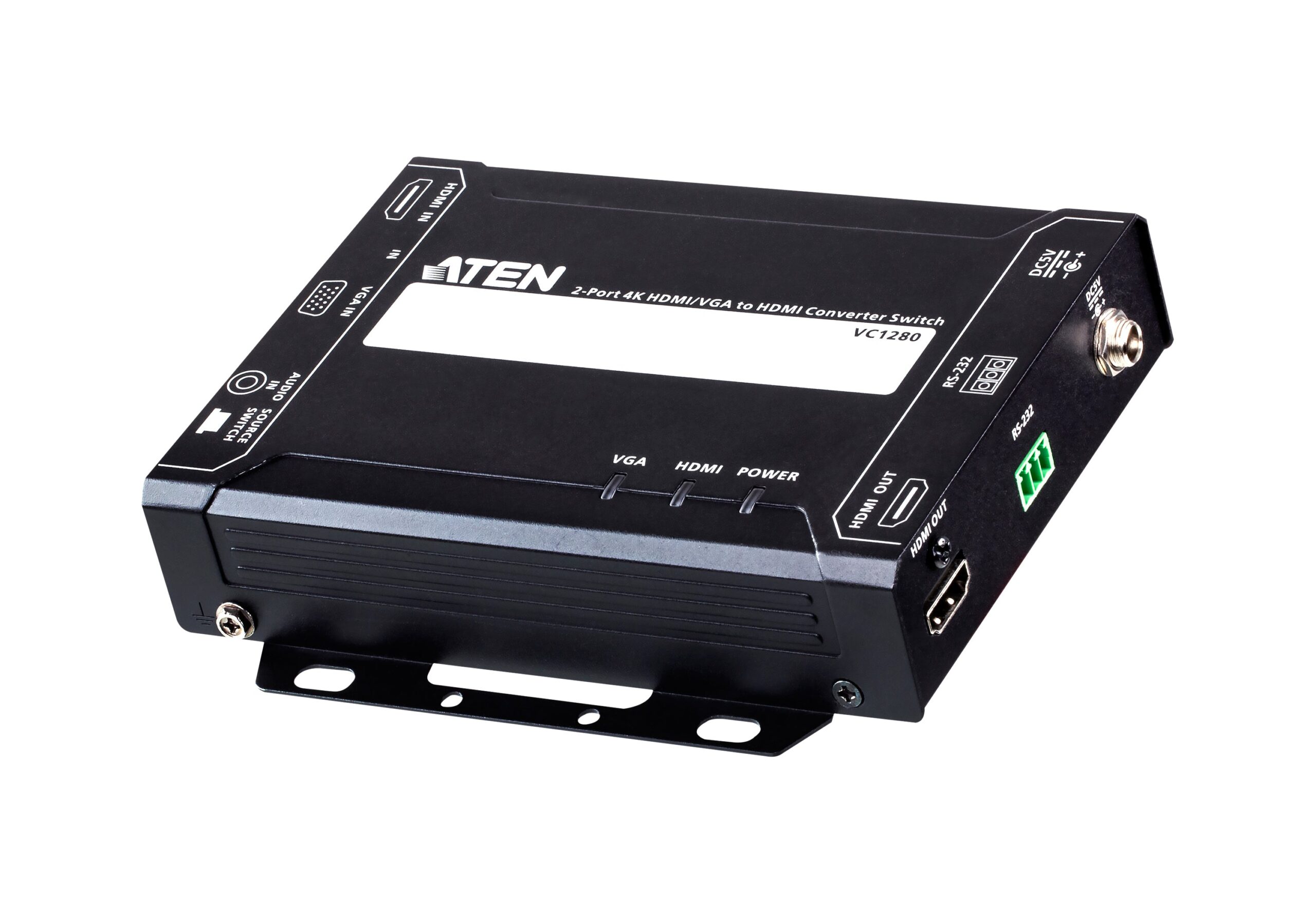
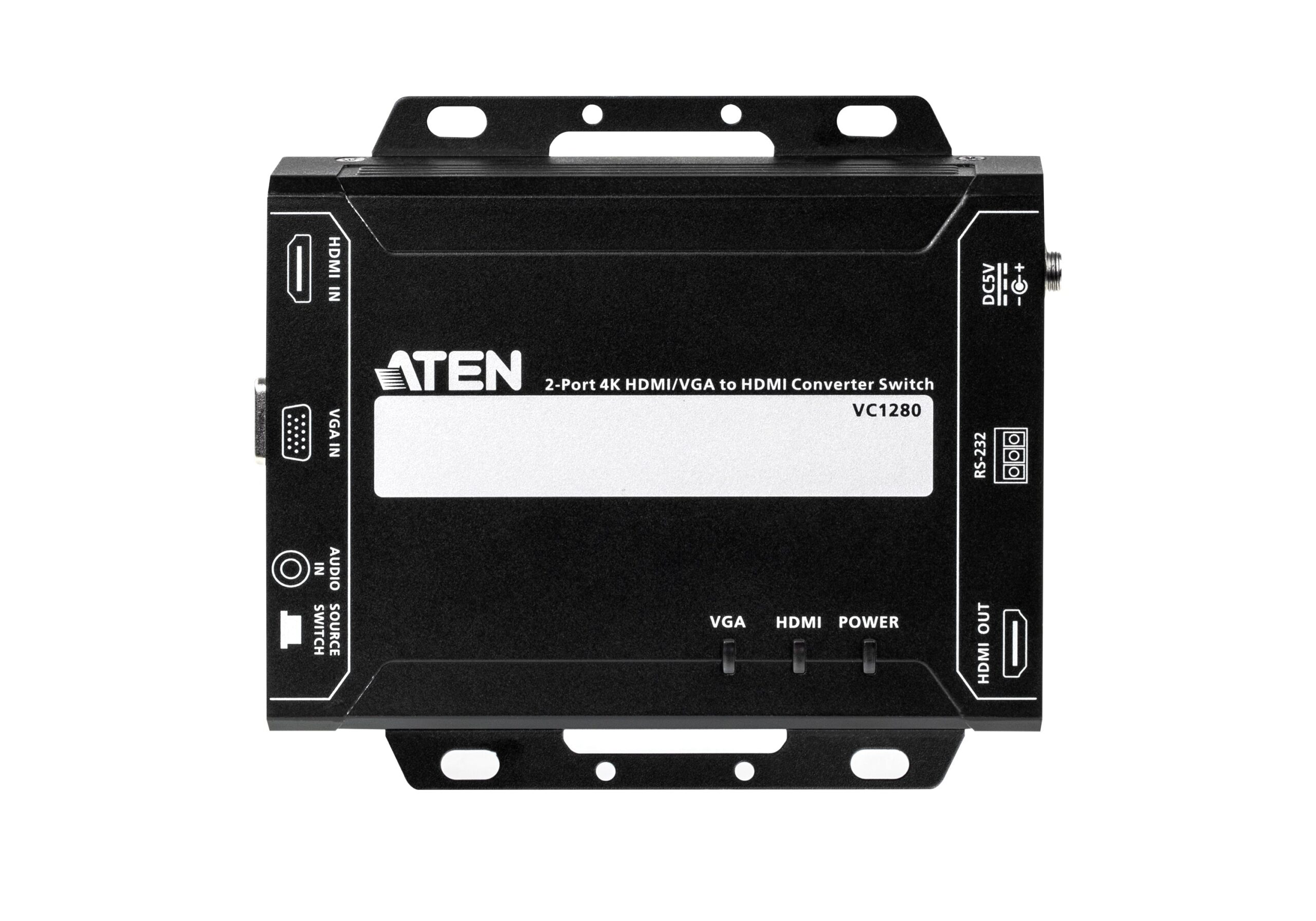
Aten Converter, HDMI/VGA to HDMI, 2 Port – VC1280
R4,544.73
Two-input switch for a meeting room or lectern where some laptops have HDMI and others only VGA, both feeding one HDMI display or projector.
- Switches automatically, by front button or over RS-232
- HDMI 1.4: 4K (3840 x 2160) at 30 Hz, HDCP 1.4
- VGA input to 1920 x 1200, with a 3.5 mm audio input
- Aten's manual allows 3 m of HDMI cable on each side
- Brand :Aten
- SKU :ATEN-VC1280
- Category :ATEN
- Availability :
 In Stock
1 in stock
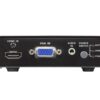
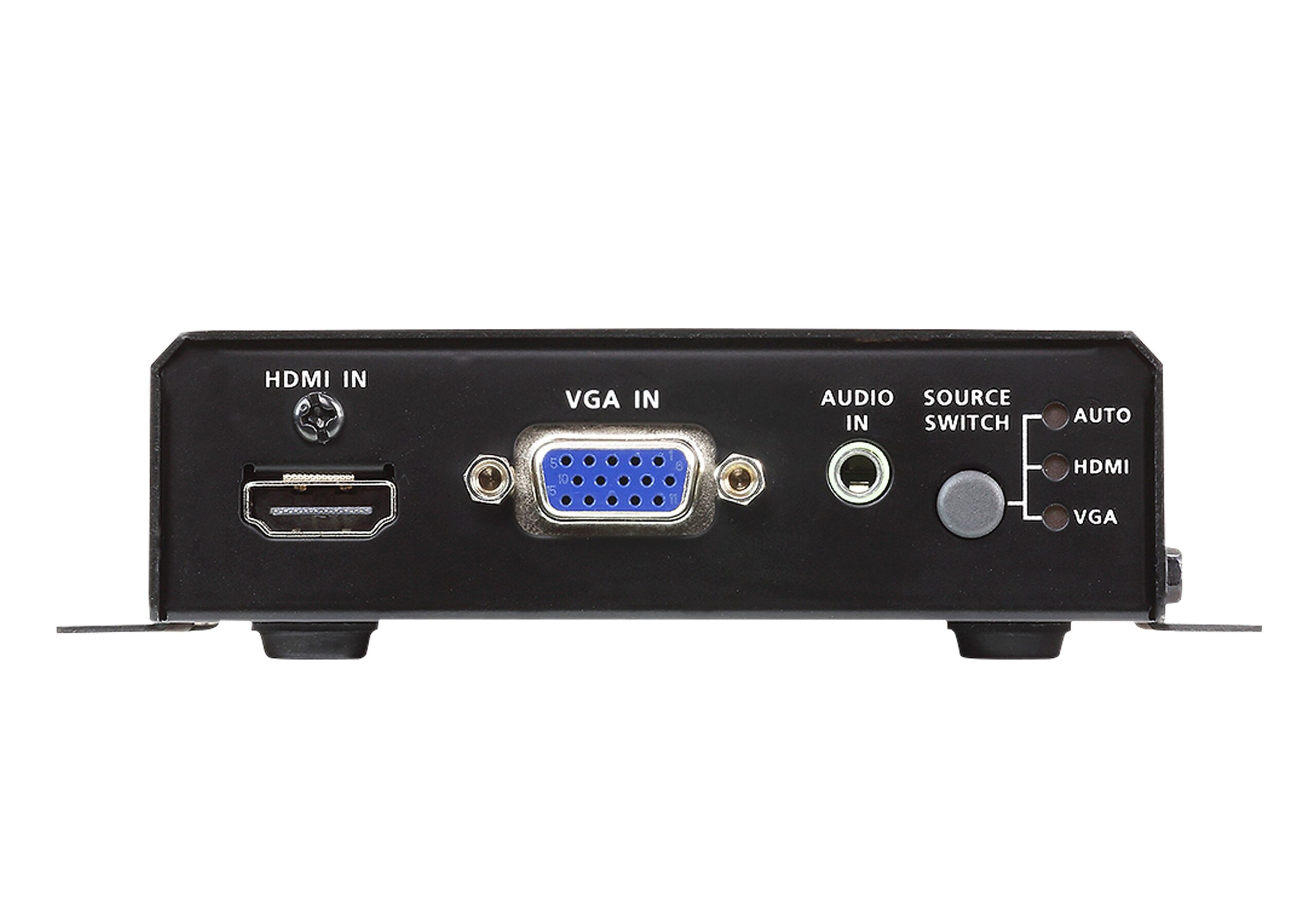
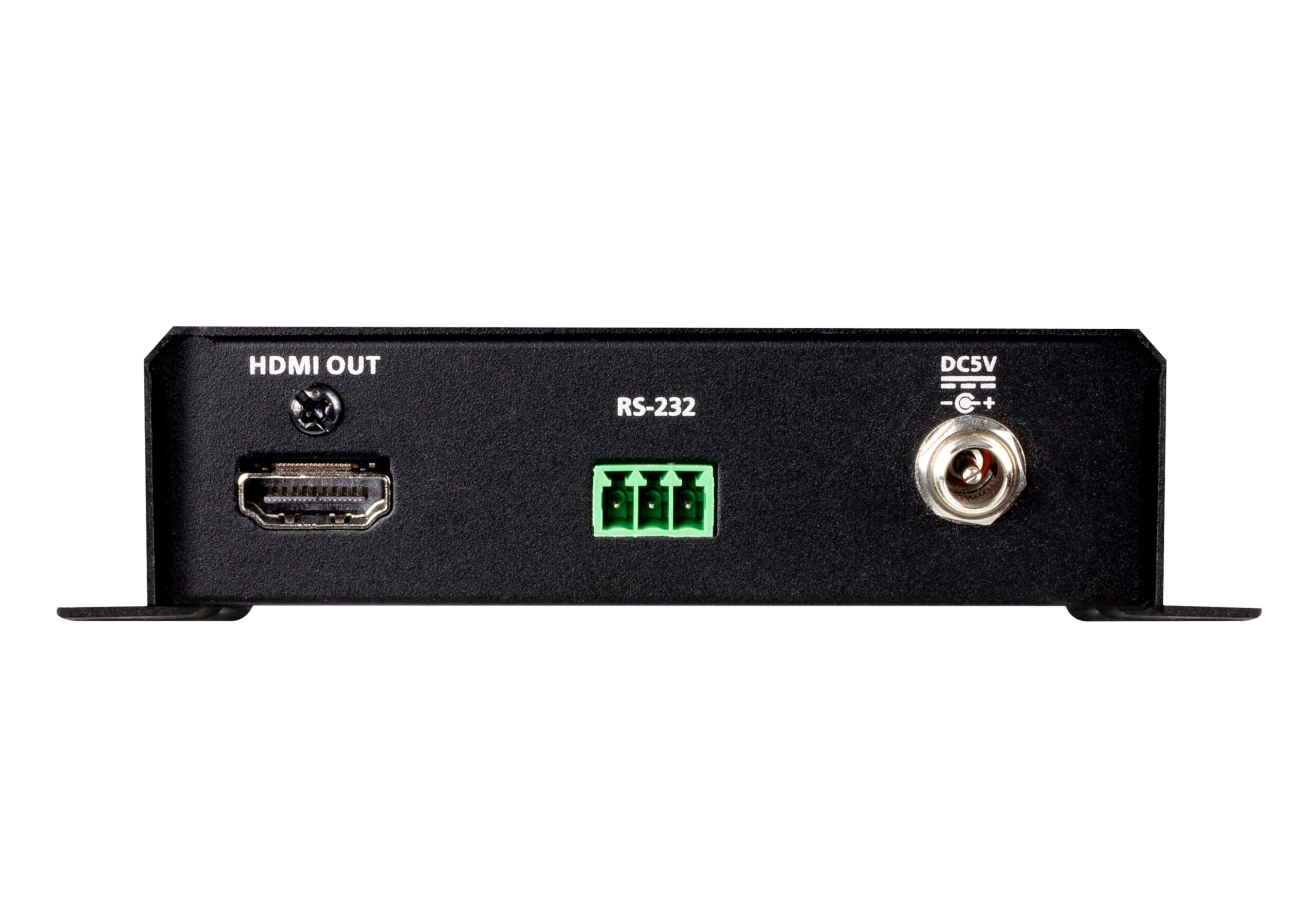
The Aten VC1280 takes one HDMI source and one VGA source with 3.5 mm audio, converts the VGA signal to HDMI, and sends whichever input is selected to a single HDMI display or projector. The HDMI path carries 4K (3840 x 2160) at 30 Hz with HDCP 1.4. Plan the cabling around Aten’s manual, which allows 3 m of HDMI cable into the VC1280, 3 m out of it and 1.8 m of VGA.
How the VC1280 picks the input
The front Source Switch button steps through three modes, Auto, HDMI and VGA, and three orange LEDs beside it show which one is set. Auto is the default. In Auto, HDMI wins when both inputs are connected at the same time, a source plugged in afterwards takes over the screen, and unplugging the active source hands the screen back to the other input. On a table with one HDMI lead and one VGA lead, the last laptop connected is the one on screen, without anyone touching the unit.
Where that would cut into a presentation, press the button until the HDMI or VGA LED lights: the VC1280 then sends only that input until the button is pressed again.
Cable lengths: 3 m of HDMI, 1.8 m of VGA
Aten’s manual and datasheet agree on three limits: 1.8 m of VGA cable at 1920 x 1200, 3 m of HDMI cable into the VC1280 at 3840 x 2160 and 30 Hz, and 3 m from the VC1280 to the display. Aten’s product page gives 15 m for the output; the 3 m in the manual and datasheet is the safer figure to plan around.
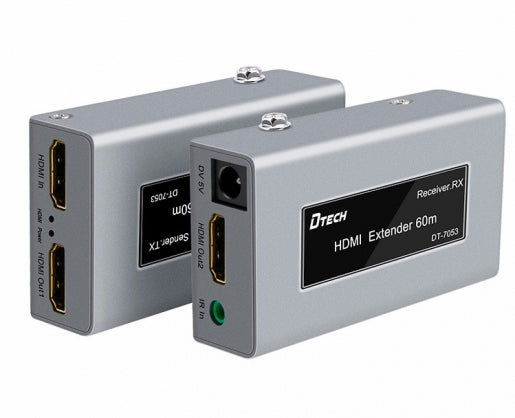
In practice the VC1280 sits at the table, within reach of both laptop leads. For a ceiling projector more than 3 m away, feed the VC1280’s output into an HDMI extender and make the long run over that. The Aten 2L7D03H 3 m HDMI cable is exactly at the limit for either HDMI side, and the Dtech V002 1.5 m VGA cable is 30 cm inside the VGA one.
Mounting, power and box contents
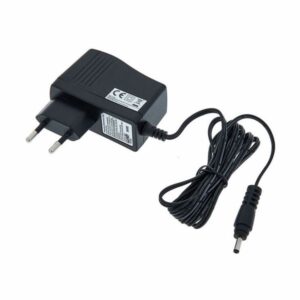
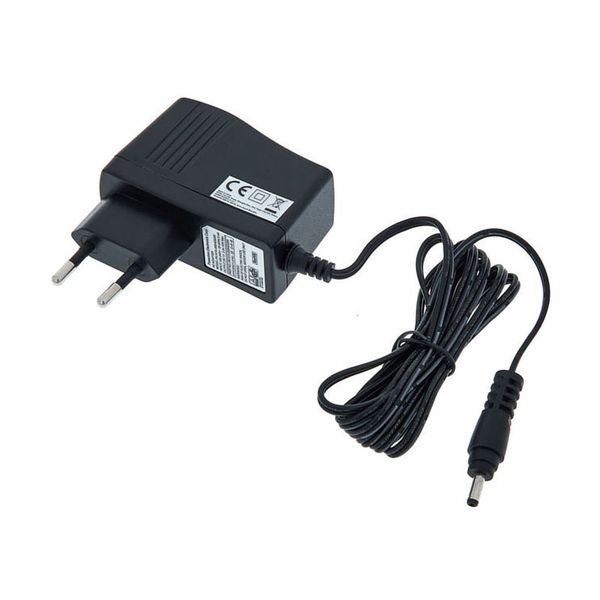
The metal case has built-in mounting brackets for fixing it to a wall. For rack mounting, Aten specifies its VE-RMK1U 1U rack mount kit, which is not included. Power comes from the supplied 5 V adapter through a locking DC jack, at 1.8 W typical. The box holds the VC1280, the power adapter, a 3-pole terminal block plug for the RS-232 port and the user instructions; HDMI and VGA cables are not included.
Key specifications of the VC1280
| Inputs | 1 x HDMI, 1 x VGA (HD-15), 1 x 3.5 mm stereo audio |
|---|---|
| Output | 1 x HDMI |
| HDMI | 1.4 with 3D, Deep Colour and CEC; HDCP 1.4 |
| Resolution | HDMI 3840 x 2160, 30 Hz; VGA 1920 x 1200 |
| Bandwidth | 10.2 Gbps; 340 MHz pixel clock |
| Cable limits (Aten manual) | VGA in 1.8 m; HDMI in 3 m; HDMI out 3 m |
| Switching | Auto, HDMI or VGA by pushbutton; RS-232 commands |
| RS-232 | 3-pole terminal block, 19,200 baud, 8 data bits, 1 stop bit, no parity |
| Power | 5 V DC, locking jack, 1.8 W typical |
| Weight | 0.43 kg |
| Operating temperature | 0 to 40 °C |
| Dimensions | 13.60 x 10.10 x 2.90 cm; 14.32 x 12.30 x 3.00 cm with brackets |
Questions about the Aten VC1280
Will HDCP-protected 4K content play through the VC1280?
Not if the source protects it with HDCP 2.2. Aten lists the VC1280 as HDCP 1.4 compatible only, and its HDMI 1.4 path stops at 4K with a 30 Hz refresh. Unprotected material, such as a laptop desktop or a slide deck, does not depend on HDCP and passes at up to that resolution.
Does sound from a VGA laptop reach the display?
Yes, once a 3.5 mm stereo lead runs from the laptop’s headphone or line output to the green Audio In jack. In VGA mode the VC1280 puts that sound on the HDMI output together with the VGA picture; in HDMI mode the display gets the HDMI source’s own audio instead. The lead is not in the box.
Can a control system switch the VC1280?
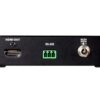
Yes, over RS-232 on the rear 3-pole terminal block, at 19,200 baud, 8 data bits, 1 stop bit, no parity and no flow control. Aten’s commands are sw i 01 for HDMI, sw i 02 for VGA, swmode next to turn automatic switching on, swmode off to turn it off and read to report the current mode, each followed by Enter. The same port takes firmware updates from Aten’s Windows utility.
Does the VC1280 change the resolution of a VGA laptop?
Aten does not say that it does. It lists VGA input up to 1920 x 1200 and gives no setting for the output resolution, so set the laptop to a mode the display accepts, for instance 1920 x 1080 on a Full HD screen.
LEDs
| Status | 3 x LED (Front - Source Switching: AUTO / HDMI / VGA) Colour: Orange 3 x LED (Top - HDMI / VGA / POWER) Colour: HDMI – Orange / VGA – Orange / Power - Green |
|---|
Video Input
| Interfaces | 1 x HDMI (Type A Female, Black) 1 x VGA (HDB-15 VGA Female, Blue) |
|---|---|
| Impedance | HDMI: 100 Ω VGA: 75 Ω |
| Max. Distance | 1.8 m - VGA (1920 x 1200) 3m - HDMI (3840 x 2160@30Hz) |
Video
| Max. Data Rate | 10.2Gbps (3.4Gbps per lane) |
|---|---|
| Max. Pixel Clock | 340 MHz |
| Compliance | HDMI 1.4 (3D, Deep Colour, 4K) HDCP 1.4 Compatible Consumer Electronics Control (CEC) |
| Max. Resolutions / Distance | Video Input 3m - HDMI (3840 x 2160 @30Hz) 1.8m - VGA (1920 x 1200) Video Output 15m - HDMI (3840 x 2160 @30Hz) |
Audio
| Input | 1 x HDMI (Type A Female, Black) 1 x 3.5mm Stereo audio Jack Female (Green) |
|---|
Control
| RS-232 | FW upgrade & control: Connector: 1 x Terminal Block, 3 pole Baud Rate: 19200, Data Bits: 8, Stop Bits: 1, no parity and flow control |
|---|
Switches
| Video Input Port Selection | Source switching: HDMI / VGA / AUTO 1 x Push Button |
|---|
Connectors
| Power | 1 x DC Jack (with locking, black) |
|---|---|
| Power Consumption | DC5V:1.8W:8BTU |
Environmental
| Operating Temperature | 0 - 40°C |
|---|---|
| Storage Temperature | 20 - 60°C |
| Humidity | 0 - 80% RH, Non-Condensing |
Physical Properties
| Housing | Metal |
|---|---|
| Weight | 0.43 kg ( 0.95 lb ) |
| Dimensions (L x W x H) with bracket | 14.32 x 12.30 x 3.00 cm (5.64 x 4.84 x 1.18 in.) |
| Dimensions (L x W x H) without bracket | 13.60 x 10.10 x 2.90 cm (5.35 x 3.98 x 1.14 in.) |
You must be logged in to post a review.
VC1280 Datasheet PDF
Reviews
There are no reviews yet.