All Categories
- ATEN
- EPSON
- HISENSE
-
AV Signal Distribution
In AV Signal Distribution
- JK
-
Screens
In Screens
-
Projector
-
Cables
In Cables
- DTECH
- Business
- VISION
-
Projector Bracket
In Projector Bracket
-
Digital Signage Solutions
In Digital Signage Solutions
Brands
-
Audio
In Audio














All Categories
- ATEN
- EPSON
- HISENSE
-
AV Signal Distribution
In AV Signal Distribution
- JK
-
Screens
In Screens
-
Projector
-
Cables
In Cables
- DTECH
- Business
- VISION
-
Projector Bracket
In Projector Bracket
-
Digital Signage Solutions
In Digital Signage Solutions
Brands
-
Audio
In Audio

BROWSE CATEGORIES
Help
EPSON
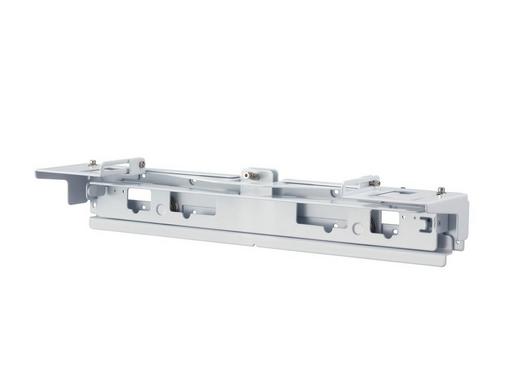
Epson Finger Touch Ultra Short Throw Wall Mount Projector Bracket – ELPMB63
R1,332.20
Wall bracket that holds Epson's ELPFT01 finger touch unit on the wall above a board, where the unit cannot be fixed to the board itself.
- Carries the ELPFT01 touch unit only, not a projector
- Board top frame up to 3 mm; board face 15 to 50 mm from the wall
- Epson load capacity approx. 8.8 kg; bracket approx. 1.8 kg
- Adjustment screw on top sets the laser angle during touch setup
- Brand :Epson
- SKU :EPSON-ELPMB63
- Category :EPSON
- Availability :
 In Stock
10 in stock
The Epson ELPMB63 is a wall bracket for Epson’s ELPFT01 finger touch unit and for nothing else. It fixes to the wall above a whiteboard or board screen and holds the touch unit along the board’s top edge, for installations where the unit cannot be fixed to the board itself. It does not carry a projector.
Epson’s installation guide sets two limits: the board’s top frame can be at most 3 mm thick, and the board face must sit 15 to 50 mm out from the wall.
Touch unit and projectors the ELPMB63 fits
The bracket carries one accessory, the Epson ELPFT01 finger touch unit, sold separately. Epson UK lists the bracket for the EB-725Wi, EB-735Fi, EB-1480Fi, EB-1485Fi, Epson EB-760Wi and Epson EB-770Fi interactive projectors; Epson’s US site names the first four. The projector needs its own mount, which for the EB-760Wi and EB-770Fi is Epson’s ELPMB62 wall arm for ultra short throw projectors.
When the bracket is needed instead of magnets or screws
The ELPFT01 has built-in magnets and takes two M4 screws, so on a suitable board it fixes straight onto the surface above the image. Epson’s guide calls for the ELPMB63 when the unit has to go on a different surface from the one the image lands on, in practice the wall above the board. Measure two things on site before ordering:
- Top frame thickness: 0 to 3 mm. Epson warns that touch will not work properly with a thicker frame along the top edge.
- Wall to board face: 15 to 50 mm. Beyond 50 mm the bracket cannot be fitted.
Fitting the bracket and setting the laser angle
- Show the touch unit installation pattern from the projector’s Installation menu and fix the supplied template to the wall with its bottom edge on the top edge of the board.
- Drill the four holes marked Main, plus the Sub holes if the wall needs extra fixings.
- Slide the front section fully forward and fix the bracket with four M4 anchor bolts or four 3.8 mm wood screws at least 45 mm long (not supplied).
- Slide the front section back until its lower edge rests on the board face, then fix the touch unit with the two supplied M4 x 25 mm bolts.
An adjustment screw on top of the bracket tilts the touch unit’s laser. Automatic touch unit setup starts with that screw turned anticlockwise to its stop; in manual setup you turn it until two on-screen pointers fill their targets.
Load rating and what is in the box
Epson’s installation guide gives the ELPMB63 a load capacity of approximately 8.8 kg, against about 0.6 kg for the ELPFT01; the bracket itself weighs about 1.8 kg. Epson describes the bracket only as a holder for the touch unit, so the 8.8 kg figure is no approval to hang anything else from it. The box holds the bracket, a drilling template, the two touch unit bolts and an M4 hex key.
Key specifications
| Epson part number | V12HA05A09 |
|---|---|
| Carries | Epson ELPFT01 finger touch unit |
| Load capacity | Approx. 8.8 kg |
| Bracket mass | Approx. 1.8 kg |
| Width | 484 mm |
| Board top frame | 0 to 3 mm thick |
| Wall to board face | 15 to 50 mm |
| Wall fixings (not supplied) | 4 x M4 anchor bolts or 4 x 3.8 mm wood screws, 45 mm or longer |
Questions about the Epson ELPMB63
Can the ELPMB63 hold a projector?
No. It holds the ELPFT01 finger touch unit and nothing else. The projector goes on its own wall mount, positioned with the projection distance tables in Epson’s installation guide for that model.
Do I need the bracket if my whiteboard is magnetic?
Not if the touch unit can sit on the board face above the image. The ELPFT01 grips a steel surface with its own magnets, and on other boards it takes two M4 screws. The bracket is for fixing the unit to the wall when the board itself cannot take it.
Will it fit a board with a thick aluminium frame?
Only if the frame along the top edge is no thicker than 3 mm, according to Epson’s installation guide. The board face also has to sit between 15 and 50 mm from the wall; a thicker frame or a larger gap rules the bracket out.
Is the touch unit included with the ELPMB63?
No. Epson’s box list for the bracket has no touch unit in it. Check whether your projector’s box includes an ELPFT01 before ordering one separately.
You must be logged in to post a review.
You may also like these
Epson
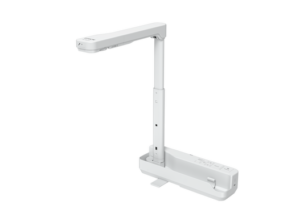
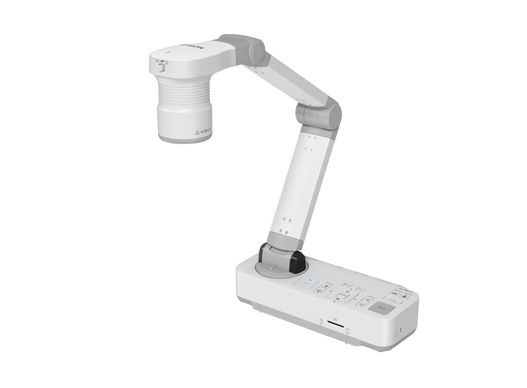
Epson Visualiser, 12 x Optical Zoom 10 x Digital zoom, 6MP - ELPDC21
R21,068.74
ELPDC21 Out of Stock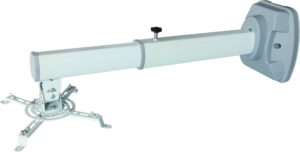
Lexin
In Stock
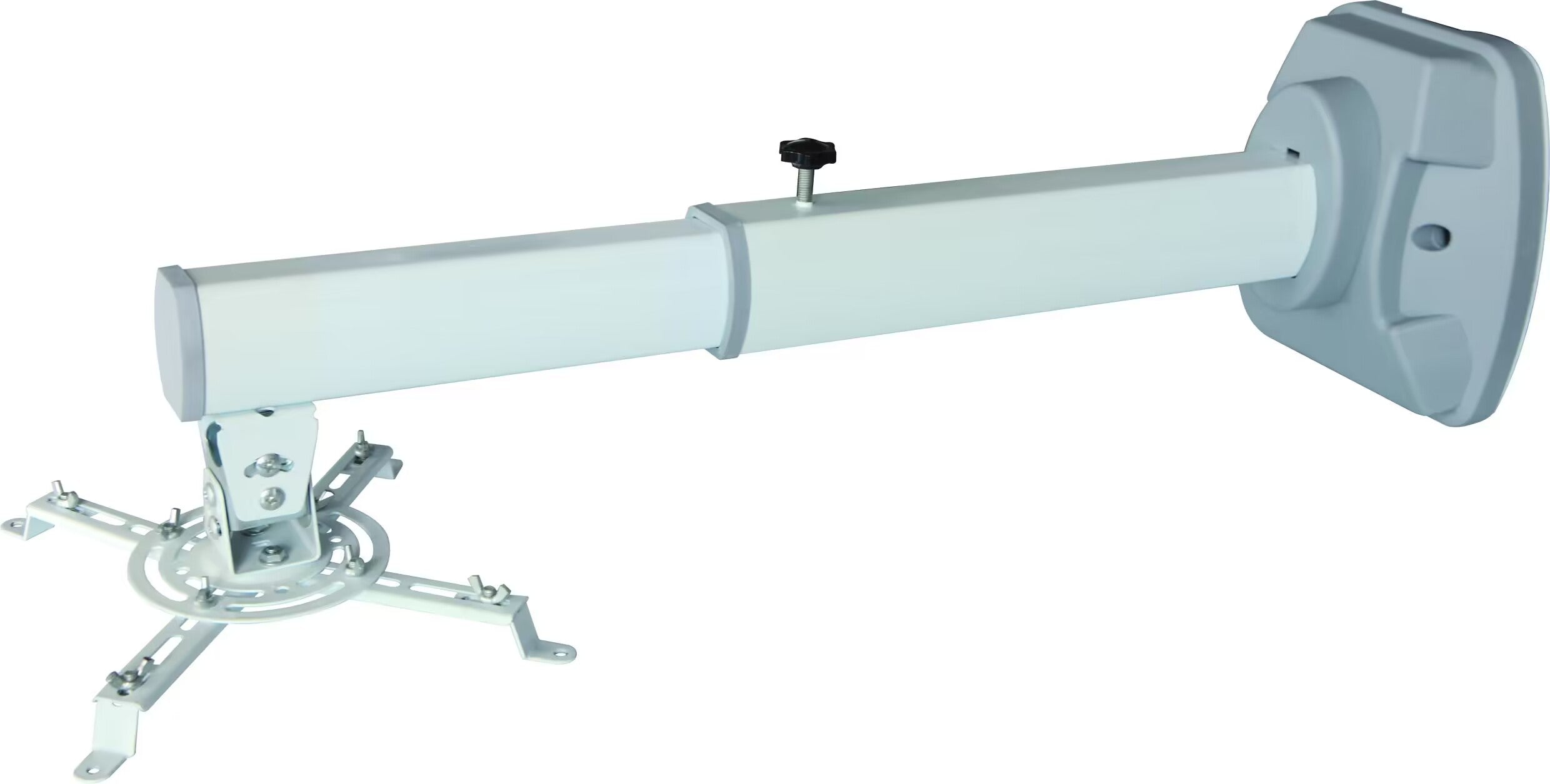
Lexin Short Throw Adjustable Wall Mount Projector Bracket - STO31500
R1,180.69
STO31500 In Stock
Epson
Reviews
There are no reviews yet.