All Categories
- ATEN
- EPSON
- HISENSE
-
AV Signal Distribution
In AV Signal Distribution
- JK
-
Screens
In Screens
-
Projector
-
Cables
In Cables
- DTECH
- Business
- VISION
-
Projector Bracket
In Projector Bracket
-
Digital Signage Solutions
In Digital Signage Solutions
Brands
-
Audio
In Audio














All Categories
- ATEN
- EPSON
- HISENSE
-
AV Signal Distribution
In AV Signal Distribution
- JK
-
Screens
In Screens
-
Projector
-
Cables
In Cables
- DTECH
- Business
- VISION
-
Projector Bracket
In Projector Bracket
-
Digital Signage Solutions
In Digital Signage Solutions
Brands
-
Audio
In Audio

BROWSE CATEGORIES
Help
ATEN
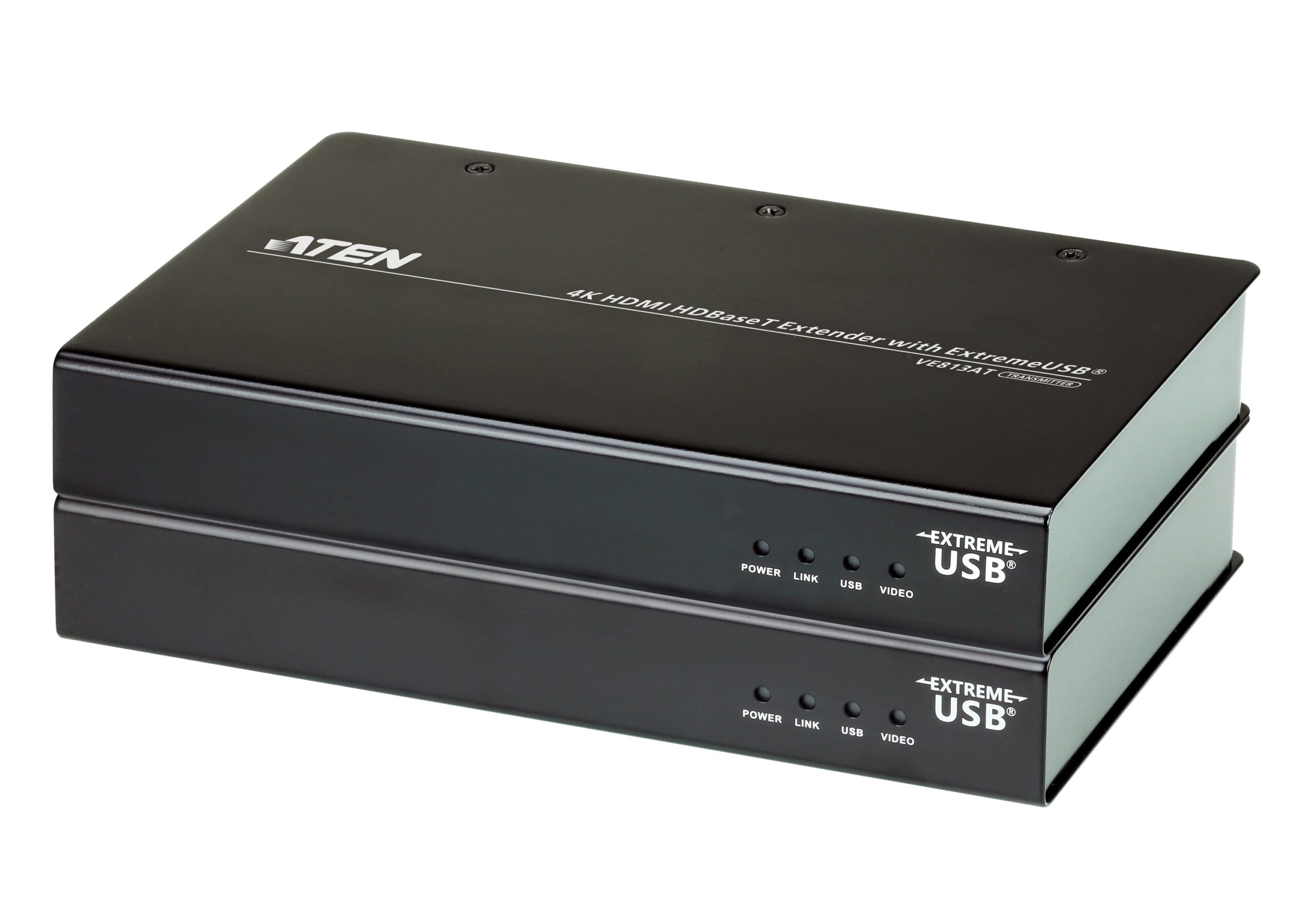
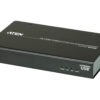
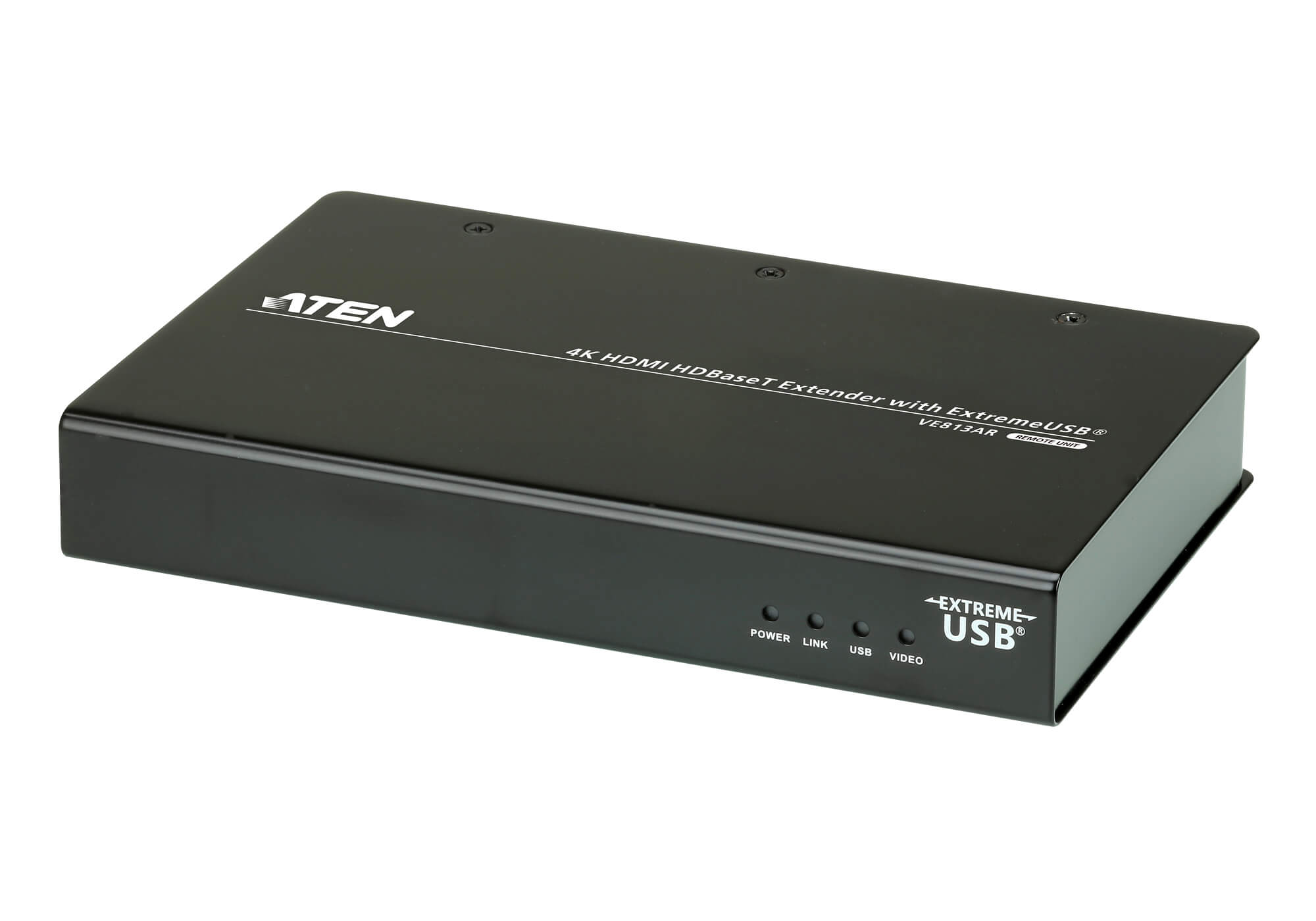
Aten Extender, HDMI, USB, HDBaseT, Transmitter and Receiver – VE813A
R32,462.25
HDBaseT Class A extender kit that carries a computer's HDMI picture and USB 2.0 to a screen with touch overlay, keyboard or mouse up to 100 m away.
- 3 x USB Type-A at the receiver, 40 Mbps shared
- Cat 6a for 4K at 100 m; Cat 5e/6 stops at 70 m
- No drivers needed: Windows, Mac and Linux
- HDMI and USB cables, mounting kit and two adapters included
- Brand :Aten
- SKU :ATEN-VE813A
- Category :ATEN
- Availability :Out of Stock
Out of stock
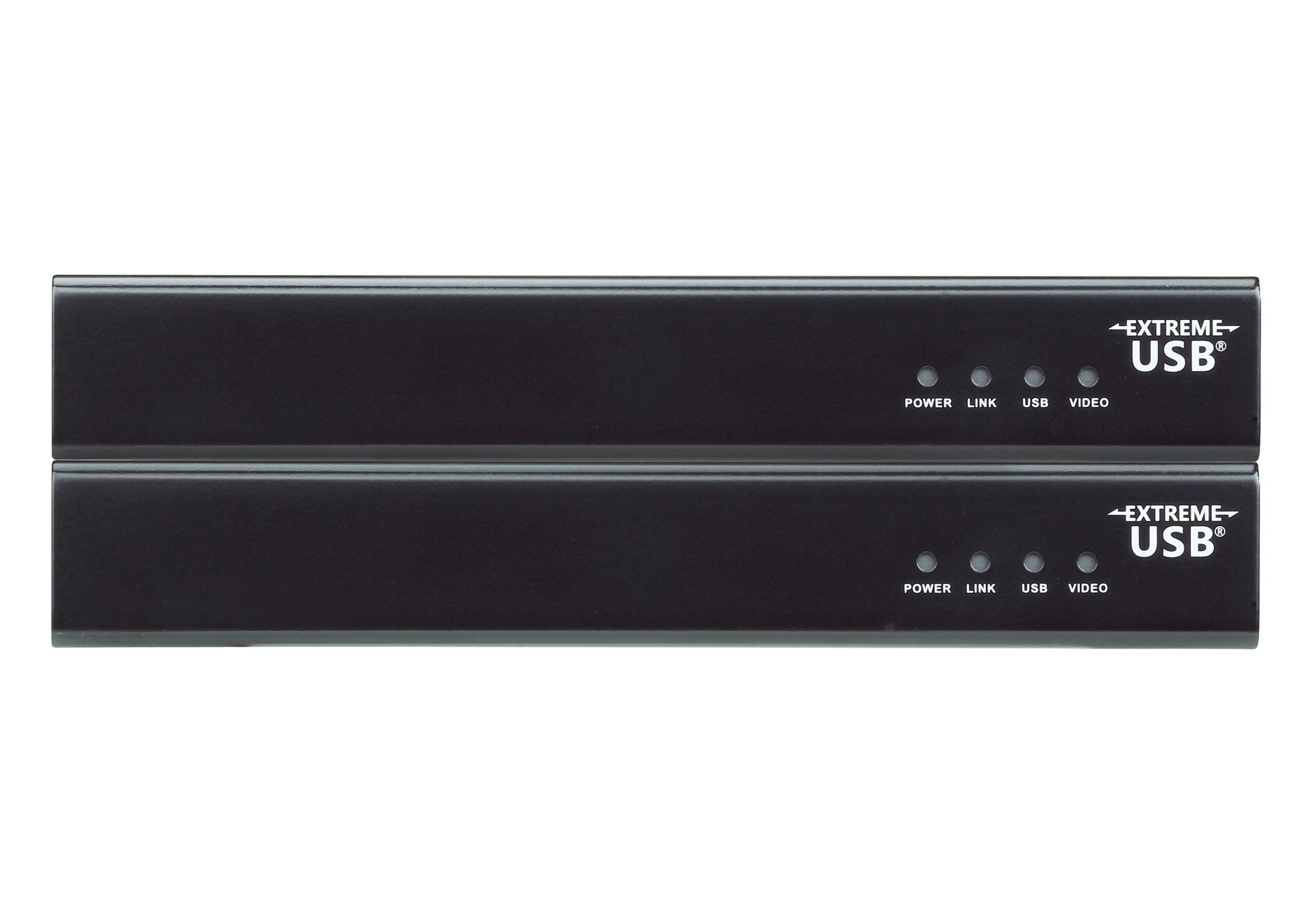
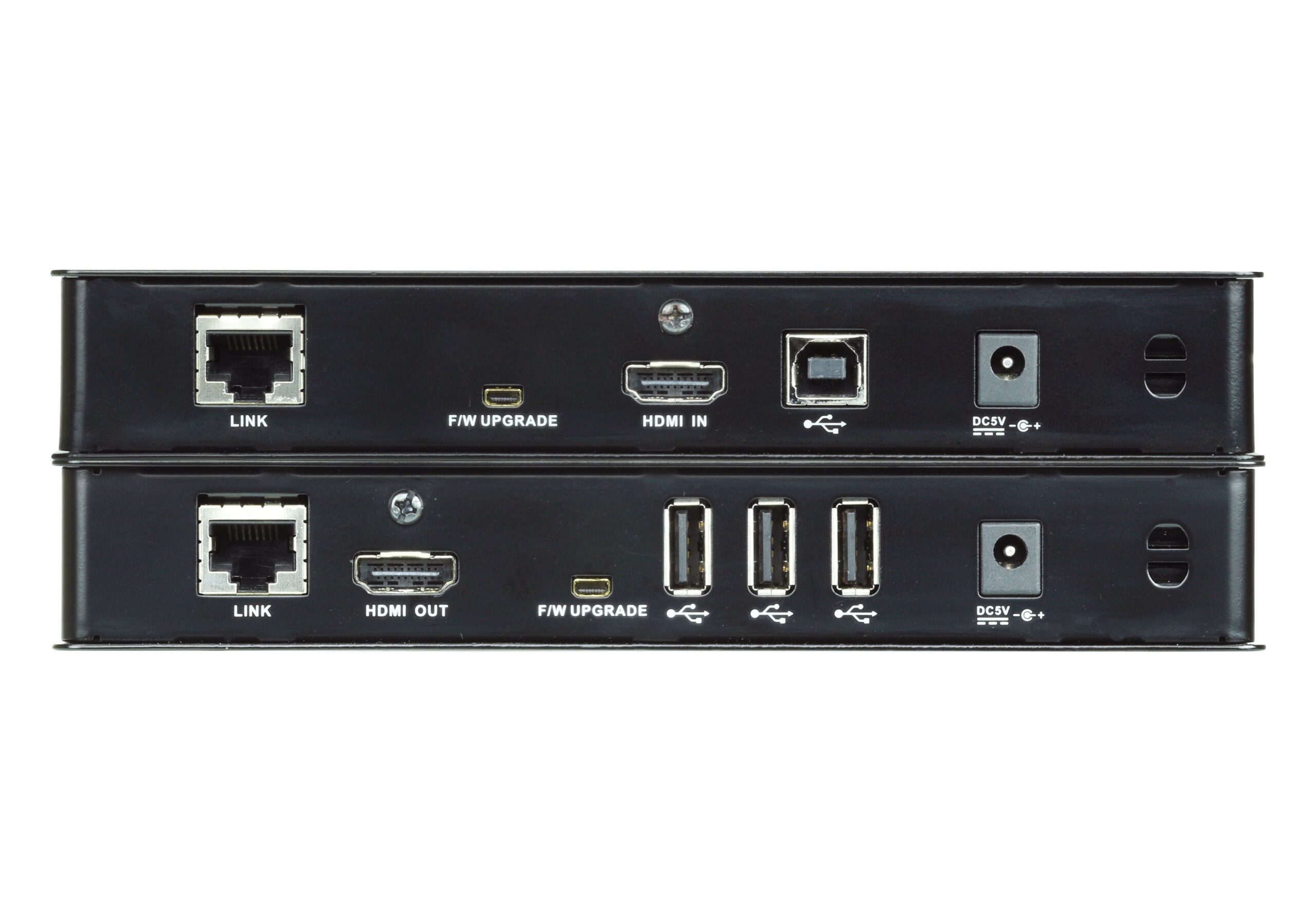
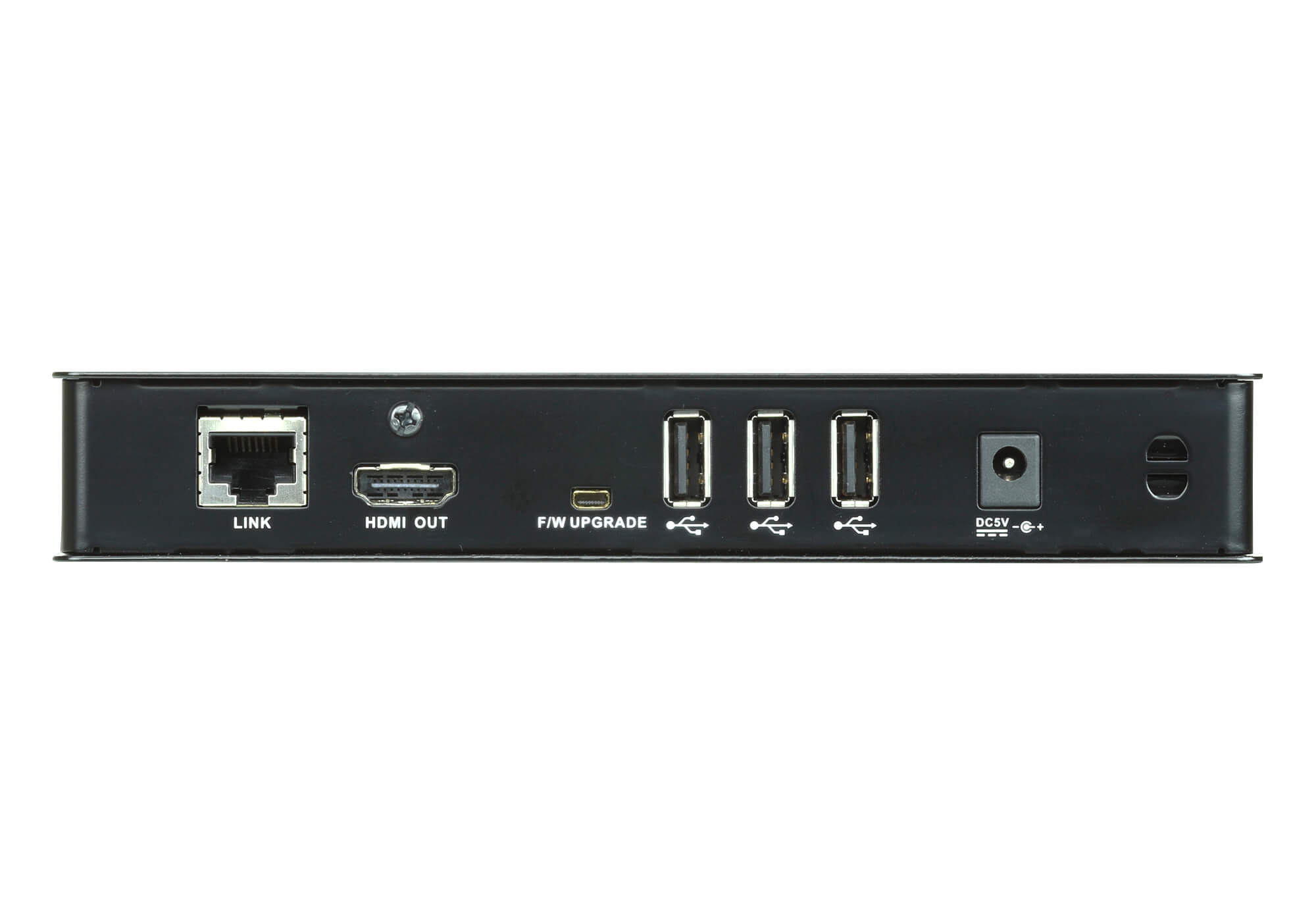
A computer’s HDMI picture and its USB 2.0 connection both travel over one Cat cable with the Aten VE813A, an HDBaseT Class A extender kit. The computer plugs into the VE813AT transmitter by HDMI and USB; at the VE813AR receiver, up to 100 m away, a display and up to three USB devices, such as a touch overlay, keyboard and mouse, connect as if they were beside the computer. The three USB ports share 40 Mbps.
What the USB link will and will not carry
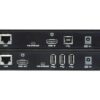
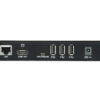
Aten’s ExtremeUSB passes USB 2.0 with no software or drivers on the computer. The transmitter has a USB Type-B port for the cable to the computer, and the receiver has three Type-A ports. Aten’s datasheet names keyboards, mice, touch panels, flash drives, printers, USB audio and USB 1.1 web cameras, and describes the link as suited to devices that need moderate bandwidth.
The 40 Mbps ceiling, shared by all three ports, is the deciding figure. It works out at no more than 5 MB per second, so a touch screen at a lectern or a kiosk keyboard sits well within it, while large file copies to a flash drive will be slow. Power at the receiver rises with the USB load: Aten gives 5.75 W, and 13.25 W for the VE813AR with all three USB ports in use.
4K and 1080p reach, and what the picture carries
A 4K picture holds for 100 m on Cat 6a. On Cat 5e or Cat 6, 4K stops at 70 m; 1080p still gets 100 m, and there is no Long Reach mode for longer runs. With 10.2 Gbps of bandwidth, 4096 x 2160 and 3840 x 2160 both work, at 30 Hz in full 4:4:4 or at 60 Hz with 4:2:0. Dolby TrueHD and DTS-HD Master Audio pass inside the HDMI signal, along with CEC, 3D and Deep Colour.
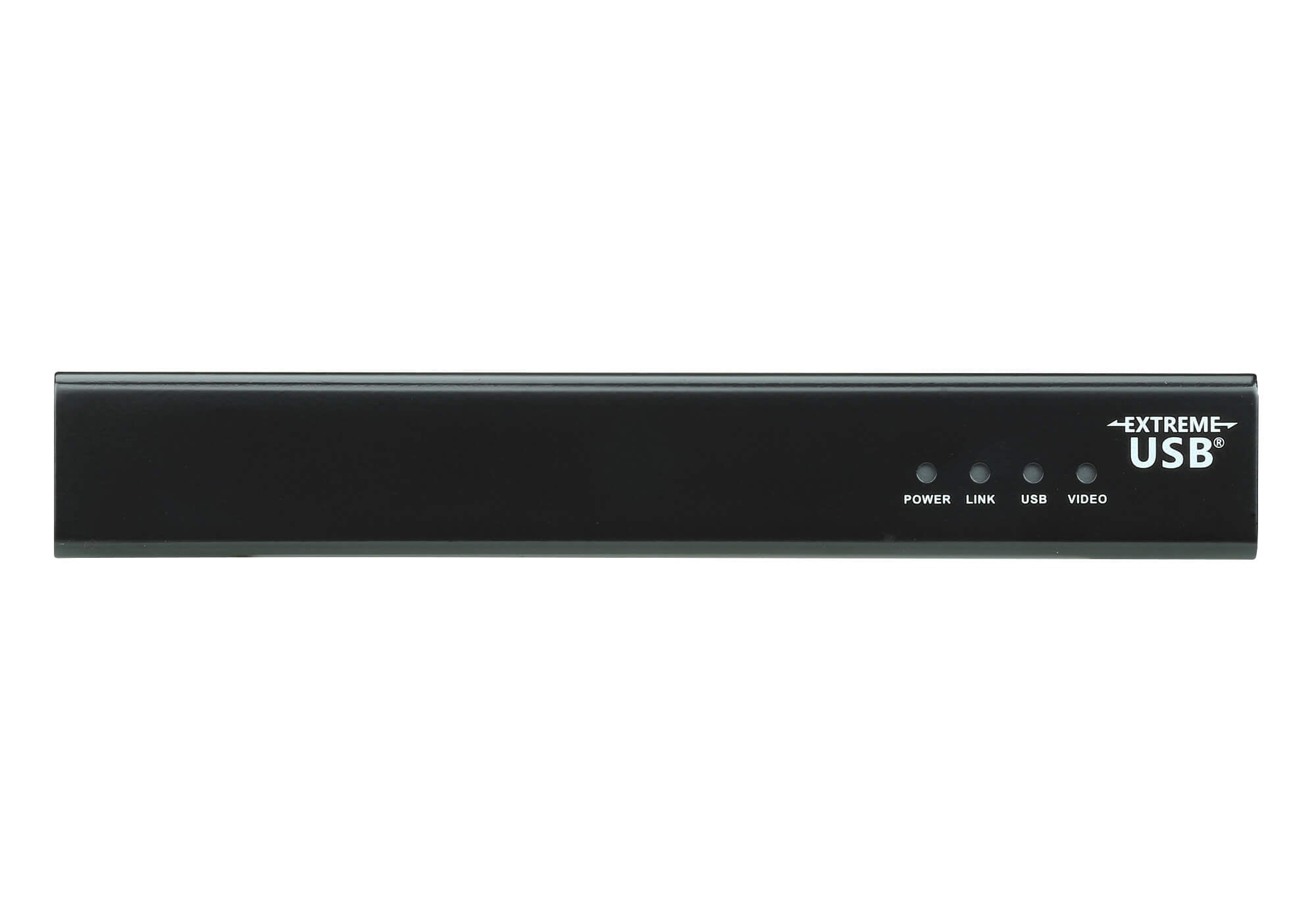
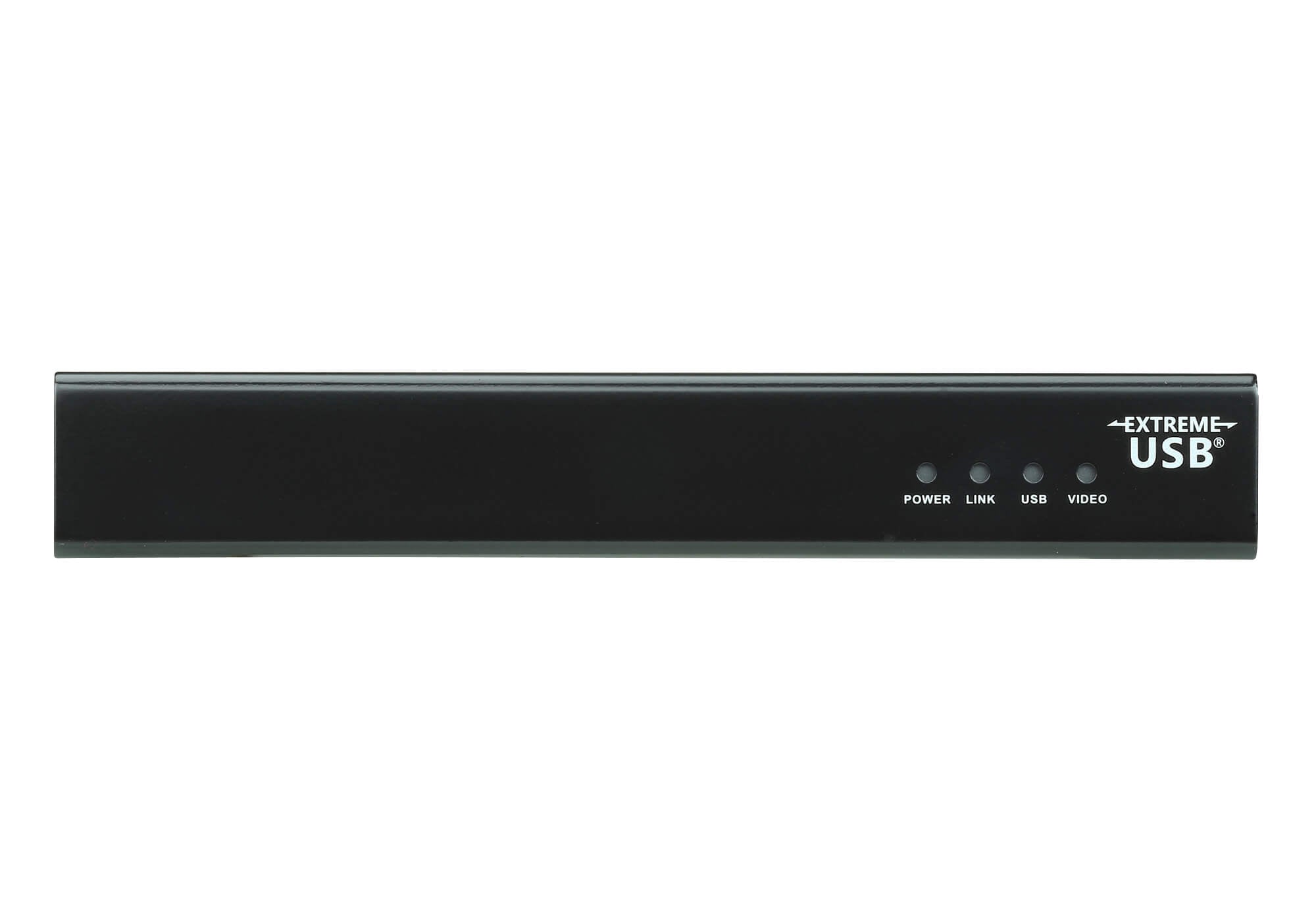
Aten states HDCP compatibility without naming a version. A Video light on each unit flashes for normal video and stays on for HDCP content, which helps when a protected source shows nothing. HDMI leads at both ends may be up to 3 m. The units have no IR, RS-232 or Ethernet port.
Earthing, mounting and power
Each unit runs from its own 5 V adapter, and both are supplied. Aten’s manual asks you to earth both units through the grounding terminal on each case, and suggests shielded twisted pair between them for extra grounding protection. The metal cases measure 18.20 x 11.61 x 2.87 cm, with the VE813AT at 0.61 kg and the VE813AR at 0.62 kg, and work between 0 and 40 °C.
With the included mounting kit, a bracket screws to the base of the unit and then to a rack upright. Aten recommends M5 x 12 Phillips screws for the rack side, which are not supplied.
In the box and what to add
The kit contains the VE813AT transmitter, the VE813AR receiver, a 1.8 m HDMI cable and a 1.8 m USB cable for the computer end, two power adapters, the mounting kit and instructions. Add the Cat cable between the units and a second HDMI lead for the display, for example the Aten 2L-7D01H, a 1 m HDMI cable. If you need only HDMI and want 1080p beyond 100 m, the Aten VE811 matches these 4K distances and adds a 150 m Long Reach mode. Other ways to extend USB on its own are in our USB extenders range.
Key specifications of the Aten VE813A
| HDBaseT class | Class A; no PoH |
|---|---|
| Maximum run | Cat 6a: 4K at 100 m. Cat 5e/6: 4K at 70 m. 1080p at 100 m |
| 4K colour | 3840 or 4096 x 2160; 4:4:4 limited to 30 Hz, 60 Hz drops to 4:2:0 |
| USB | USB 2.0, 40 Mbps combined; 1 x Type-B (VE813AT), 3 x Type-A (VE813AR) |
| Audio | HDMI embedded, including Dolby TrueHD and DTS-HD Master Audio |
| HDCP | Compatible; version not stated by Aten |
| Power | 5 V DC adapter per unit; 5.75 W, up to 13.25 W at the VE813AR with three USB devices |
| Operating range | 0 to 40 °C |
| Each unit | 18.20 x 11.61 x 2.87 cm; 0.61 kg (VE813AT), 0.62 kg (VE813AR) |
Questions about the Aten VE813A
Will the VE813A work with a Mac or Linux computer?
Yes. Aten lists Windows, OS X and Linux, and the manual’s table runs from Windows 2000 and Mac OS 10.1 onwards, with Red Hat, SuSE, Debian and Ubuntu among the Linux versions. Nothing is installed on the computer.
Will a USB touch screen work at the far end?
Yes. Touch panels are on Aten’s device list: connect the display’s HDMI to the VE813AR’s HDMI output and its touch USB lead to one of the three Type-A ports. A touch controller needs only a small share of the 40 Mbps.
Can I extend a USB webcam for video calls?
Only within limits. Aten’s datasheet names USB 1.1 web cameras, and all three ports share 40 Mbps, so test an HD conference camera on the link before you rely on it.
Does the VE813A support HDCP 2.2?
Aten does not say: its datasheet and manual state HDCP compatibility with no version. Test your protected 4K source before installing. If you need only HDMI, Aten lists the VE811 as HDCP 2.2 compatible.
Can I control a projector over the VE813A?
Not by RS-232 or IR, because the units have neither port. CEC passes inside the HDMI signal, and a USB-controlled device can be reached through the receiver’s USB ports.
You must be logged in to post a review.
VE813A Datasheet PDF
You may also like these
 In Stock
Aten
Reviews
There are no reviews yet.