All Categories
- ATEN
- EPSON
- HISENSE
-
AV Signal Distribution
In AV Signal Distribution
- JK
-
Screens
In Screens
-
Projector
-
Cables
In Cables
- DTECH
- Business
- VISION
-
Projector Bracket
In Projector Bracket
-
Digital Signage Solutions
In Digital Signage Solutions
Brands
-
Audio
In Audio














All Categories
- ATEN
- EPSON
- HISENSE
-
AV Signal Distribution
In AV Signal Distribution
- JK
-
Screens
In Screens
-
Projector
-
Cables
In Cables
- DTECH
- Business
- VISION
-
Projector Bracket
In Projector Bracket
-
Digital Signage Solutions
In Digital Signage Solutions
Brands
-
Audio
In Audio

BROWSE CATEGORIES
Help
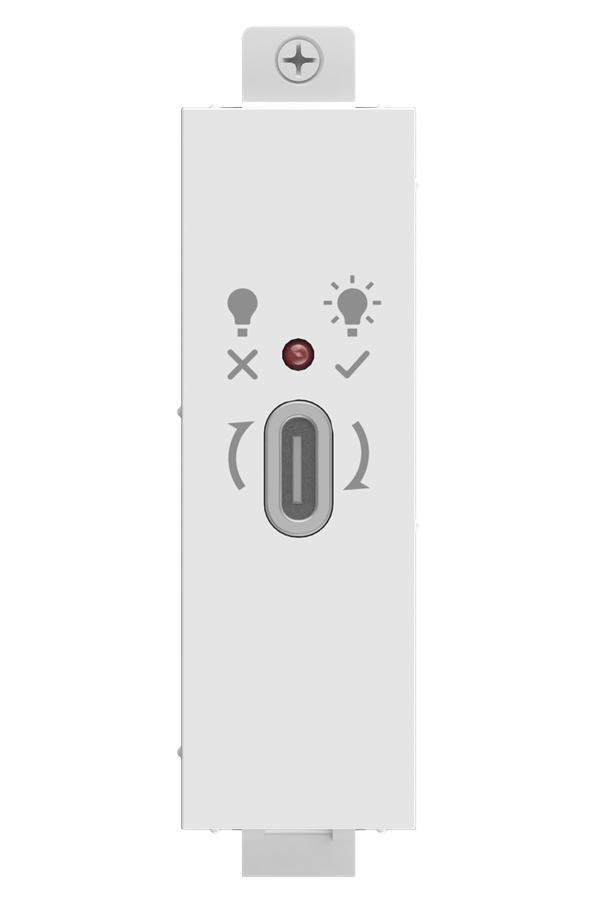
Cable Termination
Vision Techconnect USB-C Coupler Module – 11548229
R905.13
Techconnect 3 module that carries a laptop's USB-C link through the plate to a USB-C display or dock.
- USB-C socket front and rear
- Charging rated PD100 (up to 100 W), supplied by the far device
- USB 3.2 data; video up to 4K at 30 Hz
- Test LED for plug orientation
- Brand :Vision
- SKU :VISION-11548229
- Category :Cable Termination
- Availability :Out of Stock
Out of stock
The Vision TC3 USBCFF (Vision part 11548229) puts a USB-C socket on both faces of a single Techconnect 3 module. It joins the laptop’s USB-C lead to a second USB-C lead behind the wall and passes video up to 4K at 30 Hz, USB 3.2 data and charging rated PD100, which is USB Power Delivery up to 100 W. The equipment at the far end therefore needs a USB-C port.
A single USB-C link from table to display
Both faces are USB-C, so the rear lead goes to a display, interactive panel or dock whose USB-C port accepts video. Vision lists an active circuit that boosts the signals on the way through. Video over USB-C relies on DisplayPort Alt Mode, so the laptop’s port, the far device and both leads need to support it. Vision advises its own USB-C cables with this module.
Where the charging power comes from
Vision lists no power supply or power input for the TC3 USBCFF, so the charge has to come from the device on the rear lead, such as a USB-C display or dock that supplies power over its port. The laptop then charges at whatever that device offers, up to the module’s PD100 rating.
Plug orientation and the test LED
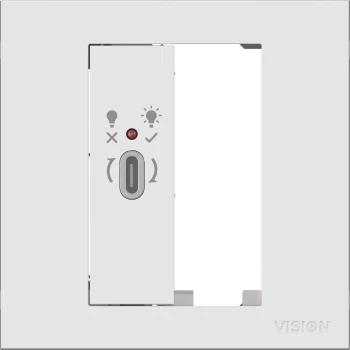
Vision notes that one of the module’s USB-C connections works only one way round, unlike an ordinary USB-C plug, and an LED on the front shows whether it is right. The symbols printed beside the LED mark lit as correct and unlit as wrong, with curved arrows around the front socket. Vision’s product page names the front lead as the one-way connection and its datasheet names the rear, so check the LED with a laptop plugged in before the plate is closed up.
Fitting it in a Techconnect plate
Its face is 64 x 21 mm, a single space in either a TC3 1-gang surround or a TC3 2-gang surround. Vision gives no depth for the module behind the plate, so check the module and the bend of the rear USB-C plug against the box, for example the 45 mm deep TC3 1-gang surface backbox.
TC3 USBCFF or the TC3 USBC module
Choose the TC3 USBCFF when the far device has a USB-C input and the laptop should charge over the same lead. The Vision TC3 USBC module instead puts HDMI and USB-A sockets on a tail behind the plate and reaches 4K at 60 Hz on leads of 3 m or less, but carries no charge.
Key specifications of the Vision TC3 USBCFF
| Vision part code | TC3 USBCFF (part 11548229) |
|---|---|
| Front | USB-C socket with test LED |
| Rear | USB-C socket |
| Video | 4K at 30 Hz |
| USB | USB 3.2 (generation not stated) |
| Charging | PD100, USB Power Delivery up to 100 W |
| Power supply | None listed by Vision |
| Face size | 64 x 21 mm (single space) |
| Material and colour | Polycarbonate, white |
| Compliances | RoHS, WEEE, CE, UKCA |
Questions about the Vision TC3 USBCFF
Can an HDMI-only projector connect to the TC3 USBCFF?
Not through this module alone. Vision’s key points mention HDMI 4K at 30 Hz, but the rear socket is USB-C, so the projector end needs a USB-C input. For a projector with HDMI inputs, the TC3 USBC module has an HDMI socket on its tail.
Will my laptop charge at 100 W?
Only if the display or dock behind the wall offers 100 W and both USB-C leads are rated to carry it. PD100 is the ceiling for what passes through the module; a lead rated for less current, or a device that offers less, sets a lower one.
What speed is the USB 3.2 connection?
Vision does not say which USB 3.2 generation the module supports. The name covers 5, 10 and 20 Gbit/s versions, so plan on the lowest, 5 Gbit/s, for a camera or drive on the display’s USB hub.
Which USB-C leads should I use?
Vision recommends its own USB-C cables for this module. Whatever you choose, each lead has to carry video, USB 3 data and the charging current, and a charge-only lead carries no video.
You must be logged in to post a review.
You may also like these
Vision
 Low stock (2 left)
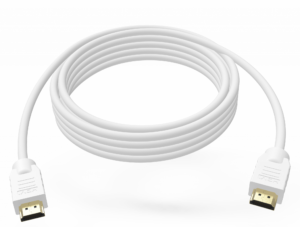
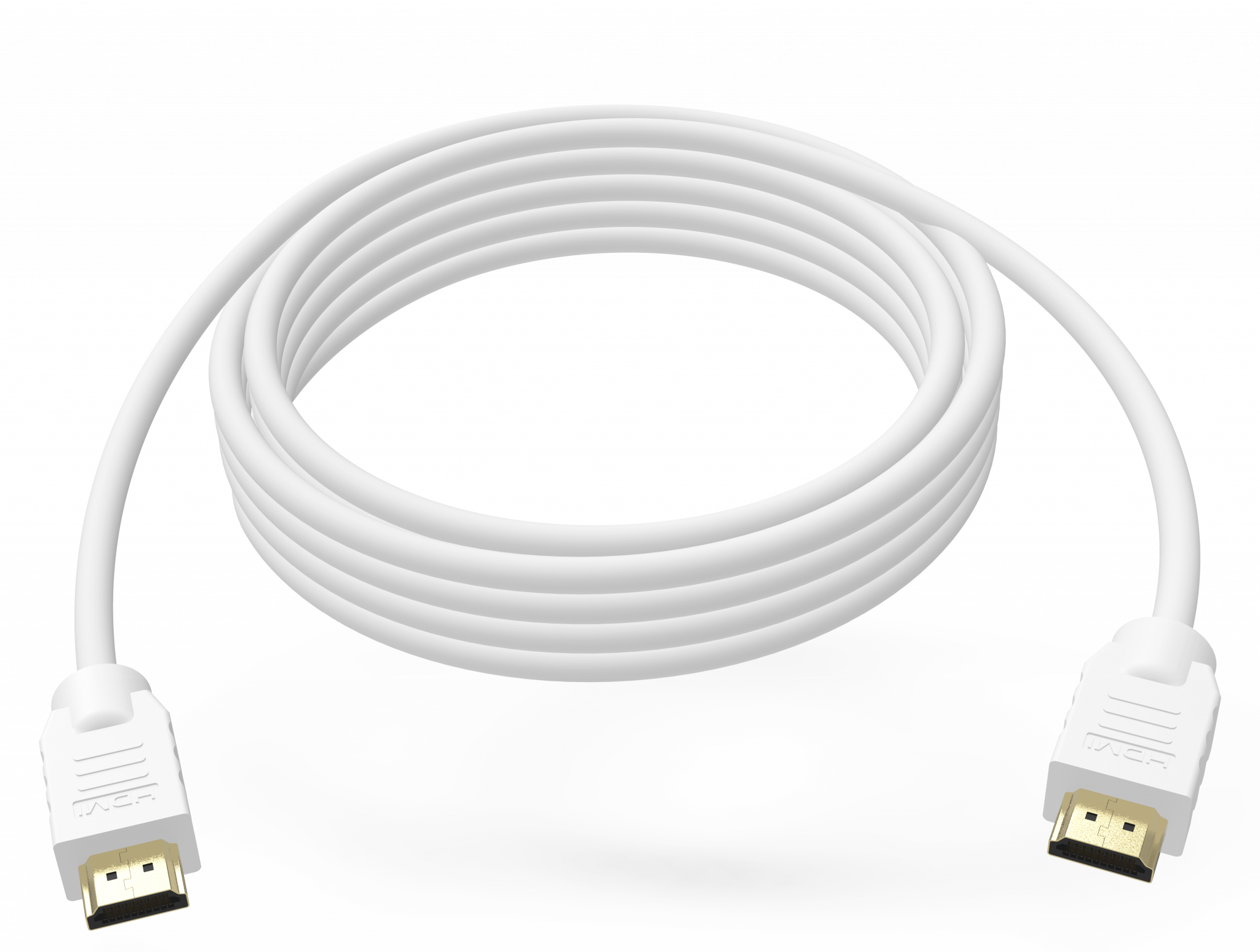
Vision Copper Cable, 15.0m, HDMI, V2.0, 4K resolution - 2746865
R1,211.11
2746865 Low stock (2 left)
Reviews
There are no reviews yet.