All Categories
- ATEN
- EPSON
- HISENSE
-
AV Signal Distribution
In AV Signal Distribution
- JK
-
Screens
In Screens
-
Projector
-
Cables
In Cables
- DTECH
- Business
- VISION
-
Projector Bracket
In Projector Bracket
-
Digital Signage Solutions
In Digital Signage Solutions
Brands
-
Audio
In Audio














All Categories
- ATEN
- EPSON
- HISENSE
-
AV Signal Distribution
In AV Signal Distribution
- JK
-
Screens
In Screens
-
Projector
-
Cables
In Cables
- DTECH
- Business
- VISION
-
Projector Bracket
In Projector Bracket
-
Digital Signage Solutions
In Digital Signage Solutions
Brands
-
Audio
In Audio

BROWSE CATEGORIES
Help
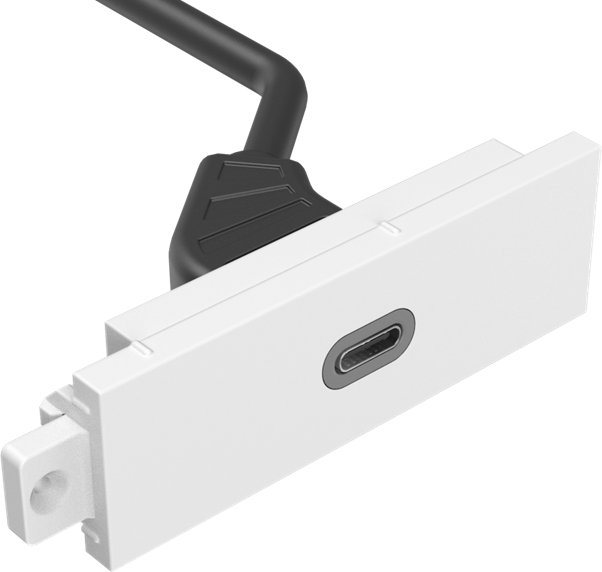
Cable Termination
Vision Techconnect USB-C Module – 4783744
R2,058.17
Techconnect 3 module that splits a laptop's USB-C lead into HDMI and USB for the display.
- USB-C on the face; HDMI and USB-A on a 200 mm tail
- 4K at 60 Hz with leads of 3 m or less
- Laptop port must carry DisplayPort Alt Mode video
- No laptop charging
- Brand :Vision
- SKU :VISION-4783744
- Category :Cable Termination
- Availability :
 In Stock
10 in stock
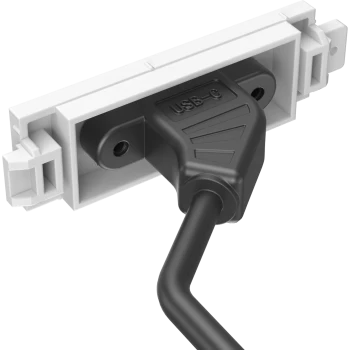
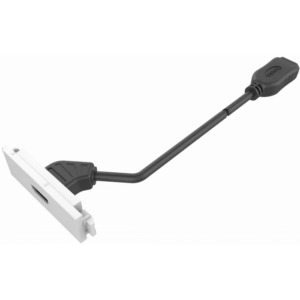
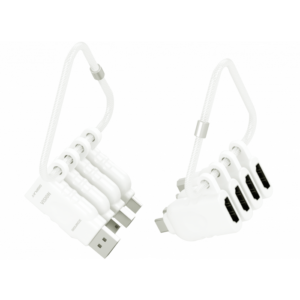
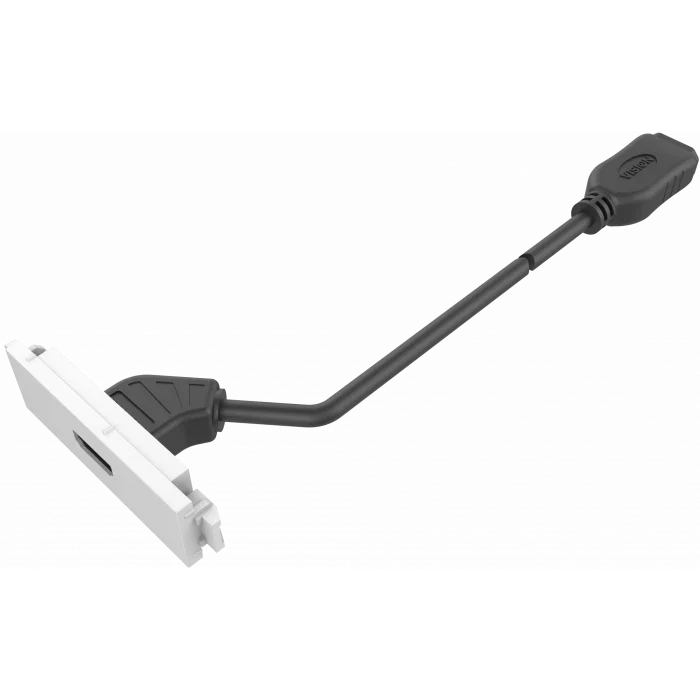
The Vision TC3 USBC (Vision part 4783744) is a Techconnect 3 module with a USB-C socket on its face. On the back, a 200 mm tail runs to a small box with an HDMI socket and a USB-A socket, so the laptop’s one USB-C lead is split at the wall into HDMI video and USB 3.0. Vision rates it for 4K at 60 Hz on short leads. It does not charge the laptop.
What the laptop has to send over USB-C
The module takes the DisplayPort video that a laptop sends down a USB-C lead, a feature called DisplayPort Alt Mode, and converts it to HDMI. Vision’s page for its USB-C faceplate package says most laptops and USB-C cables now support Alt Mode. A USB-C port without it gives no picture through this module.
Cable lengths for 4K at 60 Hz
Vision gives full 4K at 60 Hz only when the USB-C lead in and the HDMI lead out are each 3 m or shorter, and cable quality counts. Longer runs drop to 30 Hz. By Vision’s figure the active circuit lets longer cables reach an interactive display up to 15 m from the plate, though Vision does not name the cables behind that number. Touch is the part to check at that distance: a USB 2.0 lead is specified to 5 m. In its TC3-CPK3M package, Vision paired the module with a 2 m USB-C lead (Alt Mode, 5 Gbit/s) and 3 m HDMI and USB 2.0 leads.
- Within 3 m: the Aten 2L-7D03H 3 m HDMI cable, which Aten rates for 4K at 60 Hz.
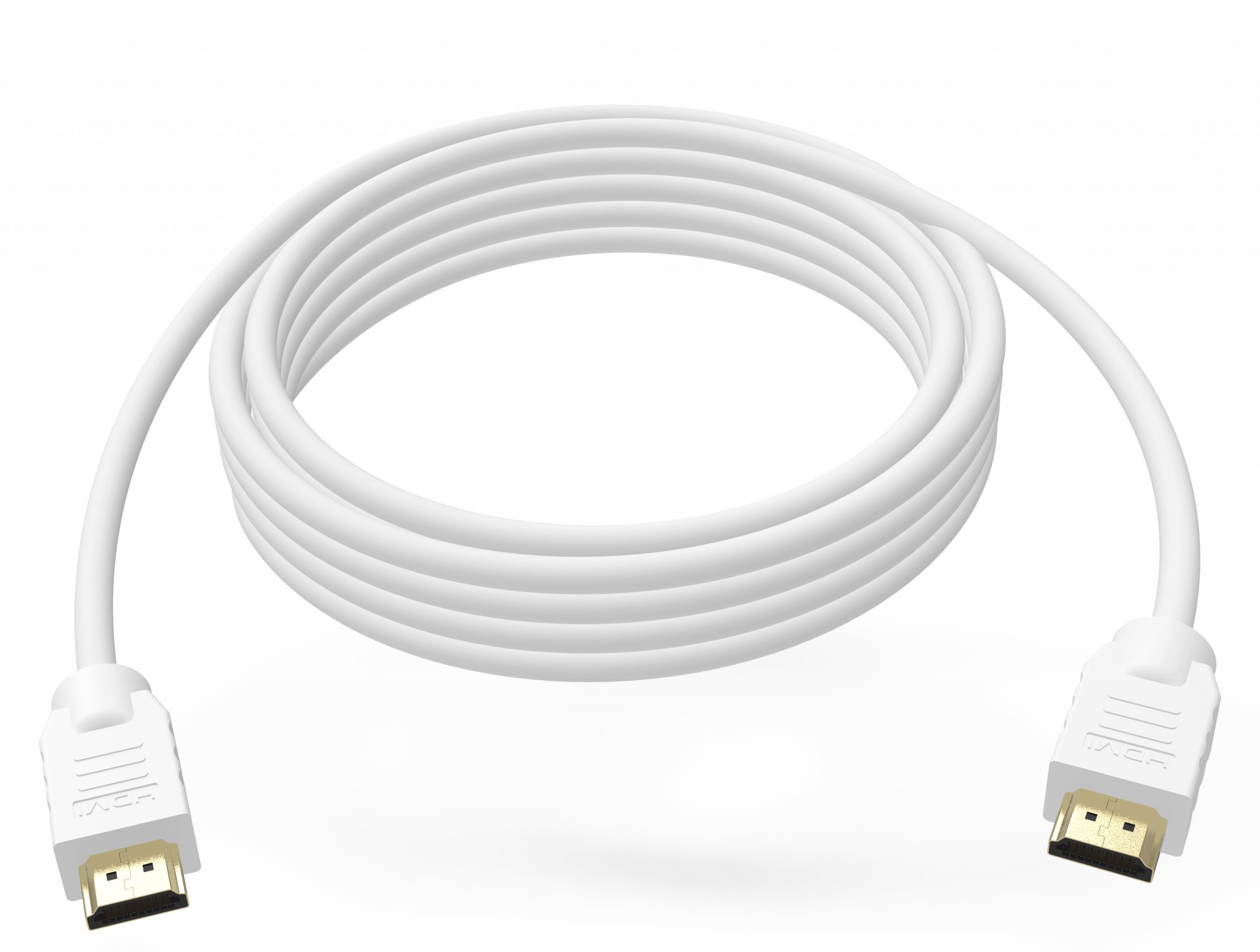
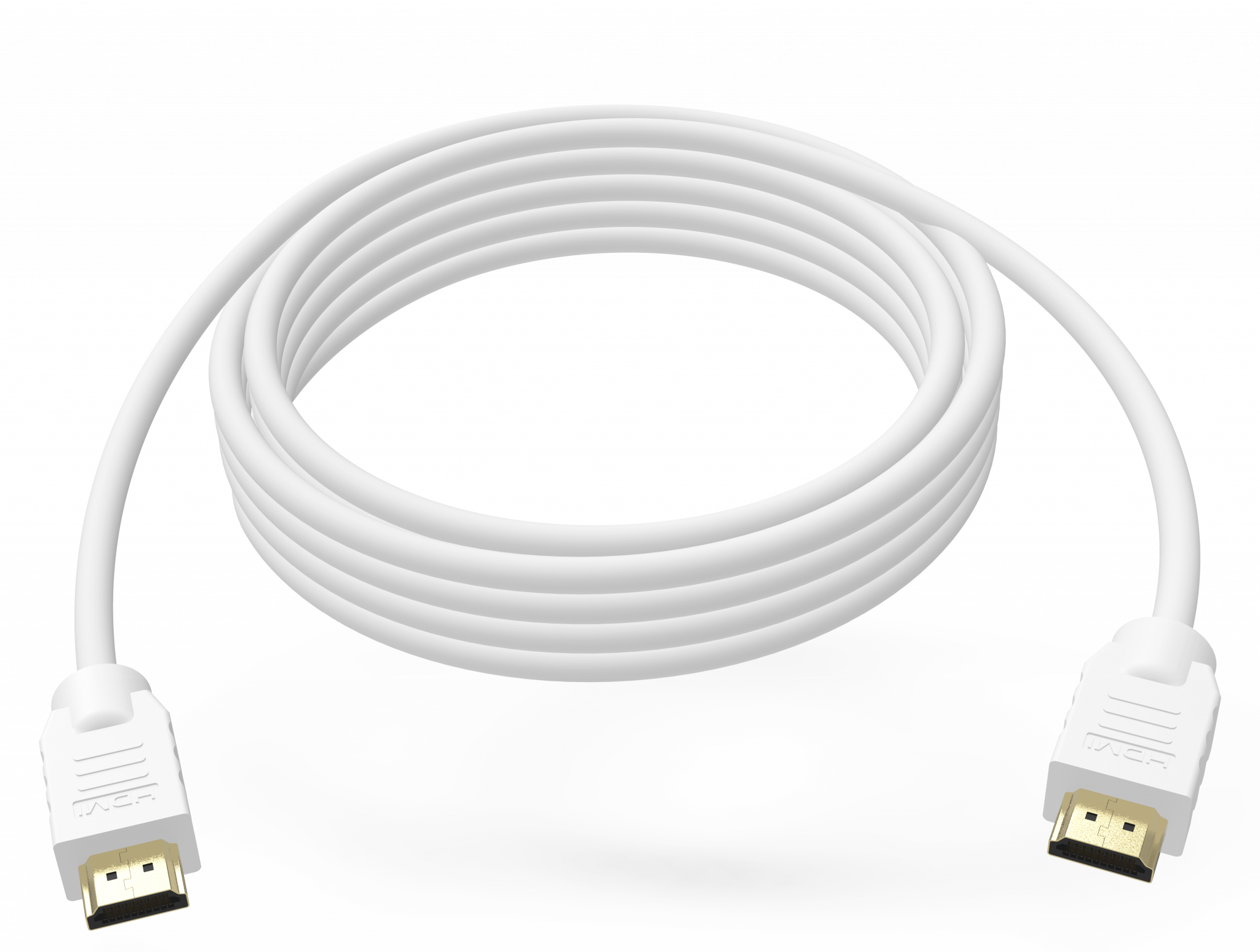
- Longer HDMI runs at 30 Hz: the Vision TC2 15MHDMI 15 m HDMI cable, rated for 4K at 30 Hz.
- Touch on a display with a USB-B port: the Dtech CU0094 USB A-to-B cable (3 m).
Space behind the plate
At 64 x 21 mm, the face takes a single module space: one of the two in a TC3 1-gang surround or one of the five in the 2-gang version. The backbox or cavity must also hold the 200 mm tail, the 49 x 44 x 14 mm socket box and the two plugs pushed into it.
TC3 USBC or the TC3 USBCFF coupler
The TC3 USBCFF coupler module keeps USB-C on both sides and passes PD100 charging and USB 3.2, but stops at 4K 30 Hz and needs a USB-C port at the far end. Pick the TC3 USBC for an HDMI display or projector, or where 4K at 60 Hz matters more than charging over the lead.
Key specifications of the Vision TC3 USBC
| Vision part code | TC3 USBC (part 4783744) |
|---|---|
| Front | USB-C socket |
| Rear | 200 mm tail to an HDMI socket and a USB-A socket |
| Video | 4K at 60 Hz with leads up to 3 m; 30 Hz on longer runs |
| Laptop requirement | USB-C port with DisplayPort Alt Mode |
| USB | USB 3.0 |
| Charging | Not supported |
| Module face | 64 x 21 mm, one module space |
| Socket box on the tail | 49 x 44 x 14 mm |
| Material and colour | Polycarbonate, white |
Questions about the Vision TC3 USBC
Will the TC3 USBC charge my laptop?
No. Vision states that the module offers no power delivery, so a laptop connected to it runs on its battery. Plan a power socket at the table for the laptop’s own charger, or choose the USBCFF coupler where a USB-C display or dock can supply the charge.
Why is my 4K picture running at 30 Hz?
Check the cable lengths first. Vision supports 4K at 60 Hz through this module only with leads of 3 m or less on both sides of the plate, and cable quality plays a part. Past that length Vision supports only 30 Hz, so try a shorter lead or move the display closer to the plate.
Which USB-C cable should run from the laptop to the plate?
One that supports DisplayPort Alt Mode and USB 3 data, no longer than 3 m if you want 4K at 60 Hz. A lead sold only for charging may carry no video, so read its specification before relying on it.
What plugs into the USB-A socket at the back?
A USB lead to the display’s touch or USB port, which sends touch input back to the laptop over the same USB-C connection. Vision says it tested the USB 3.0 socket with interactive displays and projectors, and for touch it packed a USB 2.0 lead in its own faceplate package.
You must be logged in to post a review.
You may also like these
Vision
Low stock (2 left)
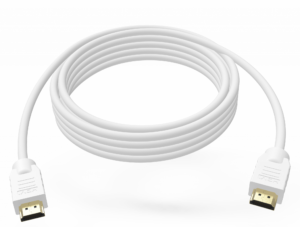
Vision Copper Cable, 15.0m, HDMI, V2.0, 4K resolution - 2746865
R1,211.11
2746865 Low stock (2 left)
Reviews
There are no reviews yet.