n
e
x
m
a
r
t

All Categories
-
AV Signal Distribution
In AV Signal Distribution
-
Screens
In Screens
-
Projector
-
Cables
In Cables
- Business
-
Digital Signage Solutions
In Digital Signage Solutions
Brands
-
Projector Bracket
In Projector Bracket
-
Audio
In Audio
-
Professional
Brands
-
Flat Panel Bracket
In Flat Panel Bracket
-
Home Cinema
Brands
-
Wireless Presentation Systems
In Wireless Presentation Systems
Brands
-
Interactive Panels
In Interactive Panels
Brands
-
Visualisers
In Visualisers
Brands
All Categories
-
AV Signal Distribution
In AV Signal Distribution
-
Screens
In Screens
-
Projector
-
Cables
In Cables
- Business
-
Digital Signage Solutions
In Digital Signage Solutions
Brands
-
Projector Bracket
In Projector Bracket
-
Audio
In Audio
-
Professional
Brands
-
Flat Panel Bracket
In Flat Panel Bracket
-
Home Cinema
Brands
-
Wireless Presentation Systems
In Wireless Presentation Systems
Brands
-
Interactive Panels
In Interactive Panels
Brands
-
Visualisers
In Visualisers
Brands
Wireless Presentation Systems
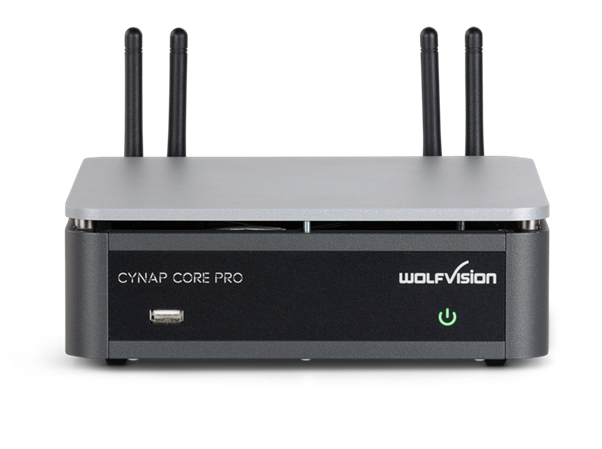
Wolfvision Cynap Core Pro – CYNAPCORPRO
R97,813.88
• Multi-platform web conferencing (Zoom, MS Teams, WebRTC)
• BYOM web meetings
• Functions as vSolution MATRIX client station
• HDMI In for additional connection possibilities
• Optional capture agent for the Panopto video management platform
• Optional webcasting and local recording functionality
• Microsoft 365 integration as standard
- Brand :Wolfvision
- SKU :WOLFVISION-CYNAPCORPRO
- Category :Wireless Presentation Systems
- Availability :Out of Stock
Out of stock
Description
• App-free dongle-free screen sharing!
Connect and share your screen using the wireless technology that’s built into your own mobile device. Our wireless BYOD solutions suit all iOS, iPadOS, Android, Chrome OS, Windows and Mac devices – with full support for AirPlay, Chromecast, and Miracast screen mirroring.
• Hybrid meetings made easy!
Simply use our WolfVision vSolution App on your laptop in BYOM Mode to enable swift wireless connection to Cynap – plus connected camera, microphones, and speaker peripherals already installed in the meeting room. Users can now host web meetings using any web conferencing service directly from their own laptop.
Or use our multi-platform web conferencing feature to run Zoom, MS Teams and other Web-RTC-based services directly on the Cynap, using simple standardised workflows, controlled via any laptop, smartphone or tablet.
• Display & share your files easily
Share your data on-screen easily from cloud, network drives or mobile devices – even your laptop is no longer essential – just bring your content on a USB stick, or download it directly from the cloud!
• Implementation advantages / HDMI In port
The ability to configure three separate networks (ie. BYOD wi-fi, control and admin, and internet service) offers significant advantages when planning your working and learning environments.
An HDMI In port is also available for connecting in-room devices such as a Visualizer, camera or PC.
• Annotate over any open window
Add to your content material using our built-in annotation features – or note down your ideas using the digital whiteboard, and save the output of both for further use.
| System | Wireless presentation and collaboration system |
|---|---|
| Availability | Worldwide |
| Operating system | Linux |
| Output resolution | 2160p30, 1080p FHD 60/30 (4.4.4), 720p |
| Supported devices for wireless mirroring (up to 4K depending on device) | iOS, iPadOS, Android, Windows, macOS, Chrome OS |
| Supported wireless mirroring protocols | AirPlay, Miracast (Peer-to-Peer and MICE), Chromecast, vSolution Cast |
| vSolution MATRIX compatible | Yes, client only |
| Supported Software & Apps | vSolution App, vSolution Link Pro |
| Media Player: Supported image file formats | GIF, JPEG, BMP, PNG |
| Media Player: Supported document file formats | PDF, Word, PowerPoint, Excel, Text, HTML |
| Media Player: Supported audio file formats | MP3, WMA, MKA, OGA, OGG |
| Media Player: Supported video file formats | AVI, WMV, MOV, MP4, DivX, MKV, M4V, OGV |
| Max. no. of devices simultaneously displaying material on-screen | 4 |
| Webcasting | Yes, via optional Capture feature pack, to YouTube Live, Facebook Live and others |
| Local video recording | Yes, via optional Capture feature pack |
| Capture agent (Panopto and other compatible platforms) | Yes, via optional Capture feature pack |
| Cloud services | Yes, Dropbox, Jianguoyun, OneDrive, WebDAV protocol |
| Microsoft 365 integration | Yes |
| vSolution Meeting room booking tool (supports Microsoft 365 / Google Calendar) | Yes |
| Support for touchscreen displays | Yes |
| Touchback control for Windows | Yes |
| Access to network drives | Yes |
| Whiteboard and annotation | Yes |
| Protected / Open presentation modes | Yes |
| Dynamic on-screen content arrangement | Yes |
| Web conferencing support | Zoom, Teams, WebRTC |
| Remote management software | Yes, vSolution Link Pro (Cloud & on premise) |
| BYOM web meetings | Yes |
| Customisable background image | Yes |
| Encrypt and save personal user settings | Yes, save onto USB stick |
| Integrated web browser | Yes |
| Video inputs | 1x HDMI 2.0 (HDCP not supported) |
| Video outputs | 1x HDMI In (HDCP not supported) |
| Audio | Via HDMI In/Out, USB In/Out, Line In / Line Out (unbalanced 3.5mm) |
| USB ports | 4x rear USB 3.0 ports, 1x front USB 2.0 port |
| Wifi standards (wifi 5) | 2.4 and 5 GHz |
| LAN ports | Yes, 2x1GigE |
| Data rate | Wireless up to 867Mbps |
| Network protocols | TCP/IP, FTP, HTTP, HTTPS, SNTP/NTP, SSL, SSH, UDP, LDAP, LDAPS |
| IP configuration | DHCP, Static (IP address, Subnet mask, Default gateway, DNS server), Proxy, Interface priority |
| Security authentication for LAN | IEEE 802.1x |
| Security encryption for WLAN | WEP, WPA2, WPA2 Enterprise or IEEE 802.1x |
| Room Control APIs available | Yes, customisable APIs, plus sample Room Control modules available |
| Room Control System encryption | Yes |
| Peripheral device control | Yes |
| Digital signage function & screensaver | Yes |
| Live Viewer Mode | Yes |
| Bluetooth device discovery (if Bonjour/mDNS is disabled) | Yes |
| External controlling | Web interface, Visualizer, multi-touch display, room control system, keyboard and mouse, optional remote control |
| Power consumption | Max. 80W |
| Operating temperature / relative humidity | 0°-40°C (32°-104°F) / 40-60% |
| Dimensions (L x W x H) | 203mm x 196mm x 67mm (7.99 x 7.71 x 2.63 inch) |
| Weight | 1860g (4.10lb) |
| Optional accessories | Remote control, 19" rackmount, VESA mount (75mm/100mm) |
| Included accessories | 1x power supply, antennas |
You must be logged in to post a review.
p>CYNAPCORPRO Datasheet PDF
You may also like these
Wolfvision
 Low stock (1 left)
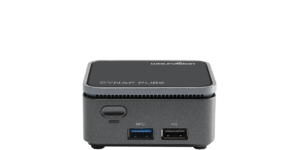
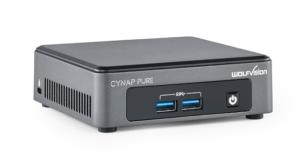
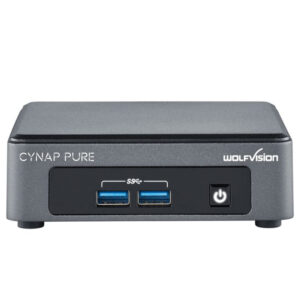
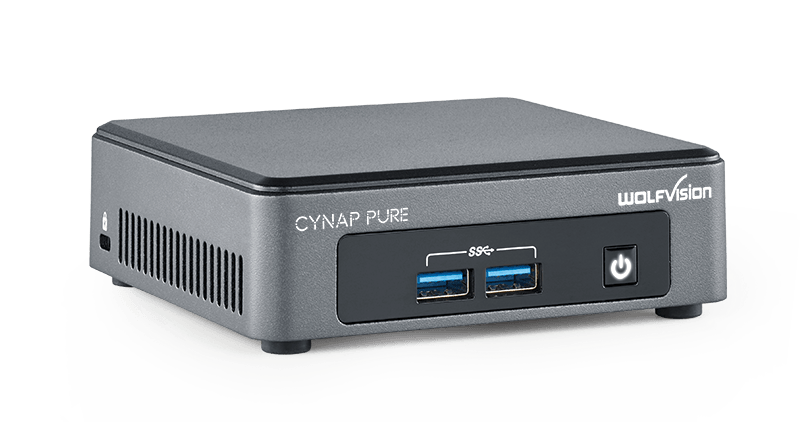
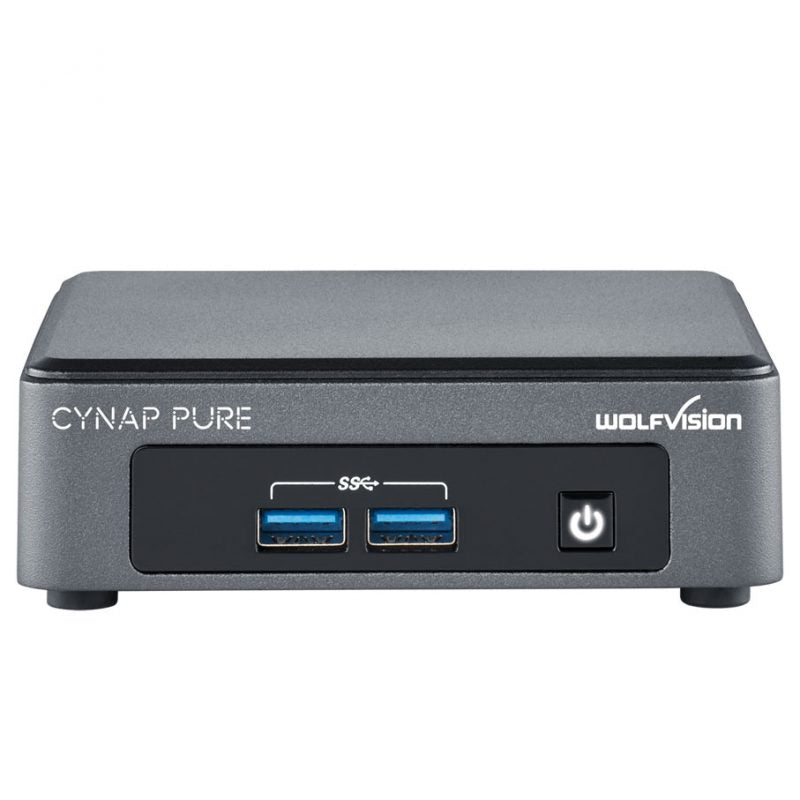
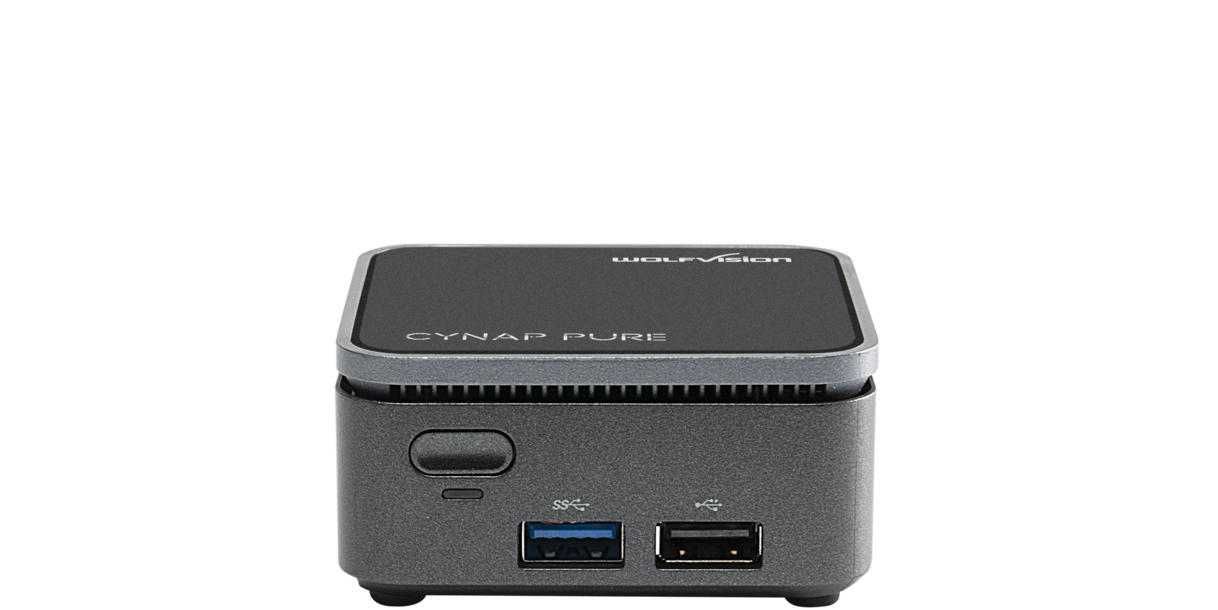
Wolfvision Wireless Presentation System - CYNAPPURE
R45,443.13
CYNAPPURE Low stock (1 left)
Reviews
There are no reviews yet.