All Categories
- ATEN
- EPSON
- HISENSE
-
AV Signal Distribution
In AV Signal Distribution
- JK
-
Screens
In Screens
-
Projector
-
Cables
In Cables
- DTECH
- Business
- VISION
-
Projector Bracket
In Projector Bracket
-
Digital Signage Solutions
In Digital Signage Solutions
Brands
-
Audio
In Audio














All Categories
- ATEN
- EPSON
- HISENSE
-
AV Signal Distribution
In AV Signal Distribution
- JK
-
Screens
In Screens
-
Projector
-
Cables
In Cables
- DTECH
- Business
- VISION
-
Projector Bracket
In Projector Bracket
-
Digital Signage Solutions
In Digital Signage Solutions
Brands
-
Audio
In Audio

BROWSE CATEGORIES
Help
ATEN
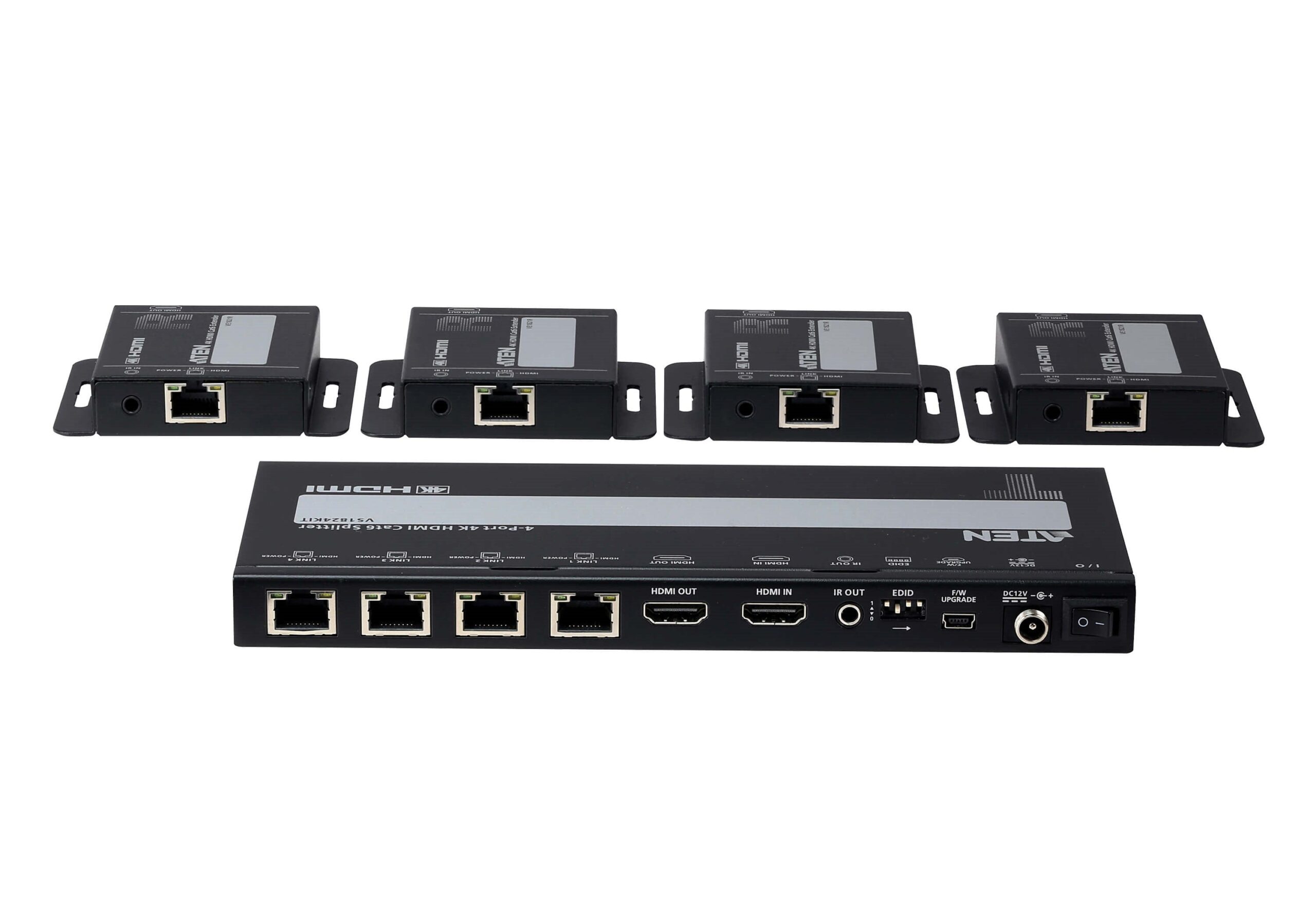
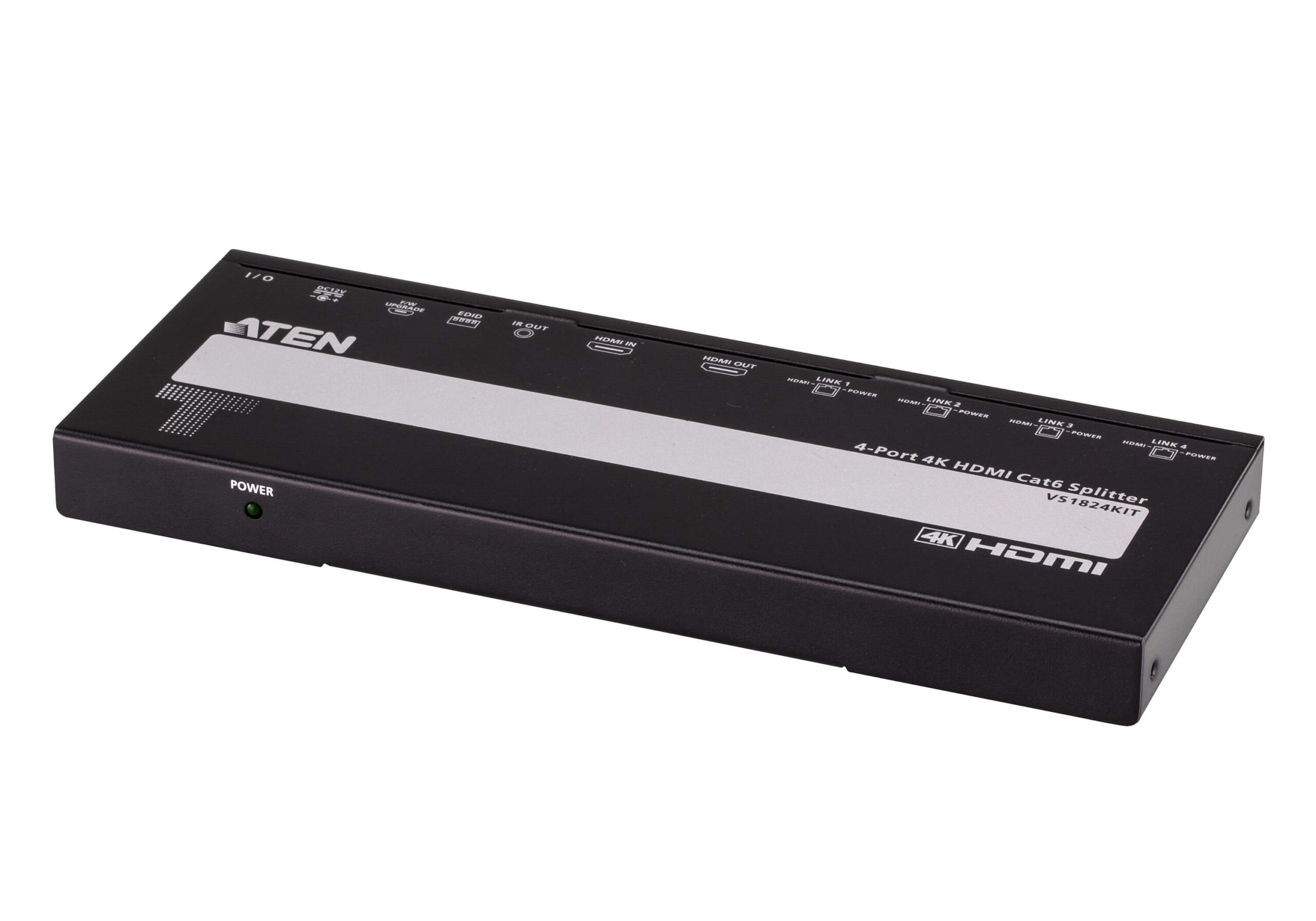
Aten 4K HDMI Cat6 Splitter with Receivers, 4-Port – VS1824KIT
R8,855.70
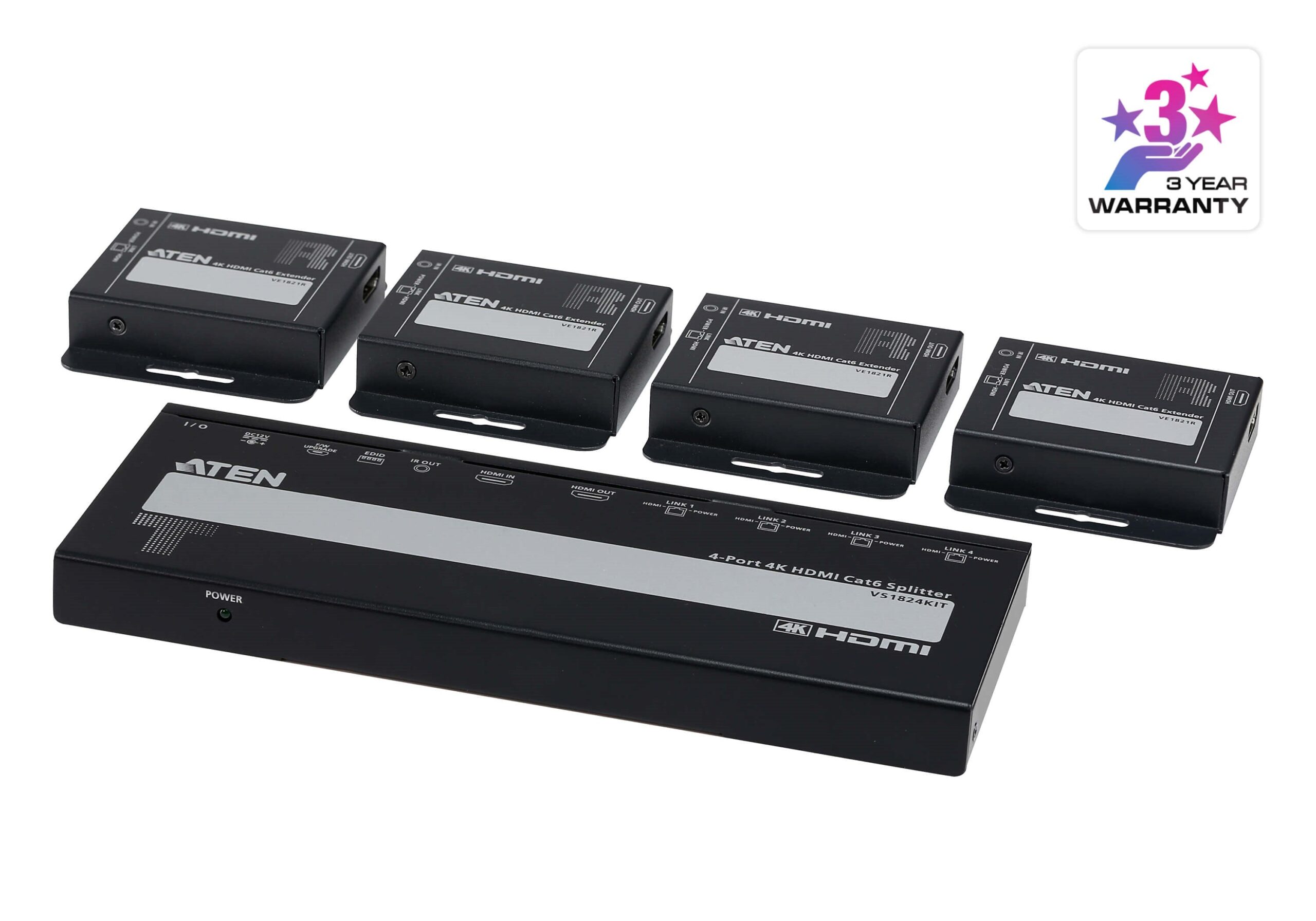
Splitter and four receivers for showing one HDMI source on four screens spread around a meeting room, shop or showroom, each on its own Cat 6 run.
- Up to 40 m per screen at 4K 30 Hz, 50 m at 1080p (Cat 6)
- Receivers powered from the splitter over the Cat 6 cable
- EDID switch to set resolution and audio format
- Local HDMI output and one-way IR remote control
- Brand :Aten
- SKU :ATEN-VS1824KIT
- Category :ATEN
- Availability :
 In Stock
4 in stock
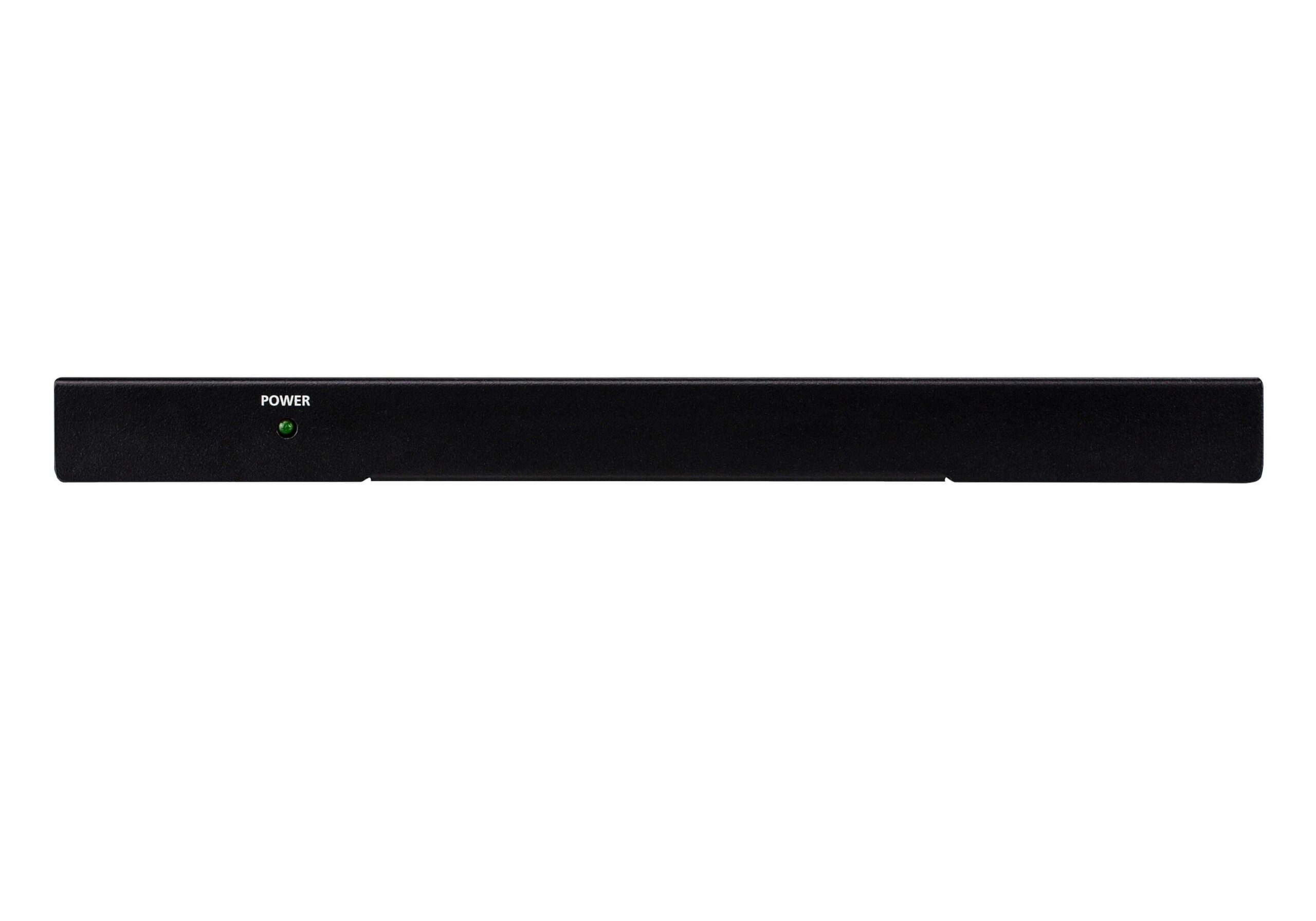
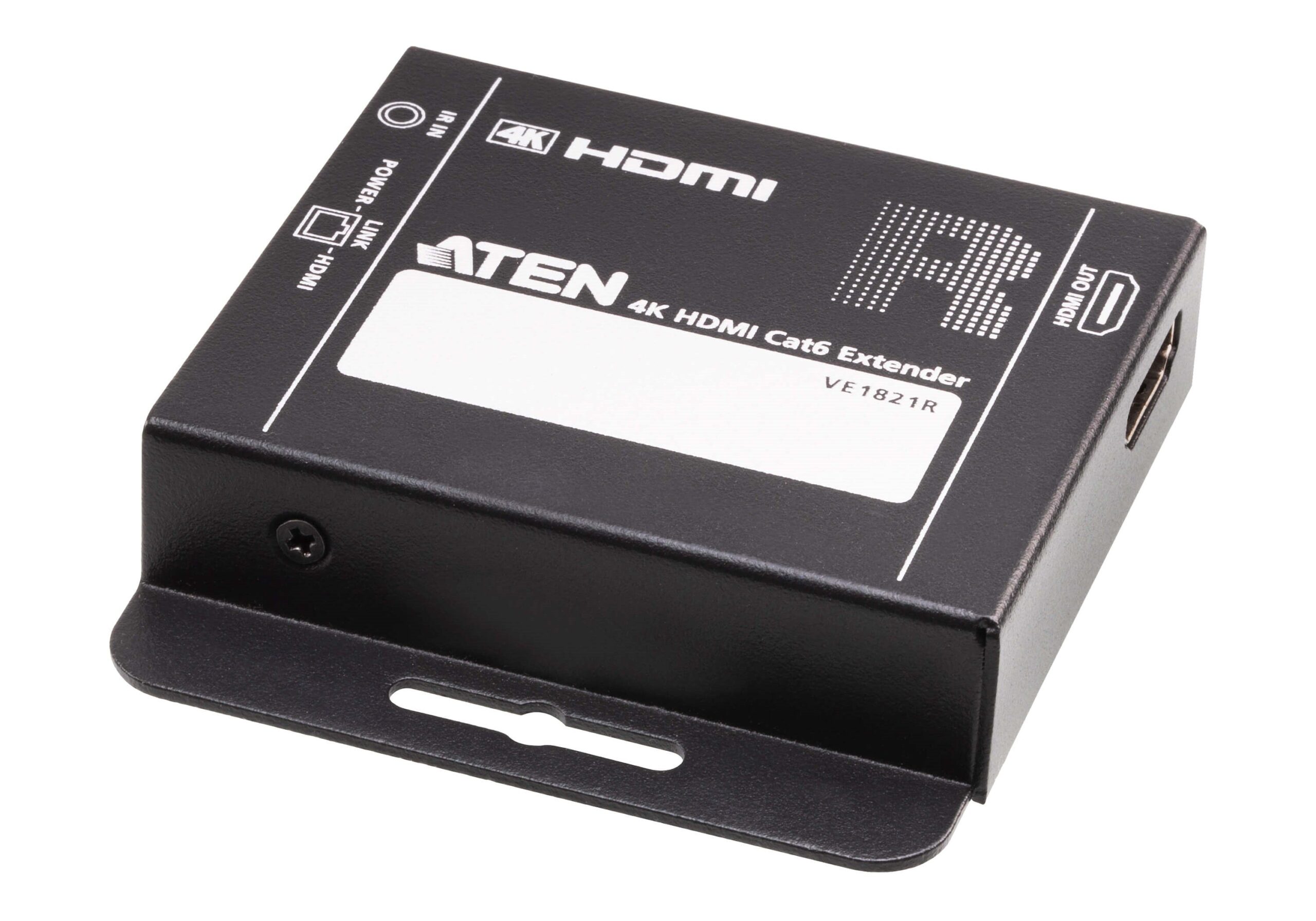
The Aten VS1824KIT pairs a VS1824T splitter with four VE1821R receivers: one HDMI source appears on four displays, each fed by its own Cat 6 run of up to 40 m at 4K or 50 m at 1080p. Video tops out at 4K 30 Hz with full 4:4:4 colour. The receivers take their power over the Cat 6 from the splitter, whose adapter is the only power supply in the kit.
Cable runs: 40 m at 4K, 50 m at 1080p
At 4K, a receiver can sit 40 m from the splitter on Cat 6 or Aten’s 2L-2910 cable, or 30 m away on Cat5e. At 1080p the figures rise to 50 m and 35 m. Aten’s manual recommends shielded Cat 6, names the 2L-2910 for best results, and notes that no cables are included.
The HDMI leads are much shorter: Aten rates the source-to-splitter cable and each receiver-to-display cable at up to 3 m, the length of the Aten 2L-7D03H 3 m HDMI cable.
Setting resolution and audio with the EDID switch
A four-pole EDID switch on the splitter sets the video and audio formats reported to the source. Its default, 1011, reports 4K at 30 Hz with HD audio. Other positions offer 1080p, 1080i, 720p or 3D 1080p, each paired with 2-channel, Dolby/DTS 5.1 or HD audio, and position 1100 copies the EDID of the screen on the splitter’s local HDMI output. If any screen tops out at 1080p, choose a 1080p position so every display can show the signal.
Local output, IR control and audio
The VS1824T’s local HDMI output serves a monitor beside the source, and Aten lists cascading as its other use, with no stated limit. A one-way IR channel runs from the receivers back to the splitter: fit the supplied IR receiver cable to a VE1821R, point the source’s remote at it, and the IR blaster cable at the splitter repeats the command to the source. Both IR cable types are 1.5 m long. Audio rides in the HDMI signal to every screen, with LPCM 7.1, Dolby TrueHD, Dolby Digital Plus and DTS-HD Master Audio on Aten’s list.
Receiver compatibility, and when another splitter fits better
Aten warns that the splitter should connect only to VE1821R receivers, because other or third-party receivers may be damaged. For four screens within 15 m of the source, the Aten VS184A HDMI splitter needs no Cat 6 at all. For eight screens, the Aten VS1828KIT uses the same receivers and distances.
Key specifications of the Aten VS1824KIT
| Kit | VS1824T splitter, 4 x VE1821R receivers |
|---|---|
| Distance at 4K | 40 m on Cat 6, 30 m on Cat5e |
| Distance at 1080p | 50 m on Cat 6, 35 m on Cat5e |
| Highest 4K format | 3840 x 2160 and 4096 x 2160, 30 Hz, 4:4:4 |
| Bandwidth and HDCP | 10.2 Gbps, 340 MHz pixel clock, HDCP 1.4 |
| Receiver power | Power over Cable from the splitter |
| Power consumption | 11 W with all four receivers |
| Splitter | Metal, 21.0 x 8.20 x 1.80 cm, 448 g |
| Each receiver | Metal, 5.75 x 6.80 x 1.65 cm (7.95 cm long with bracket), 126 g |
Questions about the Aten VS1824KIT
Do the VE1821R receivers need their own power supplies?
No, and they cannot take one: a VE1821R has no DC socket. It runs on power sent from the VS1824T along its Cat 6 link, which Aten calls Power over Cable, so only the splitter needs a mains point near it.
Can the Cat 6 runs pass through a network switch?
No. Aten’s installation steps connect each splitter link port directly to a VE1821R link port, and that cable carries the receiver’s power as well as the video, so each run is a point-to-point link rather than an Ethernet network connection.
Will a 4K 60 Hz source work?
Yes, provided the source can also output 4K at 30 Hz. Aten’s input list covers UHD and DCI 4K at 24, 25 or 30 Hz only, and with the default EDID setting reporting 4K 30 Hz, a computer or media player should select 30 Hz by itself.
Can I connect a DVI computer or display?
Yes, through a DVI to HDMI adapter at the source or at any display, but Aten notes that audio is not supported once such an adapter is in the chain.
What is in the box?
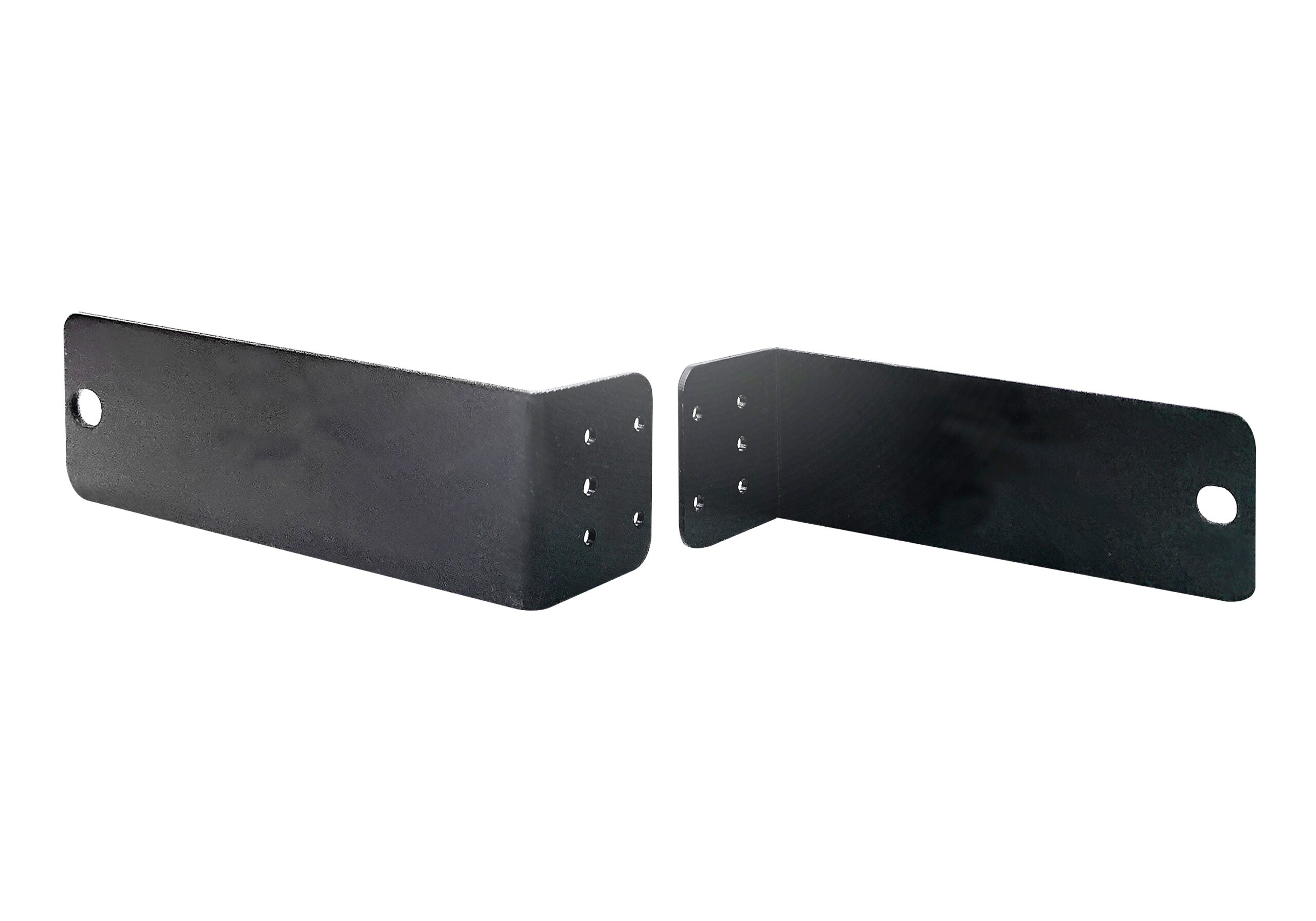
The VS1824T splitter, four VE1821R receivers, one IR blaster cable, four IR receiver cables, a mounting kit, the power adapter and cord, and user instructions.
You must be logged in to post a review.
VS1824KIT Datasheet PDF
Reviews
There are no reviews yet.