All Categories
- ATEN
- EPSON
- HISENSE
-
AV Signal Distribution
In AV Signal Distribution
- JK
-
Screens
In Screens
-
Projector
-
Cables
In Cables
- DTECH
- Business
- VISION
-
Projector Bracket
In Projector Bracket
-
Digital Signage Solutions
In Digital Signage Solutions
Brands
-
Audio
In Audio














All Categories
- ATEN
- EPSON
- HISENSE
-
AV Signal Distribution
In AV Signal Distribution
- JK
-
Screens
In Screens
-
Projector
-
Cables
In Cables
- DTECH
- Business
- VISION
-
Projector Bracket
In Projector Bracket
-
Digital Signage Solutions
In Digital Signage Solutions
Brands
-
Audio
In Audio

BROWSE CATEGORIES
Help
Consumer
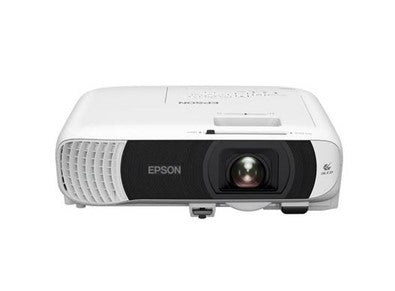
Epson Consumer Projector, 4000 Ansi Lumens, WXGA resolution, 16:10 Aspect Ratio – EBW55
R14,940.45
A 4,000 lumen WXGA lamp projector with built-in Wi-Fi, for meeting rooms and classrooms where people share screens from laptops and phones.
- 1280 x 800 WXGA panel, 4,000 lumens
- Built-in 802.11a/b/g/n Wi-Fi for Epson iProjection
- 1.2x optical zoom: 100-inch 16:10 picture from 2.80 to 3.36 m
- 2 x HDMI and automatic vertical keystone
- 12,000-hour lamp life in Eco mode (6,000 in Normal)
- Brand :Epson
- SKU :EPSON-EBW55
- Category :Consumer
- Availability :
 In Stock
4 in stock
The Epson EB-W55 (EBW55) is a 4,000 lumen lamp projector with a WXGA (1280 x 800) panel, built-in Wi-Fi, two HDMI inputs and a 1.2x optical zoom. Presenters connect laptops and phones through Epson’s iProjection app, which is set up by scanning a QR code, so no cable has to reach the table. A 100-inch 16:10 picture needs 2.80 to 3.36 m of throw.
Wireless sharing with iProjection
The built-in wireless LAN is IEEE 802.11a/b/g/n. It can join the building’s network (Infrastructure mode) or link devices straight to the projector, a mode Epson Singapore calls Simple AP (Wi-Fi Direct) and Epson Europe lists as Ad-Hoc.
For the IT side, Epson Singapore gives WPA2 or WPA3-PSK security on a network and WPA2-PSK on the direct link, and Epson Europe lists IPv6 and SNMP among the network protocols.
Brightness, picture and lamp
White and colour output are each rated 4,000 lumens, falling to 2,600 lumens in Eco. The 0.59-inch panels are WXGA, 1280 x 800 in a 16:10 shape, and contrast is 16,000:1.
The 210 W UHE lamp is rated for 12,000 hours on Eco and 6,000 on Normal, and Epson Singapore sets the air filter’s maintenance cycle to the same intervals. Epson lists the ELPLP97 lamp and the ELPAF32 filter as this model’s spares. Noise is 28 dB(A) in Eco and 37 dB(A) in Normal, and consumption is 181 W or 284 W in the same two modes, with 0.3 W in standby.
Throw distance and the 1.2x zoom
The manual zoom moves the throw ratio between 1.30:1 and 1.56:1, so one picture size can be reached from a band of mounting points rather than one exact spot. Epson quotes 1.68 to 2.02 m for a 60-inch picture and 33 to 320 inches overall. From those ratios, a 16:10 image that fills the panel needs:
- 92 inch (198 cm across): 2.58 to 3.09 m
- 96 inch (207 cm across): 2.69 to 3.23 m
- 120 inch (259 cm across): 3.36 to 4.03 m
- 133 inch (286 cm across): 3.72 to 4.47 m
A 96-inch JK F1096 fixed frame screen (16:10) lines up with a mounting point 2.7 to 3.2 m out; the 133-inch JK E10133 electric screen (16:10) with one 3.7 to 4.5 m out.
Tilt the projector up or down and it squares the picture itself, within ±30 degrees. Sideways correction, also ±30 degrees, is done by hand, and Quick Corner handles any single corner still out of line.
EB-W55, EB-W53 or EB-W49
All three use 0.59-inch WXGA panels and a 210 W lamp. Where they differ:
- Epson EB-W53: the same 4,000 lumens and lamp hours, but no wireless, a fixed 1.27:1 lens with digital zoom only, and manual keystone. Its case is 82 mm high against 92 mm, and it weighs 2.5 kg against 2.6 kg.
- Epson EB-W49: 3,800 lumens and the same 1.30 to 1.56:1 zoom. It has the VGA inputs, composite video, wired network, RS-232C control, USB Display and audio output that the EB-W55 lacks, but its Wi-Fi is an optional module. Its speaker is 5 W against 2 W, and its lamp runs to 17,000 hours on its lowest power setting.
Of the three, only the EB-W55 has Wi-Fi built in, so it fits rooms where wireless sharing matters and every wired source is HDMI.
Wired inputs, mounting and the box
Wired sources use the two HDMI inputs (HDCP 1.4); Epson Europe lists the USB Type B socket for service. The EB-W55 has no VGA, wired network or audio output, so audio plays on the 2 W mono speaker unless the source handles it. Split Screen puts two sources up side by side.
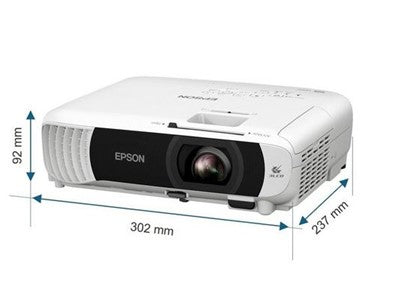
The EB-W55 measures 302 x 237 x 92 mm and weighs 2.6 kg. For fixed rooms Epson lists the ELPMB23 ceiling bracket with an ELPWR01 safety wire; a projector that travels can go in the ELPKS69 soft carry case. Epson Singapore’s specification asks for High Altitude Mode above 1,500 m; Johannesburg, for one, lies at about 1,750 m.
Epson packs the EB-W55 with a power cable, its remote (batteries in the box too) and a Quick Start Guide; any HDMI cable has to be bought separately.
Key specifications of the Epson EB-W55
| Pixels | 1280 x 800 (WXGA), 16:10 aspect |
|---|---|
| Panels | 3 x 0.59-inch C2 Fine LCD |
| Lumens | 4,000 white and colour; Eco 2,600 |
| Contrast | 16,000:1 |
| Zoom | Manual optical, 1.0 to 1.2x |
| Throw ratio | 1.30:1 (wide) to 1.56:1 (tele) |
| Screen size range | 33 to 320 inches |
| Keystone | Automatic vertical, manual horizontal, ±30° |
| Wi-Fi | Built in, IEEE 802.11a/b/g/n |
| HDMI | 2 inputs, HDCP 1.4 |
| Lamp | 210 W UHE; 12,000 hours Eco, 6,000 hours Normal |
| Weight | 2.6 kg |
Questions about the Epson EB-W55
Which Wi-Fi standard does the EB-W55 use?
IEEE 802.11a/b/g/n, according to the specification tables in Epson’s EB-W55 datasheet and on Epson Singapore’s product page; neither table lists Wi-Fi 6 or 6E. Those standards cover the 2.4 GHz and 5 GHz bands, so the projector can join an ordinary dual-band access point or run its own direct link for iProjection.
How many people can share to the EB-W55 at once?
Up to four connected devices can share the screen at the same time through Epson’s iProjection app, according to Epson Singapore’s brochure. Each presenter connects with the app, either over the room’s network in Infrastructure mode or straight to the projector, and the screens split the projected image between them.
Can I mirror a phone to the EB-W55 without the iProjection app?
Not directly: Epson lists neither AirPlay nor Miracast for the EB-W55, so phones and tablets connect through iProjection. The other route is a streaming stick on one HDMI input; Epson Singapore names its ELPAP12 Android TV dongle and lists a 5 V, 2 A power output on the USB-A port to run one.
Can an EB-W55 replace an EB-W53 on the same ceiling mount?
Yes for the mount, since Epson lists the ELPMB23 for both, but not always at the same picture size. For a 100-inch 16:10 picture the EB-W53’s fixed 1.27:1 lens sits about 2.74 m back, while the EB-W55 needs at least 2.80 m even at its widest zoom setting; from 2.74 m it projects about 98 inches.
| Technology | Projection System |
|---|---|
| Image | Colour Light Output |
| 4.000 Lumen - 2.600 Lumen (economy) In accordance with ISO 21118 | 2020 |
| 16 | 10 |
| 16.000 | 1 |
| Auto vertical | ±30 °, Manual horizontal ±30 ° |
| Optical | Throw Ratio |
| 1,30 - 1,56 | 1 |
| Manual, Factor | 1 - 1,2 |
| 10 | 1 |
| Connectivity | Interfaces |
| Advanced Features | Security |
| General | Power consumption |
| Normal | 37 dB (A) - Economy:28 dB (A) |
| Operation | 37 dB (A)- Standby:28 dB (A) |
| Other | Warranty |
| 24 months Carry in, Lamp | 12 months or 1.000 h (whichever comes first) |
You must be logged in to post a review.
You may also like these
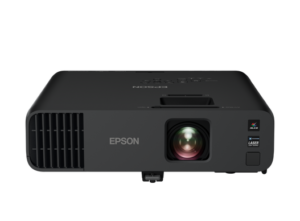
Epson
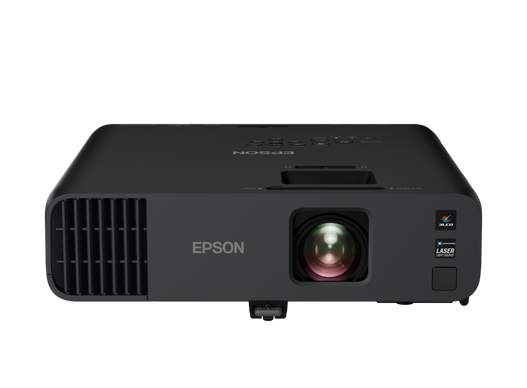
Epson Business Projector, 4600 Ansi Lumens, 1080P resolution, 16:9 Aspect Ratio - EBL265F
R38,673.31
EBL265F Out of Stock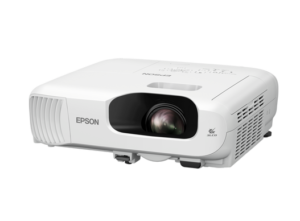
Epson
Epson Business Projector, 3700 Ansi Lumens, WXGA resolution, 16:10 Aspect Ratio - EBW56S
R17,474.44
EBW56S Out of Stock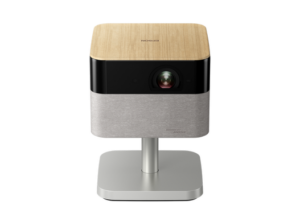
Epson
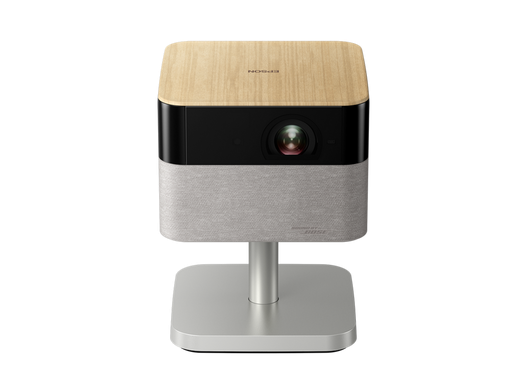
Epson Laser Projection TV, 1000 Ansi Lumens, Pro 4K UHD resolution, Bose, Google TV - EF72
R24,775.09
EF72 Out of Stock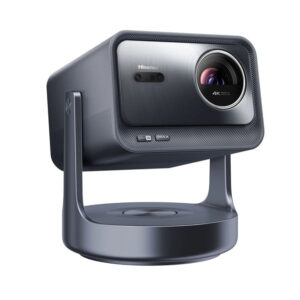
Hisense
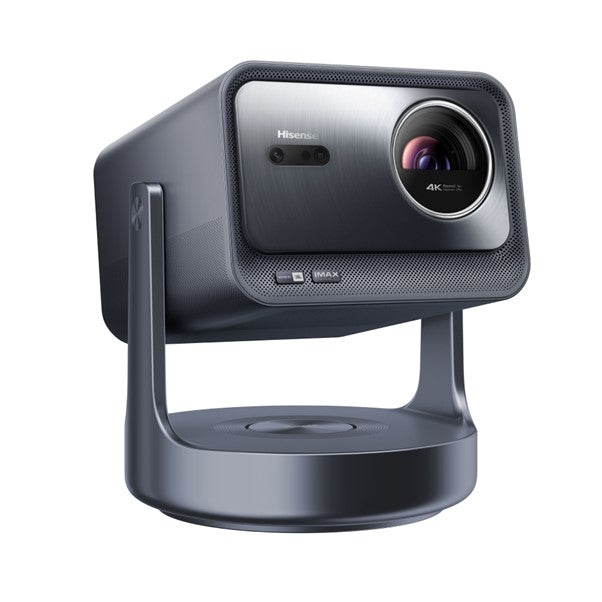
Hisense Mini Laser Projector, 3000 Ansi Lumens, 4K resolution - C2ULTRA
R46,321.21
C2ULTRA Out of Stock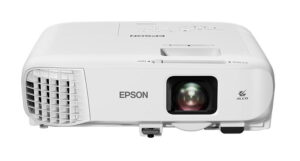
Epson
In Stock
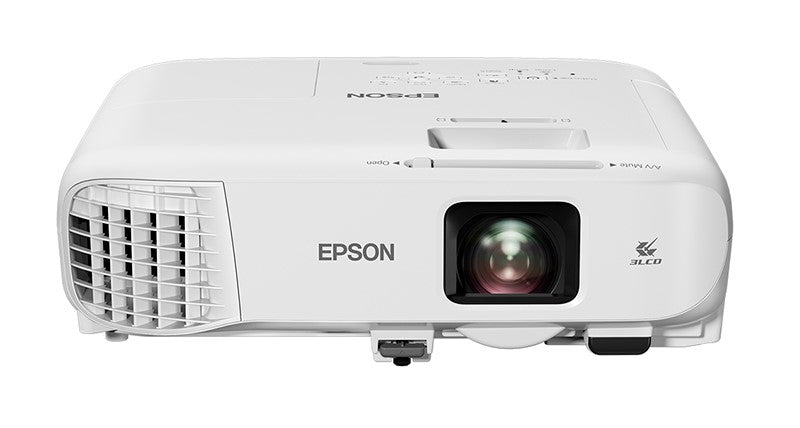
Epson Business Projector, 4100 Ansi Lumens, 1080P resolution, 16:9 Aspect Ratio - EB994F
R23,446.50
EB994F In Stock
Hisense
Low stock (1 left)
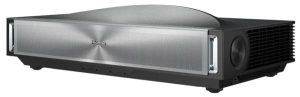
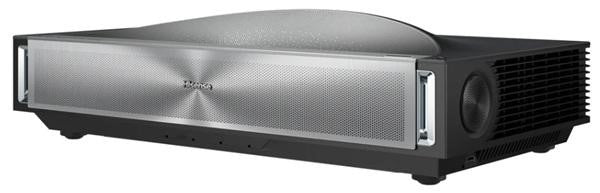
Hisense Laser Projection TV, 3500 Ansi Lumens, 4K resolution, UST - PX4PRO
R47,919.54
PX4PRO Low stock (1 left)
Reviews
There are no reviews yet.