All Categories
- ATEN
- EPSON
- HISENSE
-
AV Signal Distribution
In AV Signal Distribution
- JK
-
Screens
In Screens
-
Projector
-
Cables
In Cables
- DTECH
- Business
- VISION
-
Projector Bracket
In Projector Bracket
-
Digital Signage Solutions
In Digital Signage Solutions
Brands
-
Audio
In Audio














All Categories
- ATEN
- EPSON
- HISENSE
-
AV Signal Distribution
In AV Signal Distribution
- JK
-
Screens
In Screens
-
Projector
-
Cables
In Cables
- DTECH
- Business
- VISION
-
Projector Bracket
In Projector Bracket
-
Digital Signage Solutions
In Digital Signage Solutions
Brands
-
Audio
In Audio

BROWSE CATEGORIES
Help
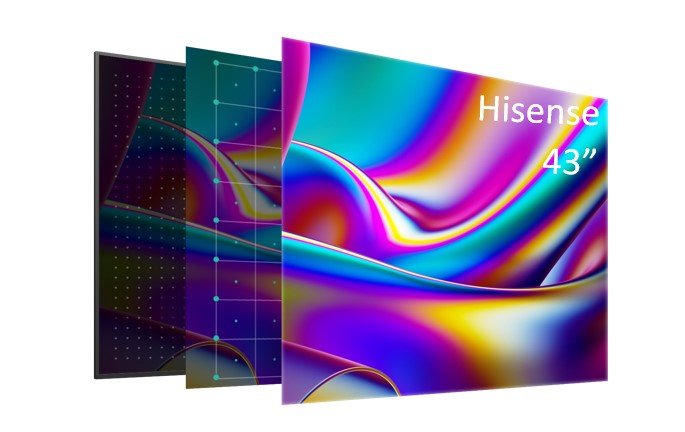
Digital Signage 24x7
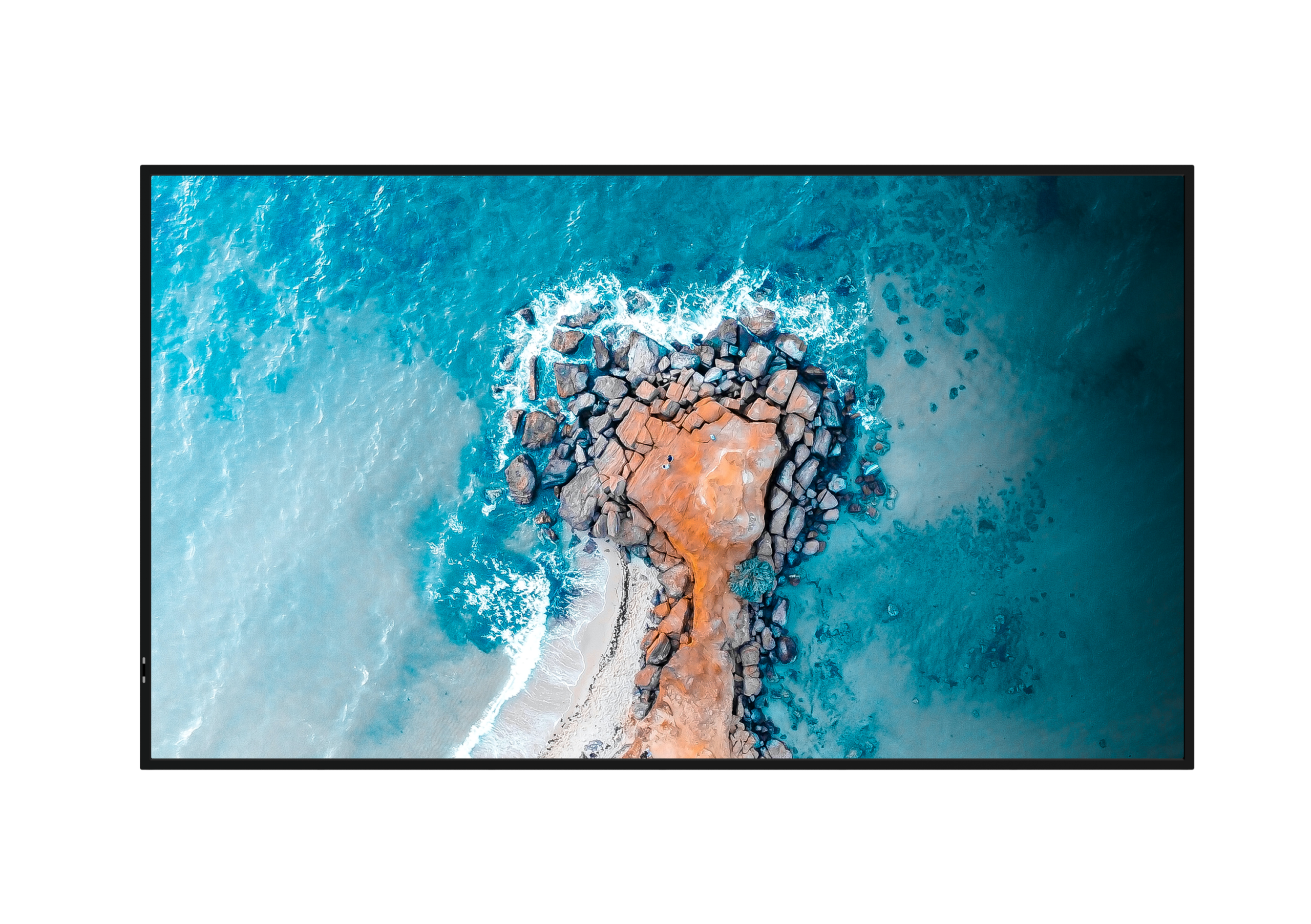
Hisense Digital Signage 43″, 500 nits, 4k resolution, Full HD, with 7day x 24hrs operation, Android 11 OPS – 43DM66D
R12,347.72
A 43-inch 4K signage display rated for 24/7 use, sharp enough for screens people read from close up: reception desks, shop shelves and corridor wayfinding.
- 3840 x 2160 at 60 Hz, 500 nits, landscape or portrait
- Android 11 player for USB playlists or Hisense VisionInfo
- HDMI 2.0 x 2 and DisplayPort in, HDMI out, input failover
- RS-232 on RJ45, Wake-on-LAN, 8.5 kg on VESA 300 x 300
- Brand :Hisense
- SKU :HISENSE-43DM66D
- Category :Digital Signage 24x7
- Availability :Out of Stock
Out of stock
The Hisense 43DM66D is the smallest 4K (3840 x 2160) display in the DM66D signage range, so it fits the most pixels into each centimetre of screen: small text stays smooth for people standing less than a metre away. That suits reception counters, shelf ends in a shop and portrait wayfinding boards in corridors. Hisense rates it for 24/7 operation at 500 nits, with an Android 11 player inside; it weighs 8.5 kg and uses 300 x 300 mm VESA holes.
4K detail at 43 inches and how close viewers can be
Hisense’s datasheet, product page and manual give one resolution for this model, 3840 x 2160 at 60 Hz; a Full HD source is scaled up to fill the panel. The visible picture is 108 cm diagonally, around 94 x 53 cm, so the pixel pitch works out at roughly 0.25 mm. For a viewer with 6/6 vision that grid vanishes at about 0.85 m, which keeps allergen notes, platform numbers or a list of meeting rooms looking smooth to someone at arm’s length.
The ADS panel (IPS, on Hisense’s product page) has 1,200:1 typical contrast, 1.07 billion colours from 8-bit plus FRC processing, 72% NTSC coverage and 178-degree viewing angles, behind a 25% haze anti-glare surface.
Portrait boards for corridors and lift lobbies
Hisense rates this model for portrait as well as landscape use. Stood on end it is 557.5 mm wide and 970.4 mm tall. The manual’s drawing shows it turned anticlockwise, which puts the combined power light and remote sensor on the bottom edge. In the Display menu, Screen rotation turns the whole picture, HDMI and DisplayPort sources included, while Menu rotation turns only the on-screen menus. Design portrait content at 2160 x 3840 pixels. With a square hole pattern, one bracket serves either orientation.
Inputs, HDMI out and source failover
An outside player or PC plugs into either HDMI 2.0 input or the DisplayPort 1.2a input, and HDMI 1 also sends audio back to a soundbar over ARC. The HDMI output repeats only what arrives at HDMI 2 or DisplayPort. The manual names no other source for it, so do not plan on looping the built-in player through to a second screen. A 4K source at 60 Hz needs a lead made for that bandwidth, such as our HDMI 2.0 copper cables.
Under Signal management, Failover (off by default) lets you pick a main input and a backup: when the main signal disappears the display moves to the backup, and it goes back when the main source recovers. Auto switch source, enabled from the factory, jumps to any newly connected input. On a fixed installation, switch it off so that a laptop plugged in for maintenance cannot take over the screen.
The rest of the panel: USB 2.0 and USB 3.0 Type A ports, wired LAN, dual-band 802.11ac Wi-Fi, Bluetooth 5.1, a 3.5 mm audio output and twin 10 W speakers. The internal player takes content from USB storage or through Hisense VisionInfo content management.
Control from a room or building system
The RS-232 input and output both use RJ45 sockets, and a converter cable comes in the box. Hisense’s serial protocol runs at 9600 baud with 8 data bits, no parity and 1 stop bit, and each screen takes a serial ID between 1 and 255. Commands cover power, input choice, volume, backlight level, daily on and off times, video wall position, a static IP address and USB lock. Over the network, Wake-on-LAN (disabled by default) lets a controller start a sleeping display, and Hisense posts IP control and RESTful API documents among the DM66D downloads.
Mounting, power and box contents
The set measures 970.4 x 557.5 x 62.8 mm with bezels of 10.1 mm, 10.3 mm at the bottom. It hangs on four M6 screws in the 300 x 300 mm pattern, each going 12.0 to 13.0 mm into the rear housing and no deeper. Hisense specifies its own LG400030D wall bracket. As a standard VESA option, the Lexin LSTA015B fixed wall bracket is rated by Lexin for 32 to 60 inch screens, and 300 x 300 mm falls within its VESA range. Keep a 10 cm gap around the display for airflow.
Hisense quotes 80 W in typical use and 120 W maximum. Packed inside are a quick setup guide, the mains cord, an RS-232 converter cable and a remote control supplied with two AAA batteries.
Key specifications
| Native resolution | 3840 x 2160, 60 Hz |
|---|---|
| Diagonal | 43″ (108 cm viewable) |
| Contrast | 1,200:1 typical |
| Weight | 8.5 kg |
| Brightness | 500 nits |
| VESA pattern | 300 x 300 mm |
| Duty cycle | 7 days x 24 hours |
| Dimensions (W x H x D) | 970.4 x 557.5 x 62.8 mm |
| Orientation | Landscape or portrait |
| Power consumption | 80 W typical, 120 W maximum |
| Signal inputs | Two HDMI 2.0, one DisplayPort 1.2a |
| Serial control | RS-232 in and out, RJ45 sockets |
Questions about the Hisense 43DM66D
Can I add a slot-in OPS computer?
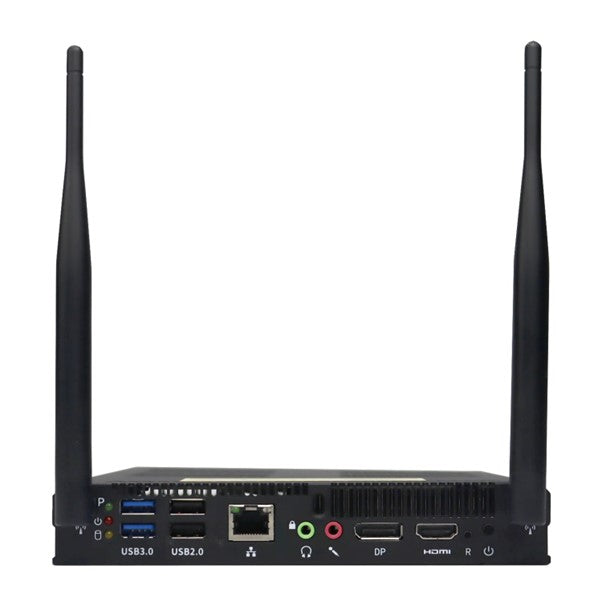
No, the 43DM66D has no OPS slot. Hisense’s datasheet and product page list none, and the connector drawing in the manual shows none. A Windows PC or a third-party signage player has to sit behind or beside the display and connect over HDMI or DisplayPort.
Does the screen change its brightness by itself?
Yes, unless you turn the feature off. Auto adjust, on from the factory, follows a light sensor and sets the backlight to suit the room; disable it in the Display settings to hold a fixed level on the 0 to 100 scale. Separately, over-temperature protection cuts the backlight to half if the inside of the display reaches 70°C.
Can one controller switch a row of these screens on and off?
Yes, over RS-232 or the network, with each screen given its own serial ID. Hisense’s protocol also treats ID 00 as a broadcast that every connected display carries out without replying, but its command table limits the power-on command to IDs 1 to 52, so test broadcast power-on before relying on it. Each screen can also keep its own daily on and off times and run without a controller.
How does the 43DM66D compare with the 43DM66GE?
The 43DM66D keeps a DisplayPort input and RJ45 serial sockets; the Hisense 43DM66GE runs Android 14 instead. Hisense specifies the GE with a Cortex-A73 processor, 4 GB of memory, three HDMI inputs (one HDMI 2.1), RS-232 on 3.5 mm jacks, an IR input and Wi-Fi 6, at the same 4K resolution, 500 nits and 300 x 300 mm VESA pattern.
Panel Speaker Environment Connectivity
| Backlight | DLED |
|---|---|
| Panel Type | ADS |
| Size | 43’’ |
| Resolution | 3840 x 2160 |
| Refresh rate | 60HZ |
| Colour Depth | 1.07G (8 Bits+FRC) |
| Brightness | 500 nits (typ) |
| Contrast(typ) | 1200:1 (typ) |
| Response Time(typ) | 8ms |
| Viewing Angle | 178° / 178° |
| Colour Gamut(typ) | 72% NTSC |
| Haze | 25% |
| Orientation | Landscape & Portrait |
| Lifetime | up to 50,000hrs |
| Operation Hours | 7Day x 24Hour |
| Built in speaker | 10W x 2 |
| Operation Temperature | 0 - 40°C |
| Operation Humidity | 10% - 80% Non-Condensing |
| WI-FI | 2.4/5.0GHz dual,802.11a/b/g/n/ac |
| Bluetooth | BT5.1 |
Operating System
| OS | Android 11 |
|---|
Physical Certification What’s in the box
| Bezel Colour | Black |
|---|---|
| Set Dimension(W×H×D) | 970.4 x 557.5 x 62.8mm / 38.2 x 21.9 x 2.5inch |
| Bezel width(T/L/R/B) | 10.1mm(T/L/R), 10.3mm(B) |
| Net Weight | 8.5kg / 18.7lbs |
| Packing Dimension(W×H×D) | 1092 x 663 x 145mm / 43 x 26.1 x 5.7inch |
| Gross Weight | 12.5kg / 27.56lbs |
| VESA Mount | 300mm x 300mm |
| Standard Certification | CCC/CB/CE/FCC/cTUVus/UKCA/CEC/ERP |
| Safety | 62368-1 |
| Environment | Energy Star 8.0 |
| IP Rating | IP5X |
You must be logged in to post a review.
You may also like these
Hisense
 Low stock (1 left)
Hisense Digital Signage 50", 500 nits, 4k resolution, DLED, with 7day x 24hrs operation, Android 11 OPS - 50DM66E
R15,606.59
50DM66E Low stock (1 left)
Hisense
Low stock (2 left)
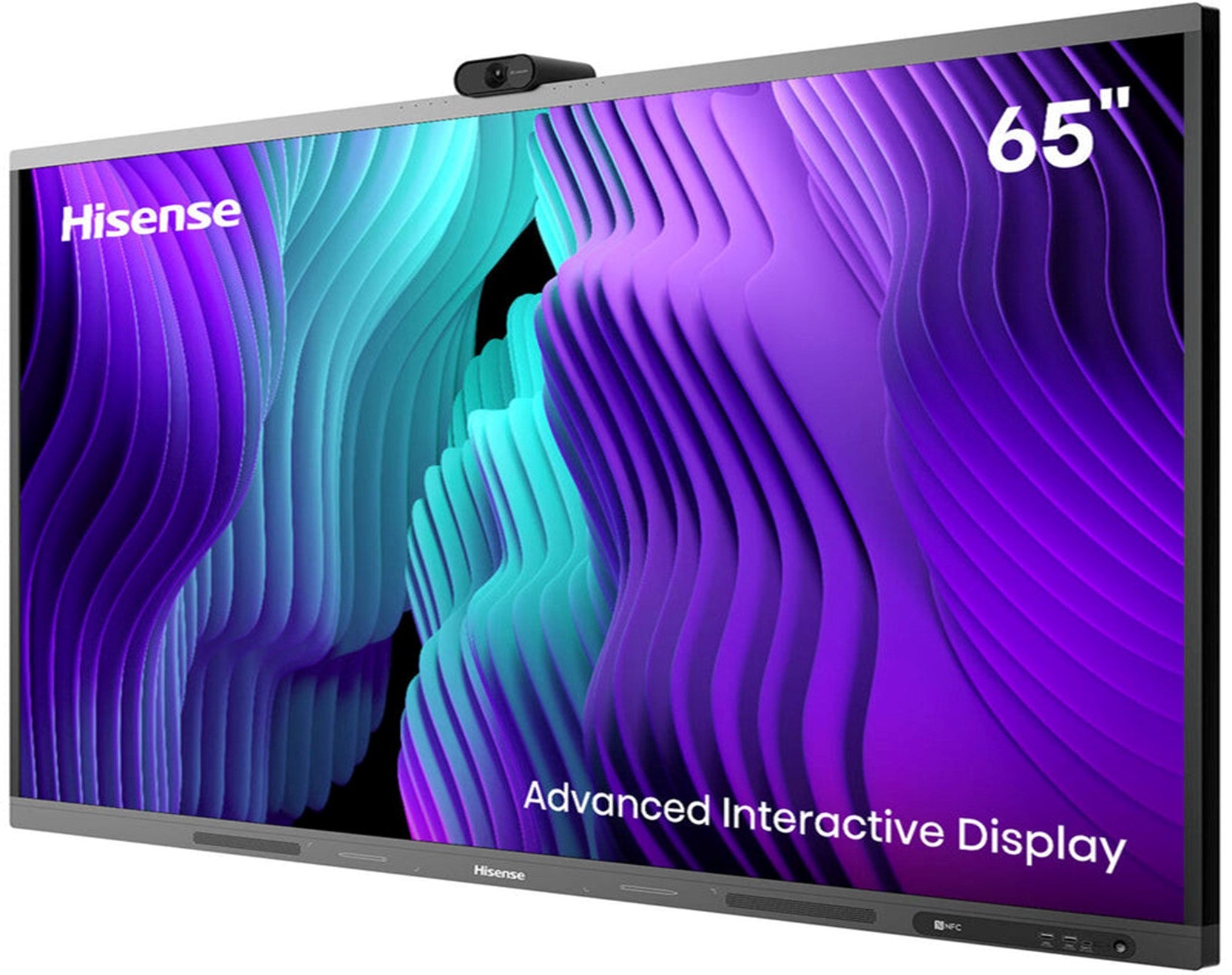
Hisense Interactive Panel, 65", 4k resolution, 400 nits, Android 13.0 - 65WM6FE
R47,337.77
65WM6FE Low stock (2 left)
Hisense
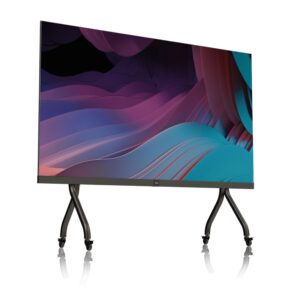
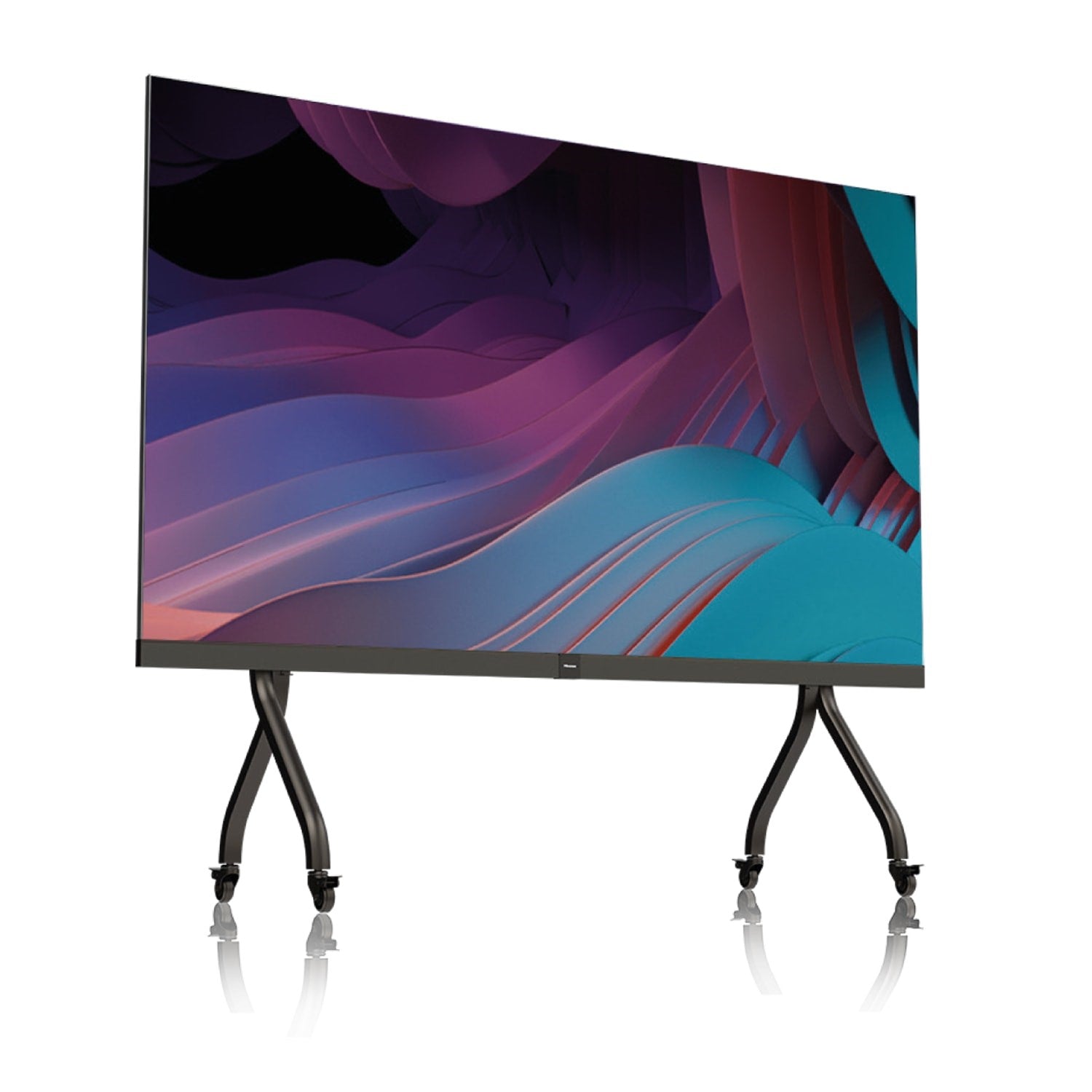
Hisense All-In-One LED, 108", 2K resolution, Android 9.0 OPS - OP108DE
R498,823.07
OP108DE Out of Stock
Hisense
Reviews
There are no reviews yet.