All Categories
- ATEN
- EPSON
- HISENSE
-
AV Signal Distribution
In AV Signal Distribution
- JK
-
Screens
In Screens
-
Projector
-
Cables
In Cables
- DTECH
- Business
- VISION
-
Projector Bracket
In Projector Bracket
-
Digital Signage Solutions
In Digital Signage Solutions
Brands
-
Audio
In Audio














All Categories
- ATEN
- EPSON
- HISENSE
-
AV Signal Distribution
In AV Signal Distribution
- JK
-
Screens
In Screens
-
Projector
-
Cables
In Cables
- DTECH
- Business
- VISION
-
Projector Bracket
In Projector Bracket
-
Digital Signage Solutions
In Digital Signage Solutions
Brands
-
Audio
In Audio

BROWSE CATEGORIES
Help
JK
JK Screen IR Remote – IRREMOTE
R847.72
An infrared-only remote for JK electric screens whose receiver window or IR probe is in plain view of the operator.
- Infrared only: needs a line of sight
- JK standard electric screens list IR control
- Pro Tab in-ceiling screens list RF, not infrared
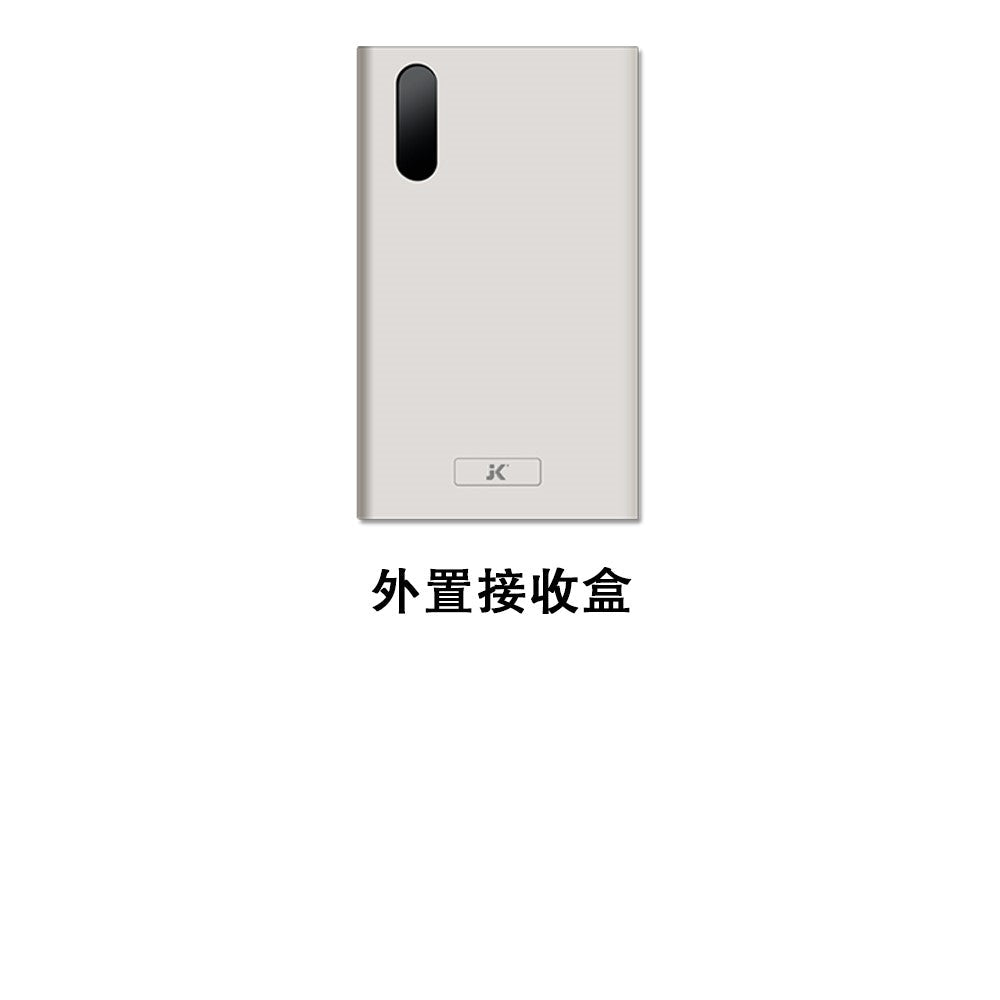
- Photo shows JK's external receiver box, not the handset
- Brand :JK
- SKU :JK-IRREMOTE
- Category :JK
- Availability :Out of Stock
Out of stock
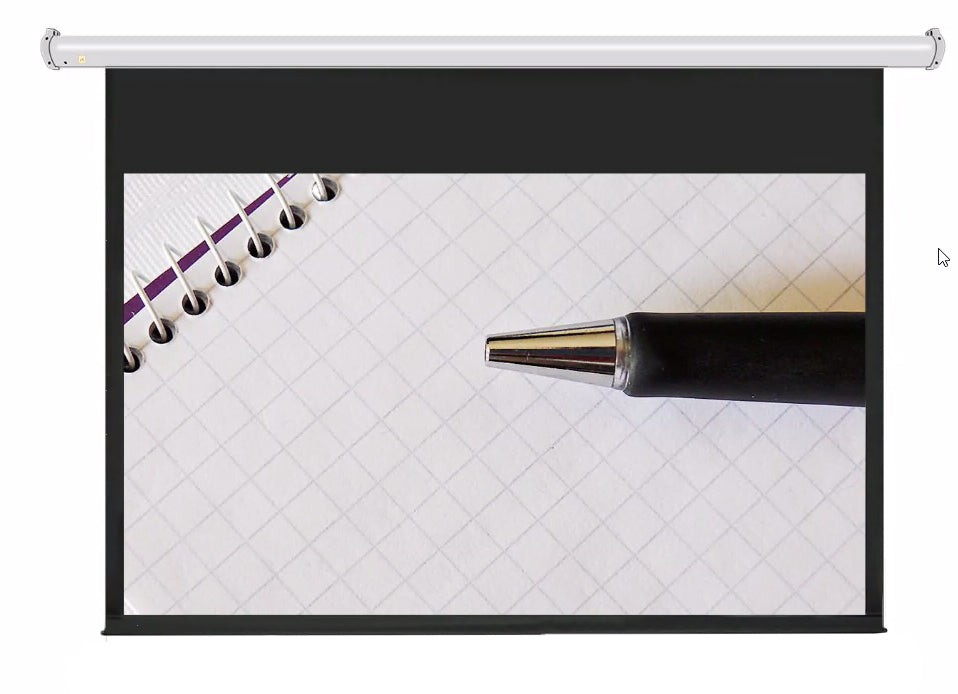
The JK IRREMOTE is an infrared-only remote for JK electric screens. Infrared needs a clear line from handset to receiver, so it suits a screen whose receiver window or IR probe is in view of the person operating it. The photo on this page is JK’s picture of its external receiver box, not the handset, and JK publishes no range, battery or button details for the remote.
Which JK screens list infrared control
JK’s standard electric screens list IR control with an extended IR probe, alongside an RF remote. Their receiver is in the end cap of the case; JK’s text says sizes above 150″ use an external receiver instead. JK publishes no list of the screens this remote pairs with.
The Pro Tab in-ceiling screens list an external receiver and an RF remote, and their datasheet does not mention infrared. For those, the JK IR and RF screen remote is the closer match, though its pairing is not published either.
Keeping the receiver in sight
Infrared is light, so a ceiling board, bulkhead or wall between handset and receiver blocks it. JK lists the extended IR probe without describing it; going by the name, it brings the receiving point out of the case on a lead. Where a standard screen’s case is recessed or boxed in, put that point where the operator can see it, and try the remote from the lectern or wherever the screen is worked before the ceiling is closed.
Key specifications of the JK IRREMOTE
| Type | Infrared remote for JK electric screens |
|---|---|
| Signal | Infrared only |
| Needs | Line of sight to the receiver window or IR probe |
| Receiver on JK standard electric screens | End cap up to 150″; external box on larger sizes |
| JK Pro Tab in-ceiling screens | Datasheet lists RF control only |
| Range, battery, buttons | JK publishes none of these |
Questions about the JK IRREMOTE
Is the receiver box in the photo part of this item?
That is not confirmed. The item is listed as an IR remote, and the image is JK’s picture of an external receiver box. A JK standard electric screen up to 150″ has its receiver in the end cap and needs only a handset; if you need the box as well, confirm what ships before ordering.
How does it differ from the JK IRRFREMOTE?
The IRRFREMOTE adds radio, which reaches a receiver through ceiling board or a partition. This one sends infrared only, so it needs a sight line. If the receiver may end up out of view, or you have one of JK’s Pro Tab in-ceiling screens, the IR and RF version is the one to choose.
Will it work with a JK projector lift?
Not confirmed. JK’s sheet for the T100B and S180 lifts lists an IR remote as an option without a part number, and this item is sold as a screen remote. Until a match is confirmed, run the lift from its standard in-line switch.
Can a JK electric screen run without a handset?
Yes, on JK’s standard electric and Pro Tab in-ceiling screens, which both list a 12 V trigger and RS-232. Wired to the 12 V trigger socket on a projector that has one, the screen follows the projector, and RS-232 lets a control system run it. JK does not say which trigger cable each screen needs.
You must be logged in to post a review.
You may also like these
JK
JK Electric Screen, 196", 16:9 Aspect Ratio, Matt White Fabric - E9196
R22,311.32
E9196 Out of Stock
JK
 In Stock
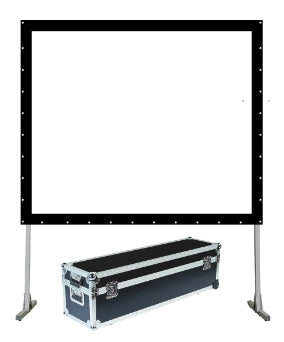
JK Fast Fold Screen, 159", 16:9 Aspect Ratio, Front & Rear Fabric - FF9159FPRP
R30,153.92
FF9159FPRP In Stock
JK
Low stock (2 left)
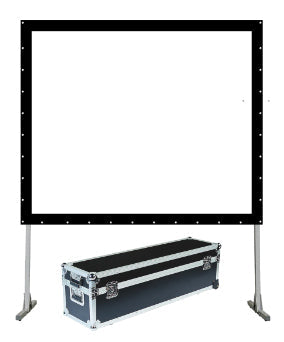
JK Fast Fold Screen, 200", 16:9 Aspect Ratio, Front & Rear Fabric - FF9200FPRP
R44,425.61
FF9200FPRP Low stock (2 left)
JK
Low stock (3 left)
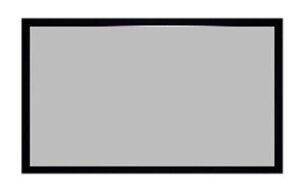
JK Fixed Frame Screen, 150", 16:9 Aspect Ratio, Matt Grey Fabric - F9150G
R11,840.40
F9150G Low stock (3 left)

JK
Reviews
There are no reviews yet.