All Categories
- ATEN
- EPSON
- HISENSE
-
AV Signal Distribution
In AV Signal Distribution
- JK
-
Screens
In Screens
-
Projector
-
Cables
In Cables
- DTECH
- Business
- VISION
-
Projector Bracket
In Projector Bracket
-
Digital Signage Solutions
In Digital Signage Solutions
Brands
-
Audio
In Audio














All Categories
- ATEN
- EPSON
- HISENSE
-
AV Signal Distribution
In AV Signal Distribution
- JK
-
Screens
In Screens
-
Projector
-
Cables
In Cables
- DTECH
- Business
- VISION
-
Projector Bracket
In Projector Bracket
-
Digital Signage Solutions
In Digital Signage Solutions
Brands
-
Audio
In Audio

BROWSE CATEGORIES
Help
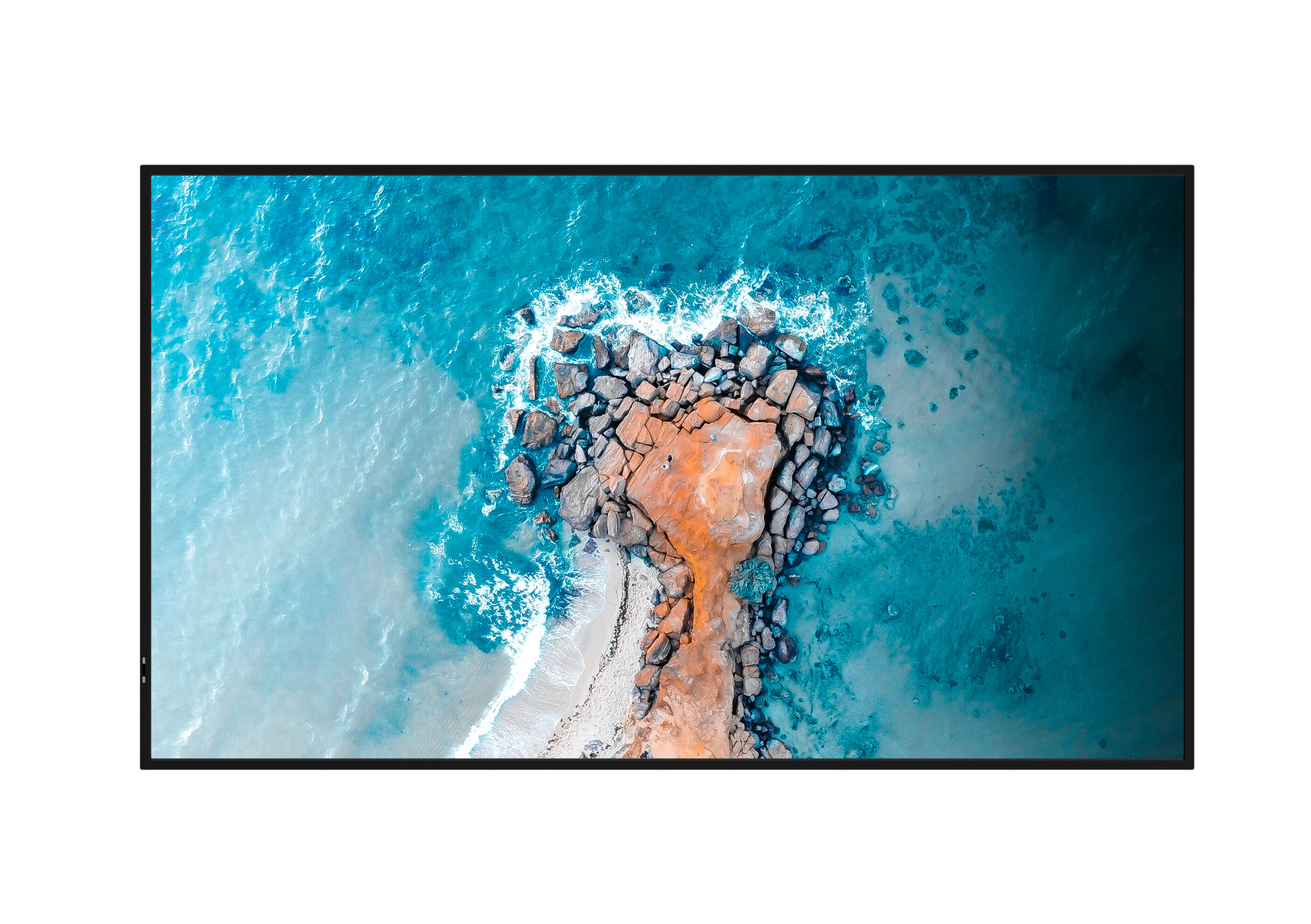
Digital Signage 16x7
Hisense Digital Signage 43″, 350 nits, 4k resolution, UHD, with 7day x 16hrs operation, Android 9 OPS – 43DP30FE
R10,632.52
A 43 inch 4K Hisense signage screen for menu boards, counters and receptions open up to 16 hours a day, with its own Android player.
- Read from about 2 to 4 m; the finest pixel pitch of the DP30FE sizes
- VESA 300 x 300 mm, 8 kg
- 350 nits, for indoor walls away from direct sun
- 3 x HDMI 2.0, USB playback and Hisense VisionInfo; no OPS slot
- Brand :Hisense
- SKU :HISENSE-43DP30FE
- Category :Digital Signage 16x7
- Availability :Out of Stock
Out of stock
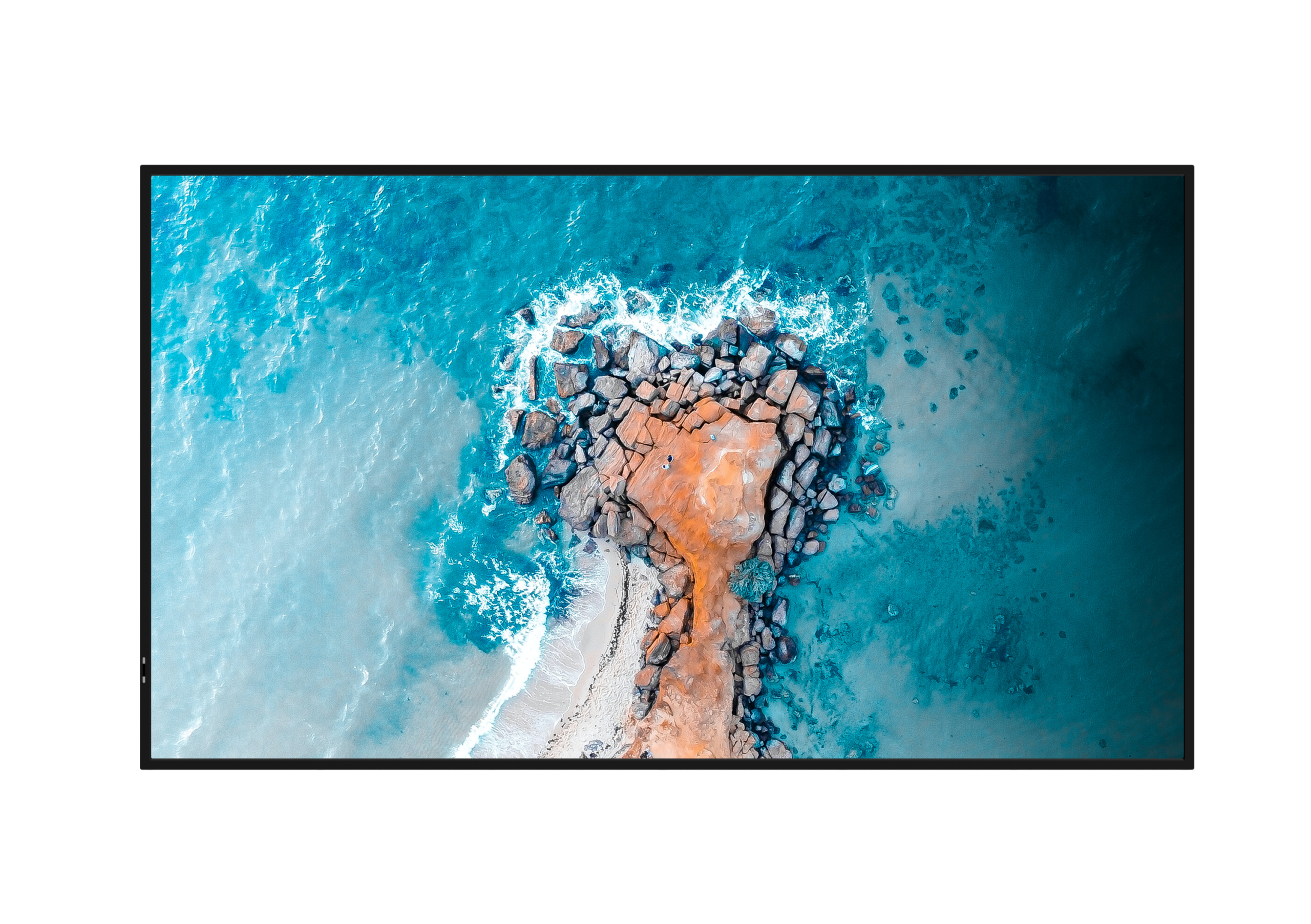
The Hisense 43DP30FE is a 43 inch (109 cm) 4K signage display for menu boards, shop counters and reception desks, where people read it from about 2 to 4 m away. It hangs on a 300 x 300 mm VESA mount and weighs 8 kg. Hisense rates it for 16 hours a day, every day, at 350 nits, so it belongs indoors in a space that closes at night. An Android 9 player with Hisense VisionInfo is built in.
Reading distance on a 43 inch screen
The picture is about 54 cm tall and 95 cm wide. AVIXA’s 4-6-8 sizing rule puts the farthest viewer at four times the image height for small print, six times for ordinary signage text and eight times for video or large headlines: roughly 2.1 m, 3.2 m and 4.3 m on this screen. That covers a till, a lift lobby or a waiting-room wall, not a hall.
Spread over 95 cm, the 3840 x 2160 pixels are about 0.25 mm wide, the finest pitch of the six DP30FE sizes. Of the range, this is the one to choose when customers read prices or allergen notes from a metre away.
Mounting the 43DP30FE: 300 x 300 mm, 8 kg
The rear takes a 300 x 300 mm pattern of four M6 screws. Hisense limits their depth in the rear cover to 9.5 to 11.5 mm; longer screws can damage the set. Its product page and manual give 8 kg (the April 2025 datasheet said 8.5 kg) for a 957 x 562 x 74 mm body, and the manual pairs this size with Hisense’s LG400030D wall bracket. From our range, the Lexin LSTA016B tilt bracket accepts hole spacings up to 600 x 400 mm on 32 to 60 inch screens, and the Vision VFM-WA6X4/3 wall arm (42 to 70 inch, 30 kg, 300 x 300 among its patterns) swivels 90° to face a queue. Keep any tilt within 15° of vertical and leave 10 cm of air on every side.
Portrait menu boards and still images
Turned upright, the 43 inch gives a picture about 95 cm tall, enough for one menu panel or a promotion beside a door. Hisense’s manual says to rotate the display anticlockwise for portrait, then set Screen rotation to vertical so the picture and the menus turn together.
A menu left on screen all day is the risk in this use. The manual warns that a still image shown for more than 2 hours can leave a residual image, and suggests lower brightness and contrast for static content. Its screen burn protection setting, off by default, runs a pixel, scroll-bar or gradient pattern between start and end times you set. Switch it on, or build some movement into the menu layout.
What the 16-hour rating and 350 nits rule out
A café trading from 06:00 to 22:00 fits inside Hisense’s rating of 7 days x 16 hours; a forecourt shop or a hospital corridor that never closes does not. The timer can hold three separate on and off periods per day, so the screen shuts down overnight without staff. For round-the-clock use, Hisense lists the Hisense 43DM66D among its 24/7 displays.
At 350 nits the 43DP30FE is an indoor screen. A light sensor sets the backlight to suit the room and the 25% haze anti-glare surface cuts reflections from shop lighting, but glass in direct sun is a job for Hisense’s window-facing models, rated at 2,500 to 4,500 nits. The IP5X rating covers dust only.
Player, inputs and network
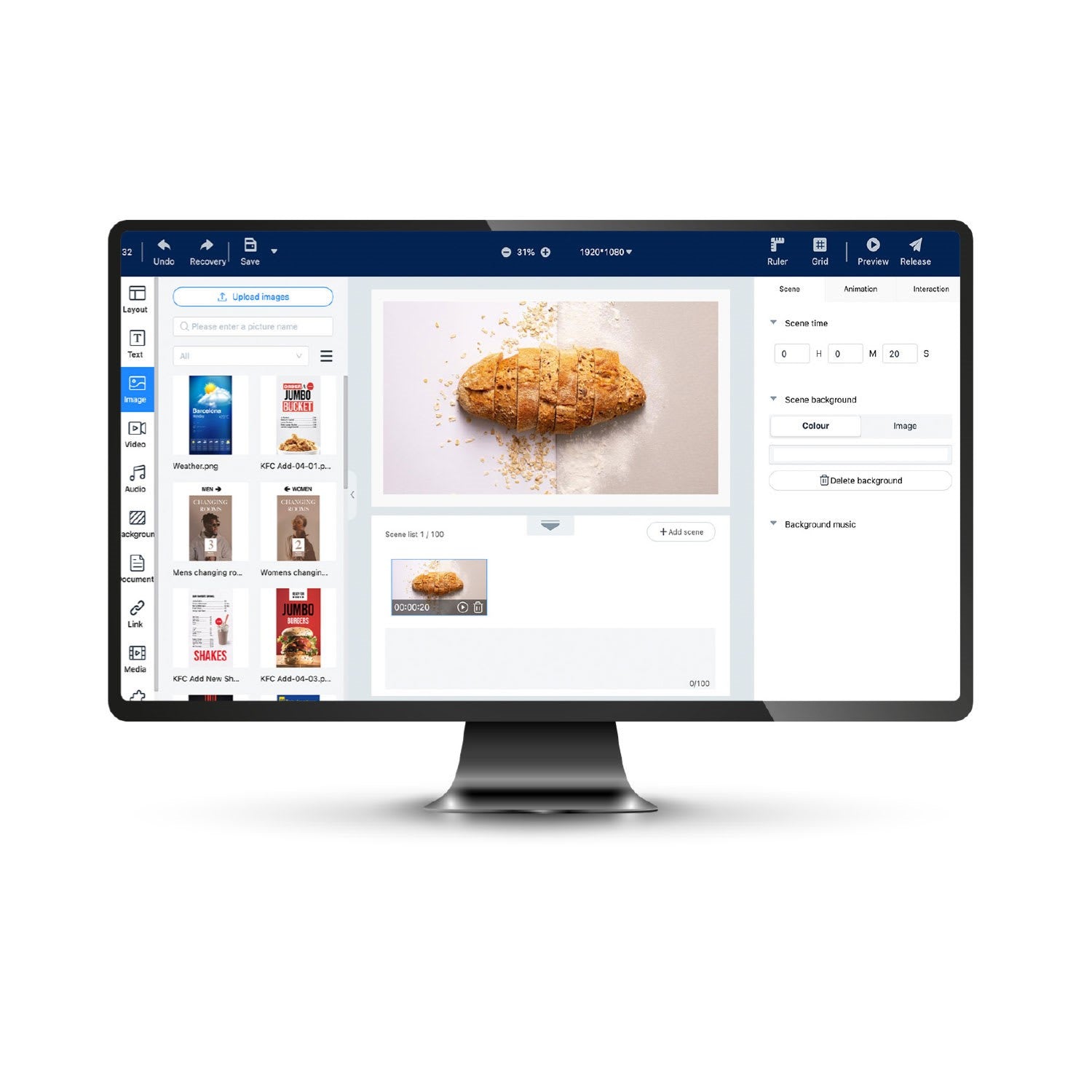
The Android 9 player (2 GB memory, 16 GB storage) runs Hisense’s VisionInfo cloud CMS for scheduling and remote monitoring, with licences sold separately under content management solutions. A Windows PC or third-party player takes one of the three HDMI 2.0 inputs. The side panel adds two USB 2.0 ports, LAN, RS232 on an RJ45 jack and a 3.5 mm audio output, and Hisense’s product page lists dual-band Wi-Fi and Bluetooth 5.1.
Key specifications of the 43DP30FE
| Screen | 43″ (109 cm), 3840 x 2160, 60 Hz |
|---|---|
| Brightness | 350 nits (typical) |
| Rated use | 16 hours a day, 7 days a week |
| Panel | ADS, 1,200:1 contrast, 25% haze |
| Player | Android 9, 2 GB RAM, 16 GB eMMC, VisionInfo |
| Inputs | 3 x HDMI 2.0, 2 x USB 2.0, LAN, RS232 (RJ45) |
| Audio | 2 x 10 W speakers, 3.5 mm out |
| OPS slot | None |
| VESA | 300 x 300 mm, M6 screws |
| Weight | 8 kg |
| Size (W x H x D) | 957.4 x 562.3 x 74.2 mm |
| Power | 120 W maximum |
Questions about the 43DP30FE
Does the 43DP30FE have an OPS slot?
No. Hisense’s port list and rear-panel drawing for the DP30FE series show no OPS bay, so a slot-in PC module will not fit. If you need Windows, place a compact PC behind or near the screen and run an HDMI cable to one of the three inputs.
Can it play video from a USB stick without a media player?
Yes. The built-in Android player reads USB storage, and Hisense lists H.265 files up to 3840 x 2160 at 60 fps and H.264 up to 3840 x 2160 at 30 fps, in .mp4, .mkv and .ts containers among others. Set the boot channel to Media Autoplay and the playlist opens each time the display starts.
Can several 43DP30FE screens form one menu board?
Yes. Fed the same HDMI signal, each screen can show its own section of one picture through the Multi-screen display setting, in grids up to 15 screens wide and 15 high; or each can run separate content from its own player. Allow for the frames: Hisense’s datasheet gives 2.2 mm at the sides, 8.3 mm at the top and 15.7 mm along the bottom. Two of them side by side in landscape show about 4.4 mm of frame between pictures; hung in portrait, about 24 mm.
What comes in the box?
The accessory list in Hisense’s manual covers a remote, two AAA cells, a quick setup guide and a power cord that varies by region, with an RS232 converter cable marked optional. No wall bracket or table stand is listed, so plan for a VESA 300 x 300 mount.
Digital Display Panel
| Backlight Type | DLED |
|---|---|
| Speaker | Built-in Speaker |
| Size | 43” |
| Refresh rate | 60Hz |
| Physical | Bezel Colour |
| T: 8.3mm, L/R | 2.2mm, D: 15.7mm |
| Packing Dimension (W×H×D) | 1092 x 663 x 145mm |
| Certification | CB/CE/ERP/South Africa Energy Efficiency/cTUVus/CEC/FCC |
| Operation Hours | 7Day x 16Hour |
| Operating System | Android 9 |
| Storage | 16G EMMC |
| Dimensions | 957.4 x 562.3 x 74.23 mm |
| Connectivity | Input |
| Environment | Operating Temperature 0°~40°C |
| Power Supply | AC 100~240V (50/60Hz) |
You must be logged in to post a review.
You may also like these
Hisense
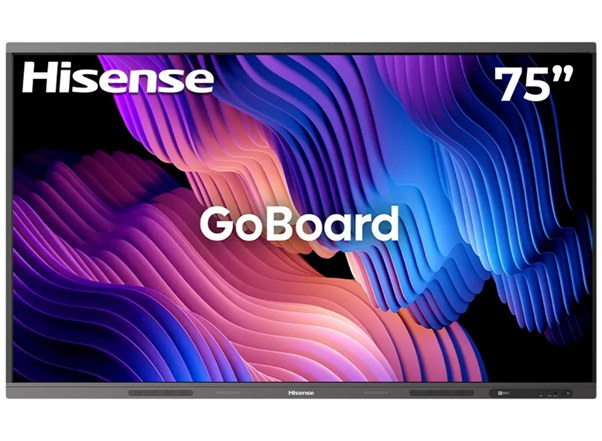
Hisense Interactive Panel, 75", 4k resolution, 450nits, Android 16 - 75WE6GEE
R66,891.04
75WE6GEE Out of Stock
Hisense
 Low stock (3 left)
Hisense Digital Signage 65", 350 nits, 4k resolution, UHD, with 7day x 16hrs operation, Android 9 OPS - 65DP30FE
R16,121.15
65DP30FE Low stock (3 left)
Hisense
Reviews
There are no reviews yet.