All Categories
- ATEN
- EPSON
- HISENSE
-
AV Signal Distribution
In AV Signal Distribution
- JK
-
Screens
In Screens
-
Projector
-
Cables
In Cables
- DTECH
- Business
- VISION
-
Projector Bracket
In Projector Bracket
-
Digital Signage Solutions
In Digital Signage Solutions
Brands
-
Audio
In Audio














All Categories
- ATEN
- EPSON
- HISENSE
-
AV Signal Distribution
In AV Signal Distribution
- JK
-
Screens
In Screens
-
Projector
-
Cables
In Cables
- DTECH
- Business
- VISION
-
Projector Bracket
In Projector Bracket
-
Digital Signage Solutions
In Digital Signage Solutions
Brands
-
Audio
In Audio

BROWSE CATEGORIES
Help
Digital Signage 16x7
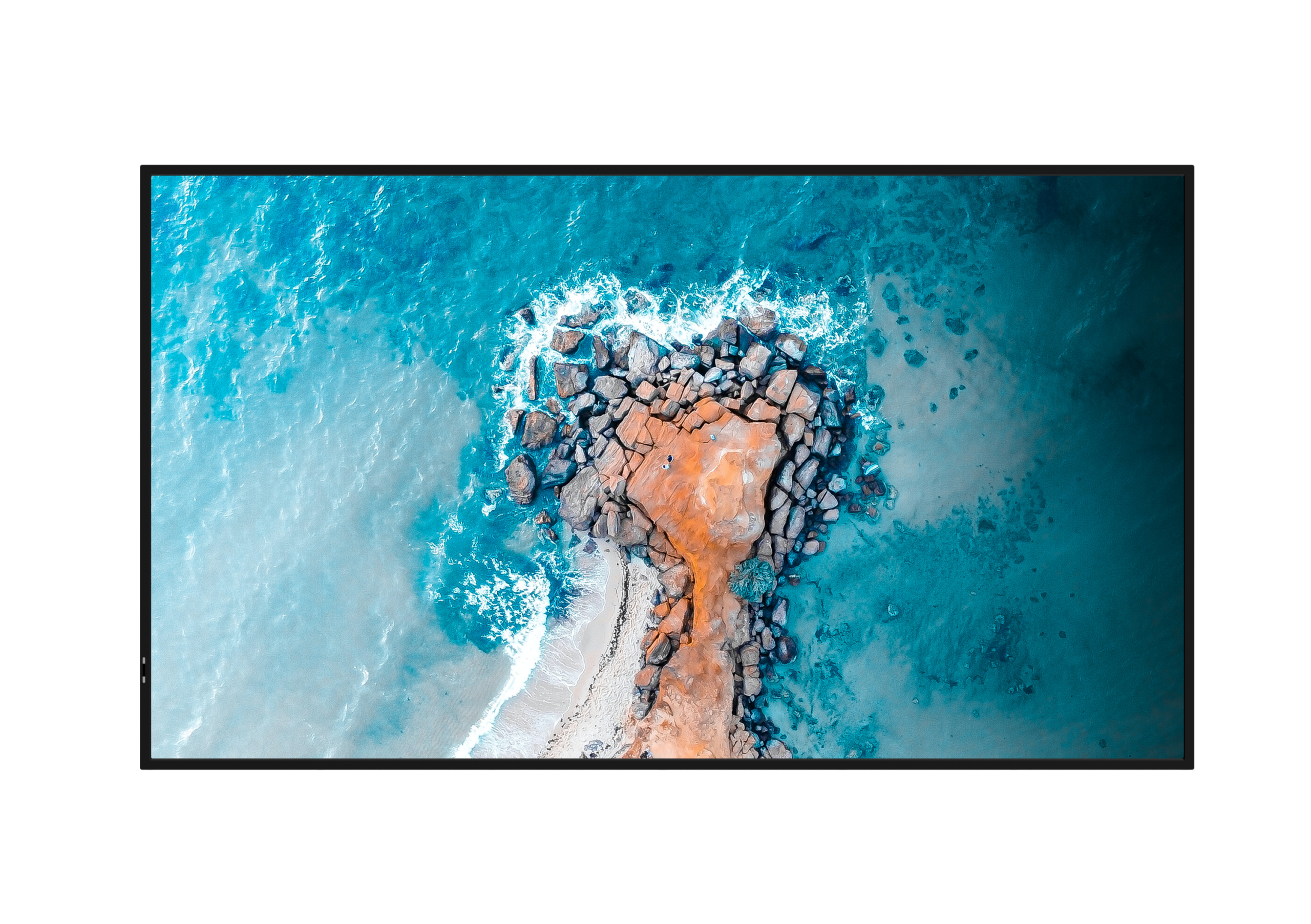
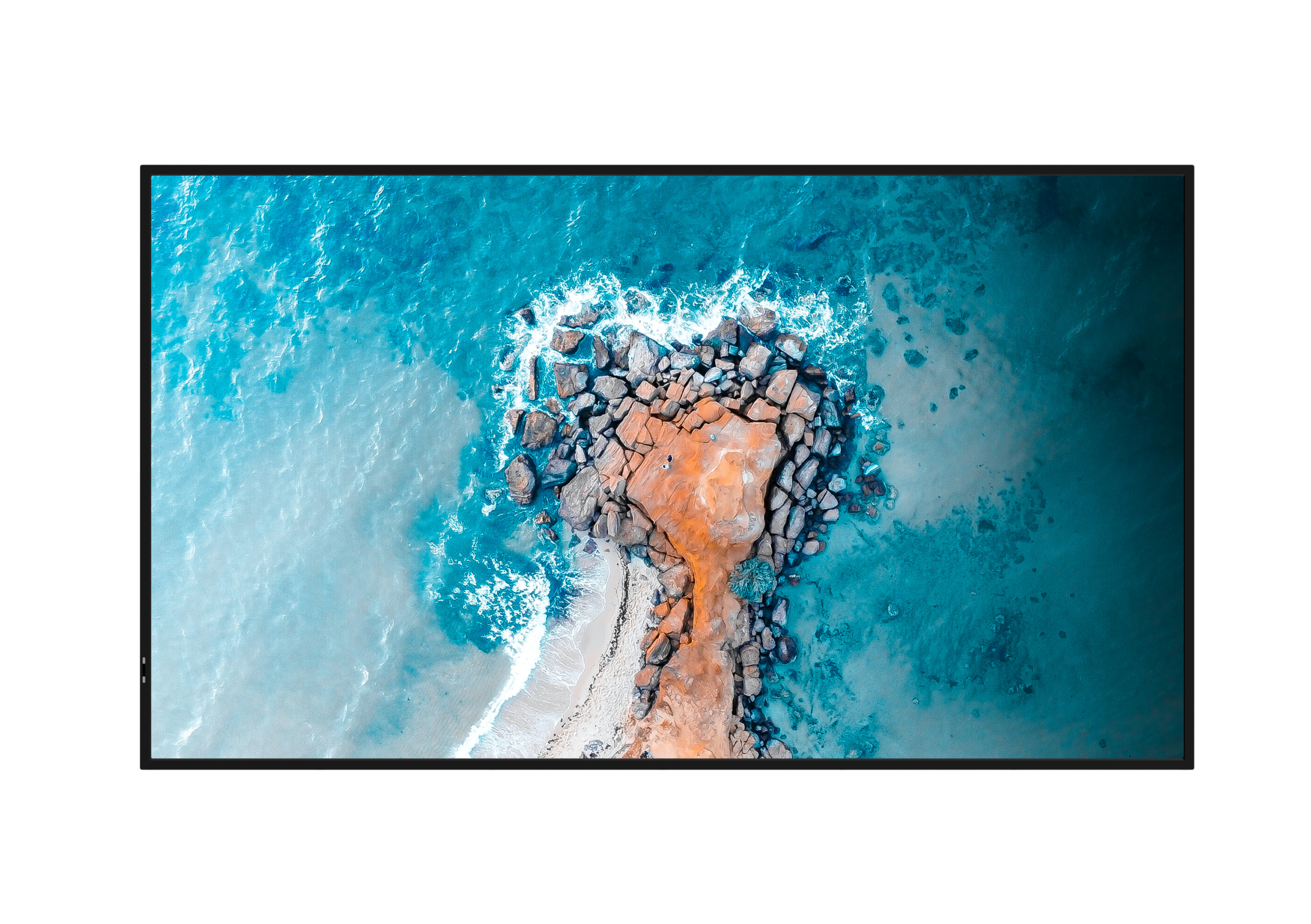
Hisense Digital Signage 65″, 350 nits, 4k resolution, UHD, with 7day x 16hrs operation, Android 9 OPS – 65DP30FE
R16,121.15
A 65 inch Hisense 4K signage display for lobbies, canteens and showrooms that run up to 16 hours a day, playing content from its built-in Android player.
- Readable from about 3.2 to 6.5 m
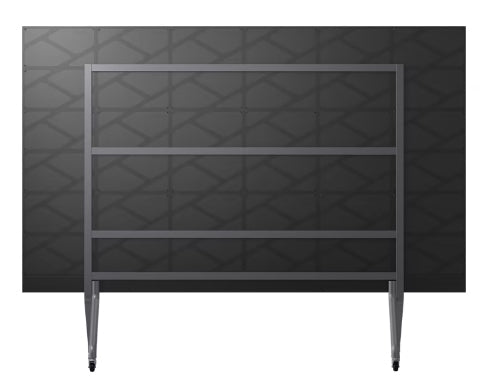
- VESA 400 x 400 mm; choose a mount rated above 20.4 kg
- 350 nits with 25% haze anti-glare
- Three HDMI 2.0 inputs, RS232 and LAN control
- Brand :Hisense
- SKU :HISENSE-65DP30FE
- Category :Digital Signage 16x7
- Availability :
 In Stock
3 in stock
The Hisense 65DP30FE puts a 65 inch (165 cm) 4K picture on the wall of a lobby, canteen or showroom, readable from about 3.2 to 6.5 m. It hangs on a 400 x 400 mm VESA mount. Hisense’s weight figures run from 17.3 to 20.4 kg depending on the document, so choose a mount for the heavier one. Brightness is 350 nits, for lit interiors rather than sunlit glass, and the duty rating is 16 hours a day.
Sizing a 65 inch screen to the room
In landscape the 65DP30FE’s image is roughly 81 cm high. Under the 4-6-8 rule of thumb, viewers can stand up to about 3.2 m away for spreadsheets or small print, 4.9 m for typical signage text and 6.5 m for video. A 55 inch brings those figures in to 2.7, 4.1 and 5.5 m, so the 65 inch is the one for a canteen wall or medium lobby read from across the room. Mounted in portrait the picture is about 144 cm tall.
Mounting weight: plan for 20.4 kg
Hisense gives 17.3 kg on its product page and in the user manual, but 20.4 kg on the April 2025 datasheet. The pattern is 400 x 400 mm, fixed with four M6 screws that go 9.5 to 11.5 mm into the back cover, and Hisense’s manual pairs this size with its LG400030D bracket. Two Vision mounts in our range list 400 x 400 and are rated above 20.4 kg: the Vision VFM-W8X4V/2 fixed wall mount, rated 60 kg for 47 to 75 inch screens and holding the display 29 mm from the wall, and the Vision VFM-WA6X4/3 articulating arm (42 to 70 inch, 30 kg, reach up to 615 mm). On a plasterboard wall, the manual calls for reinforcement before fixing. The datasheet body size is 1445.9 x 837.6 x 74.8 mm; keep 10 cm free around it for ventilation.
Brightness, glare and the 16-hour limit
Hisense rates the 65DP30FE at 350 nits typical, with a 25% haze anti-glare surface and an ambient light sensor that matches the backlight to room light. That suits a lit interior, not glass in direct sun, for which Hisense’s window-facing displays carry ratings between 2,500 and 4,500 nits.
The duty rating is 7 days x 16 hours. For a screen that never switches off, choose the Hisense 65DM66GE, which appears in Hisense’s 24/7 range. Hisense gives the DP30FE panel a lifetime of up to 30,000 hours; at 16 hours a day, that is a little over five years of daily use.
Sources, control and the missing OPS slot
Three HDMI 2.0 inputs take 4K at 60 Hz from a PC or media player, and HDMI 3 also carries ARC audio back to a soundbar. Two USB 2.0 ports feed the Android 9 player, and the VisionInfo cloud CMS client lives on the display itself, with licences listed under content management solutions. The RS232 port (RJ45, 9600 baud) and LAN accept Hisense’s published control commands, including power, input selection, schedules and temperature queries. The rear has no OPS slot, so a Windows PC sits outside the display and connects over HDMI. Dual-band Wi-Fi and Bluetooth 5.1 sit alongside the wired network port.
Key specifications of the 65DP30FE
| Display | 65″ (165 cm) 4K UHD, 3840 x 2160 |
|---|---|
| Rated hours | 16 per day, 7 days a week |
| Typical brightness | 350 nits |
| Panel and finish | ADS, 1,200:1, 25% haze anti-glare |
| Built-in system | Android 9, VisionInfo, 2 GB / 16 GB |
| HDMI | Three HDMI 2.0 inputs, ARC on HDMI 3 |
| Control and network | RS232 (RJ45), LAN, Wi-Fi, Bluetooth 5.1 |
| Speakers | 10 W x 2 |
| VESA | 400 x 400 mm, M6 |
| Weight | 17.3 kg (20.4 kg on April 2025 datasheet) |
| Operating temperature | 0 to 40 °C |
| Maximum power | 170 W |
Questions about the 65DP30FE
Will the 65DP30FE switch itself on and off?
Yes. Under Switch on/off, the timer keeps up to three daily on and off times, set in 24-hour format, and the RS232 command set includes daily on and off schedules. Make the off period at least 8 hours long to stay within the 16-hour rating.
Can I use it as a meeting-room screen?
Yes, as a display: a laptop plugs into any of the three HDMI inputs, and Wi-Fi Display accepts Miracast casting. Hisense lists no touch input or camera for the DP30FE, so for annotation or video calls you would add those separately or choose an interactive panel.
What happens if the screen gets too hot?
The display watches its internal temperature. At 70 °C inside it halves the backlight brightness, at 90 °C an on-screen prompt asks you to turn it off, and at 100 °C it powers down by itself. Keep 10 cm of clearance around the set and stay within the 0 to 40 °C ambient range.
Does the 65DP30FE come with a stand or bracket?
No. The manual’s accessory list stops at a handset with its pair of AAA cells, a printed setup guide and a mains lead that varies by country, plus an RS232 converter cable as an optional extra. Order a VESA 400 x 400 wall mount or floor stand separately.
Digital Display Panel
| Backlight Type | DLED |
|---|---|
| Speaker | Built-in Speaker |
| Size | 65” |
| Refresh rate | 60Hz |
| Physical | Bezel Colour |
| T: 8.3mm, L/R | 2.7mm, D: 15.7mm |
| Packing Dimension (W×H×D) | 1445.9 x 837.6 x 74.8mm |
| Certification | CB/CE/ERP/South Africa Energy Efficiency/cTUVus/CEC/FCC |
| Operation Hours | 7Day x 16Hour |
| Operating System | Android 9 |
| Storage | 16G EMMC |
| Dimensions | 1445.9 x 837.6 x 74.8mm |
| Connectivity | Input |
| Environment | Operating Temperature 0°~40°C |
| Power Supply | AC 100~240V (50/60Hz) |
You must be logged in to post a review.
You may also like these
Hisense
Low stock (1 left)
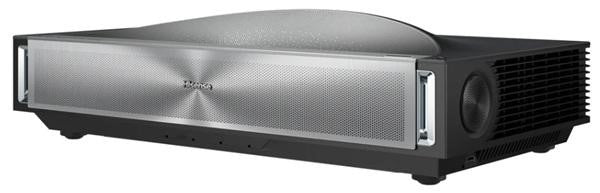
Hisense Laser Projection TV, 3500 Ansi Lumens, 4K resolution, UST - PX4PRO
R47,919.54
PX4PRO Low stock (1 left)
Hisense
Hisense Interactive Panel, 86", 4k resolution, 400 nits, Android 14.0 - 86WE3FE
R48,023.85
86WE3FE Out of Stock
Hisense
Low stock (2 left)
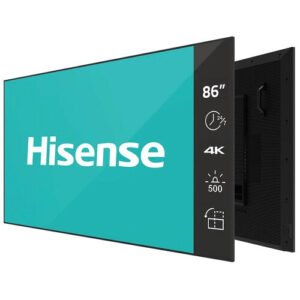
Hisense Digital Signage 86", 500 nits, 4k resolution, with 7day x 24hrs operation, Android 14 - 86DM66GE
R46,308.65
86DM66GE Low stock (2 left)
Hisense
Reviews
There are no reviews yet.