All Categories
- ATEN
- EPSON
- HISENSE
-
AV Signal Distribution
In AV Signal Distribution
- JK
-
Screens
In Screens
-
Projector
-
Cables
In Cables
- DTECH
- Business
- VISION
-
Projector Bracket
In Projector Bracket
-
Digital Signage Solutions
In Digital Signage Solutions
Brands
-
Audio
In Audio














All Categories
- ATEN
- EPSON
- HISENSE
-
AV Signal Distribution
In AV Signal Distribution
- JK
-
Screens
In Screens
-
Projector
-
Cables
In Cables
- DTECH
- Business
- VISION
-
Projector Bracket
In Projector Bracket
-
Digital Signage Solutions
In Digital Signage Solutions
Brands
-
Audio
In Audio

BROWSE CATEGORIES
Help
Content Management Solutions
ScreenBeam 08 5 Year Licence – SBWDO8EU5Y
R2,658.74
Orchestrate by ScreenBeam for five years on 1000 EDU Gen 2 receivers, for schools that will keep the same receivers throughout; "08" in the title means O8, ScreenBeam's own shorthand.
- Longest of the three Orchestrate terms we list
- Seats assigned receiver by receiver in CMS Enterprise
- ScreenBeam publishes no seat-transfer or expiry terms
- Licence key only, no hardware
- Brand :Screenbeam
- SKU :SCREENBEAM-SBWDO8EU5Y
- Category :Content Management Solutions
- Availability :Out of Stock
Out of stock
The five-year Orchestrate by ScreenBeam licence is the longest term AV Supply lists for this teacher software, which runs only on ScreenBeam 1000 EDU Gen 2 receivers. The product is a key, not hardware, and the “08” in its title stands for O8, ScreenBeam’s short name for Orchestrate. The software matches the shorter terms. What changes is how long the school relies on licence terms that ScreenBeam does not publish.
Who a five-year term suits
CMS Enterprise assigns seats receiver by receiver, so a five-year key suits a school that has already run Orchestrate with a full class and expects to keep the same 1000 EDU Gen 2 units for the whole term. Where receivers may be replaced or added, or teachers have not yet used Orchestrate, the one-year Orchestrate licence or the three-year Orchestrate licence commits the school for less time. ScreenBeam’s free evaluation covers every feature for one teacher and three learner devices.
Software changes during a five-year term
Orchestrate’s requirements move with browsers and firmware. Google’s Chrome 139, released on 5 August 2025, dropped support for extensions in the older Manifest V2 format, and ScreenBeam made Orchestrate version 3 mandatory for it. ScreenBeam also asks users of Chromium-based browsers to update to 144.0.7559.110 or later, to avoid a bug that stops Orchestrate working. The receiver itself needs firmware 11.2.20.0 or later. Over five years, plan IT time for extension, Windows Assistant and firmware updates through the school’s MDM and CMS Enterprise.
Key specifications of the 5 year Orchestrate licence
| Licence | Orchestrate by ScreenBeam, five-year term |
|---|---|
| Abbreviation used by ScreenBeam | O8 |
| Receiver supported | 1000 EDU Gen 2 only (firmware 11.2.20.0 or newer) |
| Seat assignment | Per receiver, in CMS Enterprise |
| Activated in | ScreenBeam Cloud, by a License Manager user |
| Client platforms | Windows 10/11 64-bit; ChromeOS 81.0.4044.103 or newer |
| Receiver seats on one key | Not given in our product listing |
| Seat transfer and post-expiry terms | Not published by ScreenBeam |
Questions about the Orchestrate 5 year licence
Can a seat move to a new receiver if one fails during the five years?
ScreenBeam’s published guides do not say. They describe assigning seats to receivers in CMS Enterprise and nothing about moving one, so ask how a replacement receiver would be licensed before committing to five years.
Does each receiver have to stay connected to CMS Enterprise for the whole term?
Yes. ScreenBeam’s deployment guide warns that a receiver cut off from the CMS Enterprise that licensed it may lose its licence. The Orchestrate server also runs in ScreenBeam Cloud, so cloud.screenbeam.com has to stay reachable through the school’s content filter.
Is a ScreenBeam receiver included with the licence?
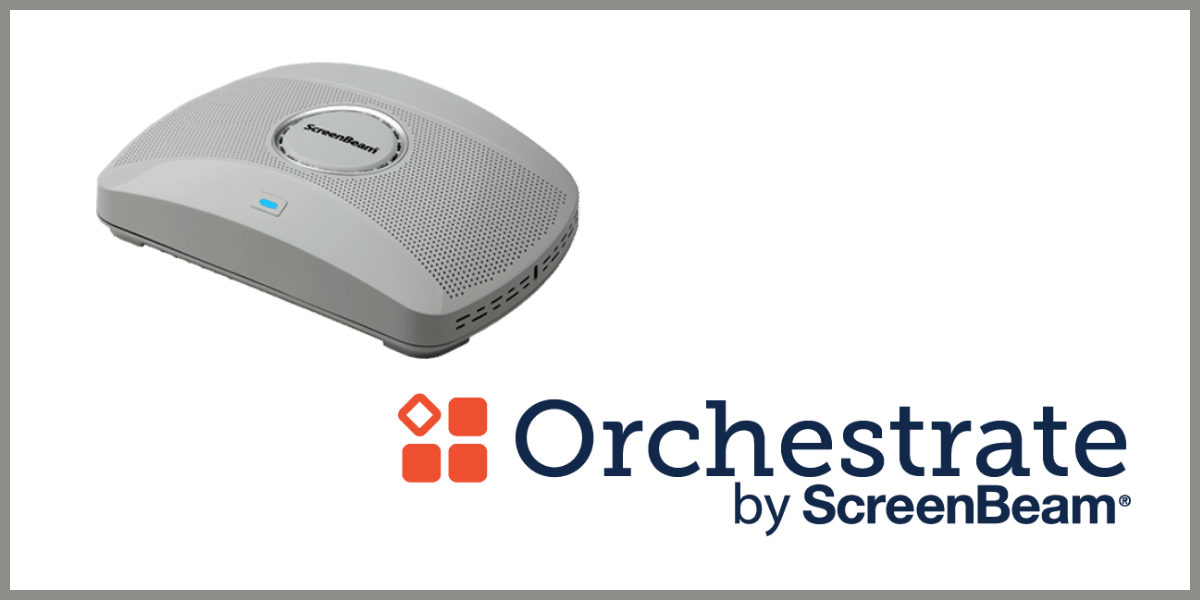
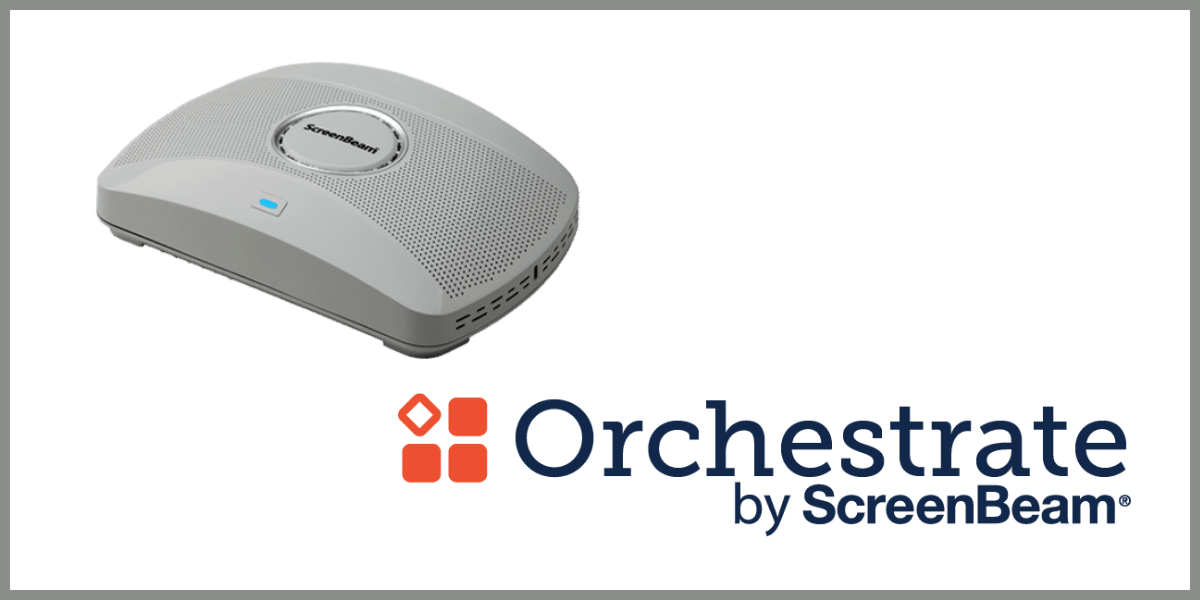
No. The product photo shows a 1000 EDU Gen 2 beside the Orchestrate logo, but this product is a licence key only. The receiver is a separate product, the ScreenBeam 1000 EDU Gen 2.
What does the five-year licence switch on in the classroom?
Full Orchestrate, in place of the free Orchestrate Lite, which limits teachers to moderating who shares. The teacher can watch up to 50 learner screens, put a chosen screen on the display, lock devices, push a website or snapshot to learners and filter websites during the class. The one-year page has the full Orchestrate feature list.
You must be logged in to post a review.
SBWDO8EU5Y Datasheet PDF
Reviews
There are no reviews yet.