All Categories
- ATEN
- EPSON
- HISENSE
-
AV Signal Distribution
In AV Signal Distribution
- JK
-
Screens
In Screens
-
Projector
-
Cables
In Cables
- DTECH
- Business
- VISION
-
Projector Bracket
In Projector Bracket
-
Digital Signage Solutions
In Digital Signage Solutions
Brands
-
Audio
In Audio














All Categories
- ATEN
- EPSON
- HISENSE
-
AV Signal Distribution
In AV Signal Distribution
- JK
-
Screens
In Screens
-
Projector
-
Cables
In Cables
- DTECH
- Business
- VISION
-
Projector Bracket
In Projector Bracket
-
Digital Signage Solutions
In Digital Signage Solutions
Brands
-
Audio
In Audio

BROWSE CATEGORIES
Help
ATEN
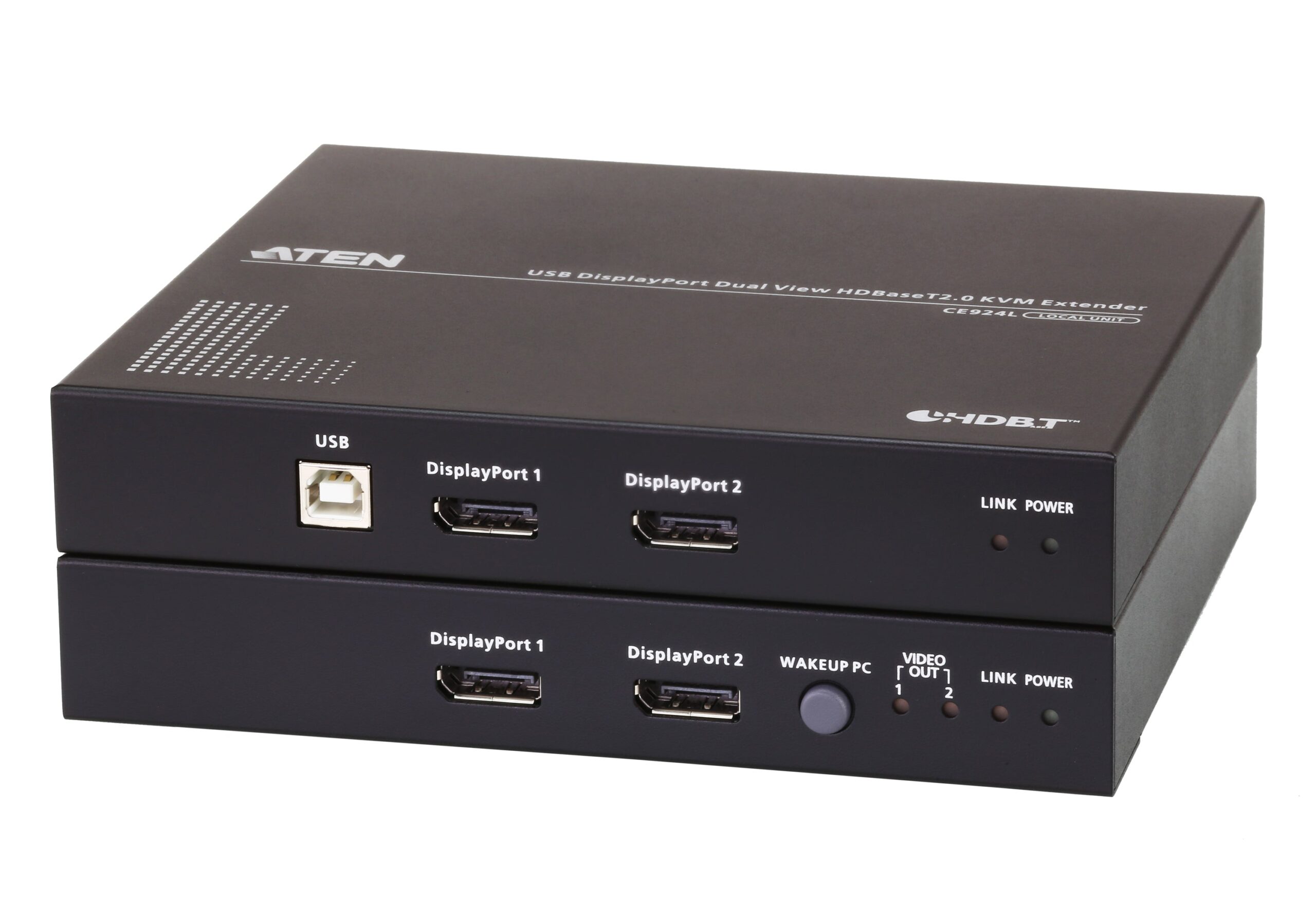
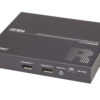
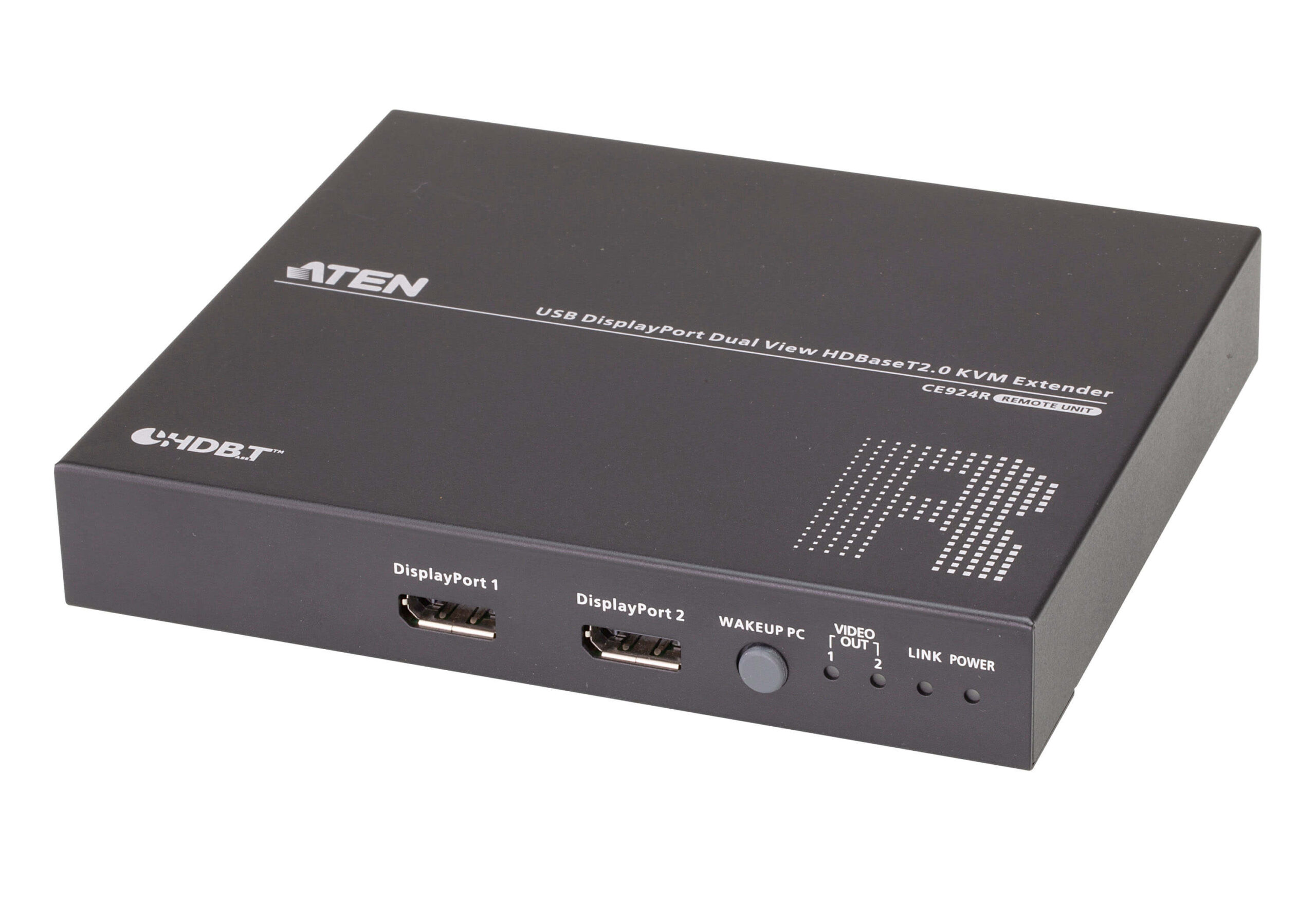
Aten Extender, USB Display Port Dual View HDBaseT – CE924
R51,172.24
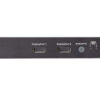
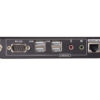
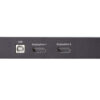
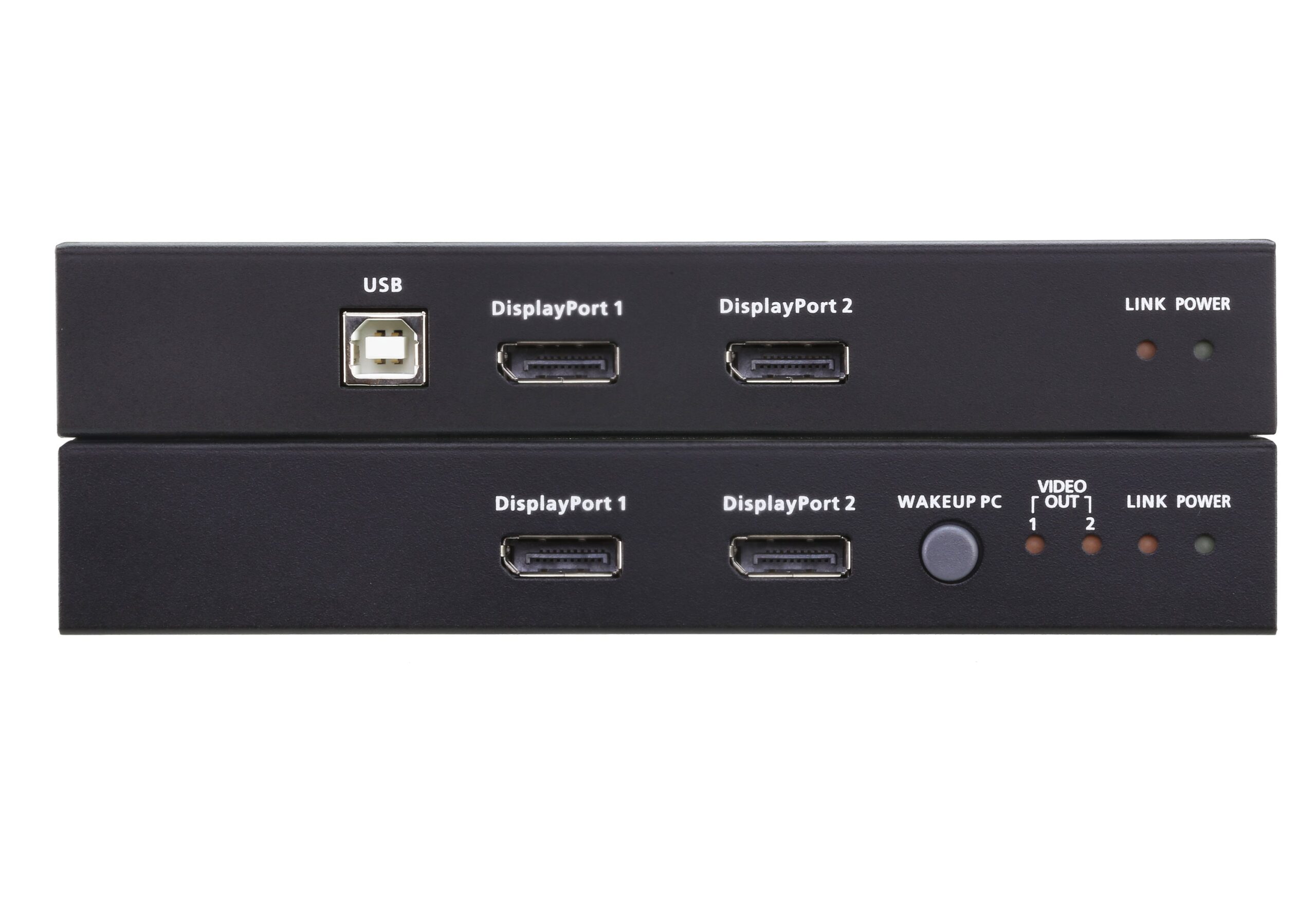
A local and remote pair for control desks and kiosks that need a computer's two DisplayPort screens, USB, audio and serial port at the end of one Cat 6 run.
- Two screens at 1080p, or one at 4K 30 Hz, to 100 m
- Long Reach: 1080p (one screen) or 720p (two) to 150 m
- Four USB 2.0 ports sharing up to 30 Mbps
- No Ethernet; the computer needs two DisplayPort outputs
- Brand :Aten
- SKU :ATEN-CE924
- Category :ATEN
- Availability :Out of Stock
Out of stock
The Aten CE924 is a two-box HDBaseT 2.0 KVM extender for a computer with two DisplayPort screens. The CE924L local unit connects to the computer, the CE924R remote unit sits at the desk, and one Cat 6 cable between them carries both screens, four USB 2.0 ports, stereo audio and RS-232. This listing is the set of both. With two screens connected each runs at up to 1080p over 100 m; a single screen can take 4K at 30 Hz over the same distance.
What the computer and screens must support
The computer needs two separate DisplayPort outputs. Aten does not support DisplayPort MST, so one daisy-chained port cannot feed both screens. In single view the CE924 takes 3840 x 2160 or 4096 x 2160 at 30 Hz only, in 4:4:4 colour, and only through DisplayPort 1; 4K at 60 Hz and 4:2:0 are not supported. Aten’s maximum for the short leads is 1.8 m, from the computer to the CE924L and from the CE924R to each monitor.
Distance by cable grade and screen count
- One screen at 4K: 90 m on Cat 5e; 100 m on Cat 6, Cat 6a or Aten’s 2L-2910 Cat 6.
- One screen at 1080p: 100 m on Cat 5e, 6 or 6a.
- Two screens at 1080p: 100 m on Cat 6, Cat 6a or the 2L-2910, according to Aten’s product page.
- Long Reach mode: 150 m, at 1080p on one screen or 720p on two, set by a slide switch on each unit; Aten’s setup steps turn it on at both.
For the run between the units, Aten’s manual calls for shielded twisted-pair cable to meet FCC and CE rules and suggests HDBaseT-certified cable such as the 2L-2910 over longer distances.
USB, audio, serial and the wake-up button
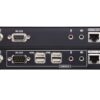
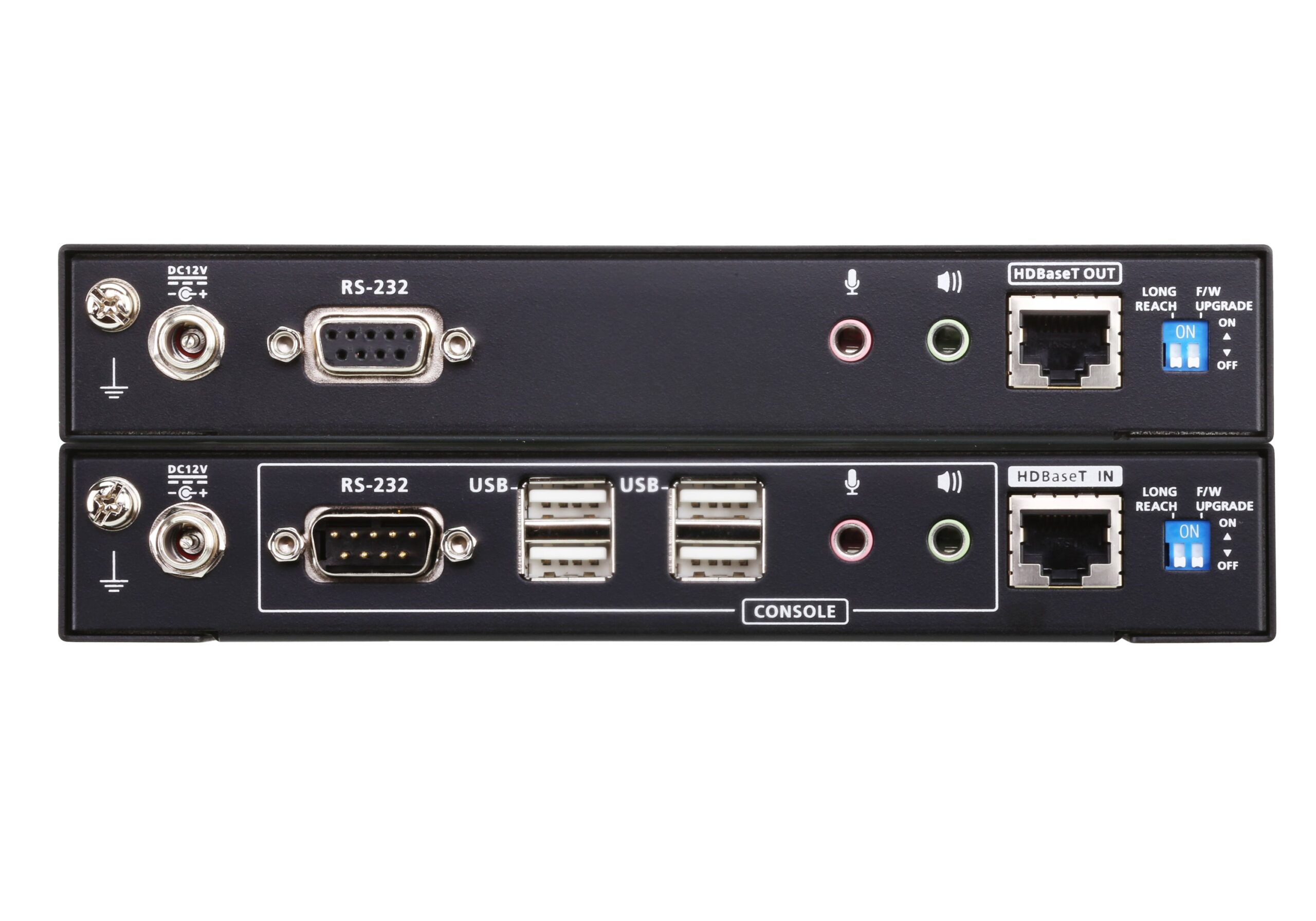
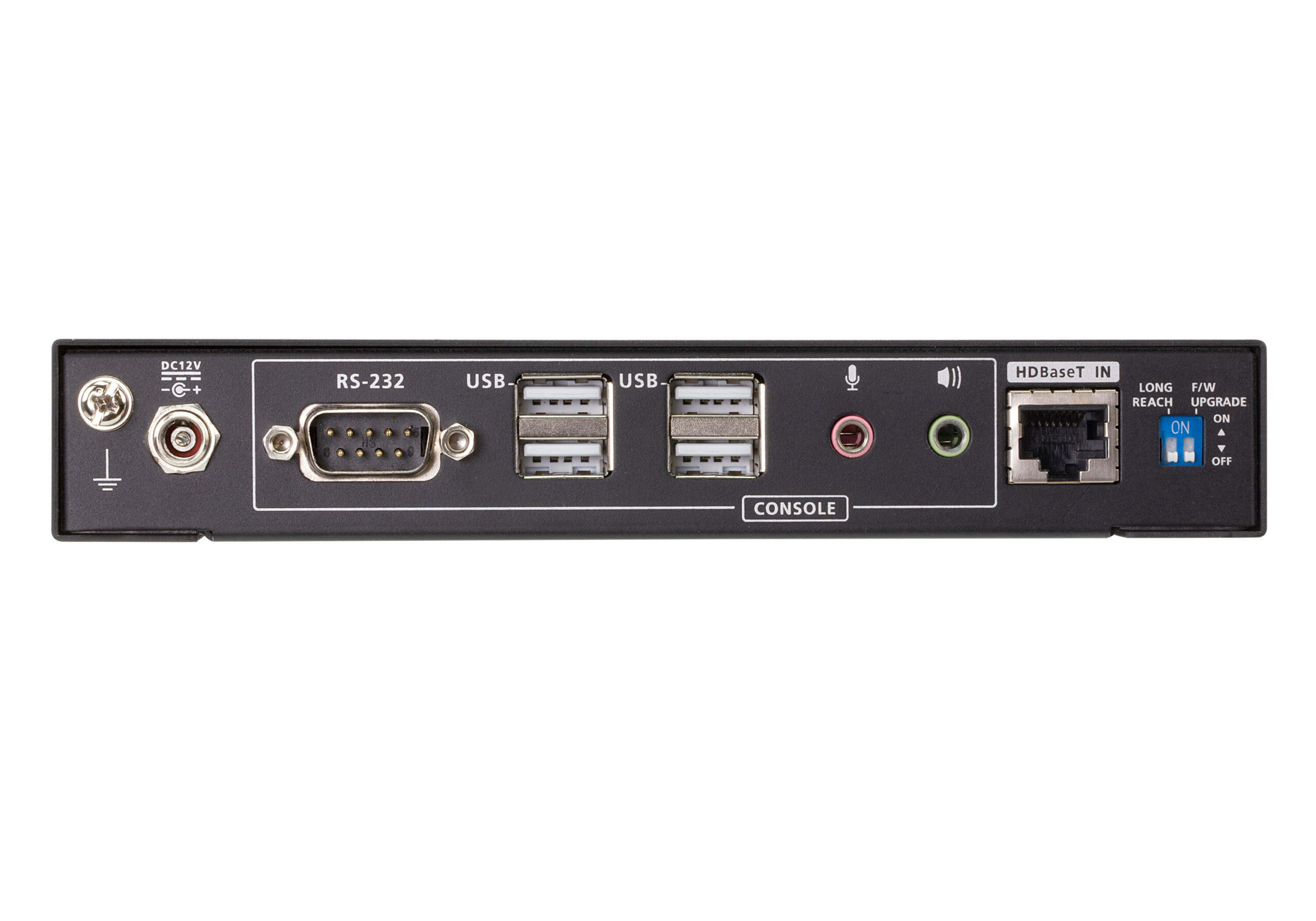
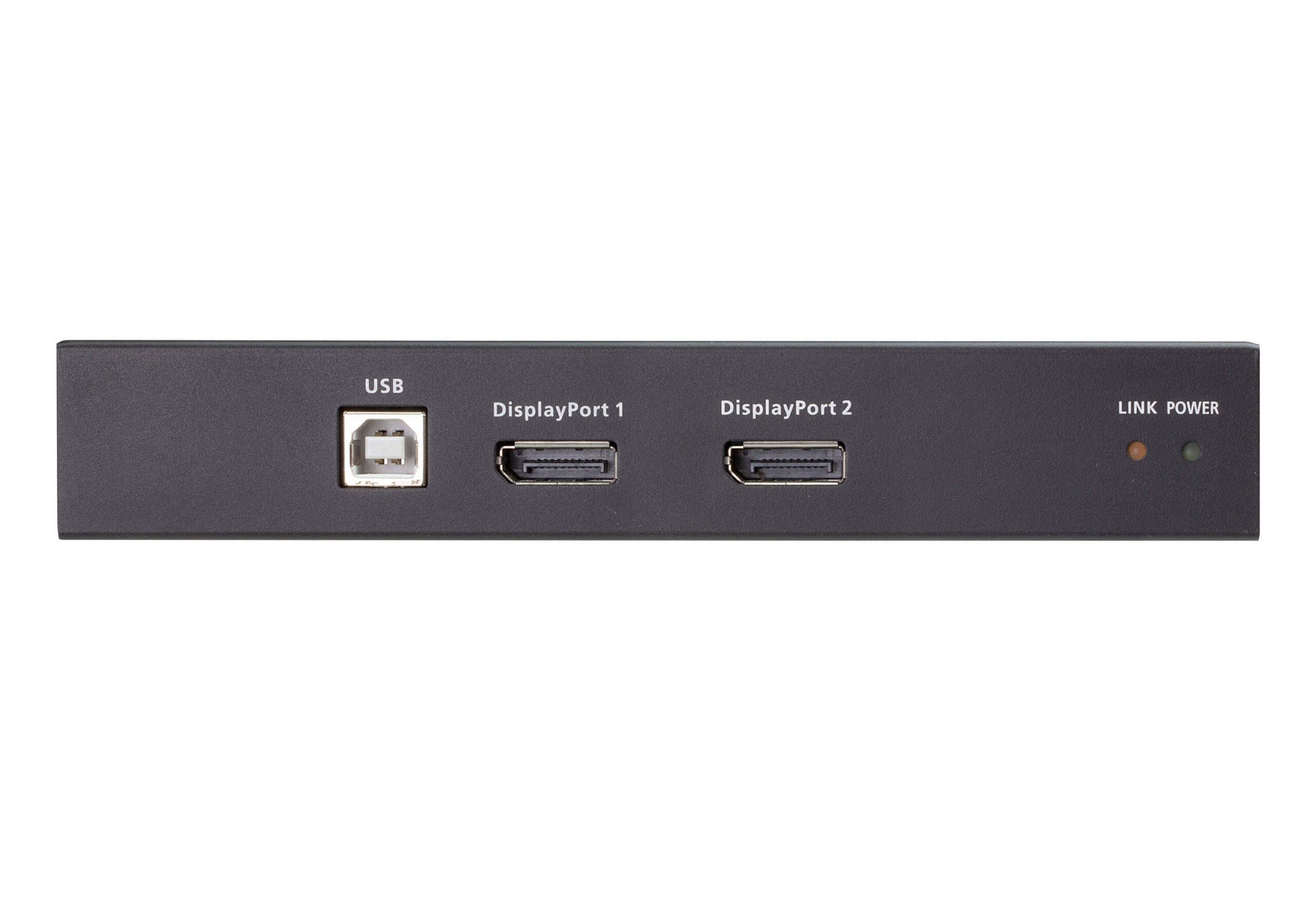
The CE924R’s four USB 2.0 Type-A ports take the keyboard, mouse and other USB devices without drivers; Aten names touch panel control and file transfer among the uses. Everything plugged into them shares a combined transfer rate of up to 30 Mbps. Pink microphone and green speaker jacks on each unit carry the computer’s sound to the desk and the microphone back.
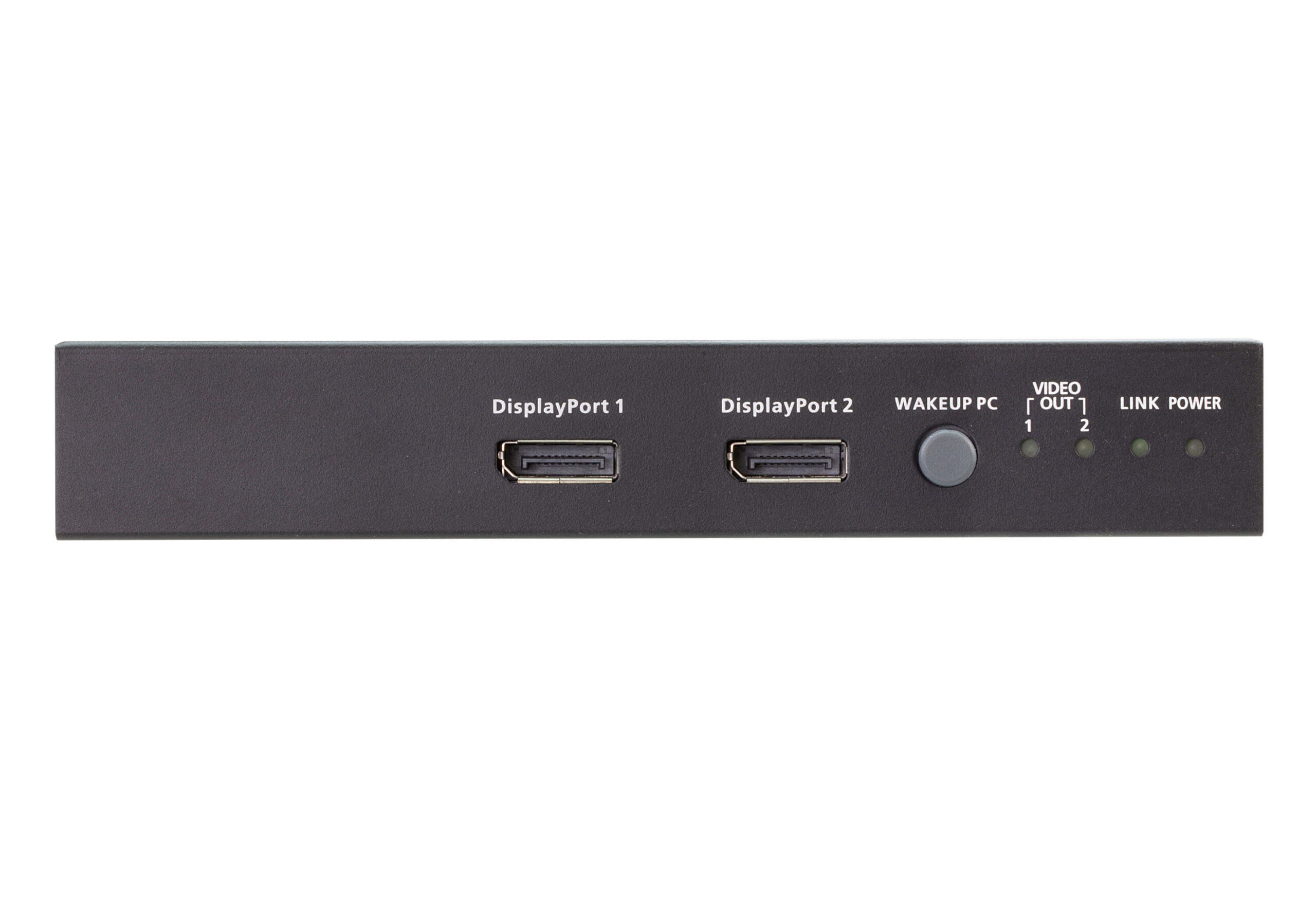
The RS-232 ports, DB-9 female on the CE924L and DB-9 male on the CE924R, let a control system at the desk, such as Aten’s VK2100, send commands to the local computer. The CE924R’s wake-up button uses the same channel, so it needs the computer on the CE924L’s serial port through an RS-232 cable, which is not in the box.
Power, grounding and mounting
Each unit has a locking DC 12 V jack and its own adapter; Aten lists 7.03 W for the CE924L and 9.92 W for the CE924R, typical with no external load. Aten’s setup starts by grounding both units, the computer and both monitors. The metal cases weigh 0.82 kg (local) and 0.85 kg (remote), and Aten rates them for 0 to 40 °C. Foot pads let them stack, and the supplied brackets fix them to a rack.
In the box, and the cables you add
The set contains the CE924L and CE924R, two 1.5 m DisplayPort cables, a 1.8 m USB Type-A to Type-B cable, 1.8 m microphone and speaker cables, two power adapters, two mounting kits, eight foot pads and user instructions. Aten’s setup uses the supplied DisplayPort cables between the computer and the CE924L, so add two DisplayPort leads of up to 1.8 m for the monitors, the Cat 6 link cable and, for wake-up or serial control, an RS-232 cable.
For one screen, the Aten CE920 is the single-view set, and its CE920-AT version adds Ethernet. Other sets are in our KVM extender range.
Key specifications of the Aten CE924
| Supplied as | Set: CE924L local and CE924R remote units |
|---|---|
| Video ports | 2 x DisplayPort in (local), 2 x DisplayPort out (remote) |
| Dual view | 1080p per screen, up to 100 m |
| Single view | 4K at 30 Hz (4096 x 2160 or 3840 x 2160), 100 m; 90 m on Cat 5e |
| Long Reach mode | 150 m: 1080p single view, 720p dual view |
| USB | 4 x USB Type-A on the remote unit; USB 2.0, 30 Mbps combined |
| Audio | Microphone and speaker mini stereo jacks on both units |
| RS-232 | DB-9 female (local), DB-9 male (remote) |
| Operating temperature | 0 to 40 °C |
| Power | DC 12 V per unit; 7.03 W local, 9.92 W remote |
Questions about the Aten CE924
Can the CE924 drive two 4K monitors?
No. With two screens connected, each runs at up to 1080p. 4K at 30 Hz is available only when DisplayPort 1 is used on its own. Two 4K screens at a remote desk need a different extender.
Can I use Cat 5e cable with the CE924?
For one screen, yes: Aten rates 4K to 90 m and 1080p to 100 m on Cat 5e. For two screens Aten’s documents disagree; its current product page lists only Cat 6, Cat 6a or its 2L-2910 for the 1080p, 100 m rating, while its 2021 datasheet also lists Cat 5e. Plan on Cat 6 for dual view.
Can the CE924 run through a network switch?
No. HDBaseT runs as a direct cable from the CE924L’s output port to the CE924R’s input port, and the CE924 carries no Ethernet. To reach a computer across a LAN, look at a KVM over IP extender such as Aten’s KE series.
Can I use a flash drive or webcam at the desk?
A flash drive, yes: Aten lists file transfer, though copies are slow because every attached device shares 30 Mbps. Aten does not mention webcams, and a camera’s video would compete for that same 30 Mbps, so test one before relying on it.
You must be logged in to post a review.
CE924 Datasheet PDF
You may also like these
Aten
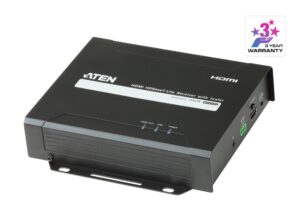
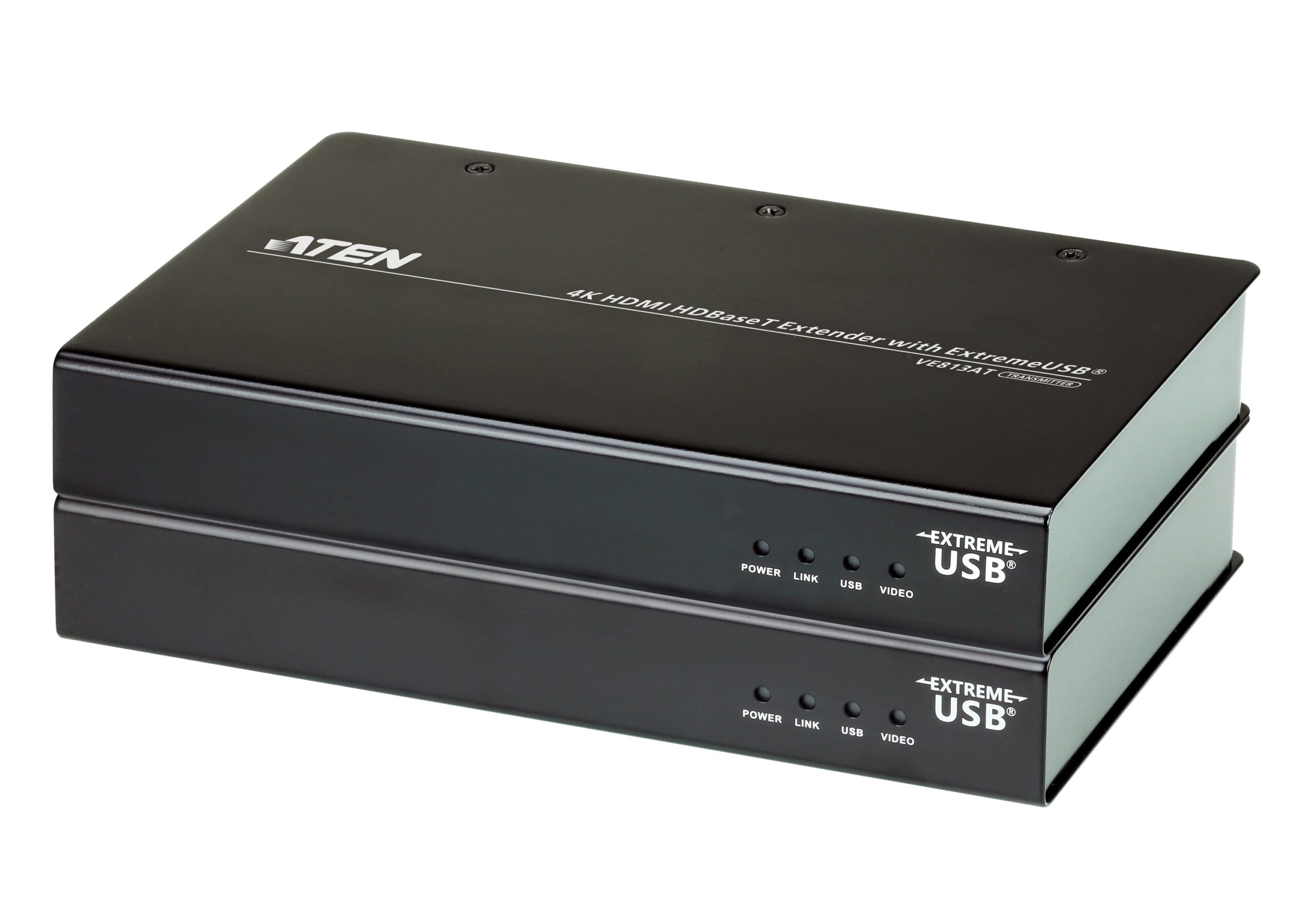
Aten Extender, HDMI, USB, HDBaseT, Transmitter and Receiver - VE813A
R32,462.25
VE813A Out of Stock
Aten
Reviews
There are no reviews yet.