All Categories
- ATEN
- EPSON
- HISENSE
-
AV Signal Distribution
In AV Signal Distribution
- JK
-
Screens
In Screens
-
Projector
-
Cables
In Cables
- DTECH
- Business
- VISION
-
Projector Bracket
In Projector Bracket
-
Digital Signage Solutions
In Digital Signage Solutions
Brands
-
Audio
In Audio














All Categories
- ATEN
- EPSON
- HISENSE
-
AV Signal Distribution
In AV Signal Distribution
- JK
-
Screens
In Screens
-
Projector
-
Cables
In Cables
- DTECH
- Business
- VISION
-
Projector Bracket
In Projector Bracket
-
Digital Signage Solutions
In Digital Signage Solutions
Brands
-
Audio
In Audio

BROWSE CATEGORIES
Help
ATEN
Aten Extender, USB DVI Single Link Console, Audio – CE600
R11,895.06
Two-box KVM extender that takes a computer's DVI picture, USB keyboard and mouse, and stereo audio out to a console up to 60 m away over Cat 5e.
- Aten rates 1920 x 1200 at 60 Hz to 30 m; 1024 x 768 to 60 m
- Second Cat 5e run for HDCP, RS-232 and mic
- No console ports on the local unit
- KVM cable and two adapters included
- Brand :Aten
- SKU :ATEN-CE600
- Category :ATEN
- Availability :Out of Stock
Out of stock
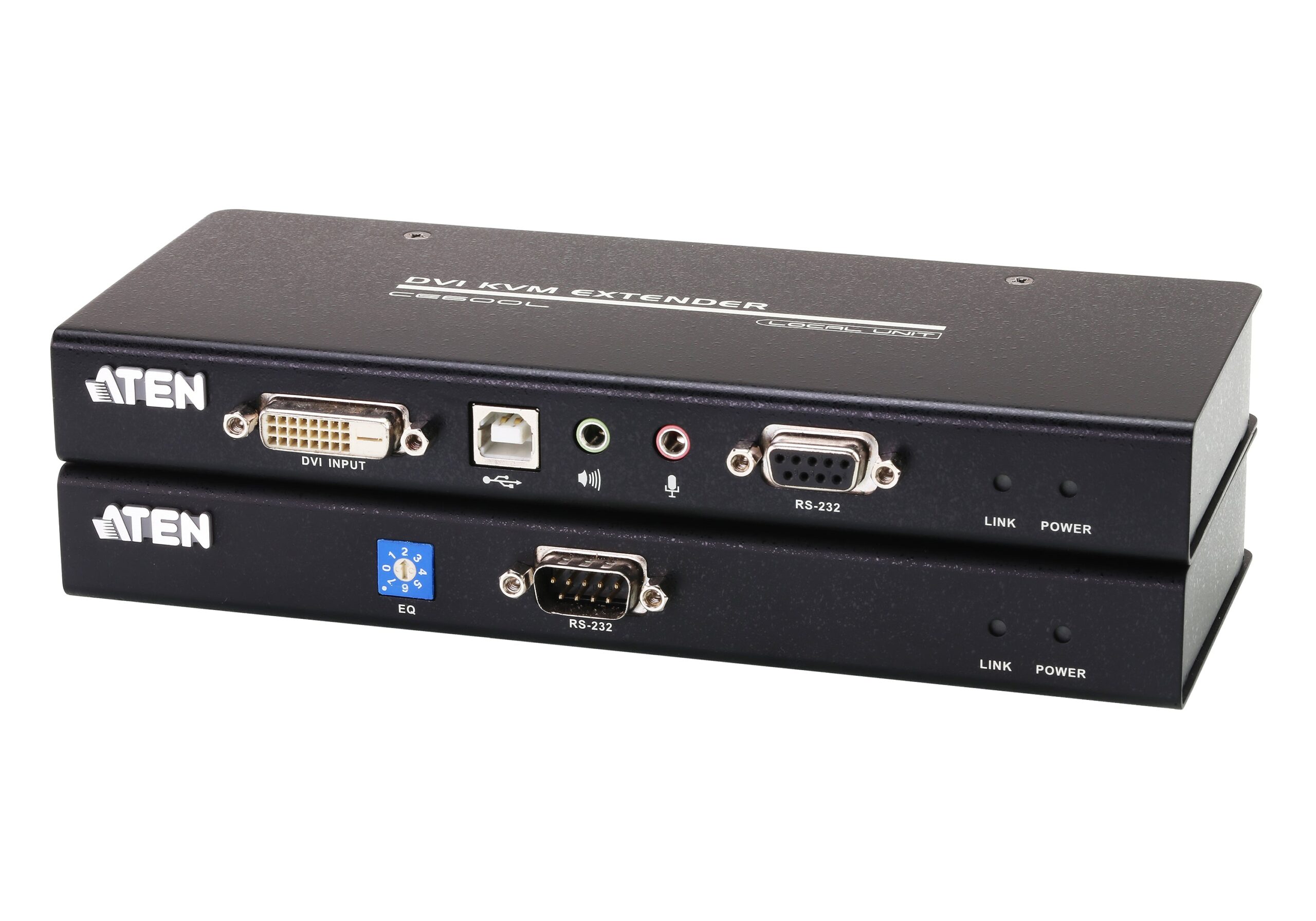
The Aten CE600 moves the console of a DVI computer up to 60 m away over Cat 5e. A single-link DVI monitor, a USB keyboard and mouse, stereo speakers, a microphone and an RS-232 device all connect at the CE600R remote unit; the CE600L beside the computer has no console ports of its own. Aten’s specification tables rate the picture at 1920 x 1200 at 60 Hz up to 30 m, and 1024 x 768 at 60 Hz at the full 60 m.
Resolution against cable length
Aten publishes those two points and nothing between them. Its specification tables and manual give 1920 x 1200 for the 30 m figure, while its US product page and the introduction to its 2014 specification sheet say 1920 x 1080. Plan a 1080p or 1920 x 1200 desktop as a 30 m installation, and test the working resolution on the installed cable before it is closed into trunking. For a blinking or poor remote picture, Aten’s fix is the eight-position EQ switch on the CE600R, numbered 0 to 7 from weakest to strongest equalisation, then a lower refresh rate.
Cat 5e is the minimum grade, and the manual warns that lower-grade cable degrades the video. For long runs Aten suggests its 350 MHz low-skew Aten 2L-2801 Cat 5e cable, and shielded cable such as its 2L-2910 Cat 6 where electrical interference is heavy. The manual’s EMC statement also calls for shielded twisted pair to meet FCC and CE requirements.
One Cat 5e run or two
Each unit has two RJ-45 sockets, Main and Sub. A single cable between the Main sockets carries the single-link DVI picture with its sound, and the keyboard and mouse. Aten’s CE600 product page says a second Cat 5e cable, between the Sub sockets, carries HDCP, the RS-232 channel and the microphone, and the manual requires both cables to be the same length. Run it for copy-protected video, the serial port or a microphone.
Ports at the console and at the computer
The CE600R at the console has a DVI-D socket for the monitor, two USB-A sockets for the keyboard and mouse, green speaker and pink microphone mini stereo jacks, and a male DB-9 port for serial devices such as touchscreens and barcode scanners, at up to 115,200 bps.
The CE600L links to the computer’s DVI, USB and audio ports through the supplied 1.8 m KVM cable, and its female DB-9 port goes to the computer’s COM port on a serial cable you supply. The KVM cable can plug into a KVM switch instead, so the remote console reaches the machines on that switch.
Power, grounding and mounting
Each unit runs from its own supplied adapter, so both ends need mains power. Aten asks for both units to be grounded at their grounding terminals, along with the computer and the remote monitor. The manual limits the links at each end to 5 m: computer to CE600L, and CE600R to monitor.
The metal housings are 20.20 cm long and 2.50 cm high, weigh 0.48 kg each and are rated for 0 to 50 °C. The bracket in the mounting kit screws to the top or bottom of a unit and then to the rack; the rack screws are not supplied, and Aten suggests M5 x 12.
Other Aten DVI extenders
For picture and sound without keyboard or mouse, the Aten VE600A DVI extender with audio covers 1920 x 1200 to 40 m on Cat 5e. The Aten VE601 HDBaseT-Lite extender sends DVI video alone, 1080p to 70 m on Cat 6a. Models that carry keyboard and mouse with the picture are under KVM extenders.
Key specifications of the Aten CE600
| Video | Single-link DVI-D |
|---|---|
| Resolution and distance | 1920 x 1200 at 60 Hz to 30 m (Aten specification tables); 1024 x 768 at 60 Hz to 60 m |
| Link cable | Cat 5e minimum; second run for HDCP, RS-232 and microphone |
| CE600R console ports | DVI-D, 2 x USB-A, speaker and mic jacks, DB-9 male |
| CE600L computer ports | DVI-D, USB-B, speaker and mic jacks, DB-9 female |
| RS-232 | Up to 115,200 bps |
| Picture adjustment | 8-position EQ switch on CE600R |
| Housing | Metal, 0.48 kg per unit, 0 to 50 °C |
| In the box | CE600L, CE600R, 1.8 m USB DVI-D KVM cable, 2 power adapters, mounting kit, instructions |
Questions about the Aten CE600
Can I keep a monitor and keyboard at the computer as well?
No. The CE600L has only the connections to the computer and no console ports, so the monitor, keyboard and mouse all sit at the CE600R end. If staff also need to work at the machine itself, look for a KVM extender whose local unit has console ports.
Will a USB flash drive or webcam work at the remote console?
Do not count on it. Aten specifies keyboard and mouse emulation for the CE600 and makes no claim for storage, cameras or audio interfaces on the remote unit’s USB ports. A serial touchscreen or barcode scanner can use the RS-232 port instead, once the Sub cable is fitted.
Can I use Cat 6 instead of Cat 5e?
Yes. Aten’s compatible cable list for the CE600 includes the shielded 2L-2910 Cat 6 and the 2L-29330 Cat 6A as well as the 2L-2801 Cat 5e. Aten publishes no longer distances for the better cables, so the 30 m and 60 m figures still apply.
How far can the CE600L be from the computer?
Up to 5 m, according to Aten’s manual. The KVM cable in the box is 1.8 m, and Aten lists 3 m and 5 m versions of its USB DVI-D single-link KVM cable, the 2L-7D03U and 2L-7D05U, for a computer further from the extender.
Link
| CE600L | 1 (Green) |
|---|---|
| CE600R | 1 (Green) |
You must be logged in to post a review.
CE600 Datasheet PDF
You may also like these
Aten
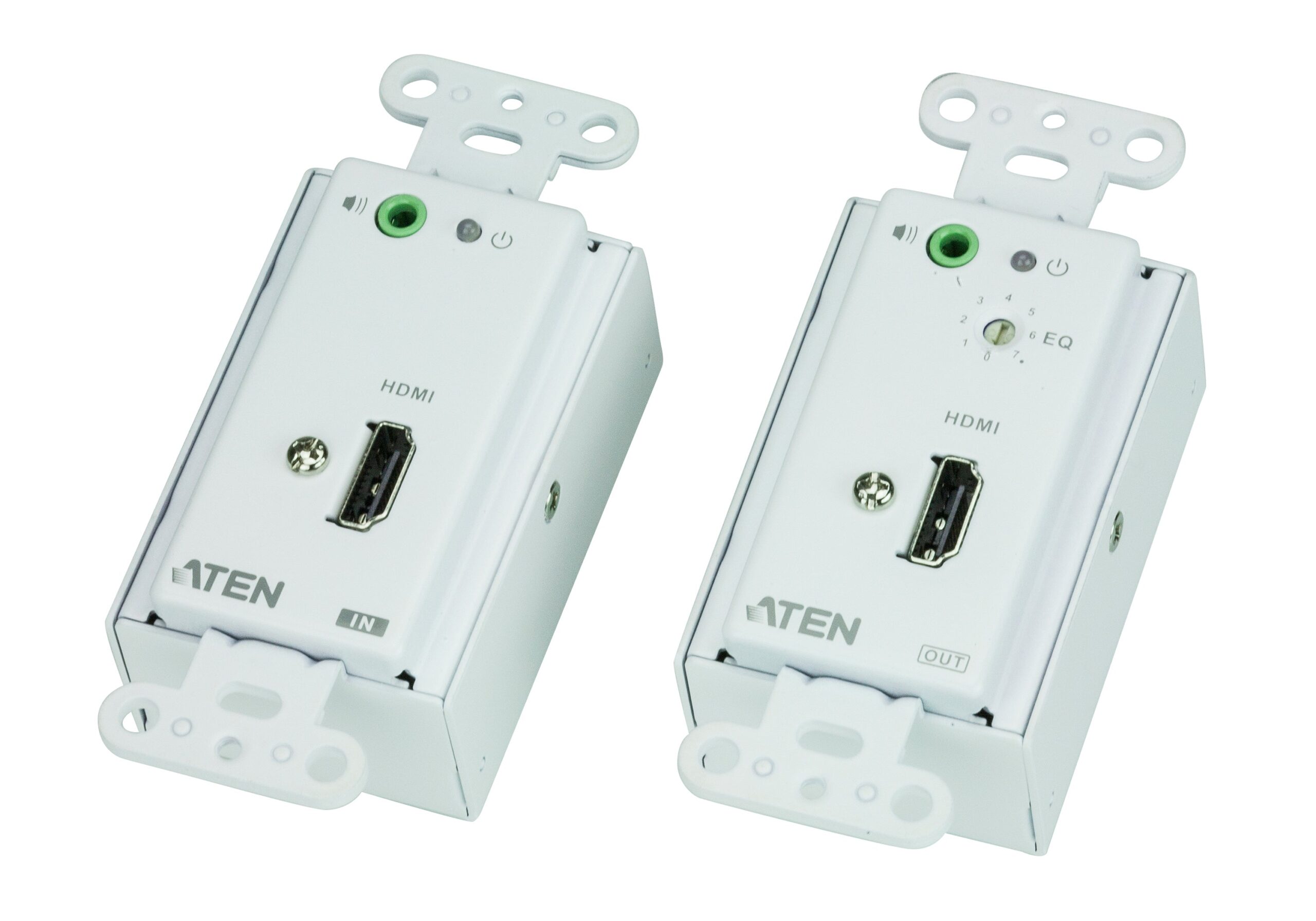
Aten Extender, HDMI, Transmitter and Receiver, with Wall Plate - VE806
R2,716.88
VE806 Out of Stock
Aten
 Low stock (1 left)
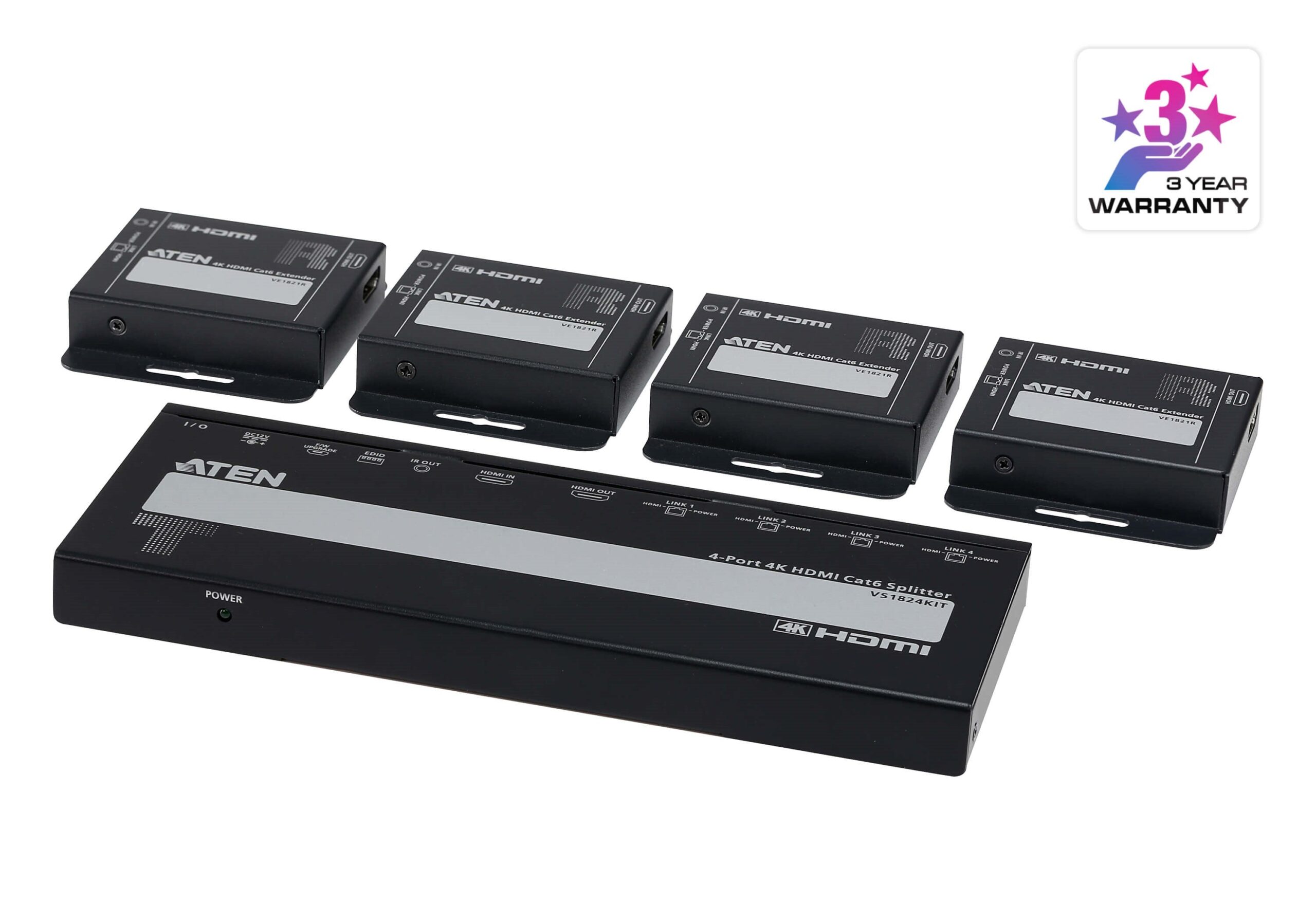
Aten 4K HDMI Cat6 Splitter with Receivers, 8-Port - VS1828KIT
R12,329.27
VS1828KIT Low stock (1 left)

Reviews
There are no reviews yet.