All Categories
- ATEN
- EPSON
- HISENSE
-
AV Signal Distribution
In AV Signal Distribution
- JK
-
Screens
In Screens
-
Projector
-
Cables
In Cables
- DTECH
- Business
- VISION
-
Projector Bracket
In Projector Bracket
-
Digital Signage Solutions
In Digital Signage Solutions
Brands
-
Audio
In Audio














All Categories
- ATEN
- EPSON
- HISENSE
-
AV Signal Distribution
In AV Signal Distribution
- JK
-
Screens
In Screens
-
Projector
-
Cables
In Cables
- DTECH
- Business
- VISION
-
Projector Bracket
In Projector Bracket
-
Digital Signage Solutions
In Digital Signage Solutions
Brands
-
Audio
In Audio

BROWSE CATEGORIES
Help
ATEN
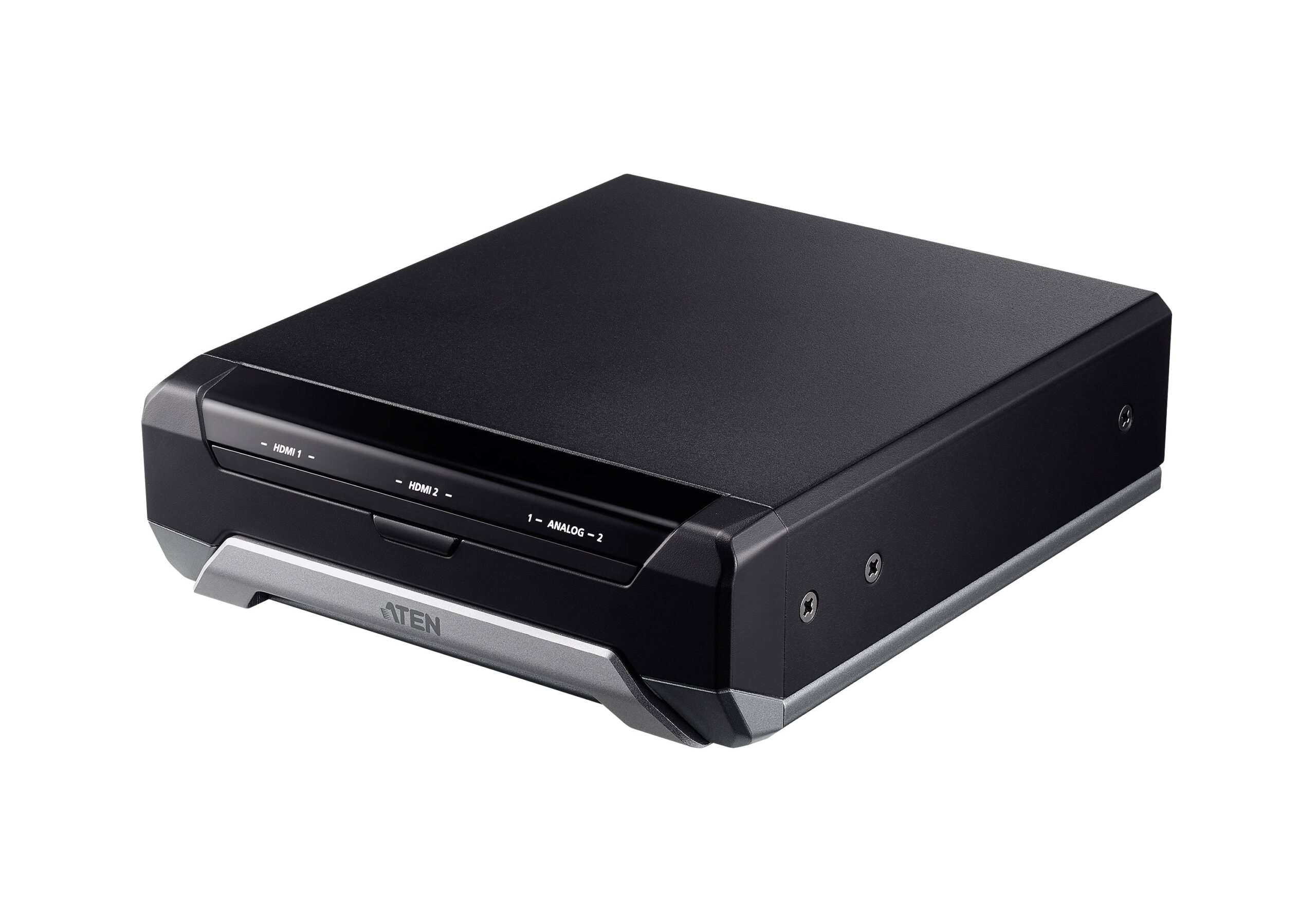
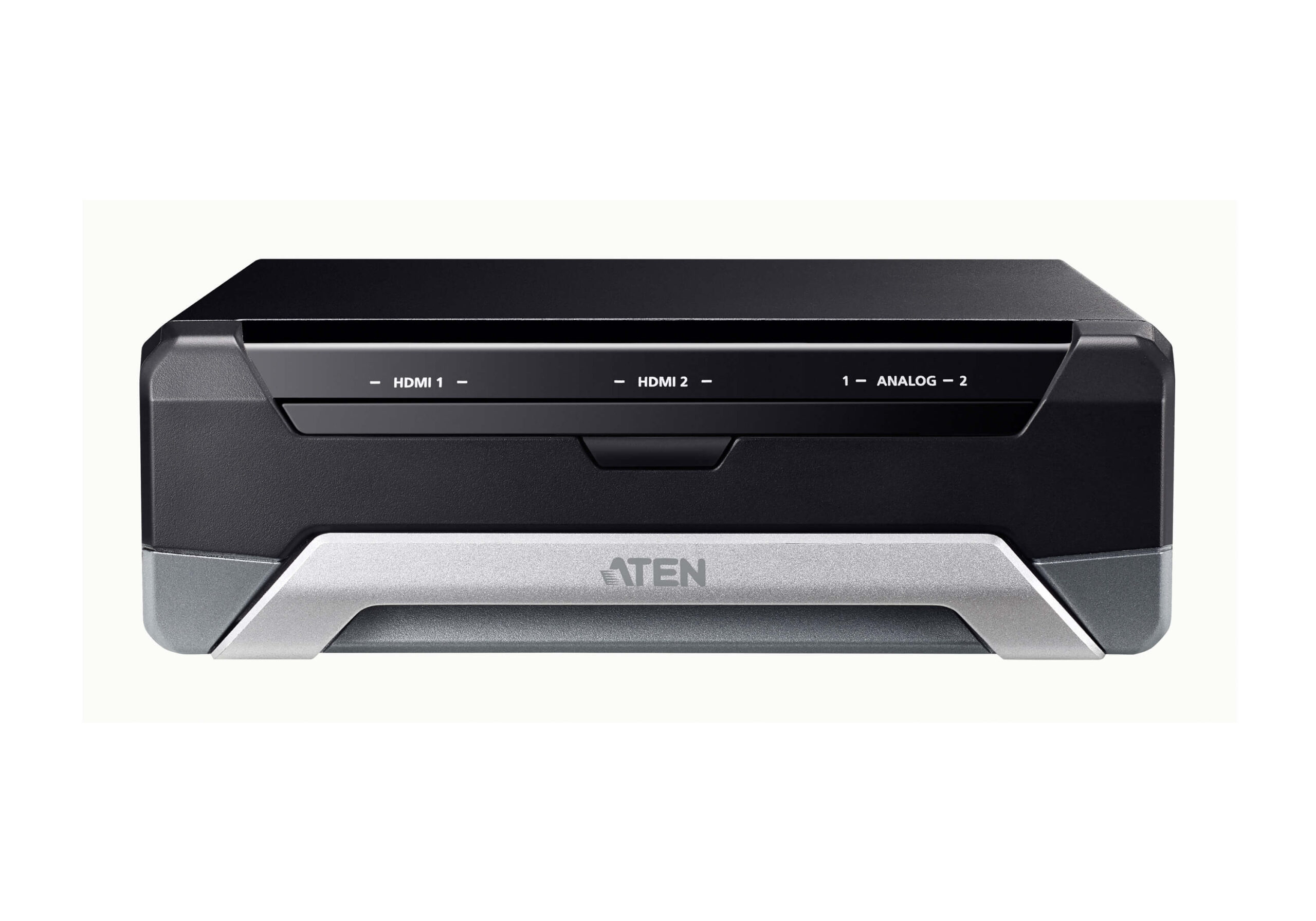
Aten Dual Video Capture, HDMI to USB-C – UC3022
R8,514.07
A two-input HDMI switcher and USB capture device for one-person live streams, webinars and hybrid meetings run from a laptop or Android phone.
- Two HDMI inputs up to 2160p30
- UVC webcam output to the computer at 1080p60
- PIP, split screen, chroma key and 8 scenes
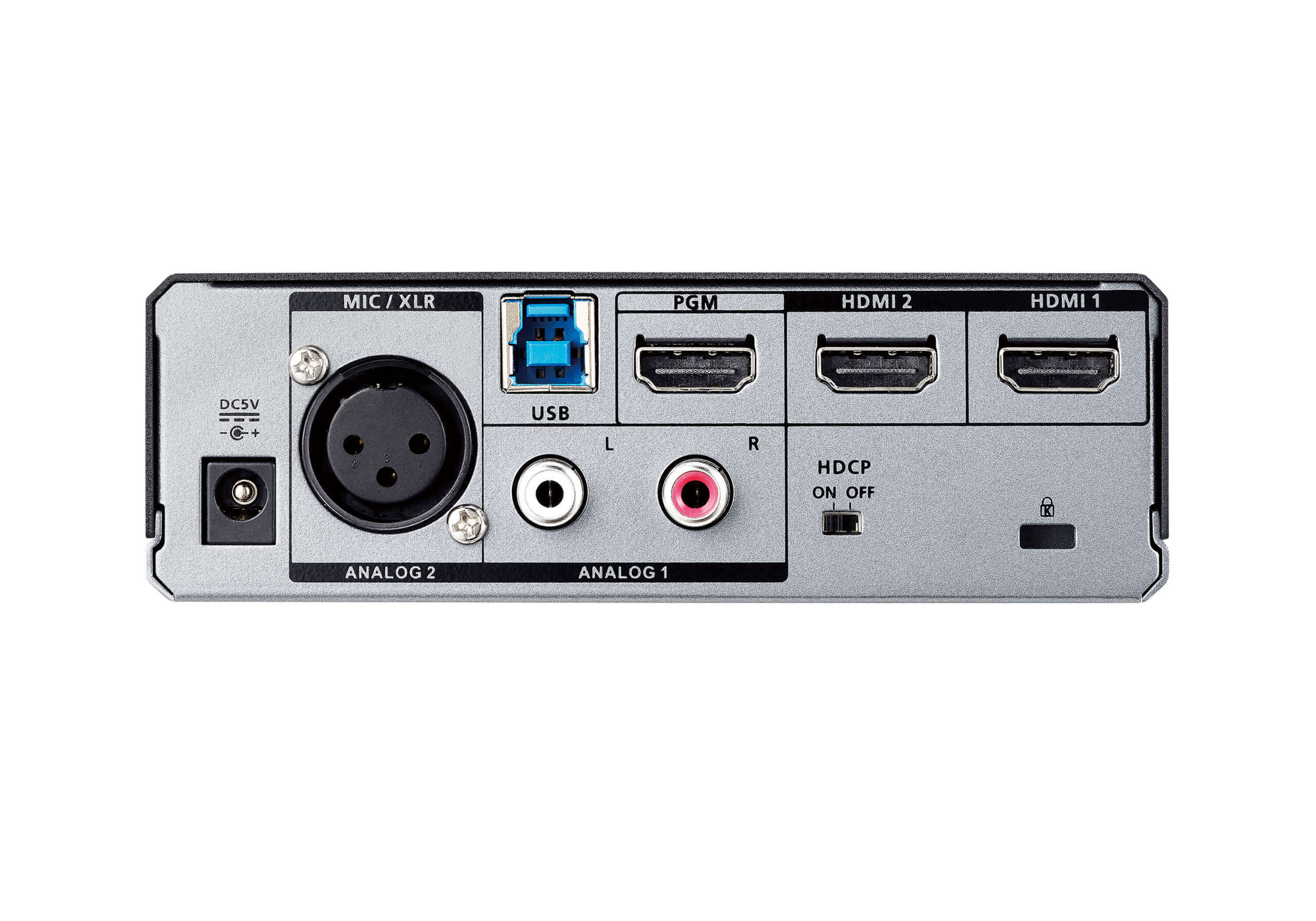
- XLR microphone and RCA line inputs with a mixer
- Set up from an iOS or Android app
- Brand :Aten
- SKU :ATEN-UC3022
- Category :ATEN
- Availability :Out of Stock
Out of stock
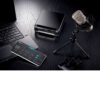
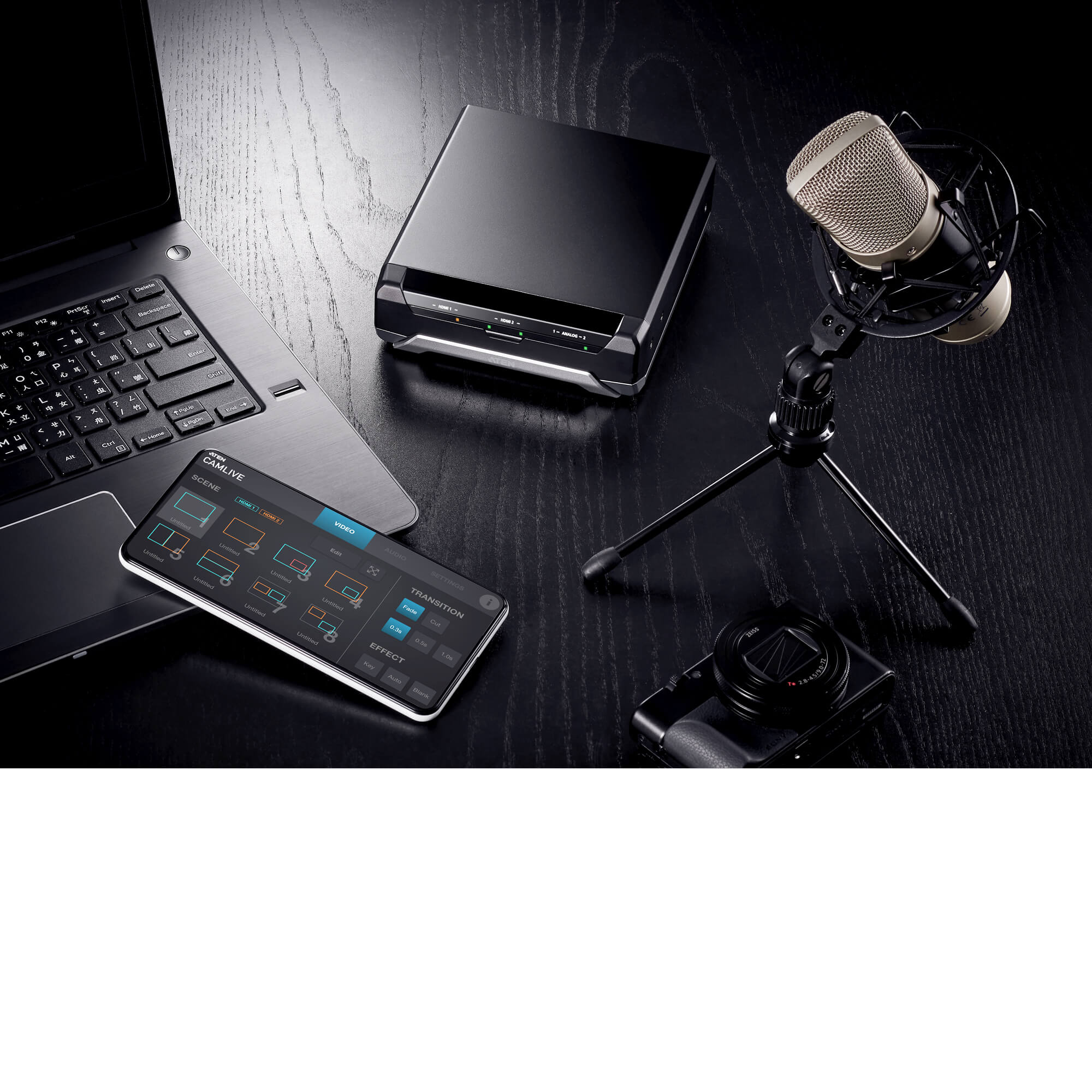
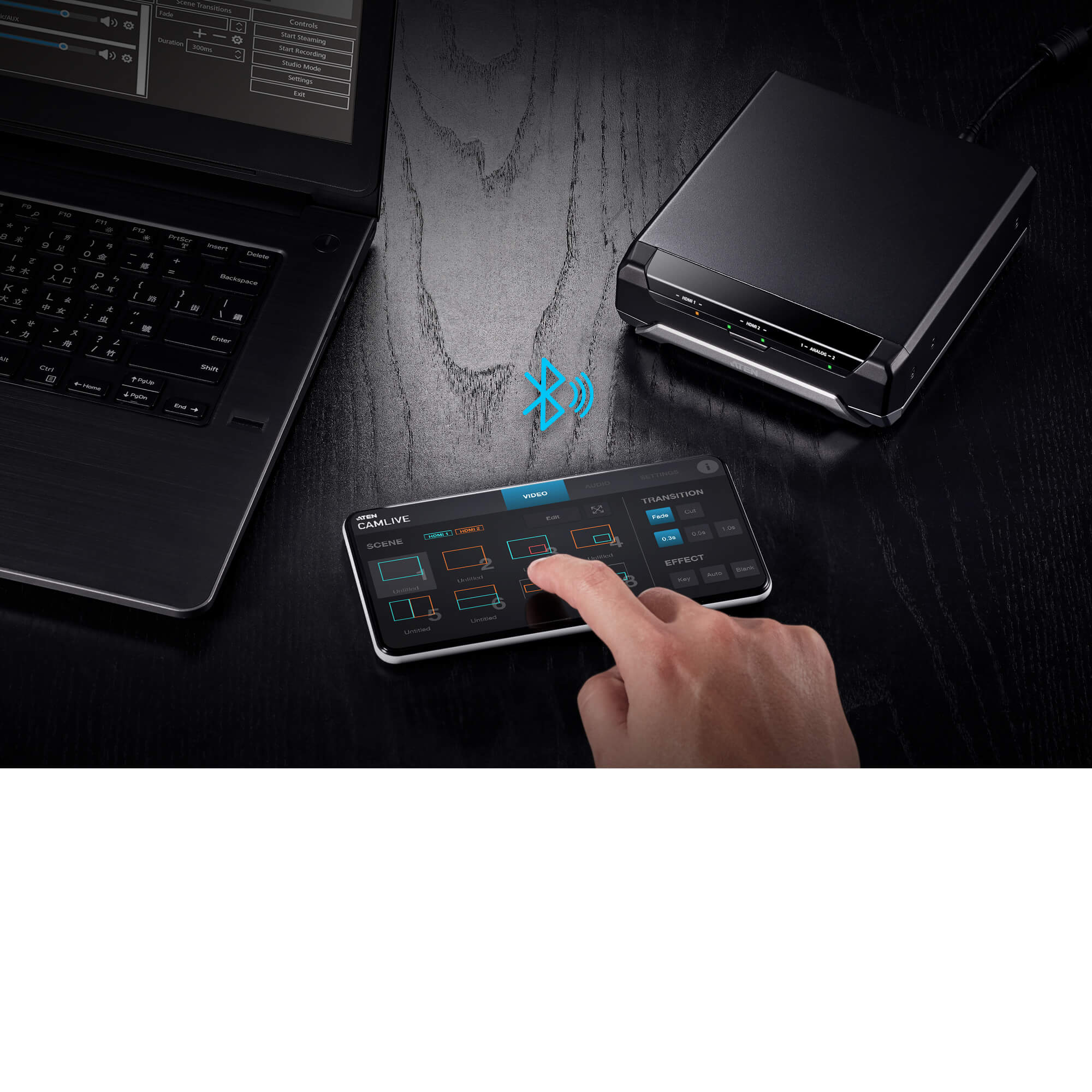
The Aten UC3022 CAMLIVE PRO mixes two HDMI sources, such as cameras or a presenter’s laptop, with a microphone and a line-level source, and delivers the result to a computer or Android phone over USB as a standard webcam signal (UVC) at up to 1080p60. Streaming and meeting software picks it up as a camera, and scene changes run from a phone app over Bluetooth.
Two HDMI inputs up to 4K30, one USB feed at 1080p60
Each HDMI input accepts 720p at 50 or 60, 1080p at 24, 25, 30, 50 or 60, and 2160p at 24, 25 or 30; 4K at 60 Hz is not on Aten’s list. Whatever comes in, the computer receives 1080p60 or 720p60, so a stream leaves at Full HD at most. On a USB 3 port that feed is uncompressed (YUY2); USB 2.0 ports and phones get compressed MJPEG.
The host can be a Windows 10 or later PC (Windows 7 needs a driver), a Mac on macOS 10.13 or later, or an Android phone with UVC support and a USB-C port. Aten’s minimum PC is an Intel i3 dual-core at 2.8 GHz with 4 GB of RAM. The unit’s own USB port is a Type-B socket, and both a USB-C and a USB-A cable come with it.
Scenes, picture-in-picture and chroma key
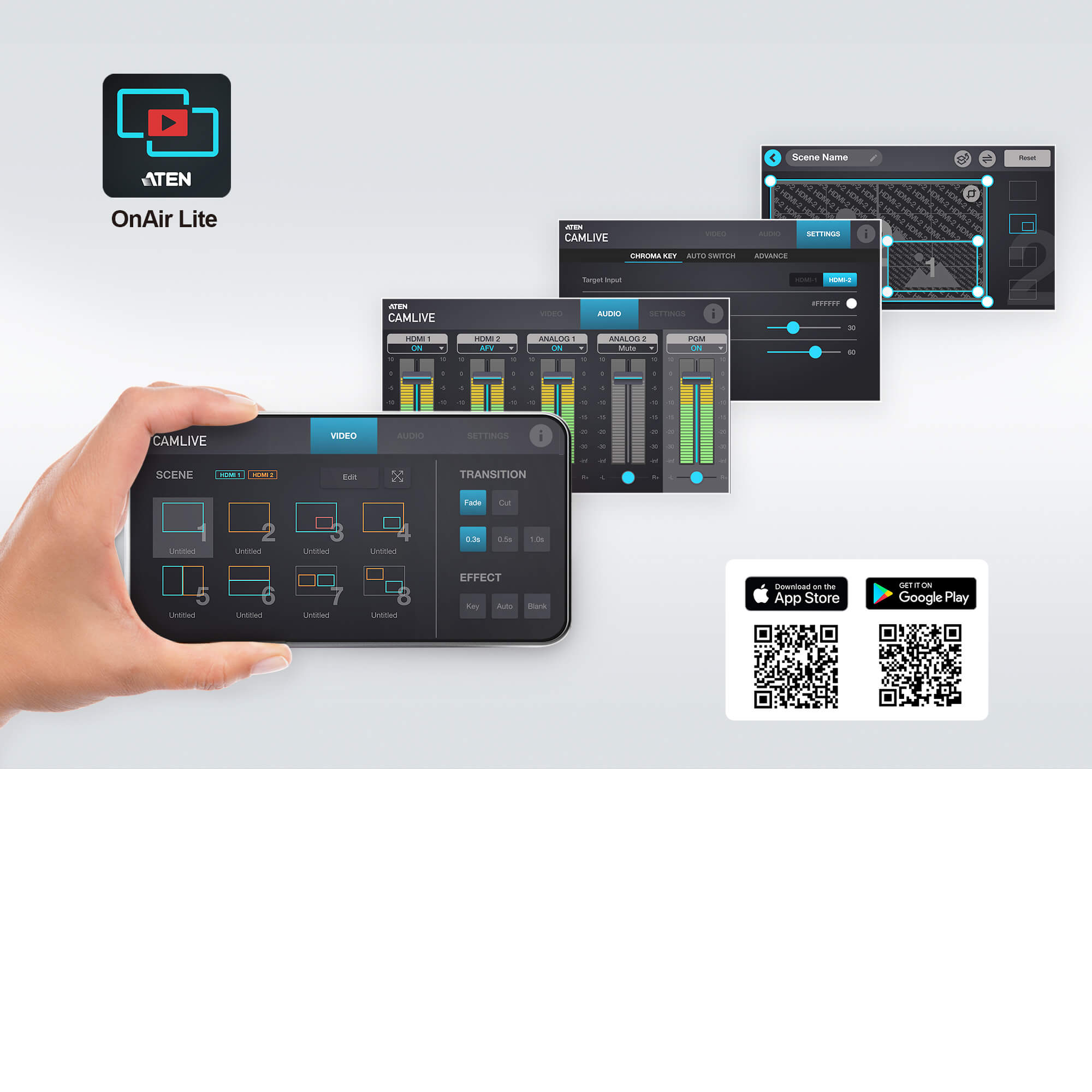
The UC3022 stores eight scenes. Its defaults cover full-screen views of each input, picture-in-picture, side-by-side and top-and-bottom layouts, and the scene editor crops and resizes each source to build your own. Chroma key removes a chosen colour from either input, with adjustable range and threshold, so a presenter in front of a green screen can appear over slides from the other input. Scene changes cut, or fade over 1, 2 or 3 seconds, and the front-panel button flips between scenes 1 and 2 without the app.
Microphone, line and HDMI audio
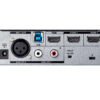
Analogue audio comes in on a balanced XLR socket and an unbalanced RCA stereo pair. The XLR input has gain from 0 to +30 dB in 6 dB steps and a mono or stereo setting. Audio embedded in each HDMI input can follow its video or be fixed on or muted, and the mixer has a fader and balance per source and a compressor on the programme mix.
Programme output for the room
An HDMI programme (PGM) output feeds a local monitor or projector with the mixed picture, at 720p or 1080p while USB capture is running. A rear HDCP switch, off by default, lets protected sources through to that output at up to 2160p30 for an audience in the room, but USB video and audio stop while it is on.
Control from the OnAir Lite app
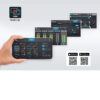
Scenes, chroma key and the audio mixer are set in Aten’s OnAir Lite app for Android 5 and iOS 10 or later, connected over Bluetooth Low Energy (Bluetooth 4.2 or higher). There is no Windows or macOS control program. The app’s Remote Deck holds up to 18 buttons that send keyboard shortcuts over the USB link to OBS or similar software on the host.
In the box and what to add
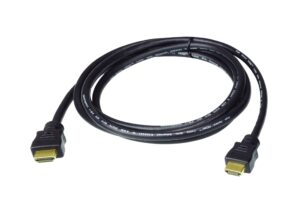
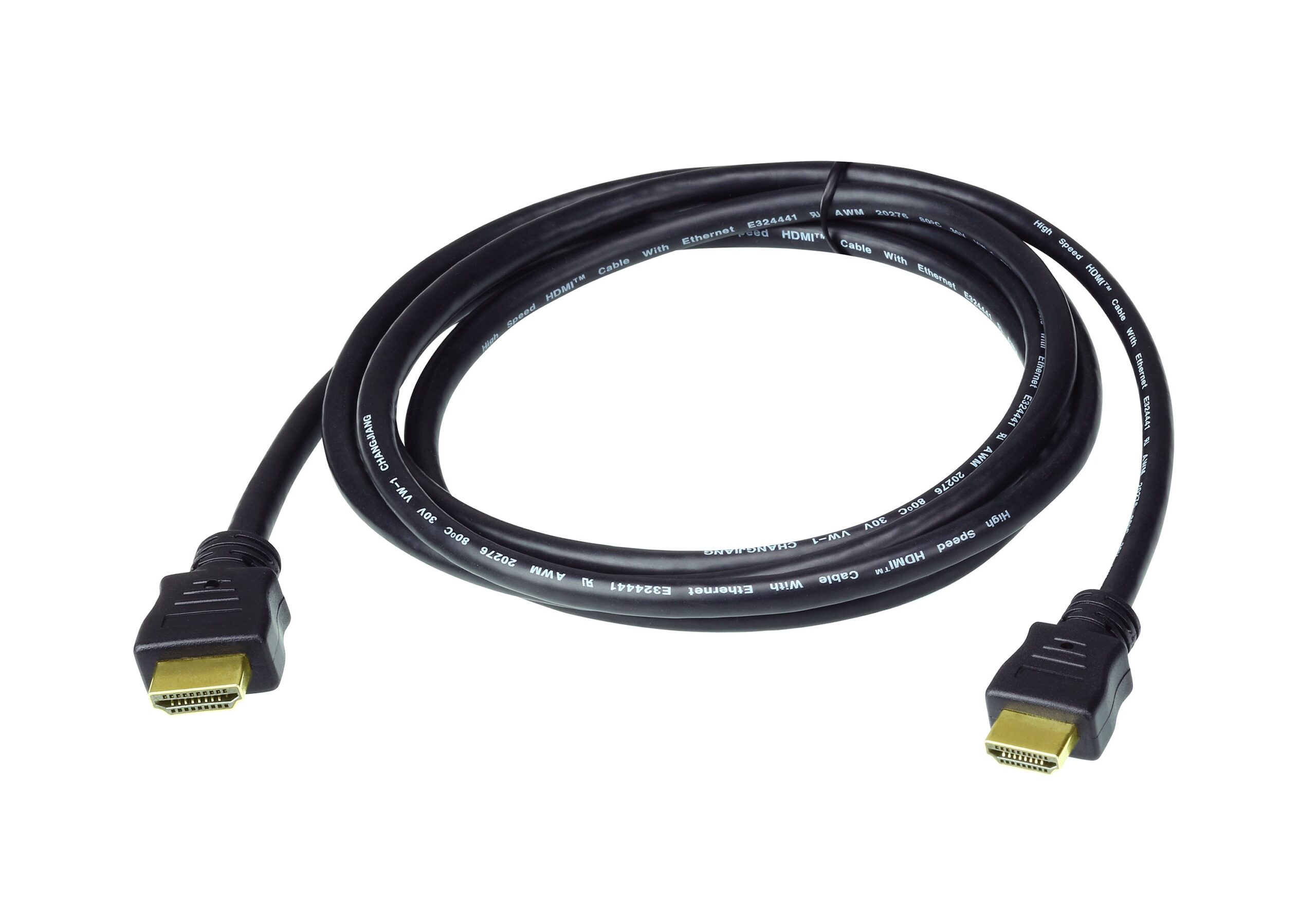
Besides the two USB cables, the box holds a 5 V power adapter, a camera mount kit that gives the unit a 1/4-inch tripod thread, and the instructions. HDMI cables are not included: each source needs one, for example a 2 m Aten 2L-7D02H-1 HDMI cable, and so does the programme output. For a single camera or laptop, the Aten UC3020 HDMI capture is the one-input alternative.
Key specifications of the Aten UC3022
| HDMI inputs | 2; 720p50/60, 1080p24/25/30/50/60, 2160p24/25/30; unencrypted only |
|---|---|
| USB output | UVC video with UAC audio, 1080p60 or 720p60; uncompressed on USB 3 |
| USB port | USB 3.2 Gen 1 Type-B; USB-C and USB-A cables supplied |
| PGM output | HDMI; 720p or 1080p while capturing; up to 2160p30 with HDCP on and capture off |
| Audio inputs | 1 x balanced XLR, 1 x unbalanced RCA stereo; 16-bit, 44.1 or 48 kHz |
| Control | OnAir Lite app (iOS, Android) over Bluetooth LE; 8 scenes |
| Capture hosts | Windows 10 or later, macOS 10.13 or later, Android with UVC and USB-C |
| Operating temperature | 0 to 40 °C |
| Size and weight | 13.00 x 15.18 x 4.25 cm, 0.68 kg, metal case |
| Power | 5 V DC adapter, included; 4.4 W |
Questions about the Aten UC3022
Can the UC3022 capture a laptop playing protected video?
No. Aten states that it cannot capture HDCP-protected content, which includes Blu-ray players and many streaming services, so that picture will not reach the computer over USB. It can still be shown to the room on the PGM output with the HDCP switch on.
Can I plug a condenser microphone into the XLR input?
Only one that powers itself, by battery or its own supply. Aten’s datasheet, manual and quick start guide do not mention phantom power for the XLR input, so a dynamic microphone is the straightforward choice. Set the gain in the app, in 6 dB steps up to +30 dB.
Can an iPhone be the capture device?
Aten does not list the iPhone as a capture host: its product page and manual name Windows and macOS computers and Android phones with UVC support. An iPhone can still run the OnAir Lite control app, or act as a camera on an HDMI input through Aten’s OnAir Cam app and Apple’s Lightning Digital AV Adapter.
Which streaming and meeting software works with it?
Any program that accepts a USB camera and microphone, because the UC3022 appears to the computer as a standard UVC video and UAC audio device. Aten names OBS, Zoom, Microsoft Teams, Skype, YouTube and Facebook among them.
Connectors
| Video In | 2 x HDMI Type A Female (Black) |
|---|---|
| USB Port | USB 3.2 Gen1 Type-B Male (Blue) (USB-B to USB-C and USB-B to USB-A cable package included) |
| Video Output | 1 x HDMI Type A Female (PGM Video, Black) |
| Audio Inputs | 1x balanced analogue audio via XLR connectors 1x unbalanced audio via RCA connectors. |
| Video Resolution | Video input: 2160p30/25/24, 1080p60/50/30/25/24, 720p60/50 , HDMI unencrypted PGM video out: 1080p60/50/30/25/24, 720p60/50, HDMI unencrypted (Support encrypted PGM output at 2160p30/25/24, 1080p60/50/30/25/24, 720p60/50 with UVC capture disabled) |
| Audio Sampling | 16-bit PCM audio, 44.1KHz and 48KHz |
| Output | Uncompressed 1080p60 & 720p60 UVC video stream with UAC audio (Uncompressed video stream is only available on USB3.1 connection) |
Environmental
| Operating Temperature | 0 - 40 ºC |
|---|---|
| Storage Temperature | 20 – 60 ºC |
| Humidity | 0 - 80% RH, Non-Condensing |
| Minimum Hardware Requirements | PC/Mac: CPU: Intel® i3 Dual Core 2.8Ghz or higher RAM: 4GB or more One USB-C interface or USB-A interface Smartphone: Android device with UVC support and USB-C interface* *For detail UVC compatible device list, please refer to following info revealed by third party App. https://www.camerafi.com/supported-devices/ |
| Connection | Bluetooth Low Energy(BLE) technology |
| OS Support | Windows 10 and above * Mac OS X 10.13 and above Android 5.x and above or iOS 10.1 and above , with Bluetooth 4.2 or higher supporting Bluetooth Low Energy (BLE) *Window 7 requires driver installation |
Physical Properties
| Housing | Metal |
|---|---|
| Weight | 0.68 kg ( 1.5 lb ) |
| Dimensions (L x W x H) | 13.00 x 15.18 x 4.25 cm (5.12 x 5.98 x 1.67 in.) |
| Note | For some of rack mount products, please note that the standard physical dimensions of WxDxH are expressed using a LxWxH format. |
You must be logged in to post a review.
UC3022 Datasheet PDF
You may also like these
Aten
 Low stock (1 left)
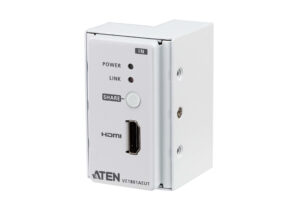
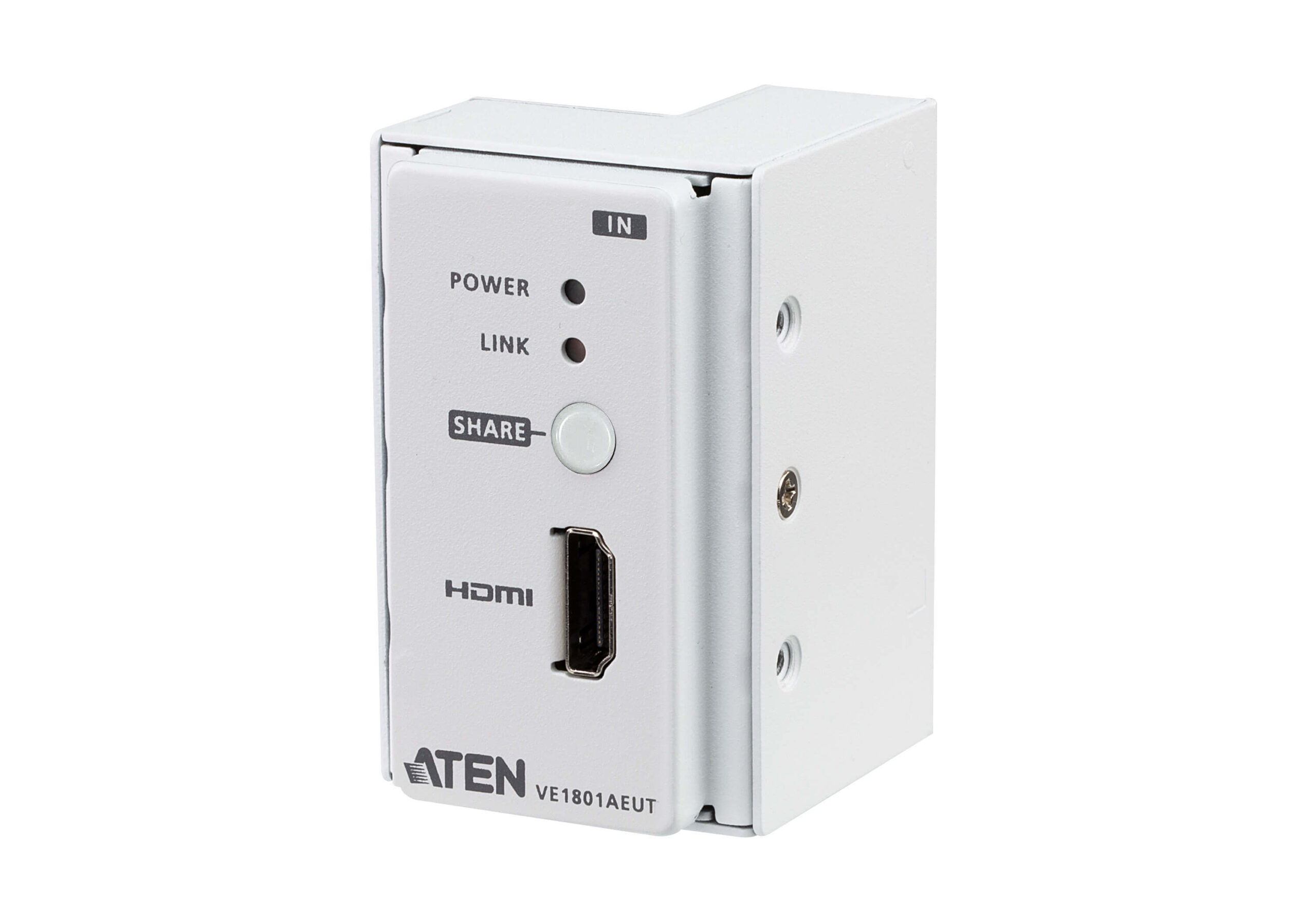
Aten Extender, HDMI, HDBaseT - Lite, Transmitter with EU Wall Plate - VE1801AEUT
R6,174.32
VE1801AEUT Low stock (1 left)
Reviews
There are no reviews yet.