All Categories
- ATEN
- EPSON
- HISENSE
-
AV Signal Distribution
In AV Signal Distribution
- JK
-
Screens
In Screens
-
Projector
-
Cables
In Cables
- DTECH
- Business
- VISION
-
Projector Bracket
In Projector Bracket
-
Digital Signage Solutions
In Digital Signage Solutions
Brands
-
Audio
In Audio














All Categories
- ATEN
- EPSON
- HISENSE
-
AV Signal Distribution
In AV Signal Distribution
- JK
-
Screens
In Screens
-
Projector
-
Cables
In Cables
- DTECH
- Business
- VISION
-
Projector Bracket
In Projector Bracket
-
Digital Signage Solutions
In Digital Signage Solutions
Brands
-
Audio
In Audio

BROWSE CATEGORIES
Help
AV Signal Distribution
Dtech Extender, HDMI Over IP with IR, 150m – 7058
R2,926.79
Transmitter and receiver kit that sends 1080p HDMI over Cat 5e or Cat 6 cable, direct or through a network switch, for Full HD screens far from the source.
- Up to 150 m on one cable, 1080p at 60 Hz
- H.264 compressed video
- IR return: control the source from the screen end
- HDMI loop-out on the transmitter for a local monitor
- Brand :Dtech
- SKU :DTECH-7058
- Category :AV Signal Distribution
- Availability :
 In Stock
16 in stock
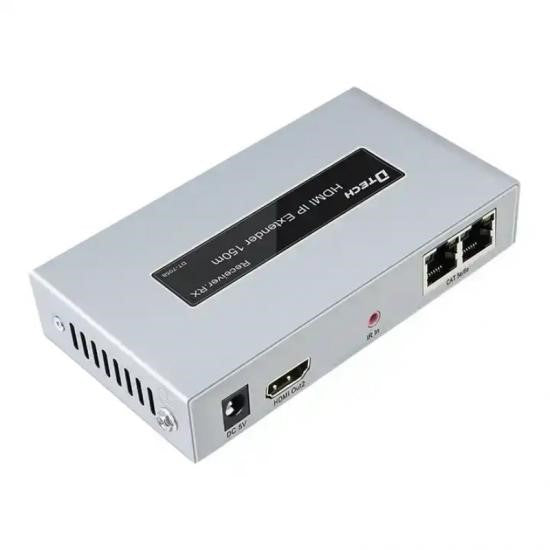
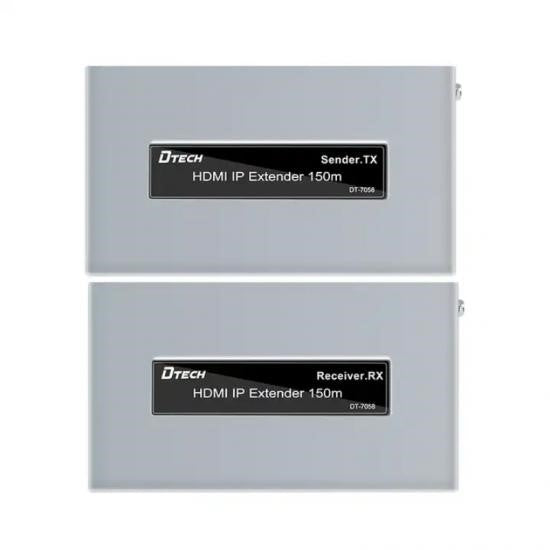
The Dtech DT-7058 (listed here as the 7058) is a transmitter and receiver kit that compresses HDMI to H.264 and sends it over Cat 5e or Cat 6 cable, either from box to box or through a network switch. Dtech rates it for 150 m on one cable at up to 1080p 60 Hz, so it is a long-run extender for Full HD displays and projectors, not 4K. IR return lets you use the source’s remote at the screen end.
Distance, cabling and one-to-many use
Dtech’s figures for the kit:
- 150 m from transmitter to receiver on a single Cat 5e or Cat 6 cable, shielded (STP) or unshielded (UTP).
- Up to 300 m when a network switch or router sits in the run as a relay.
- One transmitter can feed several receivers through a switch, and the receiver’s second network port lets you daisy-chain further DT-7058 receivers.
The kit has one receiver, so each extra screen needs its own DT-7058 receiver. Dtech does not state how many receivers one transmitter can feed.
1080p H.264 picture and the 4K alternative
The DT-7058 handles 1080p at 60 Hz and lower resolutions, so set a 4K source to output 1080p. The transmitter compresses the video to H.264 and the receiver decodes it. Dtech publishes no latency figure, so check lip-sync and pointer response before using it for interactive work such as a touch display.
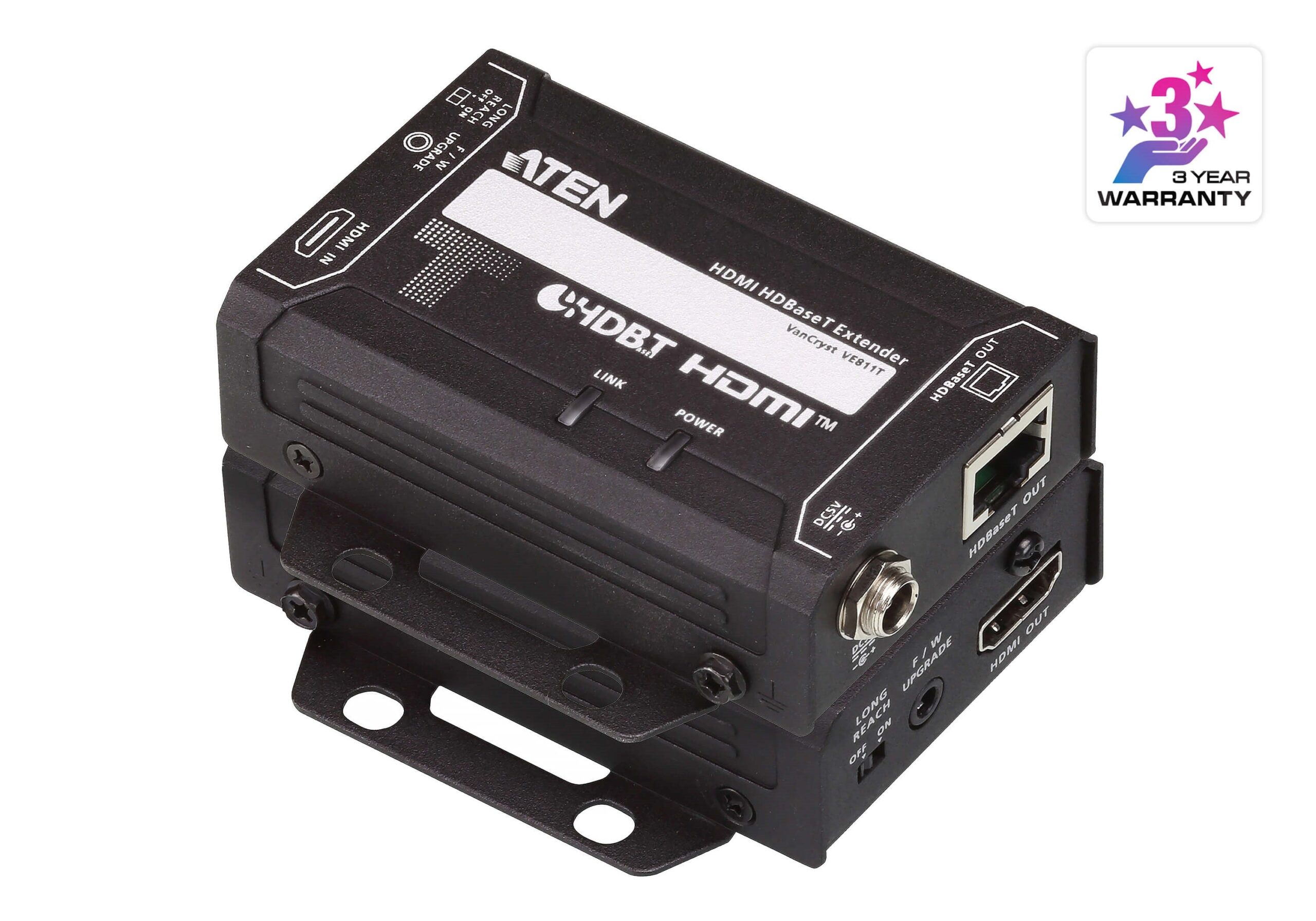
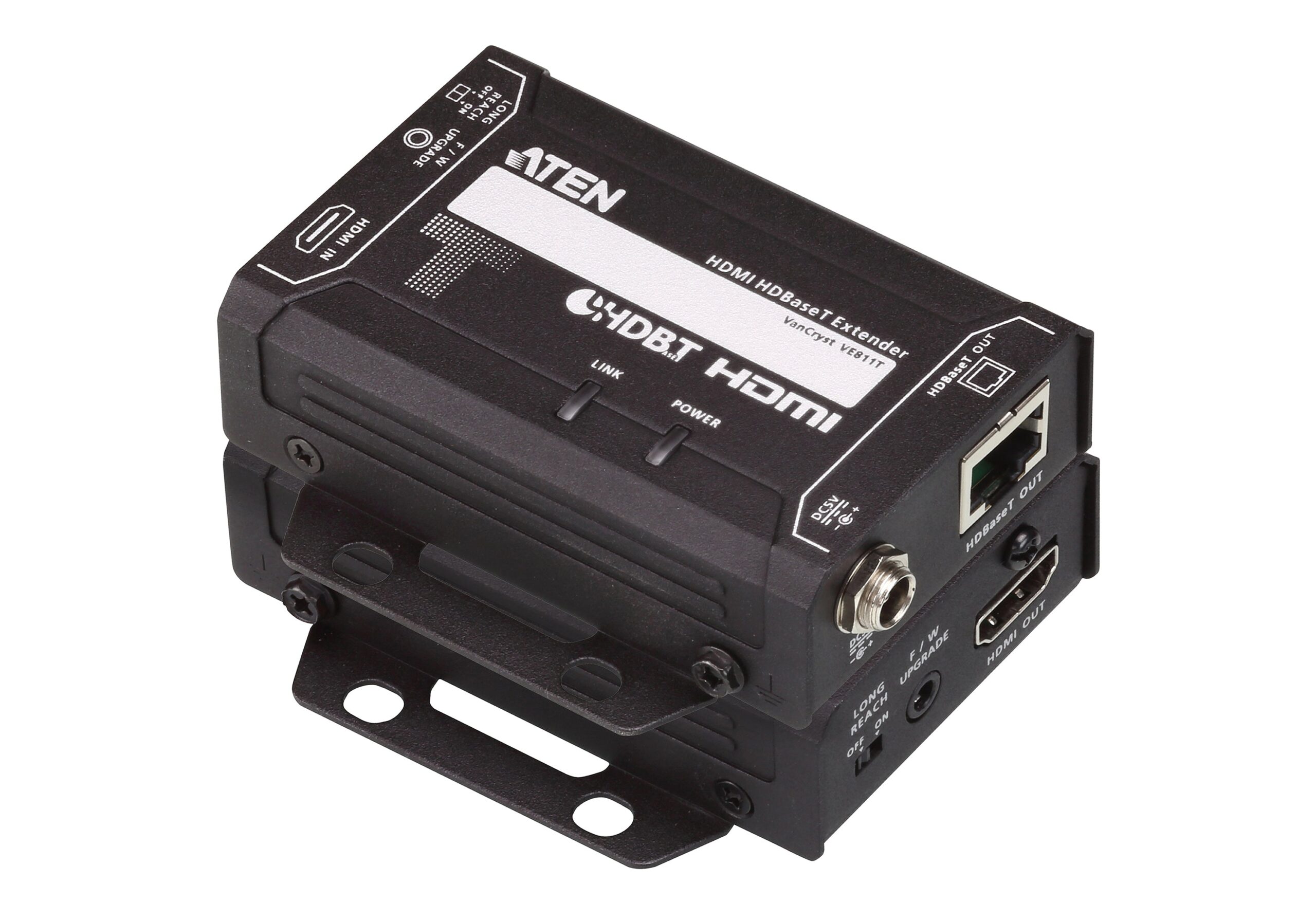
For 4K over Cat cable, the Aten VE801 HDBaseT-Lite extender carries 4K up to 35 m on Cat 5e or Cat 6 (40 m on Cat 6a) and 1080p up to 60 m (70 m on Cat 6a), on a direct cable between its two units.
Ports, loop-out and HDMI lead lengths
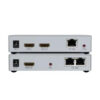
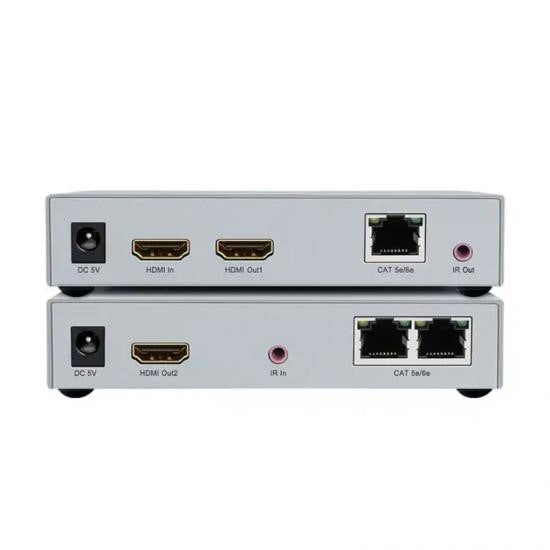
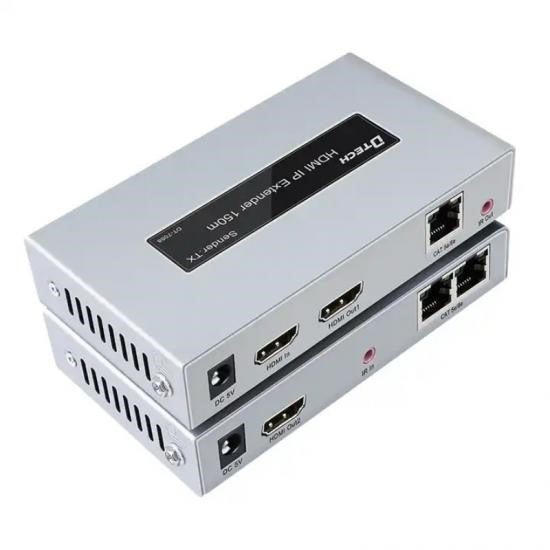
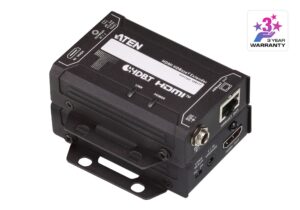
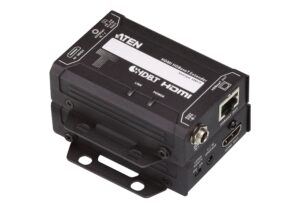
- Transmitter (Sender TX): 5 V DC input, HDMI In, HDMI Out1 loop-out, one network port and IR Out.
- Receiver (Receiver RX): 5 V DC input, HDMI Out2, IR In and two network ports.
The loop-out on the transmitter feeds a monitor next to the source, for a presenter or for checking the signal at that end.
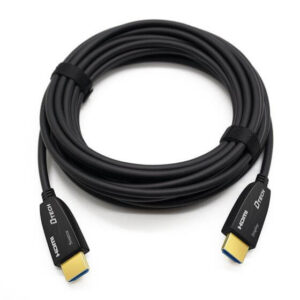
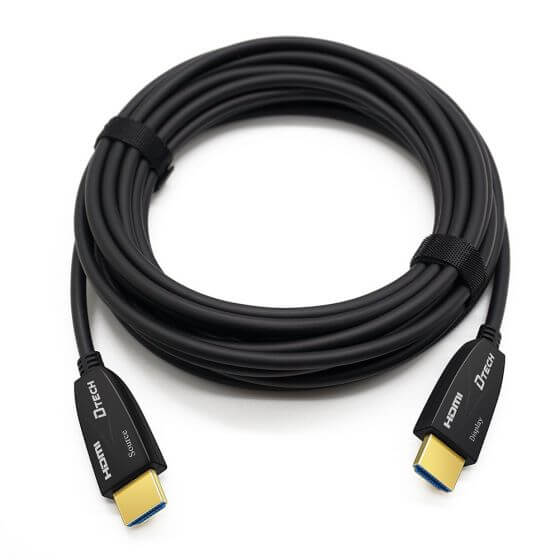
Dtech rates the HDMI leads at up to 10 m into the transmitter and 5 m out of the receiver, using 26 AWG cable. Leads up to those lengths are in our HDMI copper cable range.
Key specifications of the Dtech DT-7058
| Kit | DT-7058S transmitter and DT-7058R receiver |
|---|---|
| Maximum resolution | 1080p at 60 Hz |
| Video compression | H.264 |
| Distance | 150 m on one cable; up to 300 m through a switch or router |
| Cable | Cat 5e or Cat 6, STP or UTP |
| Connection modes | One to one, one to many, receiver daisy-chain |
| IR | IR return: IR In on receiver, IR Out on transmitter |
| Local output | HDMI loop-out on transmitter |
| HDMI lead length | 10 m input, 5 m output (26 AWG) |
| Power | 5 V DC on each unit |
Questions about the Dtech DT-7058
Can the DT-7058 run over an existing office or school network?
Possibly, but test it on a separate switch first. Dtech says switches and routers can relay the signal, yet it publishes no bit rate, multicast or IGMP details, so its documentation gives no way to predict the load on a shared network. A dedicated switch keeps the video traffic off the data network.
Does the DT-7058 carry audio?
Yes. Dtech states that it transmits audio with the video, so sound embedded in the HDMI signal arrives on the receiver’s HDMI output. Neither unit has a separate analogue audio output, so take the sound from the display or whatever the receiver feeds.
Will a 1920 x 1200 laptop work through it?
Set the laptop to 1920 x 1080. Dtech gives 1080p at 60 Hz as the maximum and does not list 1920 x 1200, so a WUXGA signal is outside its published specification.
Which way does the IR control work?
From the display end back to the source. Plug the IR receiver cable into IR In on the receiver and point the source’s remote at it; the emitter on IR Out at the transmitter, placed in front of the source’s IR window, repeats the command. Dtech does not list supported remote frequencies, so test the remote you plan to use.
Do both units need power?
Yes. The transmitter and the receiver each have a 5 V DC jack, and Dtech lists no power over the network cable. Plan a power point at both ends, plus one at every extra receiver you add.
You must be logged in to post a review.
Reviews
There are no reviews yet.