All Categories
- ATEN
- EPSON
- HISENSE
-
AV Signal Distribution
In AV Signal Distribution
- JK
-
Screens
In Screens
-
Projector
-
Cables
In Cables
- DTECH
- Business
- VISION
-
Projector Bracket
In Projector Bracket
-
Digital Signage Solutions
In Digital Signage Solutions
Brands
-
Audio
In Audio














All Categories
- ATEN
- EPSON
- HISENSE
-
AV Signal Distribution
In AV Signal Distribution
- JK
-
Screens
In Screens
-
Projector
-
Cables
In Cables
- DTECH
- Business
- VISION
-
Projector Bracket
In Projector Bracket
-
Digital Signage Solutions
In Digital Signage Solutions
Brands
-
Audio
In Audio

BROWSE CATEGORIES
Help
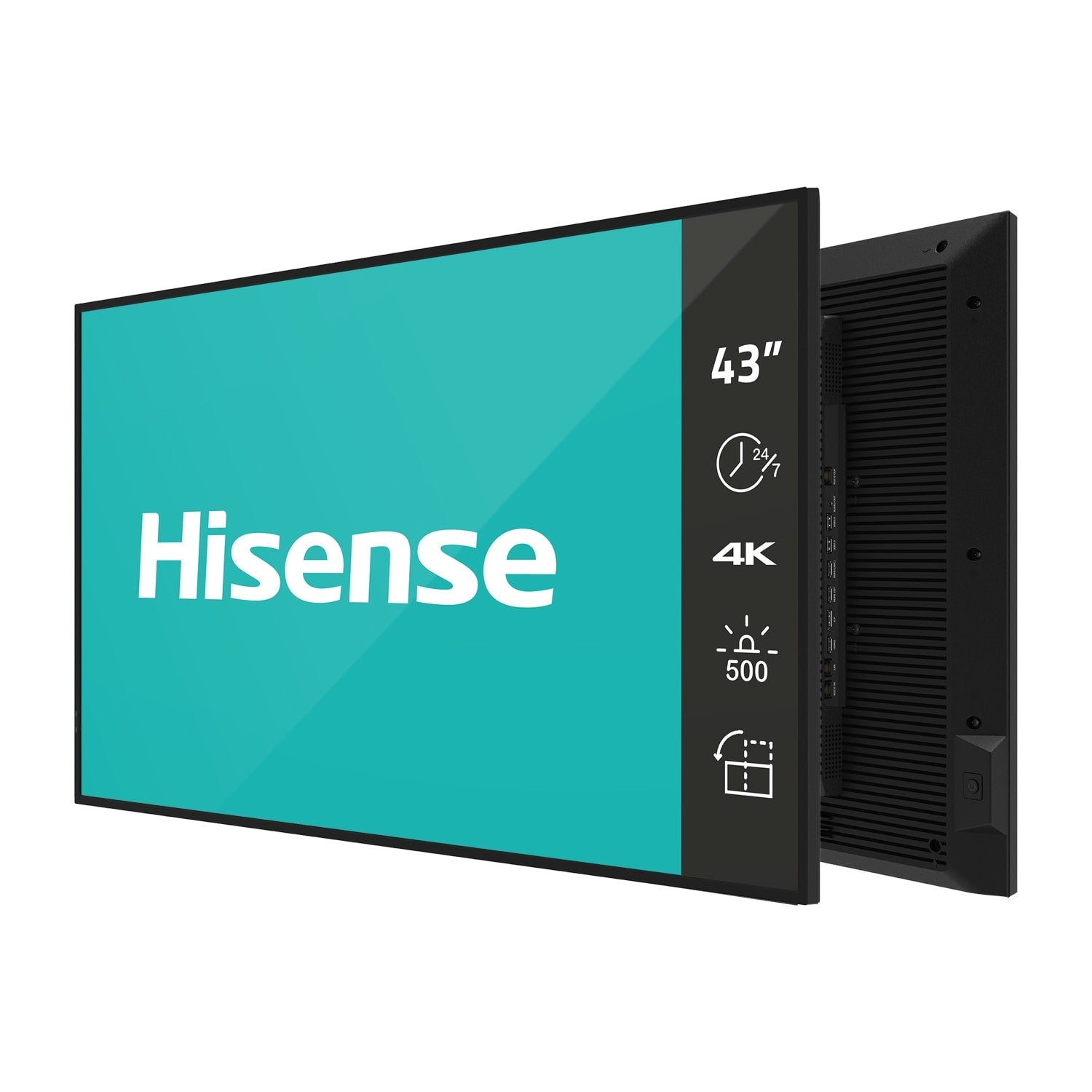
Digital Signage 24x7
Hisense Digital Signage 43″, 500 nits, 4k resolution, with 7day x 24hrs operation, Android 14 – 43DM66GE
R12,347.72
The smallest 4K model in Hisense's DM66GE range: a 43-inch signage display with an Android 14 player, rated for 24/7 use, for menu boards, shelf ends and reception walls.
- 3840 x 2160 at 500 nits, 108 cm visible picture
- 8.5 kg with 300 x 300 mm VESA holes
- Three HDMI inputs (one HDMI 2.1); HDMI out repeats HDMI 3
- RS232 on 3.5 mm jacks, LAN, Wi-Fi 6, Bluetooth 5.4
- Brand :Hisense
- SKU :HISENSE-43DM66GE
- Category :Digital Signage 24x7
- Availability :Out of Stock
Out of stock
The Hisense 43DM66GE is the smallest 4K (3840 x 2160) model in Hisense’s DM66GE signage range: a 43″ panel with a 108 cm visible picture, 500 nits typical and a 24/7 rating, run by its own Android 14 player. It weighs 8.5 kg and fixes to 300 x 300 mm VESA holes. At this size it suits menu boards, shelf-end screens and reception walls that people read from about two to four metres, indoors: the front is rated IP5X against dust, and Hisense gives an operating range of 0 to 40 °C.
How far away 43 inches of 4K can be read
The 108 cm diagonal works out to a picture about 94 cm wide and 53 cm tall. Using picture height as the yardstick, the common 4/6/8 rule puts the last reader of dense text, such as a price list, at about 2.1 m, the last reader of headlines at 3.2 m and the last viewer of video at 4.2 m. Mounted in portrait, the 94 cm side becomes the height, and the first two limits move out to about 3.8 m and 5.6 m.
The panel holds four times as many pixels as a Full HD screen of the same size, so small type looks finer close up than it would at 1920 x 1080. The only smaller DM66GE is the Full HD Hisense 32DM66GE.
Inputs, the HDMI output and control
External sources use three HDMI inputs, two HDMI 2.0 and one HDMI 2.1, with eARC on HDMI 2 for a soundbar or amplifier. The HDMI output repeats only HDMI 3 (the other source it can repeat, USB-C, is fitted from 65 inches up), so connect whatever a second screen must mirror to HDMI 3. There is no DisplayPort input. The manual’s HDMI table lists 3840 x 2160 at 50 and 60 Hz, so an HDMI extender on a long run from a player or switcher needs a 4K 60 Hz rating.
The rest of the connector panel: two Type A USB ports (USB 2.0 and 3.2 Gen 1), RJ45 LAN, a 3.5 mm audio output, a 2.5 mm IR input and RS232 in and out on 3.5 mm jacks. Serial control runs at 9600 baud, with an ID set for each screen. For unattended running, the power menu holds up to three daily on/off time slots, and Failover moves to a backup input when the main source loses signal, then back when it returns.
43DM66GE or 43DM66D
The two share the 970.4 x 557.5 x 62.8 mm cabinet, the 8.5 kg weight, the 300 x 300 mm hole pattern and a 1,200:1 panel, so the choice comes down to electronics. The 43DM66GE runs Android 14 with 4 GB of RAM where the 43DM66D runs Android 11 with 3 GB, adds Wi-Fi 6 and Bluetooth 5.4, and has a third HDMI input in place of DisplayPort. Its RS232 ports are jacks rather than RJ45 sockets, which matters when you are reusing serial cabling. Power is close: 75 W typical and 130 W maximum for the GE on Hisense’s figures, 80 W and 120 W for the D. Pick the Hisense 43DM66D if a DisplayPort source must connect without an adapter.
Key specifications of the 43DM66GE
| Display | 43″ (108 cm visible), 3840 x 2160, 60 Hz |
|---|---|
| Brightness and finish | 500 nits typical, 25% haze anti-glare |
| Contrast, viewing angle | 1,200:1, 178°/178° |
| Duty rating | 24 hours, 7 days |
| System | Android 14, Cortex-A73 quad core, Mali-G57 MC1, 4 GB memory, 32 GB storage |
| HDMI | 3 in (HDMI 2.0 x 2, HDMI 2.1 x 1, eARC on HDMI 2), 1 out |
| Control and network | IR in (2.5 mm), RS232 in/out (3.5 mm), LAN, Wi-Fi 6, Bluetooth 5.4 |
| Speakers | 2 x 10 W |
| Wall fixing | VESA 300 x 300 mm, four M6 screws |
| Dimensions, weight | 970.4 x 557.5 x 62.8 mm, 8.5 kg |
| Power draw | 75 W typical, 130 W maximum |
Questions about the 43DM66GE
Do I need a VisionInfo licence to run the 43DM66GE?
Not for a single screen playing USB media, Android apps or an HDMI source; the display handles those by itself. VisionInfo, Hisense’s cloud CMS for scheduling programmes and monitoring screens remotely, runs under a licence, and the editions are listed under content management solutions. The VisionInfo client is already installed on the display.
Can it play videos straight from a USB stick?
Yes, by Hisense’s account, but check the USB lock first: the manual’s Security and Permission section describes it as on by default and says a locked display cannot read drives. Otherwise the file manager opens USB drives, a Media Autoplay playlist can be the start-up source, and the format table covers H.264, H.265, VP8, VP9, AV1 and MPEG video and JPEG, PNG, BMP, GIF, WebP or HEIF pictures.
Can the 43DM66GE be mounted in portrait?
Yes, Hisense supports both orientations. Give the display a quarter-turn anticlockwise from landscape, which leaves the power light and IR window on the lower edge, then select Portrait under Screen rotation. Hisense allows forward tilt only in landscape, so a portrait screen hangs flat.
How much electricity does it use running 24/7?
About 1.8 kWh a day at Hisense’s typical figure of 75 W; the ceiling is 130 W, and standby draws less than 0.5 W. Auto adjust, on from the factory, dims the backlight in a darker room, though it locks the manual brightness setting while it is on. Timed off periods cut the total further when the premises close.
What screw length does the VESA mount need?
Long enough to reach 12.0 to 13.0 mm into the rear cover on the 43-inch model, and no further, according to Hisense’s manual; longer screws can damage the display beyond repair. Add the bracket plate’s thickness to that depth. Hisense specifies its LG400030D bracket for this size; any bracket from our flat panel wall bracket category must take the 300 x 300 mm pattern.
You must be logged in to post a review.
You may also like these
Hisense
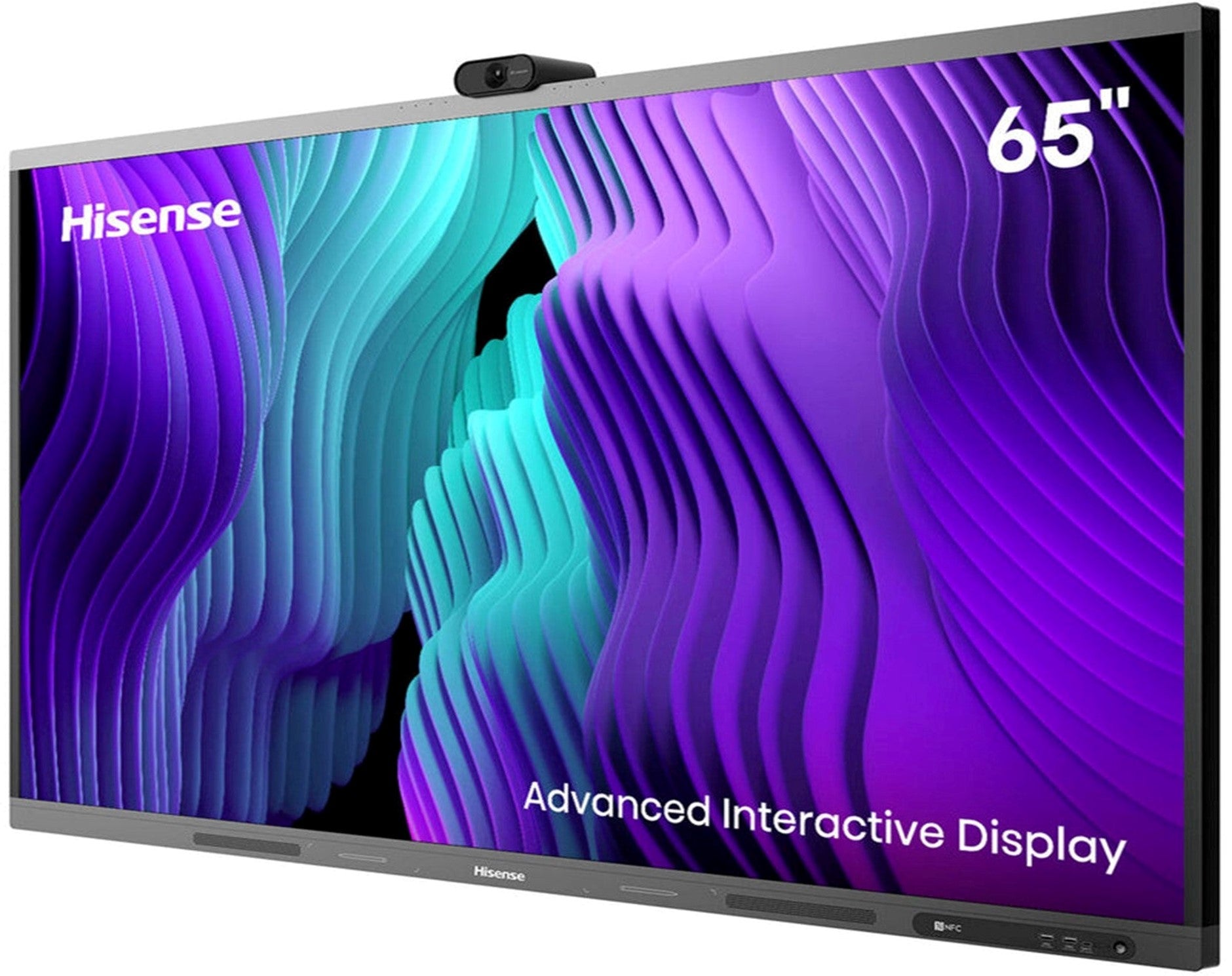
Hisense Interactive Panel, 65", 4k resolution, 450nits, Android 16 - 65WE6GE
R63,460.65
65WE6GE Out of Stock
Hisense
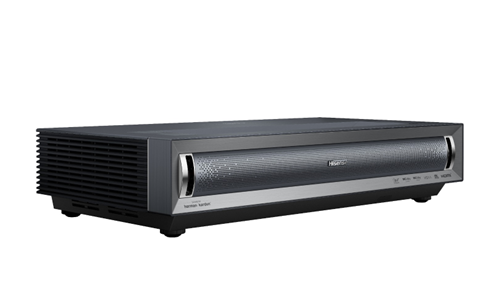
Hisense Laser Projection TV, 3000 Ansi Lumens, 4K resolution, UST - PX3PRO
R46,322.37
PX3PRO Out of Stock
Hisense
 Low stock (1 left)
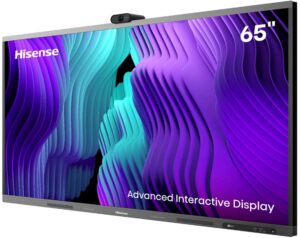
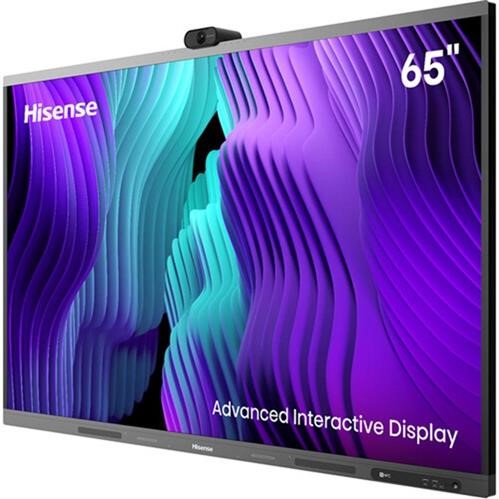
Hisense Interactive Panel, 65", 4k resolution, 400 nits, Android 16.0 - 65WM6FEA
R52,483.37
65WM6FEA Low stock (1 left)
Hisense
Low stock (1 left)
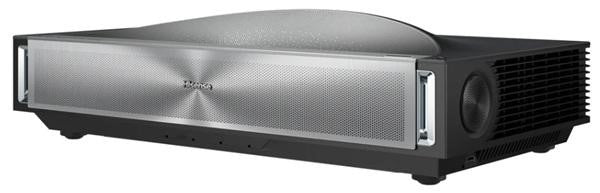
Hisense Laser Projection TV, 3500 Ansi Lumens, 4K resolution, UST - PX4PRO
R47,919.54
PX4PRO Low stock (1 left)
Reviews
There are no reviews yet.