All Categories
- ATEN
- EPSON
- HISENSE
-
AV Signal Distribution
In AV Signal Distribution
- JK
-
Screens
In Screens
-
Projector
-
Cables
In Cables
- DTECH
- Business
- VISION
-
Projector Bracket
In Projector Bracket
-
Digital Signage Solutions
In Digital Signage Solutions
Brands
-
Audio
In Audio














All Categories
- ATEN
- EPSON
- HISENSE
-
AV Signal Distribution
In AV Signal Distribution
- JK
-
Screens
In Screens
-
Projector
-
Cables
In Cables
- DTECH
- Business
- VISION
-
Projector Bracket
In Projector Bracket
-
Digital Signage Solutions
In Digital Signage Solutions
Brands
-
Audio
In Audio

BROWSE CATEGORIES
Help
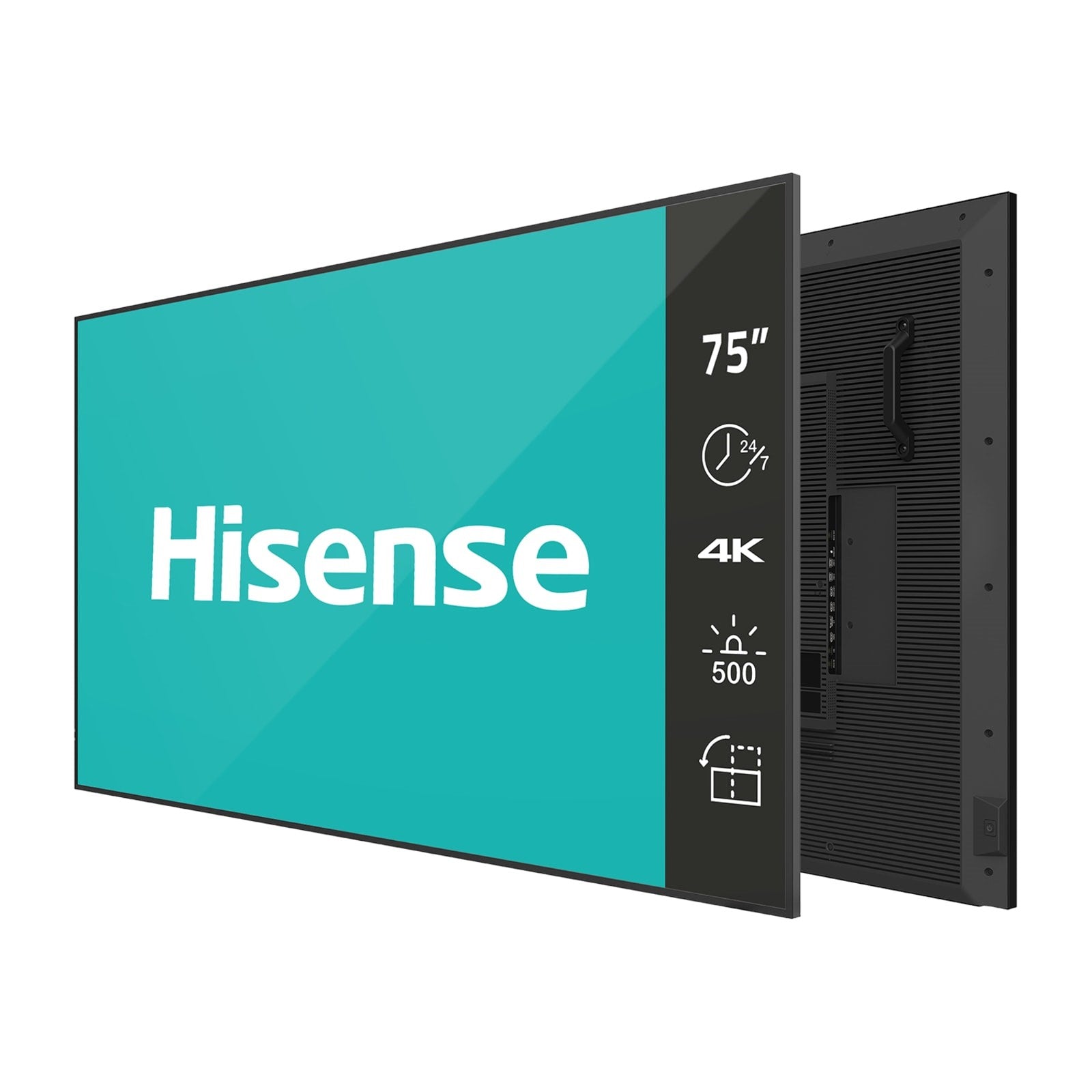
Digital Signage 24x7
Hisense Digital Signage 75″, 500 nits, 4k resolution, with 7day x 24hrs operation, Android 14 – 75DM66GE
R42,878.25
A 75 inch Hisense 4K signage display for 24/7 use in foyers, lobbies and reception areas, with an Android 14 player built in.
- 500 nits typical, 25% haze anti-glare surface
- 29 kg on 600 x 400 mm VESA, as on the 75DM66D
- USB-C with 65 W charging and an HDMI 2.1 input; no DisplayPort
- RS232, LAN and Wi-Fi 6 for control
- Brand :Hisense
- SKU :HISENSE-75DM66GE
- Category :Digital Signage 24x7
- Availability :Out of Stock
Out of stock
The Hisense 75DM66GE is a 75″ (189 cm visible) 4K signage display rated for 24/7 running at 500 nits typical. It suits a hotel lobby, an auditorium foyer or a reception wall where people read the screen from a few metres away.
It weighs the same 29 kg and uses the same 600 x 400 mm mounting holes as the 75DM66D, so the choice between the two comes down to the electronics: Android 14, USB-C and HDMI 2.1 on the GE, against DisplayPort on the D.
75DM66GE or 75DM66D
Hisense’s datasheets give both 75 inch models the same panel figures: 500 nits, 1,200:1 contrast, 72% NTSC colour and 25% haze. The differences are inside and on the connector panel.
| Item | 75DM66D | 75DM66GE |
|---|---|---|
| Android version | Android 11 | Android 14 |
| Processor and memory | Cortex-A55 quad core, Mali-G52, 3 GB | Cortex-A73 quad core, Mali-G57 MC1, 4 GB |
| Video inputs | HDMI 2.0 (two), DisplayPort 1.2a (one) | HDMI 2.0 (two), HDMI 2.1 (one), USB-C |
| Wireless | 802.11ac, Bluetooth 5.1 | Wi-Fi 6 (802.11ax), Bluetooth 5.4 |
| Serial control | RS232 on RJ45 | RS232 on 3.5 mm jacks |
| Maximum power | 265 W | 390 W |
Three of these matter on a site that already runs D models. A media player with only a DisplayPort output needs an adapter or another output to reach the GE. A serial lead made up for the D’s RJ45 socket will not fit the GE’s 3.5 mm jack. And the GE’s higher maximum rating is worth checking against a circuit that was sized for older screens. If your site standardises on DisplayPort, or you want one software version across a fleet, the Hisense 75DM66D remains the like-for-like choice.
Image size and reading distance at 75 inches
The manual lists a 189 cm visible diagonal, an image about 1.65 m across and 0.93 m high. Each of the 3840 x 2160 pixels is about 0.43 mm wide, small enough that the eye stops picking them out from around 1.5 m with 6/6 vision. Session times and room names in a foyer stay crisp for people walking right past.
Turned to portrait, the set is 956.6 mm wide and 1,676.3 mm tall, a shape that suits an event programme beside a hall entrance. The bezel is 10.8 mm on three sides and 11.8 mm along the bottom.
Lifting and mounting the 75DM66GE
The display weighs 29 kg and travels at 41.6 kg in a carton 1,850 mm long. Carry handles on the back take the depth from 64 mm at the body to 89 mm, so check the clearance behind the screen if it goes into a recess or onto a flush mount.
Four M6 screws fit the 600 x 400 mm pattern, and Hisense specifies 12.0 to 13.0 mm of thread inside the rear shell; overlong screws do irreparable damage. The manual pairs this size with the Hisense LG60060BE wall bracket, allows a forward lean of up to 15° in landscape only, and asks for a 10 cm air gap on all sides. On concrete or brick, size each anchor to hold over 9.7 kg, a third of the display’s weight, and reinforce plasterboard before fixing.
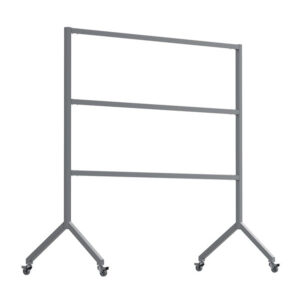
The Vision VFM-W8X4V/2 fixed wall mount covers 47 to 75 inch screens, lists the 600 x 400 mm pattern and has a 60 kg safe working load. For a screen on wheels, the Hisense WH3315 mobile stand carries up to 100 kg and is listed by Hisense for DM Series displays up to 86 inches.
Network control, apps and the USB-C port
Hisense says the Android 14 build accepts third-party apps and over-the-air updates, and VisionInfo, its content management platform, is preinstalled. The USB-C port takes video, audio and data from a laptop and returns up to 65 W of charging power.
On the network side, the settings include Wake-on-LAN, off by default, and separate locks for IP control, REST API and SNMP access. The manual documents only the RS232 command set, so a control system that must talk to the screen over IP needs the protocol from Hisense first.
75DM66GE key specifications
| Diagonal | 75″ (189 cm visible) |
|---|---|
| Panel | IPS, 3840 x 2160, 60 Hz |
| Typical brightness | 500 nits |
| Contrast | 1,200:1 typical |
| Weight | 29 kg net, 41.6 kg packed |
| Body size | 1,676.3 x 956.6 x 64.1 mm |
| Mounting | VESA 600 x 400 mm, 4 x M6 |
| Operating hours | 7 days x 24 hours |
| Power draw | 390 W maximum |
| Player | Android 14, Cortex-A73, 32 GB eMMC |
| Audio | 10 W + 10 W speakers, 3.5 mm out |
Questions about the Hisense 75DM66GE
Will the 75DM66GE fit the wall bracket from a 75DM66D?
On Hisense’s figures it should: both weigh 29 kg and use a 600 x 400 mm pattern with M6 screws. Check that the old screws give 12.0 to 13.0 mm of thread in the GE’s rear shell, and allow for the 89 mm depth over the handles.
Can visitors cast a phone or laptop to it?
Not until an administrator allows it. Hisense lists wireless screen sharing for the DM66GE, but the manual ships the multi-screen collaboration service locked; the lock is released in the Security and Permission menu. A USB-C cable from a laptop is the wired route, and the screen switches to it by itself because Auto switch source is on by default.
How is it controlled from a control system?
Over RS232 at 9,600 baud with 8N1 framing (eight data bits, no parity, one stop bit), through the 3.5 mm serial jack and an RS232 converter cable. Each screen takes a serial ID from 1 to 255, and the documented commands cover power, input selection, volume, backlight and scheduled on and off times.
How long does the backlight last at 24/7?
Hisense quotes an LED lifetime of up to 50,000 hours. Running every hour of the year, that is about 5.7 years; switching the screen off for eight hours a night stretches the same rating to roughly 8.6 years.
What is supplied with the 75DM66GE?
Hisense’s datasheet names four things: a remote with batteries, a mains cord, an RS232 converter cable and a quick setup guide. In the manual that serial cable appears as an optional item and the cord varies by country, so confirm both if you need serial control on day one. Brackets and stands are extra.
You must be logged in to post a review.
You may also like these
Hisense
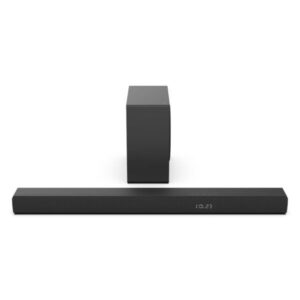
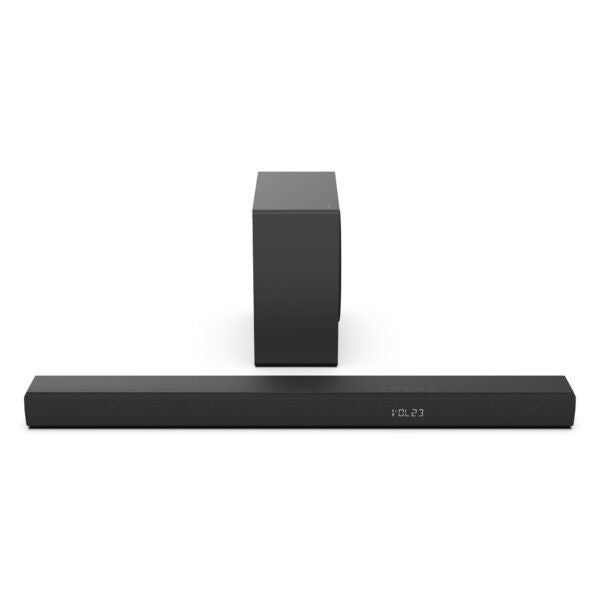
Hisense Sound Bar, Bluetooth, 480W 3.1 Channel with Wireless Subwoofer - HS3100
R3,177.14
HS3100 Out of Stock
Hisense
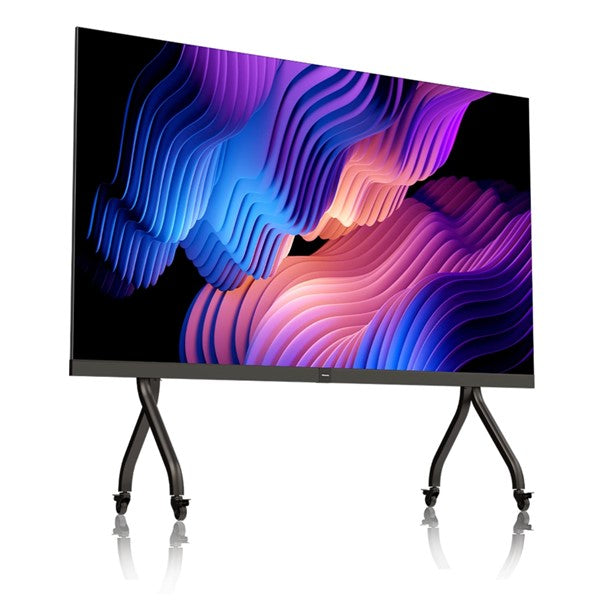
Hisense AllI-In-One LED, 163",2K resolution, Android 9.0 OPS - OP163DE
R688,032.47
OP163DE Out of Stock
Hisense
 Low stock (1 left)
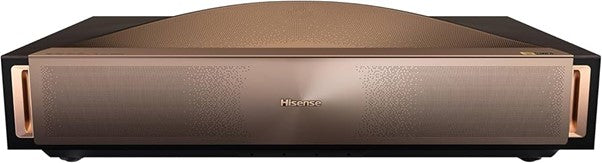
Hisense Laser Projection TV, 5000 Ansi Lumens, 4K resolution, UST - L9Q
R82,068.36
L9Q Low stock (1 left)
Hisense
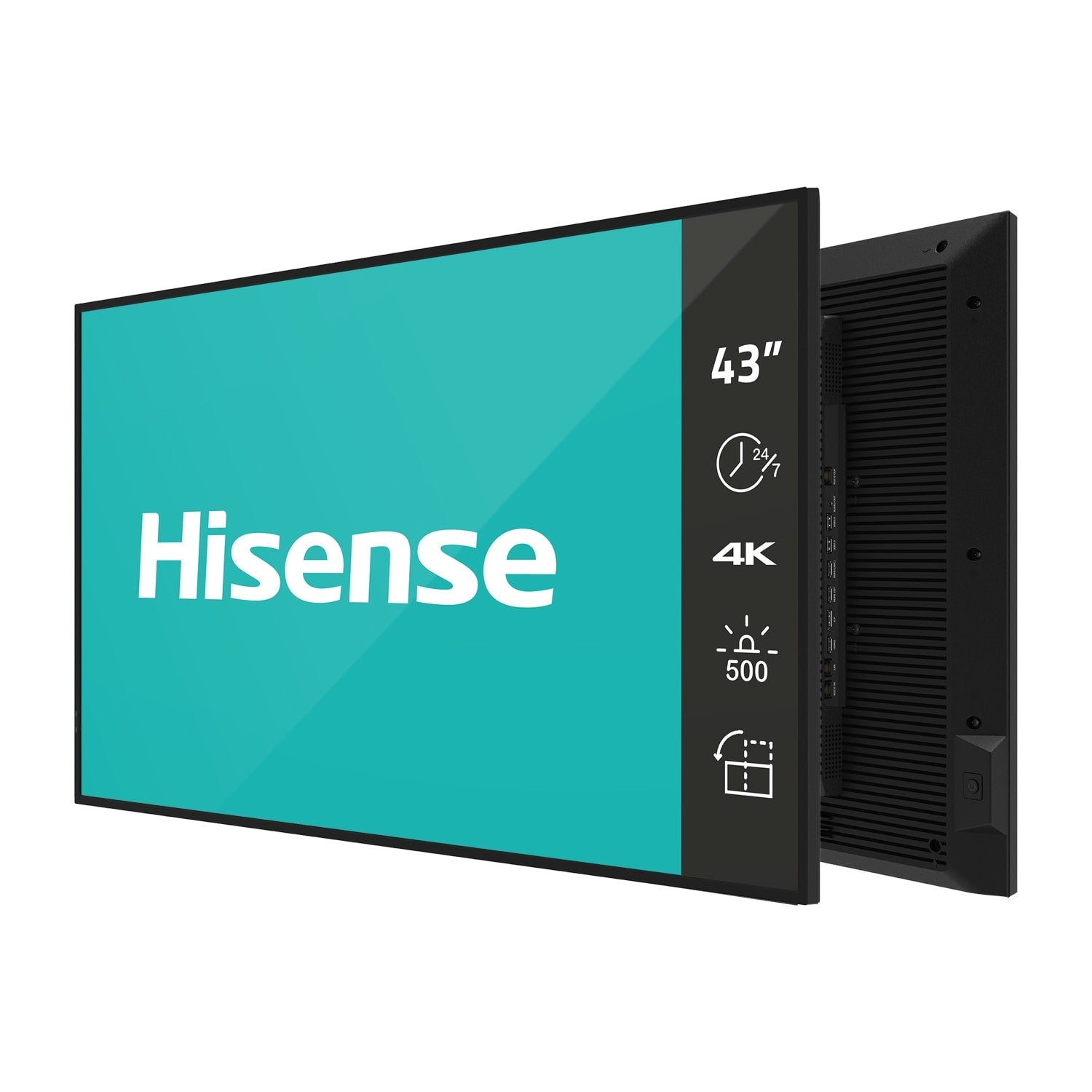
Hisense Digital Signage 43", 500 nits, 4k resolution, with 7day x 24hrs operation, Android 14 - 43DM66GE
R12,347.72
43DM66GE Out of Stock
Hisense
Reviews
There are no reviews yet.