All Categories
- ATEN
- EPSON
- HISENSE
-
AV Signal Distribution
In AV Signal Distribution
- JK
-
Screens
In Screens
-
Projector
-
Cables
In Cables
- DTECH
- Business
- VISION
-
Projector Bracket
In Projector Bracket
-
Digital Signage Solutions
In Digital Signage Solutions
Brands
-
Audio
In Audio














All Categories
- ATEN
- EPSON
- HISENSE
-
AV Signal Distribution
In AV Signal Distribution
- JK
-
Screens
In Screens
-
Projector
-
Cables
In Cables
- DTECH
- Business
- VISION
-
Projector Bracket
In Projector Bracket
-
Digital Signage Solutions
In Digital Signage Solutions
Brands
-
Audio
In Audio

BROWSE CATEGORIES
Help
ATEN
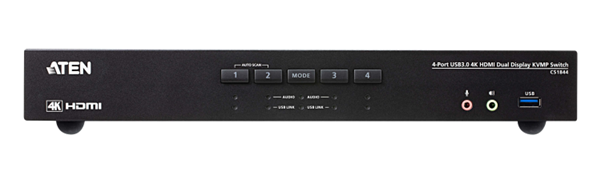
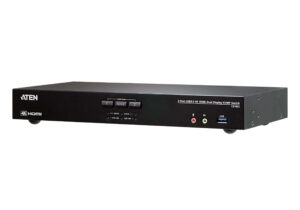
Aten HDMI Dual Display KVM Switch,4-Port USB 3.0,4K – CS1844
R19,485.61
A four-port KVM switch from Aten for desks where each computer drives two HDMI monitors and shares one keyboard, mouse, speakers and USB devices.
- Two HDMI monitor outputs, 4096 x 2160 at 60 Hz each
- 2-port USB 3.1 Gen 1 hub, 5 Gbps
- Buttons, hotkeys, mouse, remote and RS-232 switching
- HDMI, USB and audio cables for all four computers included
- Brand :aten
- SKU :ATEN-CS1844
- Category :ATEN
- Availability :Out of Stock
Out of stock
The Aten CS1844 puts four computers, each with two HDMI outputs, on one USB keyboard and mouse, two HDMI monitors, speakers and a microphone. Each monitor output reaches 4096 x 2160 at 60 Hz, a two-port USB 3.1 Gen 1 hub shares drives and other devices, and the HDMI, USB and audio cables for all four computers come in the box.
Two monitors per computer, up to 4K at 60 Hz
Both HDMI console outputs handle 4K DCI (4096 x 2160) and 4K UHD (3840 x 2160) at 60 Hz, and a high-refresh monitor can run at 144 Hz at 2560 x 1440. Aten lists HDMI 2.0, and its manual gives HDCP 2.2. Video DynaSync keeps windows on the extended desktop where you left them when you switch away and back, rather than letting them fall back to the main screen.
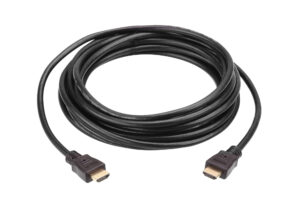
Aten’s limit for the path from computer to monitor is 6 m: 3 m from the computer to the switch and 3 m from the switch to the monitor. The supplied HDMI cables are 1.8 m, and Aten recommends them for 4K.
Switching computers, and splitting the focus
There are five ways to change computer: the port buttons on the front, the remote port selector on its lead, keyboard hotkeys, a double-click of the mouse wheel (off by default, and only with a USB three-button wheel mouse), and RS-232 commands from a control system.
Focus splits three ways. Video moves with the keyboard and mouse, while the hub and the audio can each stay on a different computer: adding K, U or S to the hotkey moves only that part, so a backup to a hub-connected drive can carry on for one computer while you work on another. Power-on detection, on by default, moves to the next running computer when the selected one shuts down.
USB hub, keyboard options and audio
The keyboard and mouse have two dedicated USB-A console ports. The hub’s two USB 3.1 Gen 1 sockets, one front and one rear, run at up to 5 Gbps.
Speakers and a microphone plug into 3.5 mm jacks on the front or the back; the front pair takes priority, and that analogue audio follows the audio focus. Sound carried over HDMI cannot be switched separately and stays with the video.
Quad displays, serial control and mounting
Two CS1844 units linked by an RJ-45 cable between their DCC ports drive four monitors from the same four computers; each computer then needs four HDMI outputs, and a slide switch on each unit sets it as primary or secondary. With that switch at S, the same port takes RS-232 commands through an RJ-45 to DB-9 adapter, which is not in Aten’s box list, at 19,200 baud by default. While a serial session is open, the buttons, hotkeys, mouse switching and remote selector are locked out.
Aten sells a 2X-045G rack mount kit separately, and its manual asks for the rear grounding terminal to be wired to a grounded object.
What is in the box, and the two-port model
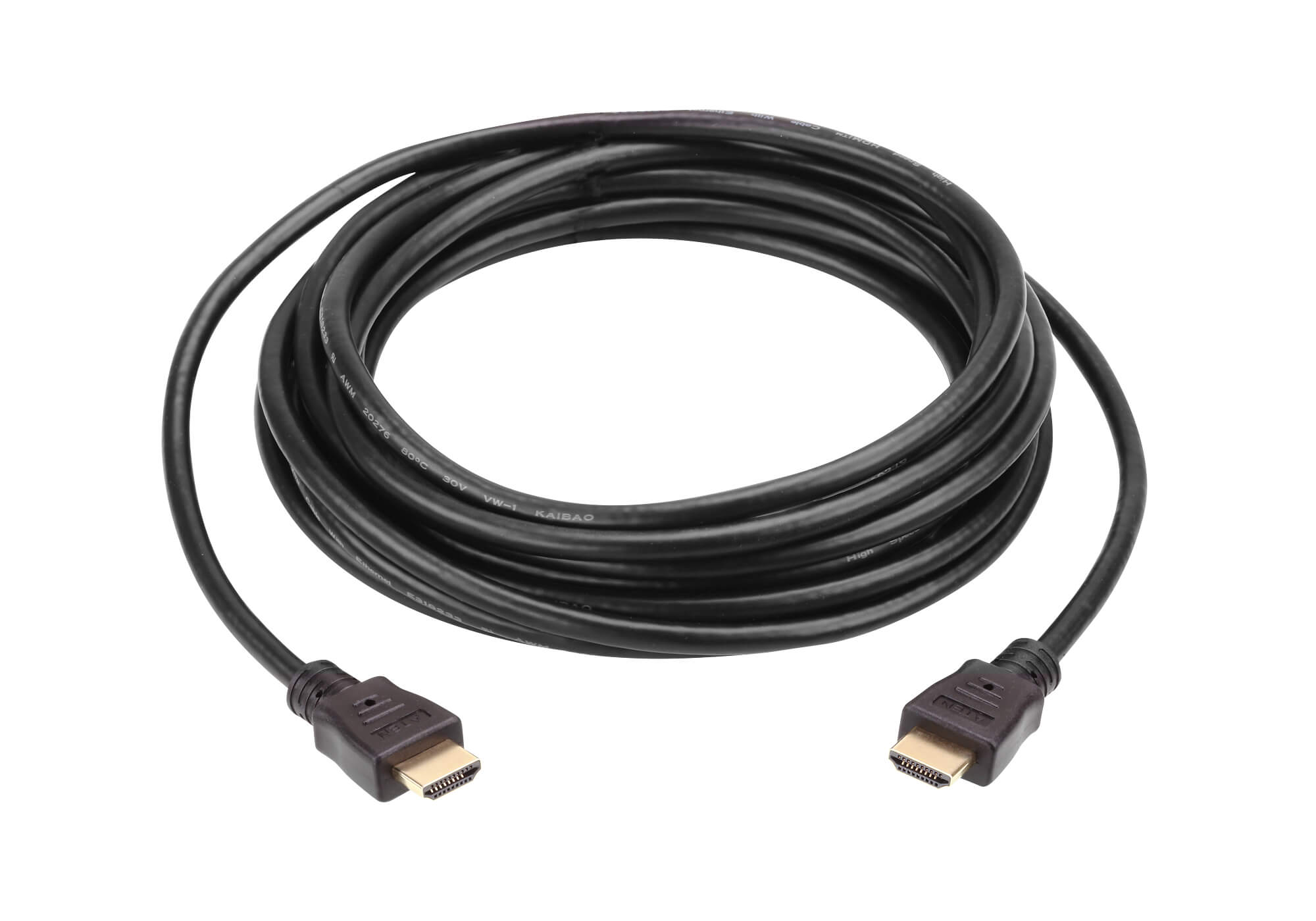
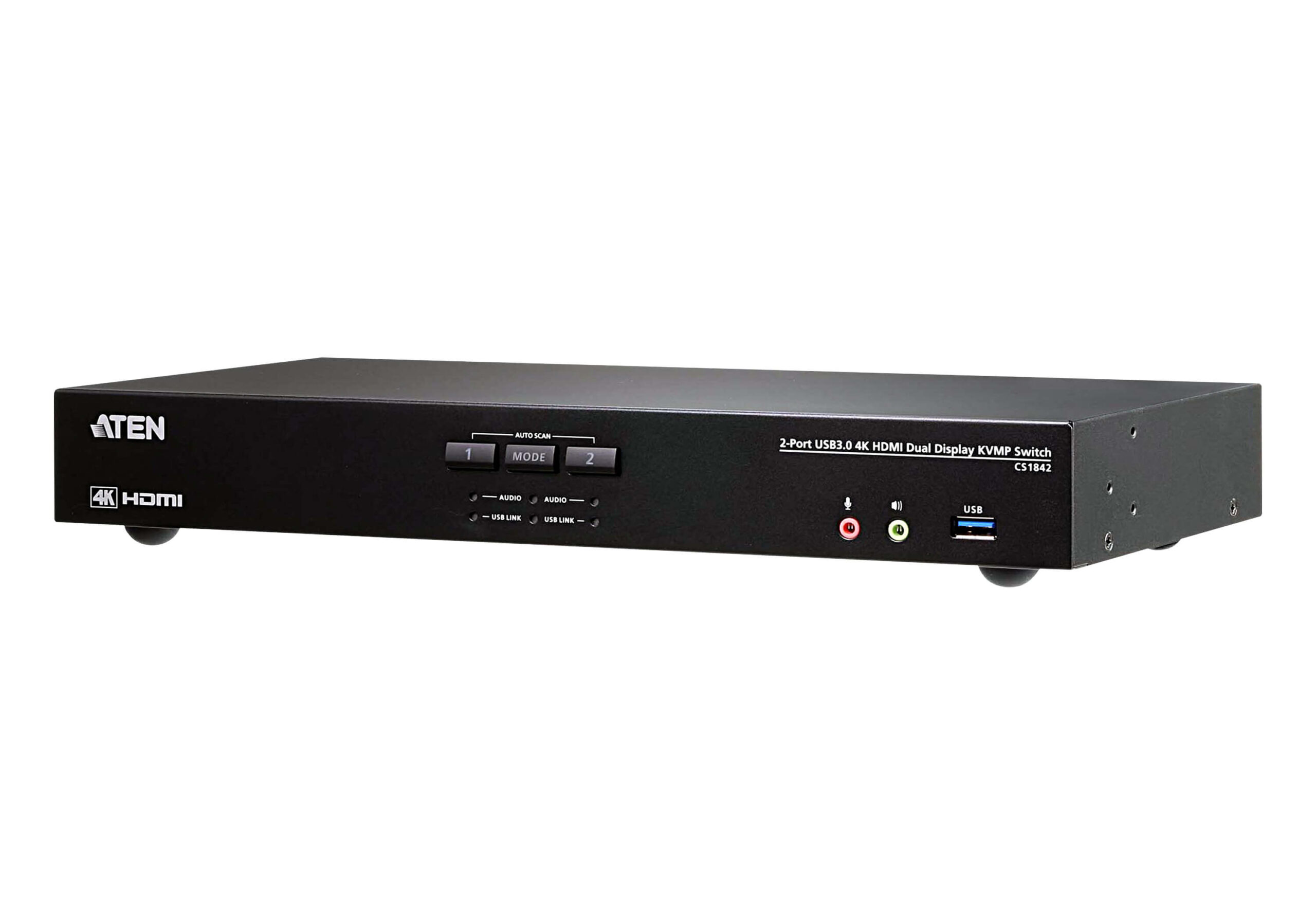
Aten packs eight 1.8 m HDMI 2.0 cables, four USB 3.0 cables, four speaker and four microphone cables, the power adapter and the remote port selector. That covers the computer side; the two monitor leads are yours to supply, and the 1 m Aten 2L-7D01H HDMI cable is on Aten’s compatible list. The Aten CS1842 is the two-port version of this switch, and our KVM switch range includes single-display models.
Key specifications of the CS1844
| Computers | 4, each with 2 x HDMI, USB Type-B, mic and speaker |
|---|---|
| Monitors | 2 x HDMI console outputs |
| Video, per monitor | 4K DCI or UHD at 60 Hz; 144 Hz at 2560 x 1440; HDMI 2.0, HDCP 2.2 |
| USB hub | Two USB 3.1 Gen 1 Type-A sockets, front and rear, 5 Gbps |
| Audio | 3.5 mm speaker and mic, front and rear |
| Port selection | Pushbuttons, hotkeys, mouse wheel, remote port selector, RS-232 |
| Cable limit | 6 m computer to monitor (3 m each side of the switch) |
| Operating systems | Windows, Mac, Linux |
| Power | 12 V DC adapter, 4.42 W typical |
| Size and weight | 33.50 x 16.05 x 4.40 cm, 1.57 kg |
Questions about the Aten CS1844
Does each computer need two HDMI outputs?
Yes, for two screens. Each computer port on the CS1844 has two HDMI inputs, one per monitor, so a computer with a single HDMI output fills only one screen. For four monitors in a quad-display pair, each computer needs four HDMI outputs.
What is the hotkey to switch computers on the CS1844?
Press Scroll Lock twice, type the port number (1 to 4) and press Enter; Scroll Lock twice then Enter moves to the next port. If Scroll Lock clashes with your software, open the hotkey menu (hold Num Lock, press minus) and press T to use Ctrl twice instead.
Can I connect a DisplayPort or USB-C computer?
Not directly. Each computer port takes two HDMI inputs and a USB Type-B connection, and Aten lists no DisplayPort or USB-C connection for the CS1844. For DisplayPort computers, the two-port Aten CS1942DP is the dual-display model to look at.
Does the CS1844 work with Mac and Linux computers?
Yes: Aten lists Mac and Linux as well as Windows. Set Mac emulation for the Mac ports in the hotkey menu and one PC keyboard drives every computer. Plug a Mac keyboard into the console instead and Aten says it works with the Macs alone.
| Computer Connections | 4 |
|---|---|
| Port Selection | Hotkey, Pushbutton, Mouse, RS-232 Commands, Remote Port Selector |
Connectors
| Console Ports | 2 x USB Type A Female 2 x HDMI Female (Black) 2 x 3.5mm Audio Jack Female (Green; 1 x front, 1 x rear) 2 x 3.5mm Audio Jack Female (Pink; 1 x front, 1 x rear) |
|---|---|
| KVM (Computer) Ports | 4 x USB3.1 Gen1 Type B Female (Blue) 8 x HDMI Female (Black) 4 x 3.5mm Audio Jack Female (Green) 4 x 3.5mm Audio Jack Female (Pink) |
| Daisy Chain Ports | 1 x RJ-45 Female |
| Remote Port Selector | 1 x 2.5mm Audio Jack Female |
| Power | 1 x DC Jack |
| USB Hub | 2 x USB3.1 Gen1 Type A Female (Blue; 1 x front; 1 x rear) |
Switches
| Selected | 5 x Pushbutton |
|---|---|
| Station Selection | 1 x Slide Switch |
LEDs
| On Line /Selected | 5 (Orange) |
|---|---|
| USB Link | 5 (Green) |
| Audio | 5 (Green) |
Emulation
| Keyboard / Mouse | USB |
|---|---|
| Video | Up to 4096 x 2160 @ 60Hz, 2560 x 1440 @ 144Hz |
| Scan Interval | 1-99 Seconds (Default: 5 sec.) |
| Power Consumption | DC12V:4.42W:63BTU/h Note: ● The measurement in Watts indicates the typical power consumption of the device with no external loading. ● The measurement in BTU/h indicates the power consumption of the device when it is fully loaded. |
Environmental
| Operating Temperature | 0-40°C |
|---|---|
| Storage Temperature | 20-60°C |
| Humidity | 0-80% RH, Non-condensing |
Physical Properties
| Housing | Metal |
|---|---|
| Weight | 1.57 kg ( 3.46 lb ) |
| Dimensions (L x W x H) | 33.50 x 16.05 x 4.40 cm (13.19 x 6.32 x 1.73 in.) |
You must be logged in to post a review.
CS1844 Datasheet PDF
 In Stock
Reviews
There are no reviews yet.