All Categories
- ATEN
- EPSON
- HISENSE
-
AV Signal Distribution
In AV Signal Distribution
- JK
-
Screens
In Screens
-
Projector
-
Cables
In Cables
- DTECH
- Business
- VISION
-
Projector Bracket
In Projector Bracket
-
Digital Signage Solutions
In Digital Signage Solutions
Brands
-
Audio
In Audio














All Categories
- ATEN
- EPSON
- HISENSE
-
AV Signal Distribution
In AV Signal Distribution
- JK
-
Screens
In Screens
-
Projector
-
Cables
In Cables
- DTECH
- Business
- VISION
-
Projector Bracket
In Projector Bracket
-
Digital Signage Solutions
In Digital Signage Solutions
Brands
-
Audio
In Audio

BROWSE CATEGORIES
Help
Consumer
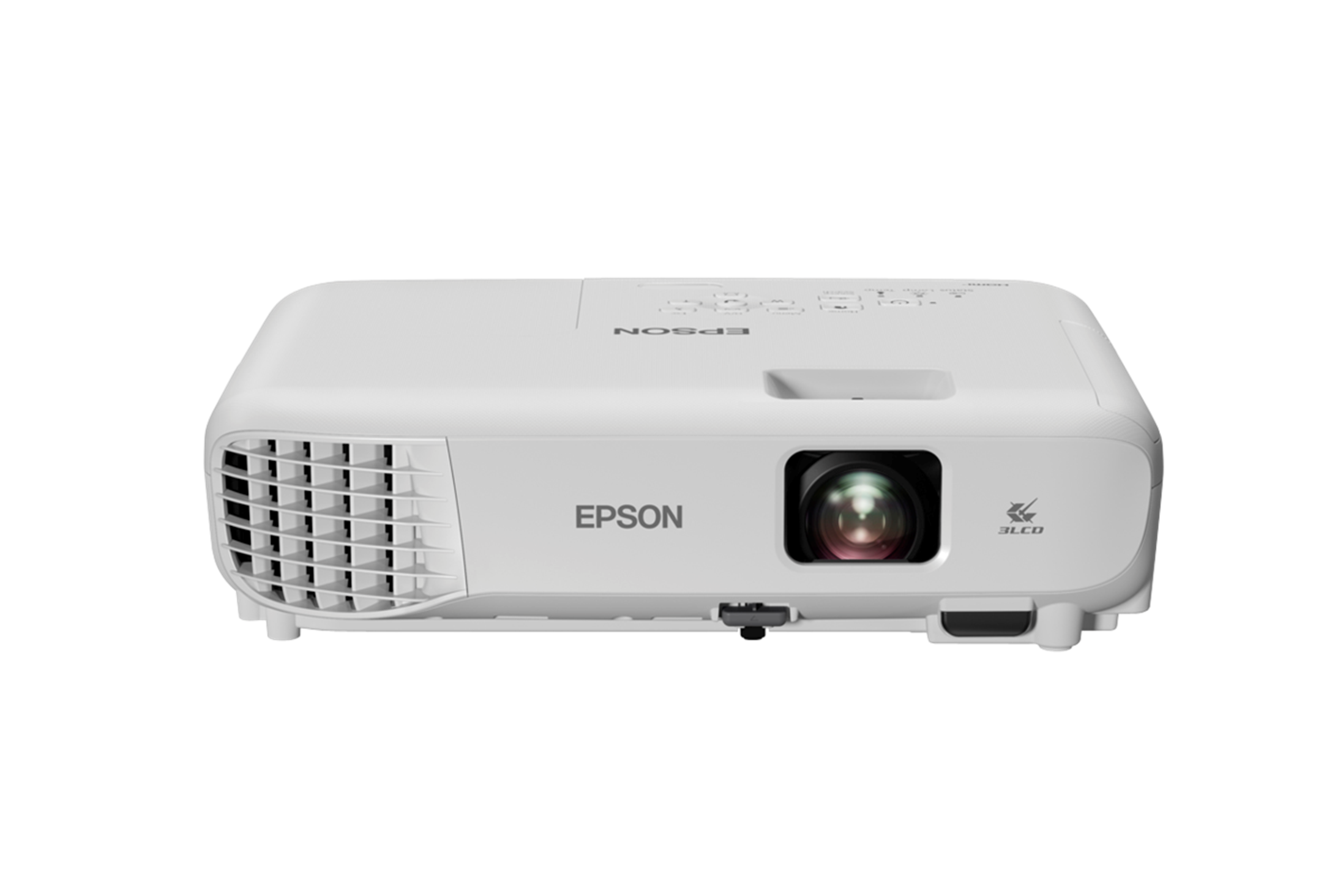
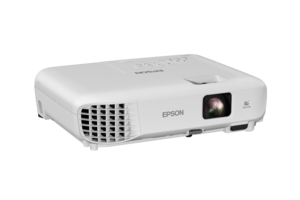
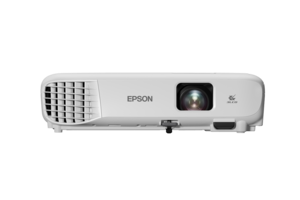
Epson Consumer Projector, 3600 Ansi Lumens, XGA resolution, 4:3 Aspect Ratio – EBE12
R9,012.15
An XGA (4:3) lamp projector rated at 3,600 lumens, for classrooms and training rooms with 4:3 screens and HDMI sources.
- 1024 x 768, 4:3, 15,000:1 contrast
- Fixed 1.44:1 lens: 100-inch 4:3 picture from about 2.9 m
- 2 x HDMI; no VGA, network or Wi-Fi
- Lamp rated 12,000 h in Eco, 6,000 h in Normal
- Brand :Epson
- SKU :EPSON-EBE12
- Category :Consumer
- Availability :Out of Stock
Out of stock
The Epson EB-E12 (EBE12) is a 3,600 lumen 3LCD lamp projector with an XGA panel of 1024 x 768 pixels in the 4:3 shape. It suits classrooms and training rooms that have 4:3 screens and HDMI sources. Without an optical zoom, the screen size fixes where the projector goes: about 2.9 m back for a 100-inch 4:3 picture.
XGA resolution and the 4:3 shape
The three 0.55-inch LCD panels each carry 1024 x 768 pixels. That squarer frame matches 4:3 projection screens and slides or documents laid out in that format. A modern laptop sends a wider 16:9 or 16:10 desktop, which the projector scales into the 4:3 frame with dark bands above and below: a 1920 x 1080 desktop ends up 1024 x 576 pixels on the panel. Setting the laptop’s display output to 1024 x 768 fills the panel and keeps text sharpest.
Epson Singapore rates the EB-E12 at 3,600 lumens of white and colour light, with white output falling to 2,200 lumens in Eco. The 3,700 lumen figure on some spec sheets is Epson’s centre-of-screen reference value, measured by its own method rather than to a standard. Contrast is 15,000:1.
Throw distance with a fixed lens
Focus is manual and the throw ratio is fixed at 1.44:1. Epson’s range is 30 to 350 inches from 0.87 to 10.34 m, with 1.76 m for a 60-inch picture. Calculated from the 1.44 ratio, a 4:3 picture that fills the panel needs:
- 84 inch (171 cm across): 2.46 m
- 100 inch (203 cm across): 2.93 m
- 120 inch (244 cm across): 3.51 m
- 150 inch (305 cm across): 4.39 m
The 2x digital zoom halves the picture from the same spot (Epson gives 15 to 175 inches over the same distances). It can rescue a projector mounted a little too far back, but a half-size picture uses roughly a quarter of the panel’s pixels.
About 2.9 m back suits the JK M4100SC 100-inch 4:3 pull-down screen (203 cm wide); about 3.5 m suits the JK M4120SC 120-inch 4:3 pull-down screen (244 cm wide). Keystone is corrected by hand, ±30 degrees in each direction, and Quick Corner reshapes one corner at a time.
Two HDMI inputs and no other video connections
Epson Singapore’s specification lists two HDMI inputs (HDCP 1.4) and one USB Type B port, used for firmware updates and for copying menu settings between projectors. VGA, composite video, audio input and output, network and RS-232C are all marked not available, and Epson’s brochure gives no Wi-Fi option for this model.
A laptop with only a VGA socket therefore needs a VGA to HDMI converter, and sound plays through the single 2 W speaker or stays with the source. Split Screen shows the two HDMI sources side by side, such as a laptop next to a document camera. For cable-free sharing, a receiver from our wireless presentation systems can feed one of the HDMI inputs.
Lamp, noise and start-up
Lamp life for the 210 W UHE unit is 6,000 hours (Normal) or 12,000 hours (Eco), and the air filter has the same maintenance intervals at general office dust levels. Fan noise is 37 dB in Normal and 28 dB in Eco.
The Epson logo appears in under 7 seconds and the lamp warms up over 30 seconds. Shutdown is instant, and with Direct Power On enabled the projector starts as soon as mains power reaches it.
Size, weight and what comes in the box
The EB-E12 weighs about 2.4 kg and measures 302 x 234 x 77 mm without its feet. Epson lists desk and ceiling positions, and the theft deterrents are a Kensington slot, a security cable hole and a password lock.
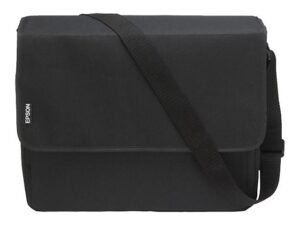
Epson Middle East lists the carton contents as the projector and power cable, a remote with batteries, the Quick Start Guide and the user manual on CD. There is no HDMI cable.
Key specifications of the Epson EB-E12
| Panel resolution | XGA 1024 x 768, 4:3 |
|---|---|
| LCD size | 0.55 inch (3LCD, C2 Fine) |
| White light output | 3,600 lm Normal, 2,200 lm Eco |
| Contrast | 15,000:1 |
| Optics | No optical zoom; 2x digital; throw ratio 1.44:1 |
| Projected size | 30 to 350 inches, 0.87 to 10.34 m away |
| HDMI | Two inputs, HDCP 1.4 |
| Other connections | USB Type B only (firmware, settings copy) |
| Keystone | ±30° vertical, ±30° horizontal, manual |
| Lamp | 210 W UHE rated 6,000 h (Normal) and 12,000 h (Eco) |
| Audio | One 2 W mono speaker, no output |
| Weight | Approx. 2.4 kg |
Questions about the Epson EB-E12
Can the EB-E12 be used with a 16:9 screen?
It can, with a letterbox. The 4:3 panel shows a 16:9 picture across 1024 x 576 pixels, so on a 100-inch 16:9 screen (221 cm wide) the projector sits about 3.2 m back and a quarter of the panel goes unused. A widescreen model such as the Epson EB-W55 uses more of its panel on that screen.
Can a network or room controller operate the EB-E12?
No. Epson lists network and RS-232C as not available, so there is no IP or serial control. Operation is by the supplied remote, and Direct Power On lets a wall switch or a power relay in a control system start the projector by switching its mains supply.
Does the EB-E12 need High Altitude Mode in Johannesburg?
Yes. Epson’s EB-E12 specification asks for High Altitude Mode once the projector runs more than 1,500 m above sea level, and Johannesburg is roughly 1,750 m up. Turn the mode on when you set the projector up; Epson rates the EB-E12 for operation up to 3,048 m.
Is 1024 x 768 enough for teaching?
For slides, video and documents shown at a large size, yes. A spreadsheet or web page laid out for a 1920 x 1080 laptop screen is scaled down to 1024 pixels across, so small text softens; enlarging the font or zooming in the application keeps it legible at the back of the room.
You must be logged in to post a review.
You may also like these
Hisense
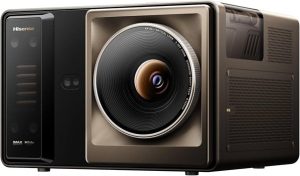
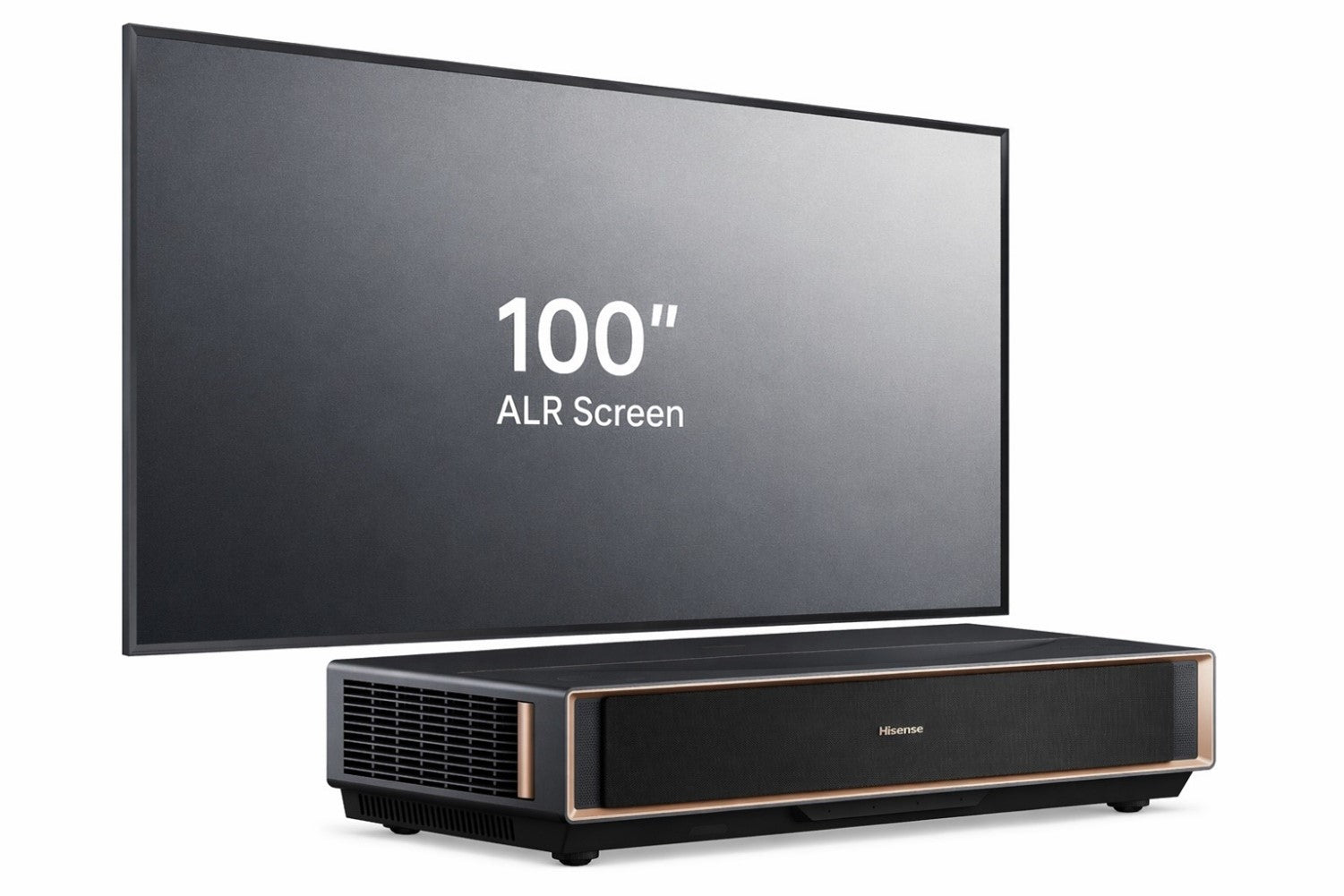
Hisense Mini Laser Projector, 6000 Ansi Lumens, 4K resolution - XR10
R86,894.89
XR10 Out of Stock
Epson
Epson Business Projector, 4100 Ansi Lumens, 1080P resolution, 16:9 Aspect Ratio - EB775F
R52,571.54
EB775F Out of Stock
Epson
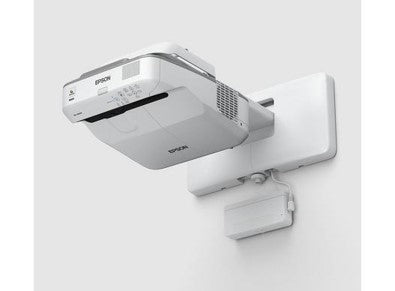
Epson UST Projector, 3500 Ansi Lumens, WXGA resolution, 16:10 Aspect Ratio - EB695Wi
R43,205.34
EB695WI Out of Stock
Hisense
Reviews
There are no reviews yet.