All Categories
- ATEN
- EPSON
- HISENSE
-
AV Signal Distribution
In AV Signal Distribution
- JK
-
Screens
In Screens
-
Projector
-
Cables
In Cables
- DTECH
- Business
- VISION
-
Projector Bracket
In Projector Bracket
-
Digital Signage Solutions
In Digital Signage Solutions
Brands
-
Audio
In Audio














All Categories
- ATEN
- EPSON
- HISENSE
-
AV Signal Distribution
In AV Signal Distribution
- JK
-
Screens
In Screens
-
Projector
-
Cables
In Cables
- DTECH
- Business
- VISION
-
Projector Bracket
In Projector Bracket
-
Digital Signage Solutions
In Digital Signage Solutions
Brands
-
Audio
In Audio

BROWSE CATEGORIES
Help
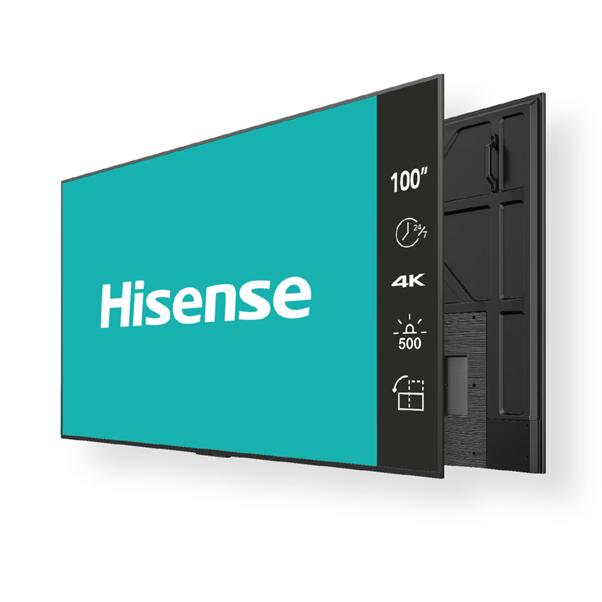
Digital Signage 24x7
Hisense Digital Signage 100″, 500 nits, 4k resolution, with 7day x 24hrs operation, Android 14 – 100DM66GE
R122,463.48
Hisense's 100 inch 4K display for round-the-clock signage, with a VA panel and an Android 14 player, for atriums, auditorium foyers and large retail walls.
- 500 nits, 6,000:1 contrast, local dimming
- 59 kg on four M8 mounting points
- HDMI 2.1, USB-C with 65 W charging, 2 x 15 W speakers
- RS232 input only, no serial loop-out
- Brand :Hisense
- SKU :HISENSE-100DM66GE
- Category :Digital Signage 24x7
- Availability :Out of Stock
Out of stock
The Hisense 100DM66GE is the 100″ member of the DM66GE line: a 4K signage display with a 253 cm visible diagonal, rated for 24/7 operation. It is built differently from the 43 to 86 inch DM66GE models: a VA panel with local dimming and 6,000:1 contrast, two 15 W speakers, M8 mounting points and no RS232 output.
At 59 kg and 2.23 m wide it suits an atrium, an auditorium foyer or a large retail wall, and the wall, the bracket and the delivery route all need planning before it arrives.
Mounting pattern, screws and wall fixing
Hisense’s manual gives the landscape holes as 600 x 600 mm, with a second set for portrait 1,000 x 600 mm apart, all taking M8 screws; Hisense’s product page and the rear drawing in the April 2026 datasheet also show 600 mm spacing both ways. The same datasheet’s specification table prints 600 x 400 mm for landscape, so measure the holes on the panel before you order a bracket with a fixed pattern.
Screws must reach 11.0 to 13.0 mm into the rear shell and no further, and the manual lists four cushion blocks with the 100 inch, drawn at the screw points in its mounting diagram. Hisense specifies brick or concrete, with every anchor able to carry over one third of the set’s weight; anchors rated above 20 kg each cover both of Hisense’s published weights (59 kg and 59.6 kg). Reinforce plasterboard first and keep 10 cm of free air on all four edges. The manual names Hisense’s LG100060BE bracket for this model, and its 15° tilt allowance covers only the 32 to 86 inch sizes.
The Vision VFM-W8X6 wall mount lists both 600 x 600 and 600 x 400 mm among its patterns, so it matches the landscape holes whichever figure is right, and it is rated for 130 kg and for screens up to 100 inches. Its largest pattern is 800 x 600 mm, which rules it out for the portrait holes. For a screen on wheels, Hisense names the 100DM66GE as a compatible model for its WH3317 mobile cart, which carries 120 kg and has two height positions.
What the VA panel changes at 100 inches
Hisense lists 6,000:1 typical contrast for this model against 1,200:1 on the smaller IPS sizes, with 85% NTSC colour gamut instead of 72% and a 6.5 ms response time. Brightness stays at 500 nits, with the same 25% haze anti-glare finish and 178° viewing angles. Five times the contrast shows most on dark backgrounds in a dim foyer or auditorium entrance.
The manual gives a 253 cm visible diagonal, an image of about 2.21 x 1.24 m. Each pixel is close to 0.57 mm, and for 6/6 eyesight the grid disappears beyond roughly 2 m.
Delivery and handling
The carton is 2,496 mm long, 1,500 mm high and 325 mm deep. Hisense’s documents disagree on its packed weight (89.5 kg on the datasheet, 73.5 kg on the web page), so plan the lift for the heavier figure. With its two rear handles the set is 98 mm deep, against 87 mm for the body. The bracket arms are fitted with the display lying on a solid, clean table covered with a soft cloth, so arrange a work surface longer than 2.24 m.
Inputs, control and the built-in player
Unlike the smaller models, the 100 inch has an RS232 input but no RS232 output, according to its datasheet and the manual’s port diagram. The rest of the panel carries three HDMI inputs (one HDMI 2.1, two HDMI 2.0), USB-C with picture, sound and 65 W charging, two USB-A ports, LAN, a 2.5 mm IR input, an HDMI output that passes on the HDMI 3 or USB-C source, and a 3.5 mm audio output. When the source sits in a rack or control room away from the wall, look at HDMI fibre cables for the run.
The player is the series one, a quad-core Cortex-A73 board (4 GB DDR4, 32 GB eMMC) running Android 14, with Hisense’s VisionInfo CMS client preinstalled, Wi-Fi 6 and Bluetooth 5.4.
100DM66GE or 100DM66E
The Hisense 100DM66E is the earlier 100 inch DM66 model. Hisense quotes it with 256-zone local dimming, 5,000:1 contrast and 90% DCI-P3 colour; the GE’s 6,000:1 and 85% NTSC use a different gamut reference, so the colour figures do not compare directly, and Hisense publishes no zone count for the GE. The 100DM66E runs Android 11 on a Cortex-A55 with 3 GB, has a DisplayPort 1.2a input and RS232 on RJ45, and no USB-C. It weighs 58.7 kg, and its page gives the same 600 x 600 mm landscape pattern as the GE’s manual.
100DM66GE specifications
| Screen | 100″ VA, 253 cm visible |
|---|---|
| Contrast ratio | 6,000:1 typical |
| Weight | 59 kg (59.6 kg on Hisense’s web page) |
| Pixels | 4K UHD, 3840 x 2160 |
| Landscape VESA | 600 x 600 mm, 4 x M8 (manual) |
| Brightness | 500 nits typical |
| Portrait VESA | 1,000 x 600 mm, 4 x M8 |
| Colour gamut | 85% NTSC |
| Outside dimensions | 2,234.6 x 1,285.6 x 86.5 mm |
| Operation | 7 Day x 24 Hour |
| Speakers | 15 W x 2 |
| Power | 510 W max; standby below 0.5 W |
Questions about the Hisense 100DM66GE
Can the 100DM66GE hang in portrait?
Yes, on its separate portrait holes, 1,000 x 600 mm apart, with M8 screws. Stood on end it is 2,234.6 mm tall and 1,285.6 mm wide, so check the ceiling height and where the bottom edge will sit. The mount has to accept that 1,000 mm spacing and at least 59.6 kg.
Are the speakers enough for an auditorium foyer?
Not for speech across a crowded foyer; feed a PA for that. The two built-in speakers are rated at 15 W each, against 10 W on the smaller DM66GE sizes. To feed a PA, choose HDMI 2 (eARC) or the 3.5 mm output as the output device in the Sound menu.
What does it do after a power cut?
Whatever Power on mode is set to: Boot (the default) starts it straight up, Standby waits for a command and Last restores its previous state. The same mode can be set over RS232, and start-up can be delayed by 2 to 255 seconds, for example to stagger several large screens on one supply.
How much power does the 100DM66GE need?
Up to 510 W from a 100 to 240 V AC, 50/60 Hz supply, and under 0.5 W in standby. Hisense’s datasheet leaves typical consumption to be confirmed, so size the circuit on the 510 W maximum.
How do I control several 100DM66GE screens together?
Over the network or with one serial line per screen, because there is no RS232 output to loop through. Serial IDs run from 1 to 255. The security menu can lock or release IP control, REST API and SNMP services, but the manual documents only the RS232 commands, so ask for the IP protocol before you design around it.
You must be logged in to post a review.
You may also like these
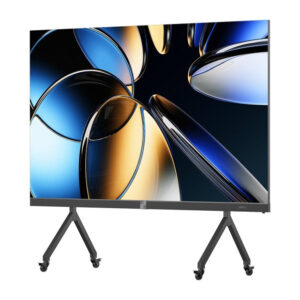
Hisense
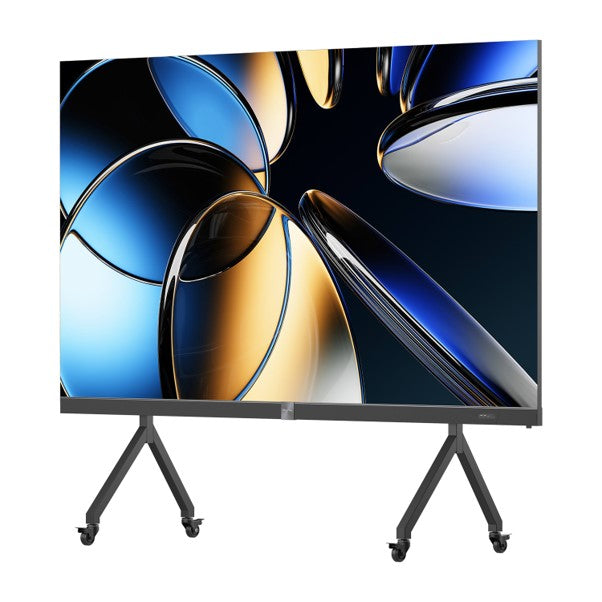
Hisense AlI-In-One LED, 136", FHD 1920x1080P resolution, Android 14.0 OPS - HAIO136GE
R653,272.20
HAIO136GE Out of Stock
Hisense
 Low stock (1 left)
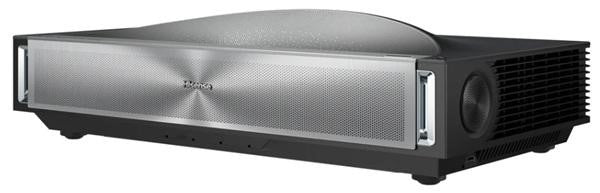
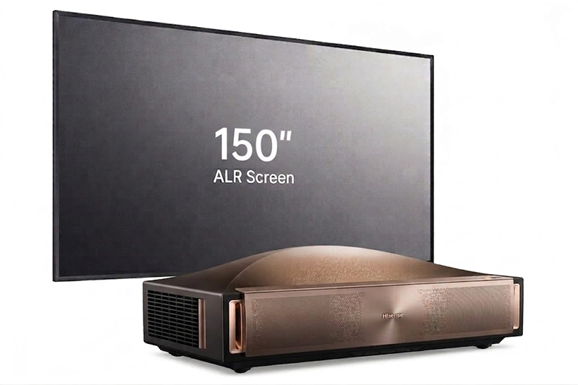
Hisense Laser Projection TV, 3500 Ansi Lumens, 4K resolution, UST - PX4PRO
R47,919.54
PX4PRO Low stock (1 left)
Hisense
Hisense Digital Signage 85", 350 nits, 4k resolution, UHD, with 7day x 16hrs operation, Android 9 OPS - 85DP30FE
R33,273.15
85DP30FE Out of Stock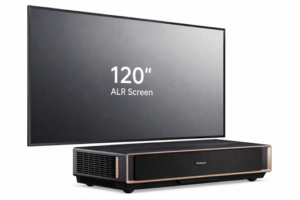
Hisense
Low stock (1 left)
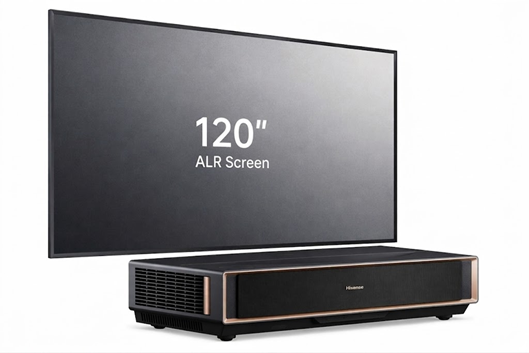
Hisense Laser Projection TV, 2500 Ansi Lumens, 4K resolution, UST, Incl 120" ALR - 120PT1
R48,652.19
120PT1 Low stock (1 left)
Hisense
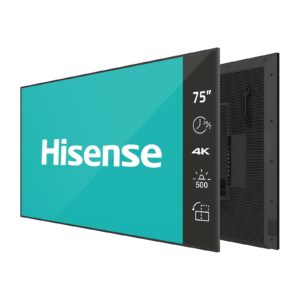
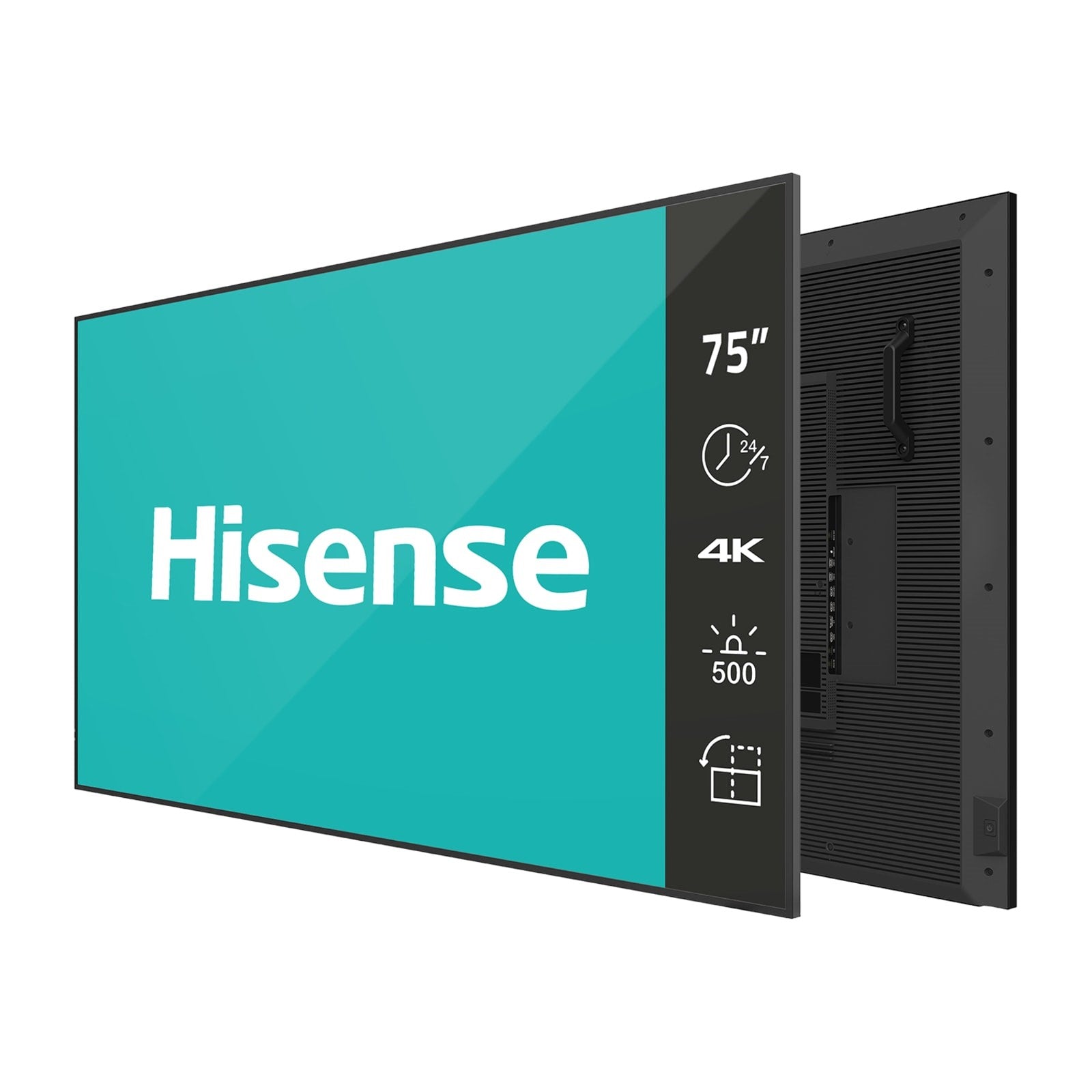
Hisense Digital Signage 75", 500 nits, 4k resolution, with 7day x 24hrs operation, Android 14 - 75DM66GE
R42,878.25
75DM66GE Out of Stock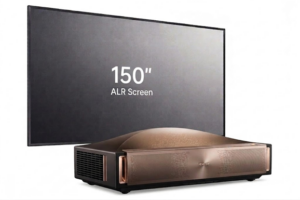
Hisense
Reviews
There are no reviews yet.