All Categories
- ATEN
- EPSON
- HISENSE
-
AV Signal Distribution
In AV Signal Distribution
- JK
-
Screens
In Screens
-
Projector
-
Cables
In Cables
- DTECH
- Business
- VISION
-
Projector Bracket
In Projector Bracket
-
Digital Signage Solutions
In Digital Signage Solutions
Brands
-
Audio
In Audio














All Categories
- ATEN
- EPSON
- HISENSE
-
AV Signal Distribution
In AV Signal Distribution
- JK
-
Screens
In Screens
-
Projector
-
Cables
In Cables
- DTECH
- Business
- VISION
-
Projector Bracket
In Projector Bracket
-
Digital Signage Solutions
In Digital Signage Solutions
Brands
-
Audio
In Audio

BROWSE CATEGORIES
Help
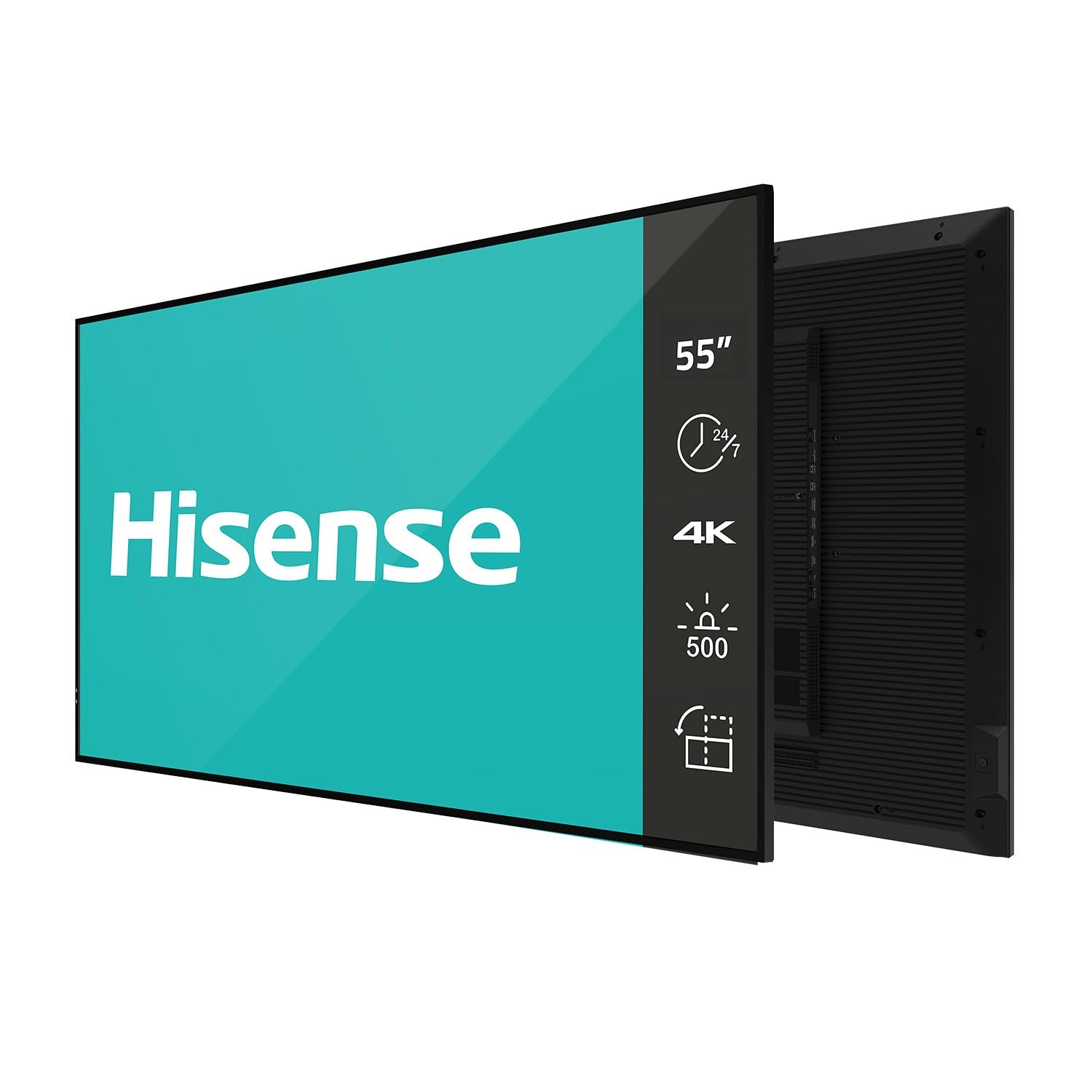
Digital Signage 24x7
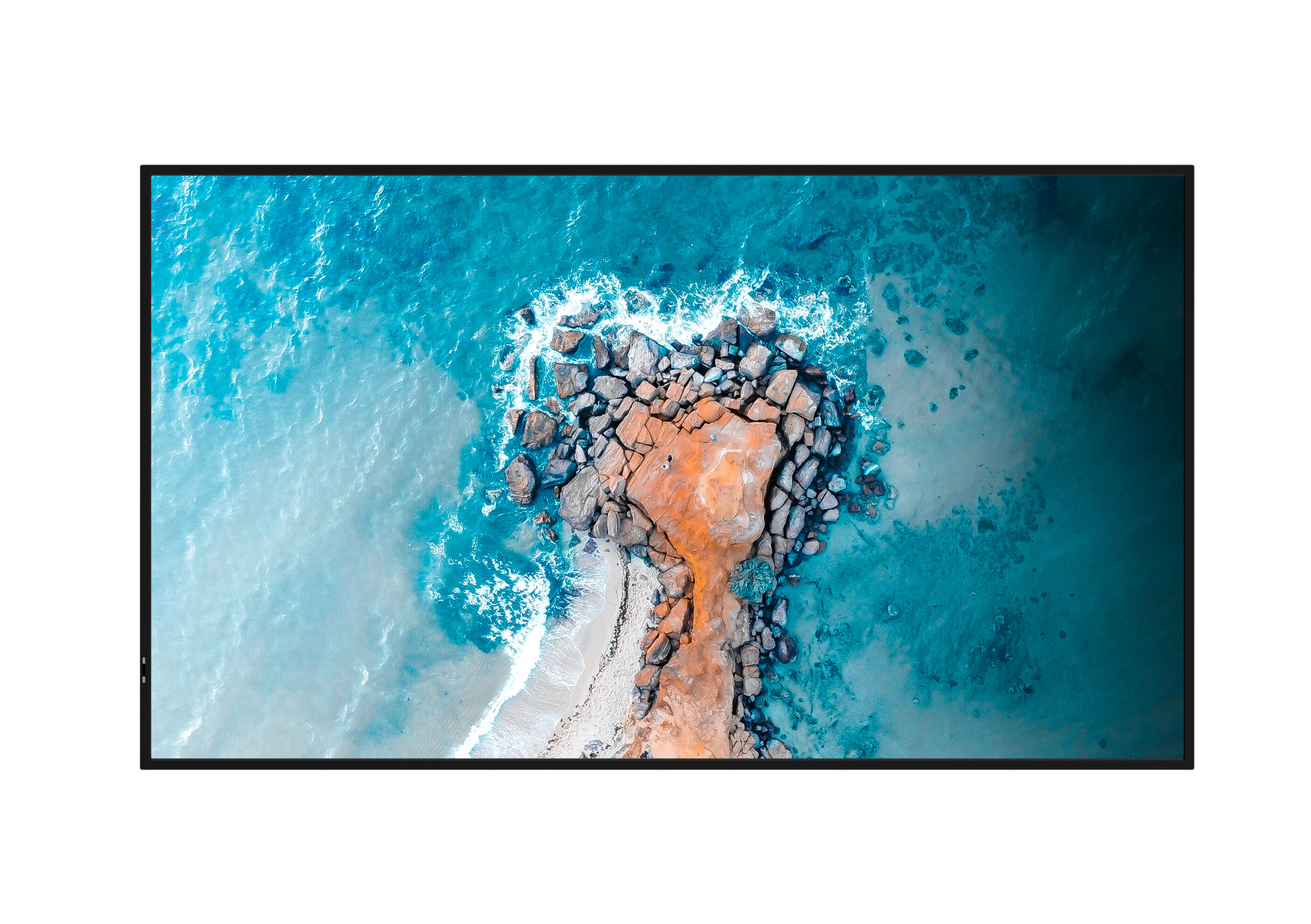
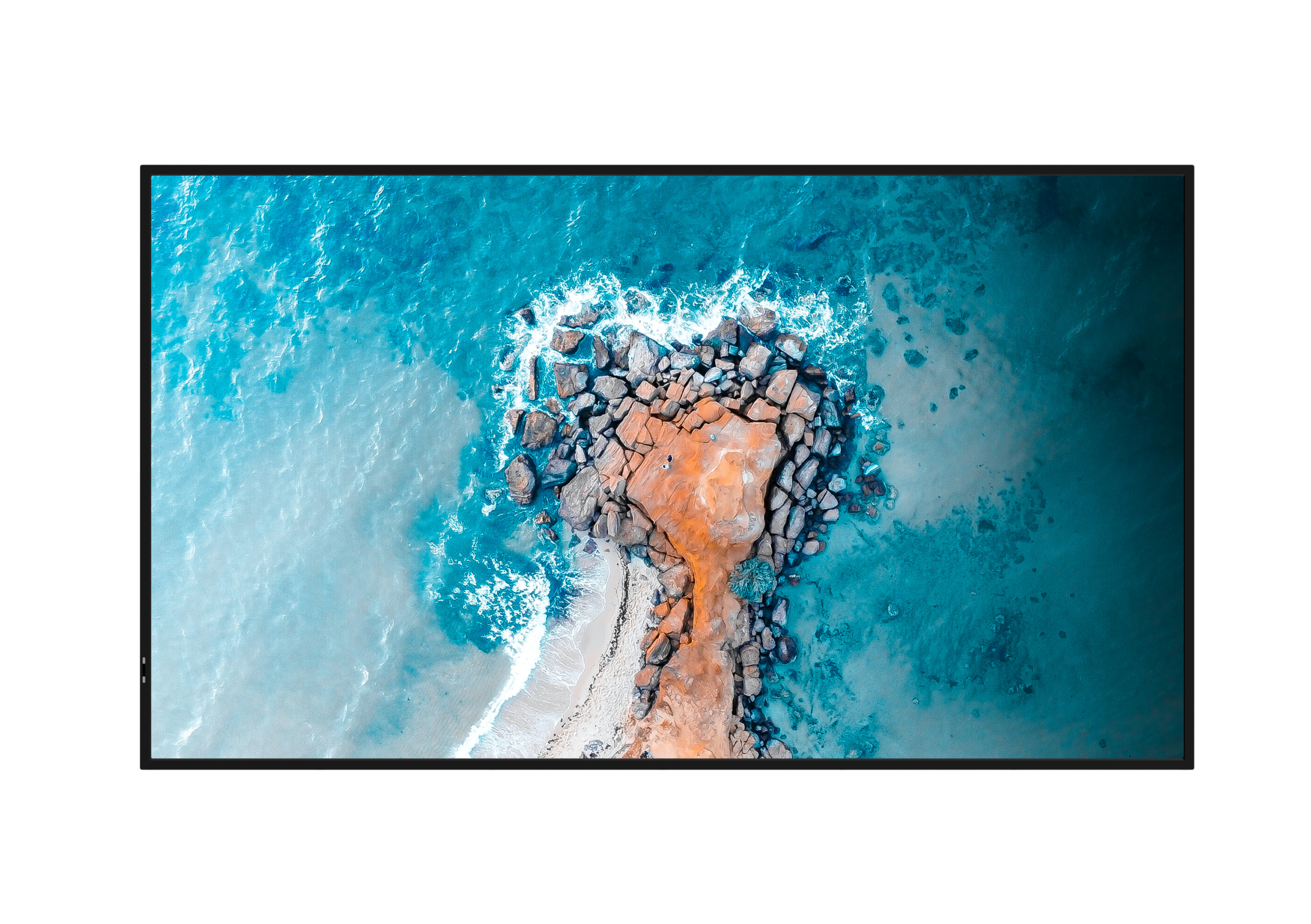
Hisense Digital Signage 55″, 500 nits, 4k resolution, with 7day x 24hrs operation, Android 14 – 55DM66GE
R18,522.43
A 55-inch 4K signage display for lobby walls, retail feature walls and waiting areas, running Android 14 and rated for 24/7 use; the largest DM66GE without USB-C.
- 3840 x 2160 at 500 nits, 139 cm visible picture
- 13.9 kg, 300 x 300 mm VESA holes
- HDMI 2.1 and eARC among three HDMI inputs; RS232, LAN, Wi-Fi 6
- 116 W typical on Hisense's product page
- Brand :Hisense
- SKU :HISENSE-55DM66GE
- Category :Digital Signage 24x7
- Availability :Out of Stock
Out of stock
The Hisense 55DM66GE is a 55″ 4K signage display (139 cm visible) with a 500 nit panel, a 24/7 rating and a built-in Android 14 player. It weighs 13.9 kg and is the largest DM66GE size without a USB-C input. It suits lobby walls, retail feature walls and waiting areas where viewers sit 3 to 5 m away.
Picture size and seating distance for 55 inches
The picture measures about 121 x 68 cm. By the 4/6/8 rule, which counts back from the screen in picture heights, the outer limits are about 2.7 m for small text, 4.1 m for everyday notices and 5.4 m for video. A waiting-room bench 5 m from the wall is inside the video limit but past the notice limit, so use large type there and keep dense timetables for people within about 2.7 m. For a back row further away, the Hisense 65DM66GE is the next size up, and the first in the range with a USB-C input.
Mounting a 13.9 kg display
Four M6 screws hold the 55DM66GE through its 300 x 300 mm pattern, and Hisense’s manual limits each screw to 11.0 to 12.5 mm of engagement in the rear cover at this size; it warns that overlong screws cause damage that cannot be repaired. Hisense names its LG400030D bracket for 32 to 65-inch models and permits up to 15 degrees of forward tilt, in landscape only.
With a bracket from our flat panel wall brackets, confirm it takes 300 x 300 mm and is rated well above 13.9 kg. Hisense’s wall guidance covers concrete or brick; plasterboard must be reinforced so that each expansion bolt can bear over a third of the set’s weight, more than about 4.6 kg apiece. Leave 10 cm clear around the cabinet. The packed carton is 1,387 x 838 x 159 mm and 19.5 kg.
Settings to change before it runs unattended
Several factory defaults in Hisense’s manual matter on a screen nobody touches:
- No signal standby sleeps the display 10 minutes after its input signal stops.
- No operation standby puts the Android system to sleep after 15 minutes without operation.
- Power on mode (Boot, Standby or Last) decides what happens when mains returns after an outage; it ships on Boot.
- Switch-on source opens the Home screen unless you pick an HDMI input or a Media Autoplay playlist.
- Security and Permission opens with the password 0000 until it is changed, and from there locks the IR remote, the local keys or the settings menu.
For integrators, the same security menu can lock or release the IP control, REST API and SNMP services, and serial control runs over RS232 on 3.5 mm jacks.
55DM66GE or 55DM66D
The 55DM66D shares the 1,239.7 x 710.2 x 63.3 mm cabinet, the 13.9 kg weight and the hole pattern, so an existing bracket carries over. The GE moves to Android 14 on a Cortex-A73 with 4 GB of RAM (Android 11, Cortex-A55 and 3 GB on the D), adds Wi-Fi 6 and Bluetooth 5.4, swaps DisplayPort for a third HDMI input with HDMI 2.1, and puts RS232 on 3.5 mm jacks beside a new IR input. Its power figures are 116 W typical and 220 W maximum on Hisense’s listing; the D’s datasheet gives 115 W and 190 W. Choose the Hisense 55DM66D when a DisplayPort source must plug in directly.
Key specifications of the 55DM66GE
| Screen | 55″ (139 cm visible), 3840 x 2160, 60 Hz, 8 ms |
|---|---|
| Brightness and haze | 500 nits typical, 25% haze |
| Contrast ratio, viewing angles | 1,200:1 typical; 178° horizontal and vertical |
| Duty and backlight life | 24/7 rated, LED backlight up to 50,000 hours |
| Built-in system | Android 14, Cortex-A73 quad core, 4 GB RAM, 32 GB eMMC |
| HDMI ports | 3 in (2 x 2.0, 1 x 2.1, eARC on HDMI 2), 1 out (2.0) |
| Other connections | USB 2.0 and USB 3.2 Gen 1, RS232 in/out, IR in, LAN, audio out, Wi-Fi 6, Bluetooth 5.4 |
| Mounting | VESA 300 x 300 mm (M6) |
| Size and weight | 1,239.7 x 710.2 x 63.3 mm, 13.9 kg |
| Power | 116 W typical, 220 W maximum, under 0.5 W standby |
| Box contents (datasheet) | Remote control plus battery, setup guide, power lead, RS232 converter cable |
Questions about the 55DM66GE
Can the 55DM66GE face the street through a shop window?
Not well: it is an indoor screen at 500 nits, and its IP5X rating covers dust on the front only. For window-facing use, Hisense makes the Hisense 75WH80GE, which its product page rates at 4,000 nits typical.
Can I send sound to a soundbar or amplifier?
Yes. HDMI 2 supports eARC, and the sound menu can switch output from the two built-in 10 W speakers to that eARC link, headphones on the 3.5 mm jack, a Bluetooth speaker or a USB audio device. Only the selected output plays, so the internal speakers go quiet when you pick another.
How long does the backlight last on a 24/7 schedule?
Hisense rates the LED backlight at up to 50,000 hours, which is about 5.7 years of non-stop running. It gives no figure for the brightness left at that point, so read it as an upper limit rather than a replacement interval.
How do I manage content on several 55DM66GE screens?
Through Hisense VisionInfo, whose client comes installed; the remote’s CMS key launches it. The cloud CMS schedules programmes and reports the status and health of each screen, and it runs under a licence from our VisionInfo range. A third-party Android signage app is the alternative, since app installation is allowed by default.
You must be logged in to post a review.
You may also like these
Hisense
Hisense Digital Signage 43", 350 nits, 4k resolution, UHD, with 7day x 16hrs operation, Android 9 OPS - 43DP30FE
R10,632.52
43DP30FE Out of Stock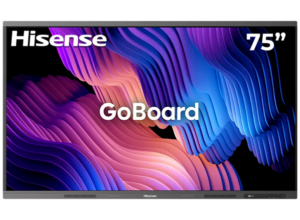
Hisense
 Low stock (1 left)
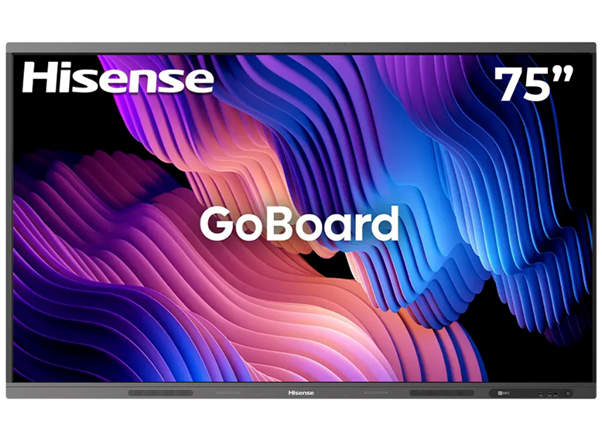
Hisense Interactive Panel, 75", 4k resolution, 400 nits, Android 14.0 - 75WE3FE
R42,021.00
75WE3FE Low stock (1 left)
Hisense
Reviews
There are no reviews yet.