All Categories
- ATEN
- EPSON
- HISENSE
-
AV Signal Distribution
In AV Signal Distribution
- JK
-
Screens
In Screens
-
Projector
-
Cables
In Cables
- DTECH
- Business
- VISION
-
Projector Bracket
In Projector Bracket
-
Digital Signage Solutions
In Digital Signage Solutions
Brands
-
Audio
In Audio














All Categories
- ATEN
- EPSON
- HISENSE
-
AV Signal Distribution
In AV Signal Distribution
- JK
-
Screens
In Screens
-
Projector
-
Cables
In Cables
- DTECH
- Business
- VISION
-
Projector Bracket
In Projector Bracket
-
Digital Signage Solutions
In Digital Signage Solutions
Brands
-
Audio
In Audio

BROWSE CATEGORIES
Help
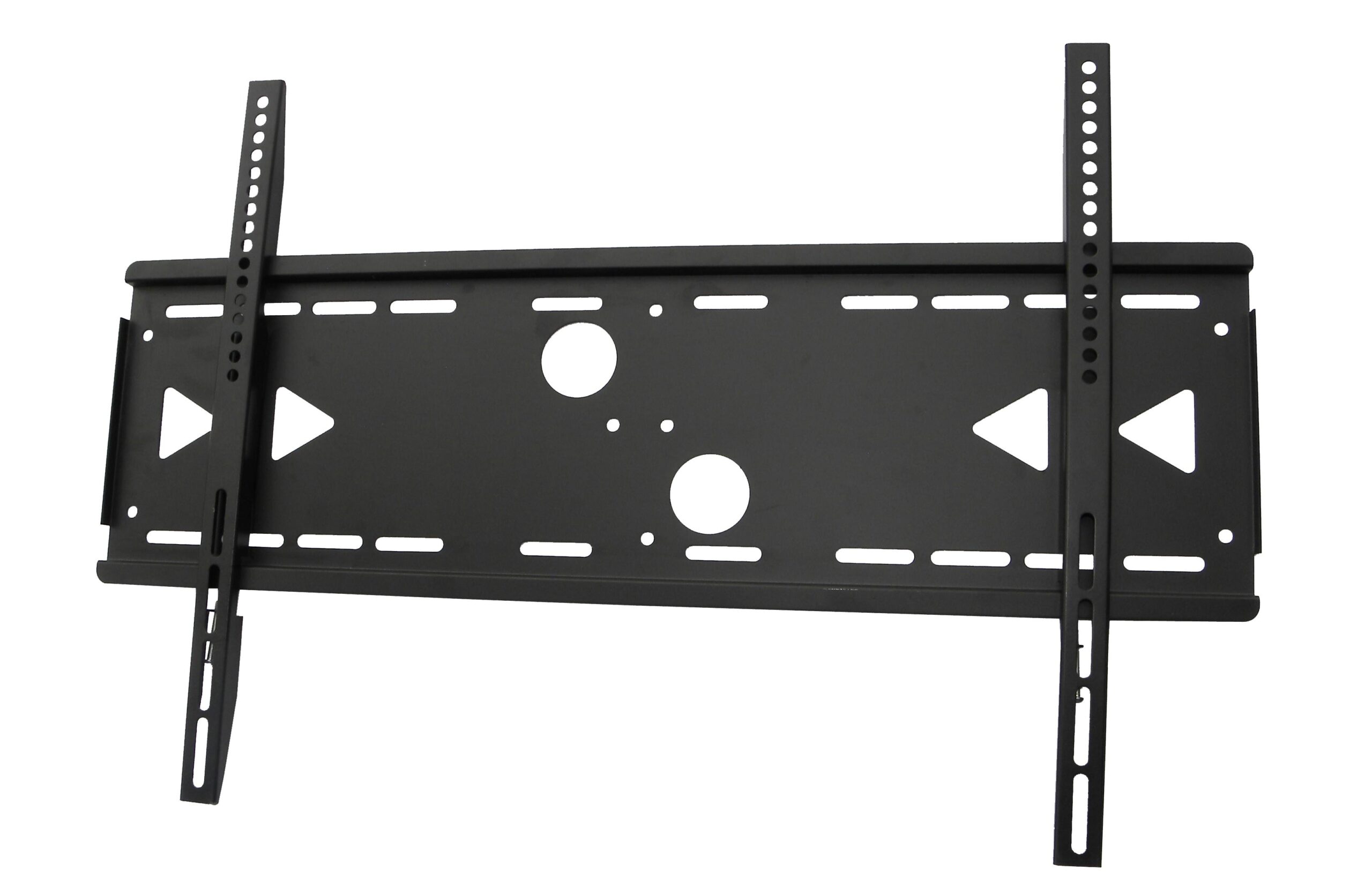
Flat Panel Bracket
Lexin Flat Panel Bracket 850x500mm,for 32-90″- STA004BL
R1,545.30
A fixed black steel wall bracket listed for 32 to 90 inch flat panels, with no published load rating.
- No load rating published, so no screen weight is confirmed as safe on it
- Largest VESA spacing listed as 850 x 500 mm, the same figure as the bracket's size
- Holds the screen flat to the wall, with no tilt or swivel
- Mounting hardware and manual supplied
- Brand :Lexin
- SKU :LEXIN-STA004BL
- Category :Flat Panel Bracket
- Availability :
 In Stock
8 in stock
The Lexin STA004BL is a fixed black steel wall bracket listed for flat panels from 32 to 90 inches. No load rating is published for it, so no screen weight, at any size, is confirmed as safe on this bracket. Two vertical arms bolt to the back of the screen and hang on a slotted wall plate, with no tilt or swivel. The listing gives 850 x 500 mm as both the bracket’s size and its largest VESA hole spacing.
No load rating at any screen size
The STA004BL listing gives screen sizes and hole spacing but no maximum load, and we have no datasheet for it. Panels at the top of its size range are heavy: Hisense lists its 85 inch 85DP30FE signage display at 35.3 kg, and that screen’s 600 x 400 mm holes fall inside the bracket’s listed spacing. Nothing published says whether the bracket can carry that weight, or any lighter one. Ask for the STA004BL’s rating before you buy it for a particular screen, and compare it with the screen’s net weight without its stand.
For a panel of 60 inches or less with holes inside 600 x 400 mm, two Lexin brackets do carry ratings, of 55 kg or 75 kg depending on the steel thickness supplied: the Lexin LSTA015B fixed bracket and the Lexin LSTA016B tilt bracket, which angles the screen through 0 to 15 degrees.
Hole spacing up to 850 x 500 mm
VESA spacing is the distance between the centres of a screen’s mounting holes, given horizontal first. On the listed figure, an 800 x 400 mm pattern from a large-format panel fits within 850 x 500 mm, while 600 x 600 and 800 x 600 mm are taller than 500 mm and do not. Because 850 x 500 mm is also the bracket’s overall size, the arms’ outermost holes may not reach that spacing, so measure them against any pattern close to the limit. The listing gives no smallest spacing either: on a small screen, hold the arms against its holes and check that they line up before anything is fixed to the wall.
Key specifications of the Lexin STA004BL
| Mount type | Fixed wall bracket, no tilt or swivel |
|---|---|
| Maximum load | Not published |
| Screen sizes | 32 to 90 inch (as listed) |
| Largest VESA spacing | 850 x 500 mm (as listed) |
| Smallest VESA spacing | Not listed |
| Bracket size | 850 x 500 mm |
| Supplied | Mounting hardware and manual |
| Finish | Black steel |
Questions about the Lexin STA004BL
How much weight can the STA004BL carry?
No figure is published, so the safe load is unknown for every screen size, small or large. Ask for the bracket’s rating before you buy, then check it against the screen’s net weight without its stand, which the screen’s own specification gives. Do not borrow a figure from another bracket: the STA004BL’s steel thickness is not published either.
Is the STA004BL too big for a 32 inch screen?
It will show around the edges. A 32 inch 16:9 picture is roughly 71 cm wide and 40 cm high, so a bracket of 850 x 500 mm extends about 7 cm past each side and 5 cm past the top and bottom, less whatever the screen’s frame covers. A 16:9 screen needs a diagonal of about 40 inches to hide the whole bracket.
How far from the wall does the screen sit?
No wall gap is published for the STA004BL. Measure the assembled bracket before buying short HDMI leads or right-angle plugs for the back of the screen, and before placing a power point behind it.
What is in the box with the STA004BL?
Mounting hardware and a manual, according to the listing, which does not itemise the screws or wall plugs. Under the VESA standard, 100 x 100 mm holes take M4 screws and patterns from 200 x 200 mm upward take M6 or M8, so check the size and maximum depth in the screen’s manual. For the wall, choose anchors rated for the screen’s weight in brick or concrete, or screw into the studs of a partition rather than the board.
You must be logged in to post a review.
You may also like these
Lexin
In Stock
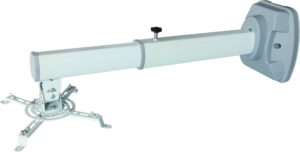
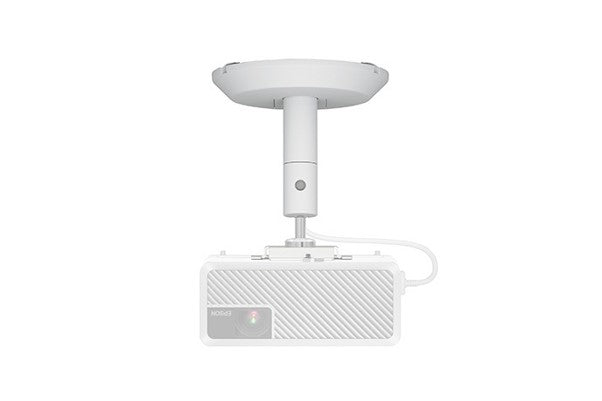
Lexin Short Throw Adjustable Wall Mount Projector Bracket - STO31500
R1,180.69
STO31500 In Stock
Reviews
There are no reviews yet.