All Categories
- ATEN
- EPSON
- HISENSE
-
AV Signal Distribution
In AV Signal Distribution
- JK
-
Screens
In Screens
-
Projector
-
Cables
In Cables
- DTECH
- Business
- VISION
-
Projector Bracket
In Projector Bracket
-
Digital Signage Solutions
In Digital Signage Solutions
Brands
-
Audio
In Audio














All Categories
- ATEN
- EPSON
- HISENSE
-
AV Signal Distribution
In AV Signal Distribution
- JK
-
Screens
In Screens
-
Projector
-
Cables
In Cables
- DTECH
- Business
- VISION
-
Projector Bracket
In Projector Bracket
-
Digital Signage Solutions
In Digital Signage Solutions
Brands
-
Audio
In Audio

BROWSE CATEGORIES
Help
ATEN
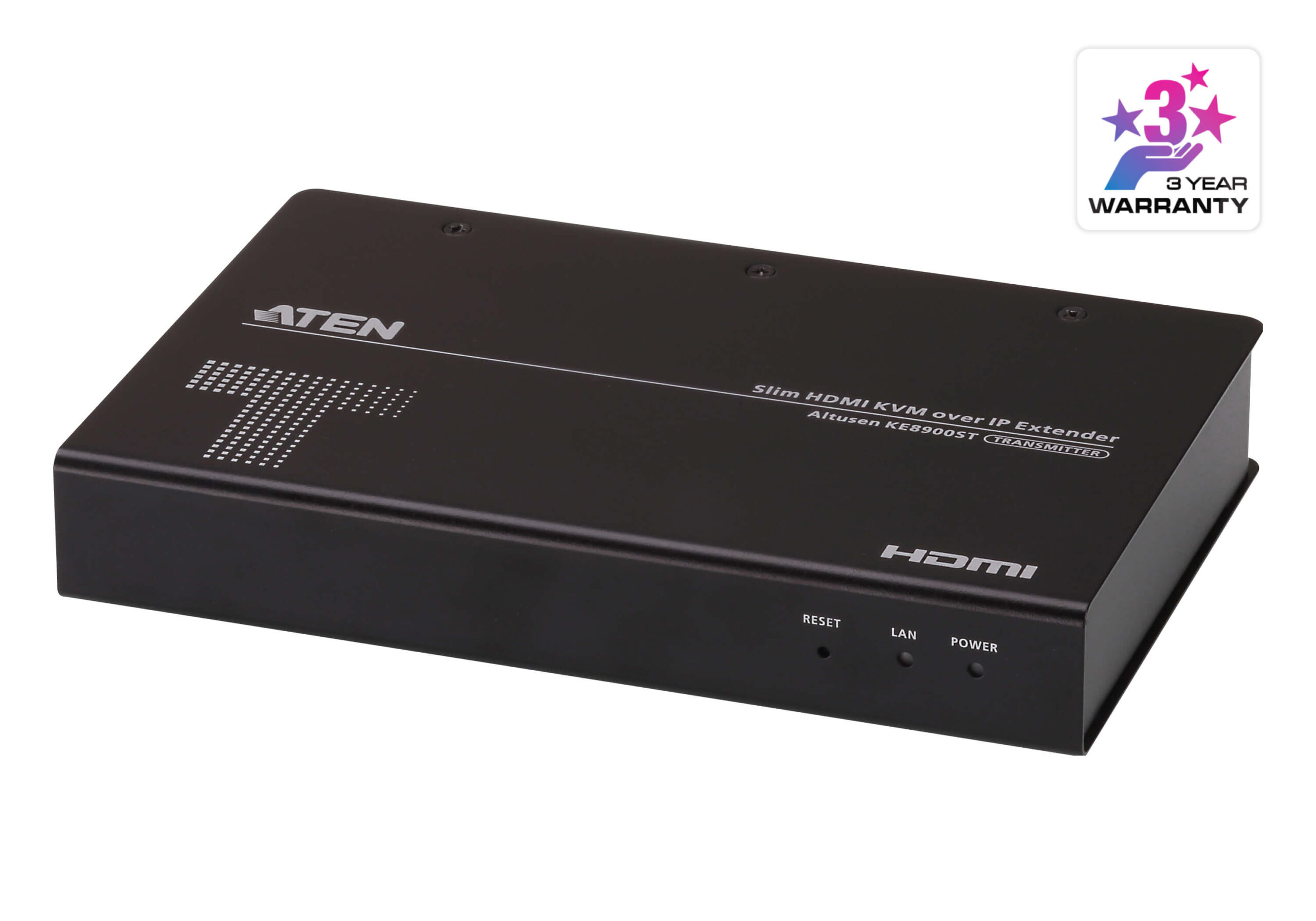
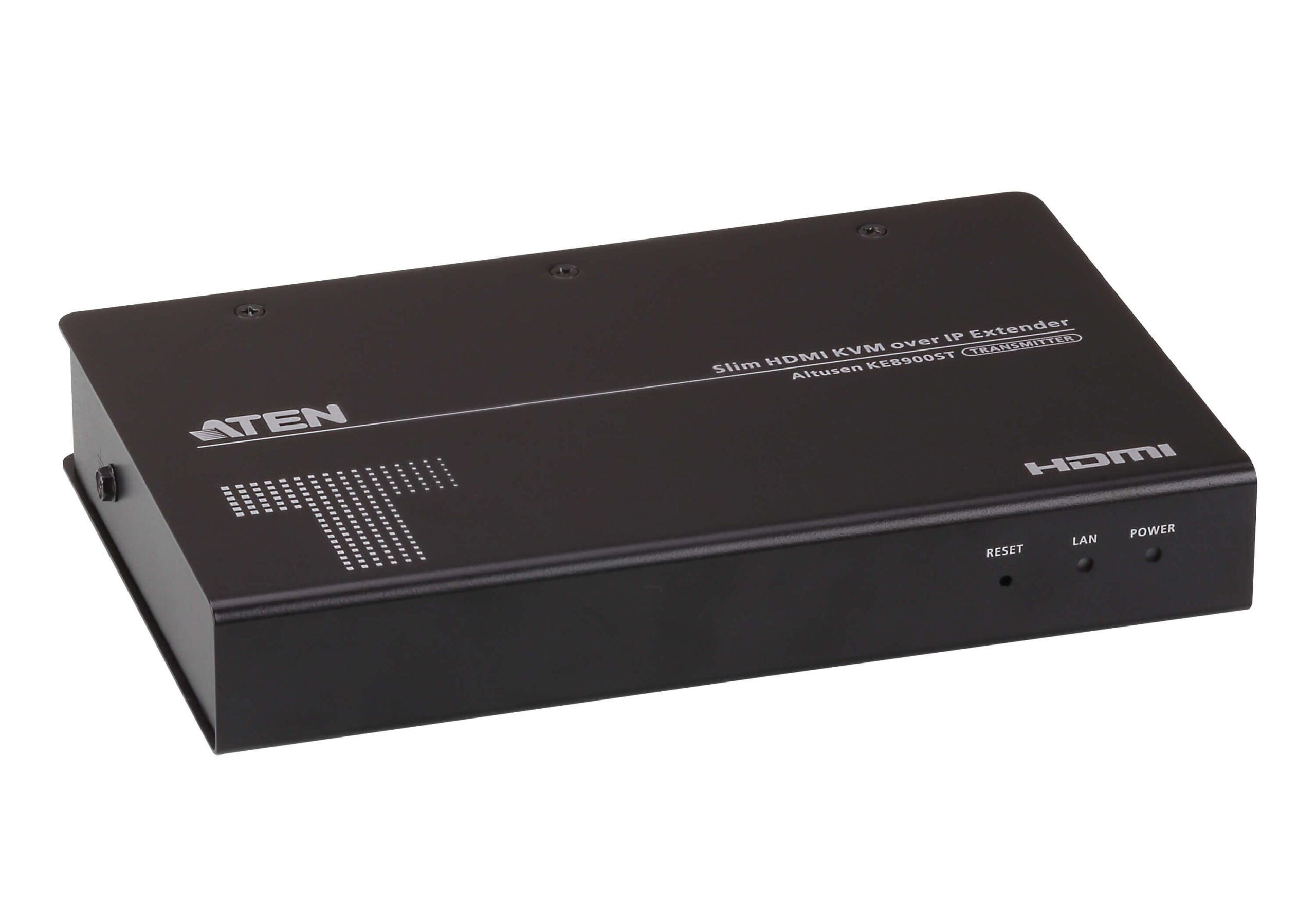
Aten Extender, KVM Over IP, Transmitter – KE8900ST
R20,508.62
Computer-end transmitter for Aten's slim KE KVM over IP system: it puts one computer's HDMI picture, USB and serial port on the network for a KE receiver.
- HDMI in, 640 x 480 to 1920 x 1200 at 60 Hz
- 100 m direct on Cat 5e or Cat 6, or across a Gigabit LAN
- DC jack plus a 3-pole terminal block for power
- Receiver sold separately, such as the KE8900SR
- Brand :Aten
- SKU :ATEN-KE8900ST
- Category :ATEN
- Availability :Out of Stock
Out of stock
The Aten KE8900ST is the transmitter that sits beside the computer in Aten’s slim HDMI KVM over IP extender. It takes the computer’s HDMI picture, its USB keyboard, mouse and virtual media connection and an RS-232 port, and sends them over Ethernet to a KE series receiver at the operator’s desk, such as the Aten KE8900SR, sold separately. The picture reaches 1920 x 1200 at 60 Hz, over one Cat 5e or Cat 6 cable of up to 100 m or across a Gigabit LAN.
One cable to a receiver, or through a switched network
Wired straight to its receiver, the transmitter needs no switch: Aten rates one direct Cat 5e or Cat 6 cable between the two at up to 100 m. Put both units on a LAN instead and Aten sets no distance limit, and the network then allows one-to-many, many-to-one and many-to-many links between transmitters and receivers.
The RJ-45 port runs at 10, 100 or 1000 Mbps with auto-MDIX. Aten publishes no bandwidth figure per video stream; its Video Compression Level setting lowers picture quality to suit the available bandwidth instead, and its US product page gives latency as under 48 ms. The LAN port can sit on its own network, isolated from the corporate one, and video, keyboard, mouse and USB data travel AES encrypted.
Ports at the computer end
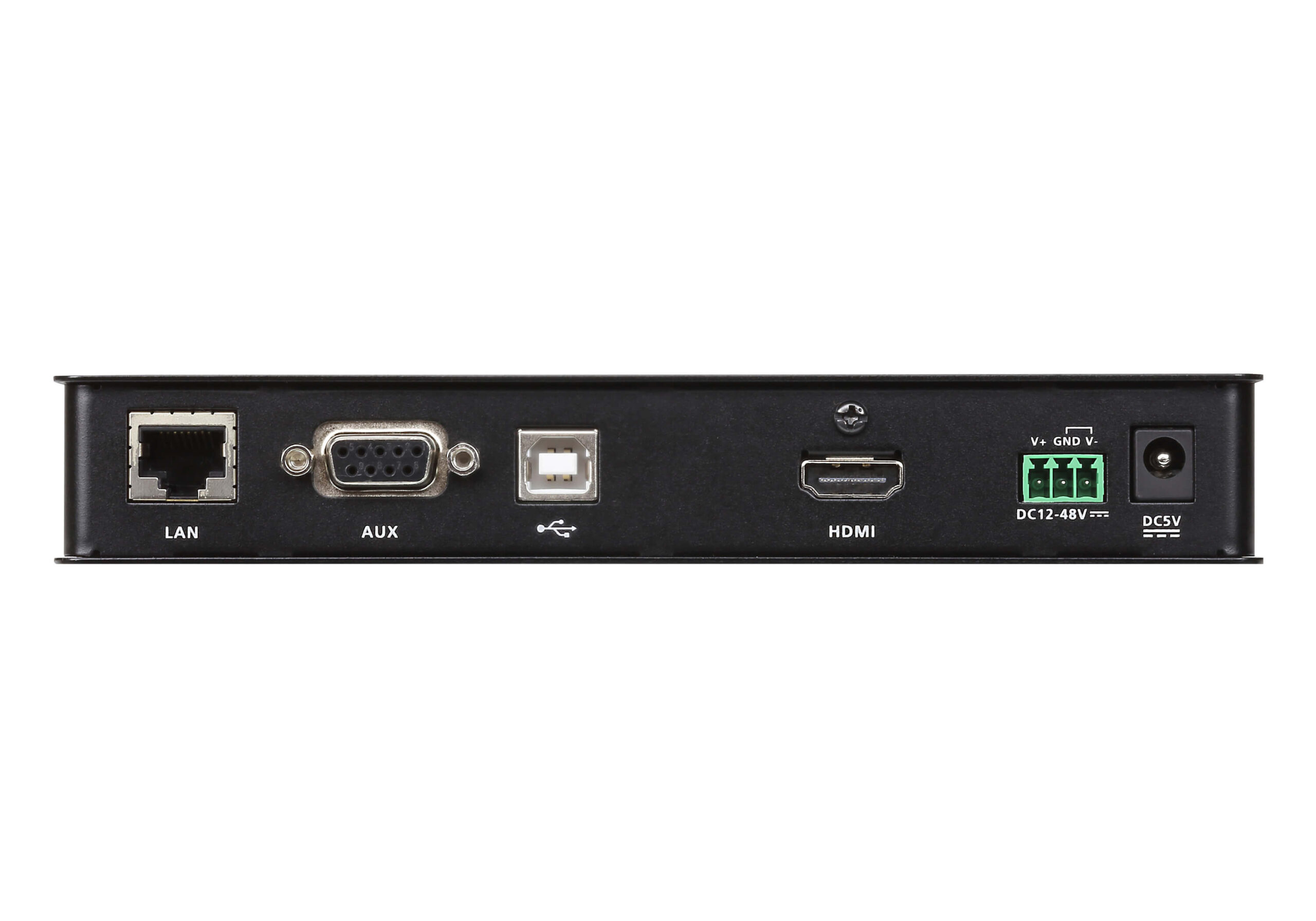
- HDMI input: standard HDMI resolutions from 640 x 480 to 1920 x 1200, 24-bit colour, HDCP 1.4.
- USB Type-B: to the computer, for keyboard and mouse emulation and for virtual media, so a flash drive, DVD drive or smart card reader plugged into the receiver appears on this computer.
- DB-9 female RS-232: carries the computer’s serial port through to the receiver, for serial devices such as touch screens and barcode scanners.
The 1.8 m USB HDMI KVM cable in the box covers the HDMI and USB connections to the computer. No serial cable is listed, so add one if you use RS-232.
Two power inputs, mounting and the box
Besides the DC jack for the supplied adapter, the transmitter has a green 3-pole terminal block as a second DC input. Aten gives consumption as 4.3 W at DC 5 V and 6.61 W at DC 48 V, but its datasheet and product pages state no voltage range or polarity for the block, so read the marking on the unit before wiring a supply to it. Aten lists no PoE input.
The fanless metal case measures 18.20 x 11.75 x 2.87 cm, weighs 0.65 kg and runs at 0 to 50 °C. It can stand on a desk, go on a wall or mount in 0U space at the rear of a rack, and Aten’s VE-RMK1U rack kit is optional. In the box: the transmitter, the KVM cable, a power adapter, a mounting kit, an HDMI Lockpro and user instructions.
How many transmitters one system can hold
Without management software, Aten’s Slim Matrix Mode links up to 12 transmitters, in any mix of KE6900ST, KE8900ST and KE9900ST, with an unlimited number of receivers, and operators change computers by hotkey. Larger systems run under Aten’s CCKM KVM over IP Matrix Manager on a server. Its Basic licence is free for up to 8 nodes, and a USB or virtual licence removes the limit. Under CCKM, up to four KE transmitters can be grouped for a multi-screen workstation, and switching between transmitters takes 0.3 seconds or less.
For a single run with no network in between, the HDBaseT models in our KVM extender category are the other route.
Key specifications of the Aten KE8900ST
| Role | Transmitter (computer end), for KE series receivers |
|---|---|
| Video input | HDMI, 640 x 480 to 1920 x 1200 at 60 Hz, HDCP 1.4 |
| Computer ports | USB Type-B; DB-9 female (RS-232) |
| LAN | 1 x RJ-45, 10/100/1000 Mbps |
| Direct link | 100 m over one Cat 5e or Cat 6 cable |
| Latency | Under 48 ms (Aten US product page) |
| Housing | Fanless metal; 18.20 x 11.75 x 2.87 cm; 0.65 kg |
| Power inputs | DC jack; 3-pole terminal block |
| Operating temperature | 0 to 50 °C |
| Consumption | 4.3 W at DC 5 V; 6.61 W at DC 48 V |
Questions about the Aten KE8900ST
Which receivers work with the KE8900ST?
Any KE series receiver, according to Aten. Its product page recommends the KE8900SR, the matching slim HDMI receiver, and the KE8950R 4K HDMI receiver, and the datasheet calls the slim units compatible with all of Aten’s KVM over IP extenders. A 4K receiver does not lift the picture above the 1920 x 1200 that the KE8900ST accepts.
Does the KE8900ST take HDMI or DisplayPort?
HDMI. Aten’s datasheet, its connector table and the HDMI marking on the case all show an HDMI input, although one sentence on Aten’s own product page still says DisplayPort. For a computer with DisplayPort only, Aten’s slim transmitter is the KE9900ST.
Do I need a special network switch?
Only when the units go through a network; a direct cable between transmitter and receiver needs none. For networked KE systems Aten recommends non-blocking 1000 Mbps layer 2 or layer 3 switches with IGMP snooping and flow control enabled, the same make and model throughout each subnet, and a layer 3 switch that processes IGMP queries. It also asks for green or energy-saving features to be switched off.
Does the KE8900ST carry the computer’s sound?
Possibly, but Aten publishes no audio specification for this pair. Neither unit has an audio jack, so sound could only travel inside the HDMI signal. Aten’s reference diagram does draw an audio line into the KE8900ST, and the supplied KVM cable is listed as carrying HDMI, USB and audio. If the desk needs sound, test it at the receiver before handover.
Connectors
| KVM Ports | 1 x USB Type B Female (White) 1 x HDMI Female (Black) 1 x DB-9 Female (Black) |
|---|---|
| Power | 1 x DC Jack (Black) 1 x 3-Pole Terminal Block Connector (Green) |
| LAN Ports | 1 x RJ-45 (Black) |
Switches
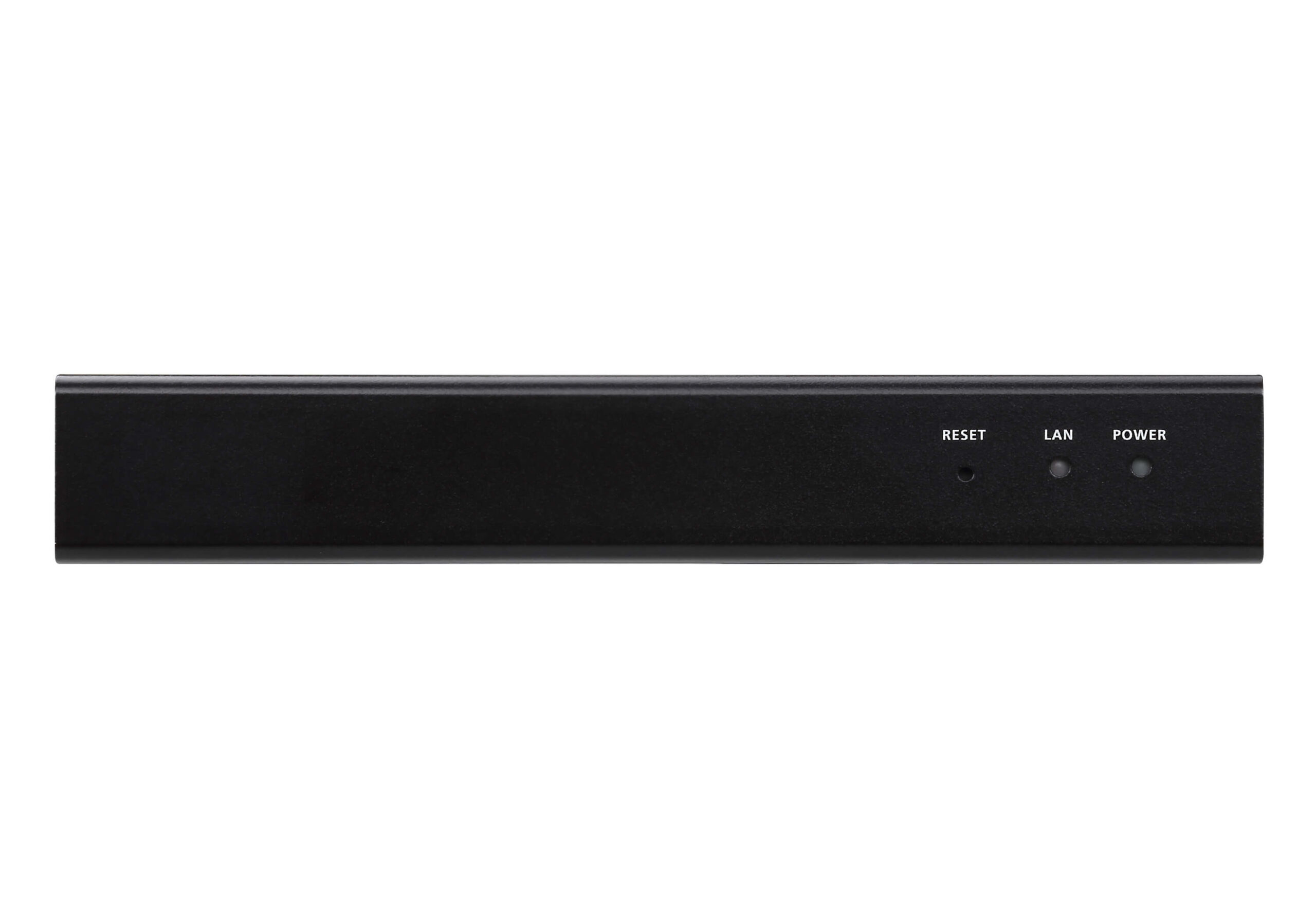
| Reset | 1 x Semi-recessed Pushbutton |
|---|
LEDs
| 10/100/1000 Mbps | 1 (10: Orange / 100: Orange & Green / 1000: Green) |
|---|---|
| Power | 1 (Blue) |
Emulation
| Keyboard / Mouse | USB |
|---|---|
| Power Consumption | DC5V:4.3W:20BTU DC48V:6.61W:31BTU |
| Video Resolution | Up to 1920 x 1200 @ 60Hz |
Environmental
| Operating Temperature | 0–50°C |
|---|---|
| Storage Temperature | 20–60°C |
| Humidity | 0–95% RH, Non-condensing |
Physical Properties
| Housing | Metal |
|---|---|
| Weight | 0.65 kg ( 1.43 lb ) |
| Dimensions (L x W x H) | 18.20 x 11.75 x 2.87 cm (7.17 x 4.63 x 1.13 in.) |
| Note | For some of rack mount products, please note that the standard physical dimensions of WxDxH are expressed using a LxWxH format. |
You must be logged in to post a review.
KE8900ST Datasheet PDF
You may also like these
Aten
 Low stock (2 left)
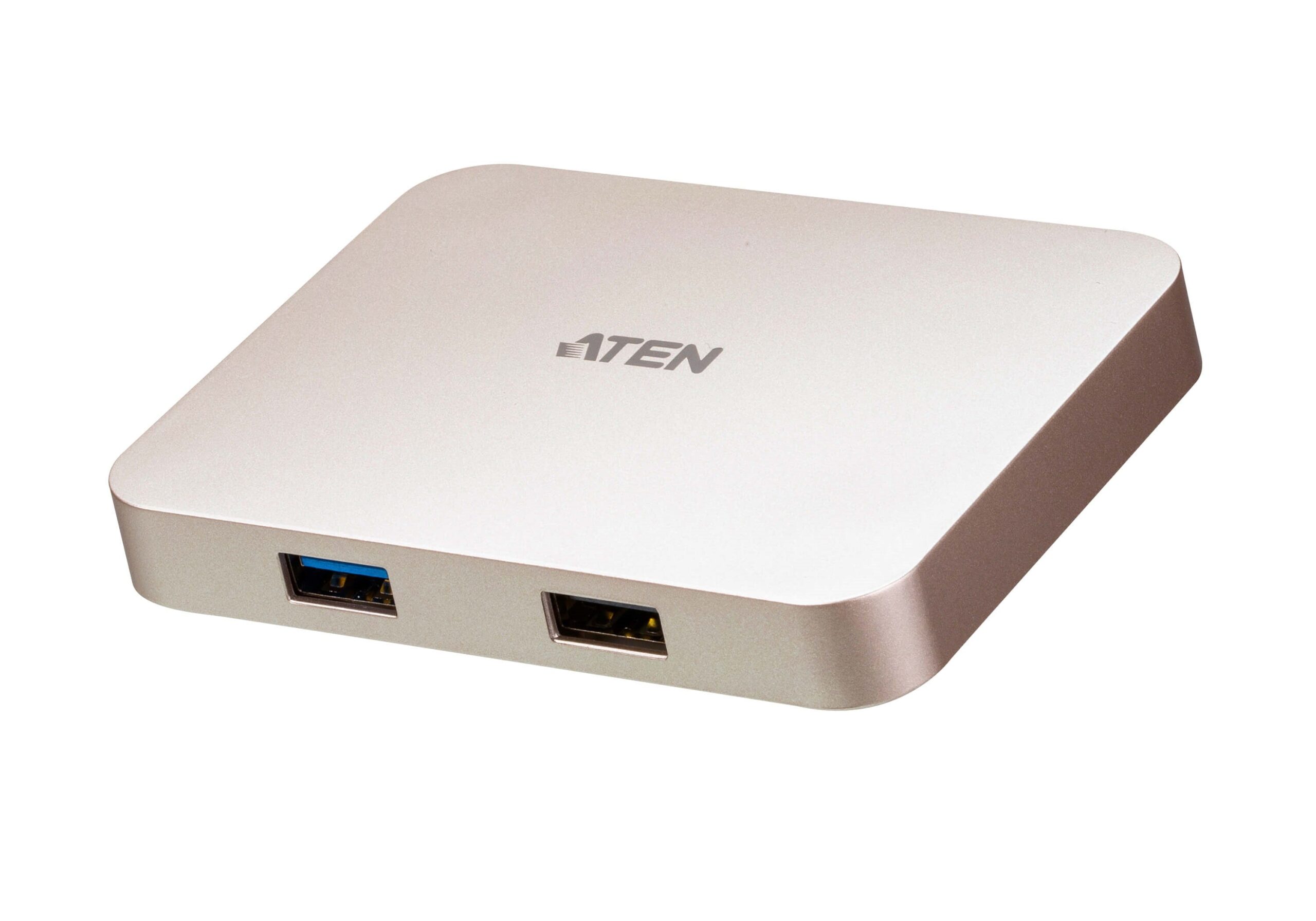
Aten Ultra Mini Dock with Power Pass-through, 4k, USB-C - UH3235
R808.68
UH3235 Low stock (2 left)
Reviews
There are no reviews yet.