All Categories
- ATEN
- EPSON
- HISENSE
-
AV Signal Distribution
In AV Signal Distribution
- JK
-
Screens
In Screens
-
Projector
-
Cables
In Cables
- DTECH
- Business
- VISION
-
Projector Bracket
In Projector Bracket
-
Digital Signage Solutions
In Digital Signage Solutions
Brands
-
Audio
In Audio














All Categories
- ATEN
- EPSON
- HISENSE
-
AV Signal Distribution
In AV Signal Distribution
- JK
-
Screens
In Screens
-
Projector
-
Cables
In Cables
- DTECH
- Business
- VISION
-
Projector Bracket
In Projector Bracket
-
Digital Signage Solutions
In Digital Signage Solutions
Brands
-
Audio
In Audio

BROWSE CATEGORIES
Help
Wireless Presentation Systems
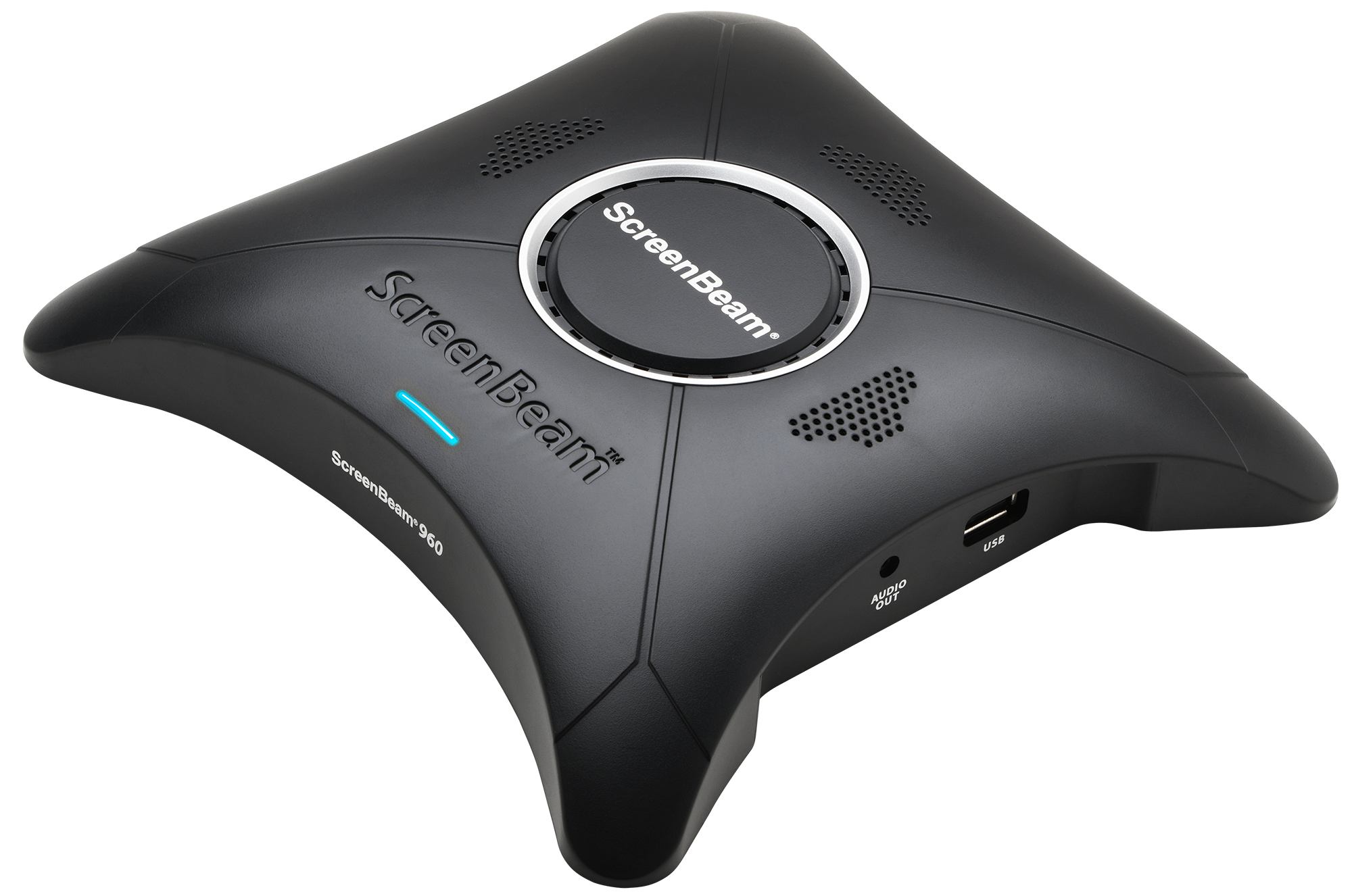
Screenbeam Wireless Presentation System – 960CMS
R8,214.09
Wireless display receiver for meeting rooms and classrooms: Windows, Android and Apple devices mirror to the room screen without an app.
- Miracast for Windows and Android, AirPlay for iPhone, iPad and Mac
- Up to 1080p at 30 fps over HDMI or VGA
- Touch control from USB HID interactive displays (Windows)
- ScreenBeam CMS management software included
- Brand :Screenbeam
- SKU :SCREENBEAM-960CMS
- Category :Wireless Presentation Systems
- Availability :
 In Stock
27 in stock
The ScreenBeam 960 is a wireless display receiver that connects to a screen or projector and lets presenters mirror their device using the casting already built into it: Miracast on Windows and Android, AirPlay on iPhone, iPad and Mac. Nobody installs an app or carries a dongle.
It outputs up to 1080p at 30 frames per second over HDMI or VGA, which suits slides, documents and web pages in huddle and meeting rooms. On an interactive display, Windows presenters can also control their laptop from the screen.
How Windows, Android and Apple devices connect
Windows laptops and Miracast-capable Android devices connect straight to the receiver over Wi-Fi Direct. On Windows, the Connect panel (Windows key + K) lists the receiver under the name shown on its Ready to Connect screen, and the presenter can choose Duplicate or Extend. Extend keeps speaker notes on the laptop while the audience sees the slides.
iPhones, iPads and Macs use Screen Mirroring and must be on the same network as the receiver. A Mac can also use the 960 as a separate display. By default the receiver asks for a PIN shown on screen and generates a new one for every connection; an administrator can switch to a fixed PIN, or ask for it on the first connection only.
Display outputs, audio and the 1080p limit
- HDMI output to the display or projector, with an HDMI cable in the box.
- VGA output for older projectors, and a VGA input with pass-through so a laptop can still be cabled to the display.
- 3.5 mm analogue audio output for powered speakers or an amplifier.
- USB 2.0 Type-A port for the touch connection from an interactive display.
- RJ-45 Ethernet for a wired network connection.
Video is H.264 compressed at up to 1080p and 30 frames per second, with two-channel LPCM audio, and ScreenBeam notes that the resolution you actually get depends on the wireless and network conditions in the room. The 960 supports HDCP 2.x content protection, which ScreenBeam says is not available from macOS or iOS.
Network connection and ScreenBeam CMS management
ScreenBeam expects a deployed receiver to have a wired or Wi-Fi network connection: Apple devices, Windows mirroring over the LAN and remote management all depend on it. On Wi-Fi it handles WPA2-PSK as well as PEAP-MSCHAP v2 and EAP-TLS, so it can join an 802.1X enterprise network. On a DHCP network its IP address appears on the Ready to Connect screen.
One receiver can be set up from its own web management page. For several rooms, ScreenBeam CMS is a Windows application that IT installs on its own PC or server (Windows 10 or Windows Server 2019) to configure and update up to 2,500 receivers, one administrator at a time. ScreenBeam’s CMS page lists the browser-based CMS Enterprise edition, which lets several administrators work at once, as an annual licence for the 960 (SBCMSEOPTION1YR).
Touch control from an interactive display
If the display or projector reports touch over USB (HID), a Windows presenter can control the laptop from the screen, with up to 20 touch points and up to four passive pens. ScreenBeam’s minimums for the laptop are Windows 10 build 1607, a 4th-generation Intel Core i-series processor or AMD equivalent, and 4 GB of RAM. Run a USB Type-A to Type-B cable (not supplied) from the 960 to the display’s touch port for the HDMI input the 960 uses, and check the display against ScreenBeam’s touch compatibility list.
Mounting, power and what is in the box
The box holds the receiver, its power supply, an HDMI cable, a quick start guide and regulatory documents. Ethernet and USB touch cables are not included. The receiver measures 168 x 168 x 34.5 mm, runs from 5 V DC at 2 A, draws under 5 W and is rated for 0 to 40 °C.
To fix it off the table, the ScreenBeam 960 mounting kit (SB960MOUNT) screws a magnetic plate to the base so the receiver holds onto most metal surfaces, with an adhesive pad for other surfaces. Its USB-to-barrel cable can power the 960 from a display’s USB port, provided that port supplies 5 V at 2 A. For a projector with VGA only, add a cable from our VGA cable range.
Key specifications of the ScreenBeam 960
| Mirroring | Miracast (Windows, Android), AirPlay (macOS, iOS) |
|---|---|
| Maximum resolution | 1080p at 30 fps, H.264 |
| Video outputs | 1 x HDMI, 1 x VGA |
| Other ports | VGA input (pass-through), 3.5 mm audio out, USB 2.0 Type-A, RJ-45 Ethernet, DC power |
| Audio | LPCM 2.0 |
| Content protection | HDCP 2.x (not available from macOS or iOS) |
| Wireless | Miracast P2P: 802.11ac dual-band |
| Wi-Fi authentication | WPA-PSK, WPA2-PSK, PEAP-MSCHAP v2, EAP-TLS |
| Touch-back | USB HID, up to 20 touch points, Windows 10 build 1607 or later |
| Power | 5 V DC, 2 A; under 5 W |
| Dimensions | 168 x 168 x 34.5 mm |
| Management | ScreenBeam CMS (included), local web interface |
Questions about the ScreenBeam 960
Can guests present without joining our network?
Guests with Windows laptops or Miracast-capable Android devices can, because they connect to the receiver directly over Wi-Fi Direct. Guests with iPhones, iPads or Macs cannot: AirPlay needs the device on the same network as the receiver. On managed Windows laptops, ScreenBeam’s guide says Group Policy and firewall settings must allow Wi-Fi Direct connections.
Does the ScreenBeam 960 support 4K?
No. The 960 outputs at most 1080p at 30 frames per second, and a 4K display connected to it scales that picture up. For a 4K picture, the ScreenBeam 1100 Plus (1100PCMS) is rated up to 4K at 30 frames per second; other options are in our wireless presentation systems range.
What does CMS mean in the 960CMS product name?
It refers to ScreenBeam’s Central Management System, the Windows software that comes with every 960 for configuring and updating receivers from one PC. No licence purchase is needed for it.
Can someone still present with a cable?
Yes, over VGA. The 960 has a VGA input with pass-through to the display, so a laptop with a VGA port can be cabled in. There is no HDMI input: the HDMI port on the receiver is an output to the screen.
| Hardware | Video H.264 compression Audio LCPM 2.0 Resolution1 Up to 1080p30 Ethernet 10/100 RJ-45 LAN |
|---|---|
| Miracast P2P | 802.11ac dual-band |
| Infrastructure | 802.11a/b/g/n dual-band |
| Input | 5VDC, 2A |
| Consumption | Less than 5W |
You must be logged in to post a review.
You may also like these
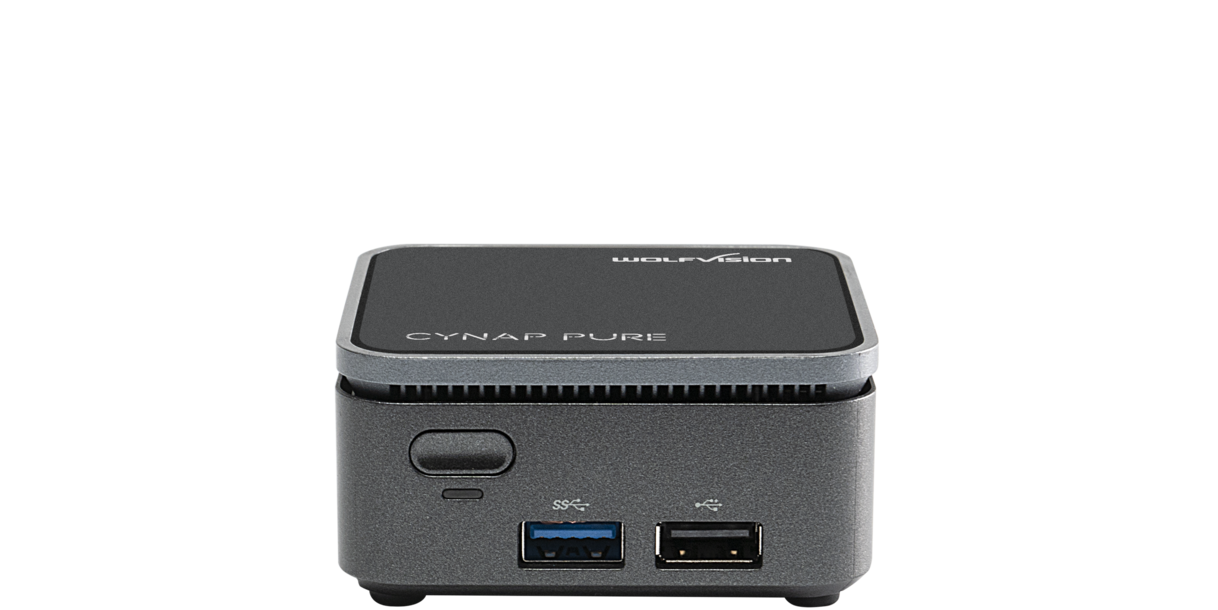
Wolfvision
Low stock (1 left)
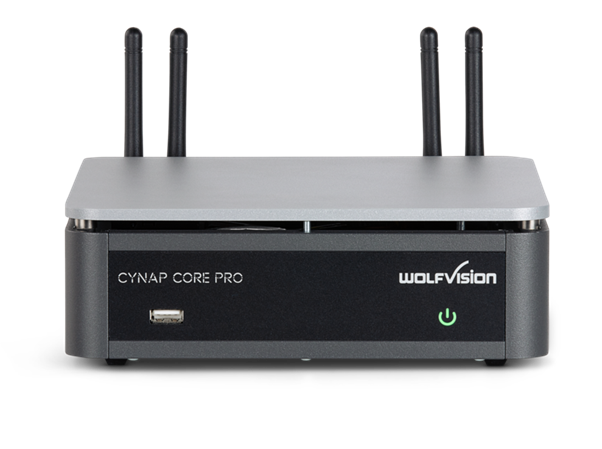
Wolfvision Wireless Presentation System - CYNAPPURE
R44,749.34
CYNAPPURE Low stock (1 left)
RN Ware
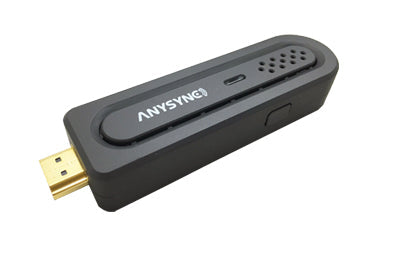
Anysync Wireless Presentation System Receiver - ANYSYNCRX
Price on request
ANYSYNCRX Out of Stock
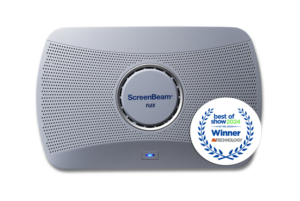
Screenbeam
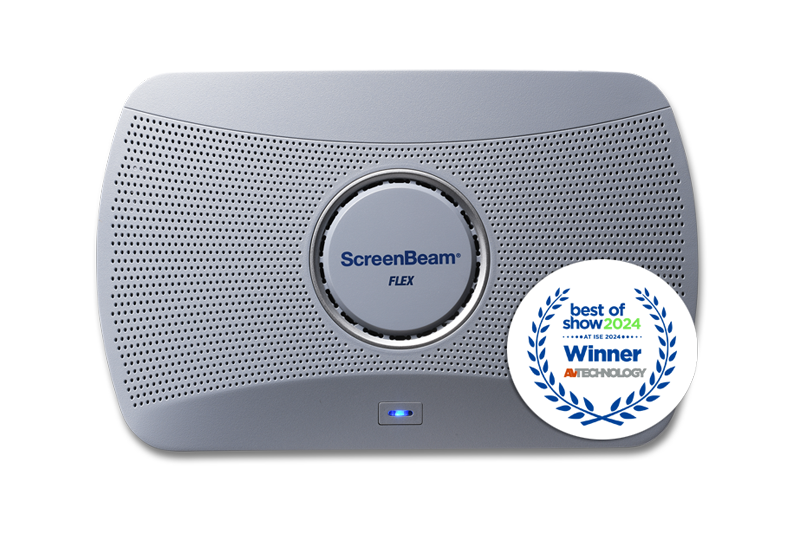
ScreenBeam Flex Wireless Presentation System - CBWD1100F
R28,359.89
CBWD1100F Out of Stock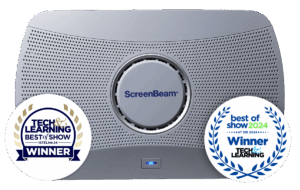
Screenbeam
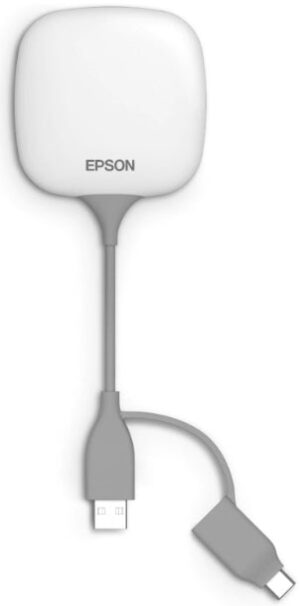
Reviews
There are no reviews yet.