All Categories
- ATEN
- EPSON
- HISENSE
-
AV Signal Distribution
In AV Signal Distribution
- JK
-
Screens
In Screens
-
Projector
-
Cables
In Cables
- DTECH
- Business
- VISION
-
Projector Bracket
In Projector Bracket
-
Digital Signage Solutions
In Digital Signage Solutions
Brands
-
Audio
In Audio














All Categories
- ATEN
- EPSON
- HISENSE
-
AV Signal Distribution
In AV Signal Distribution
- JK
-
Screens
In Screens
-
Projector
-
Cables
In Cables
- DTECH
- Business
- VISION
-
Projector Bracket
In Projector Bracket
-
Digital Signage Solutions
In Digital Signage Solutions
Brands
-
Audio
In Audio

BROWSE CATEGORIES
Help
Cable Management
Lexin Pull Up Cable Power Dock – RPS03
R2,127.15
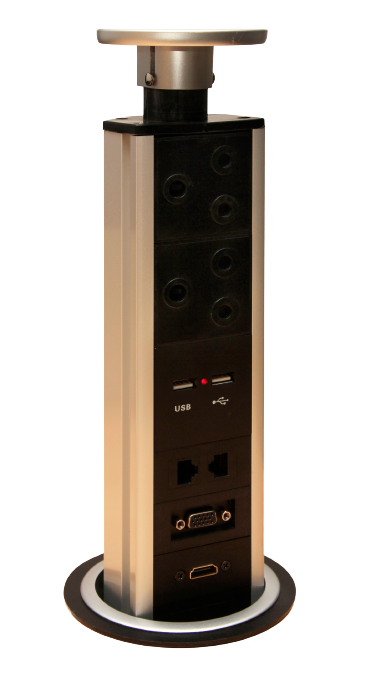
Pull-up tower for a desk or meeting table that brings power, network and laptop video connections up to the tabletop and drops back into the table.
- 2 x South African power sockets; current rating and standard not published
- 2 x USB and 2 x RJ45 network ports
- 1 x HDMI and 1 x VGA
- Fits a round cut-out; diameter not published
- Brand :Lexin
- SKU :LEXIN-RPS03
- Category :Cable Management
- Availability :
 In Stock
3 in stock
The Lexin RPS03 is a pull-up connection tower for a desk or meeting table. It sits in a round cut-out and pulls up to expose two South African power sockets, two USB ports, two RJ45 network ports, an HDMI socket and a VGA socket; pushed back down, it leaves only the round top cap at the surface. Lexin publishes no current rating or standard for the power sockets, and no cut-out size.
Power sockets with no published rating
Lexin’s sheet describes the two power sockets only as “SA power”. It gives no current rating for each socket or for the tower as a whole, names no standard or approval the sockets are made to, and lists no surge protection or on/off switch. Without those figures, nothing published says how much load the two sockets can take.
The USB ports have no published output either. The two RJ45 ports bring the table onto the network only once each one is cabled from below the desk to a wall point or network switch.
Getting laptop video to the screen
The HDMI and VGA sockets put a laptop connection on the table, but the picture reaches the room’s display only if a cable runs from beneath the tower to the screen, projector or presentation switch. Lexin does not say whether each video module is a coupler, with a second socket underneath, or ends in a short lead, which changes what you connect under the table. The run to the display is an ordinary cable from our HDMI cables or VGA cables; measure the route under the table before you order it.
VGA carries video only, and the RPS03 has no audio socket, so a laptop presenting over VGA needs a separate audio connection if the room’s speakers must play its sound.
Cut-out size and space under the table
The tower drops through a round hole, and a round collar rests on the tabletop. Lexin publishes no cut-out diameter, no body height and no detail of the supply lead or plug, so measure the unit itself before anyone cuts the table.
When the tower is pushed down, its full height hangs below the desk. Check the spot you choose for drawers, frame rails and modesty panels underneath, and leave room for the power lead and the HDMI, VGA and network cables to bend away from the bottom of the tower. If the RPS03 turns out to need hard-wiring rather than a plug, have an electrician connect it.
Key specifications of the Lexin RPS03
| Model | Lexin RPS03 (LEX-RPS03 on Lexin’s sheet) |
|---|---|
| Type | Round pull-up table tower |
| Power sockets | 2 x South African type; rating and standard not published |
| USB | 2 ports; output not published |
| Network | 2 x RJ45 |
| Video | 1 x HDMI, 1 x VGA |
| Audio | None listed |
| Cut-out | Round; diameter not published |
| Finish | Silver sides and top cap, black port panels |
Questions about the Lexin RPS03
Are the RPS03 power sockets South African or UK type?
South African, according to Lexin’s sheet, which lists them as SA power; the photo shows three round pin holes in each socket, where a UK socket has flat rectangular slots. Lexin does not say which South African plug they take, the large three-pin SANS 164-1 plug or the newer SANS 164-2 type, and names no standard or approval for the sockets.
Will the USB ports charge a laptop?
Lexin does not say. It publishes no output for the two USB ports and does not say whether they charge devices, carry data or both. For a laptop, use its own charger in one of the power sockets.
Is the RPS03 motorised?
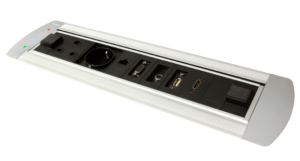
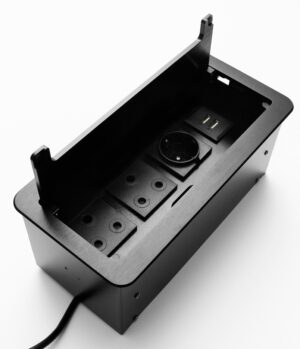
No motor is listed. Lexin calls it a pull-up unit, so it is raised and lowered by hand. For a top that opens under power, Lexin’s LZSP06 cable manager with electric flip top is an alternative; the Lexin TBUS1 is another pull-up cable manager in the same range.
Does the HDMI socket pass 4K?
Lexin does not say. No HDMI version, bandwidth or resolution is published for the module, so treat 4K at 60 Hz as unconfirmed and test the full chain, from laptop through the tower to the display, before the room is handed over.
You must be logged in to post a review.
You may also like these
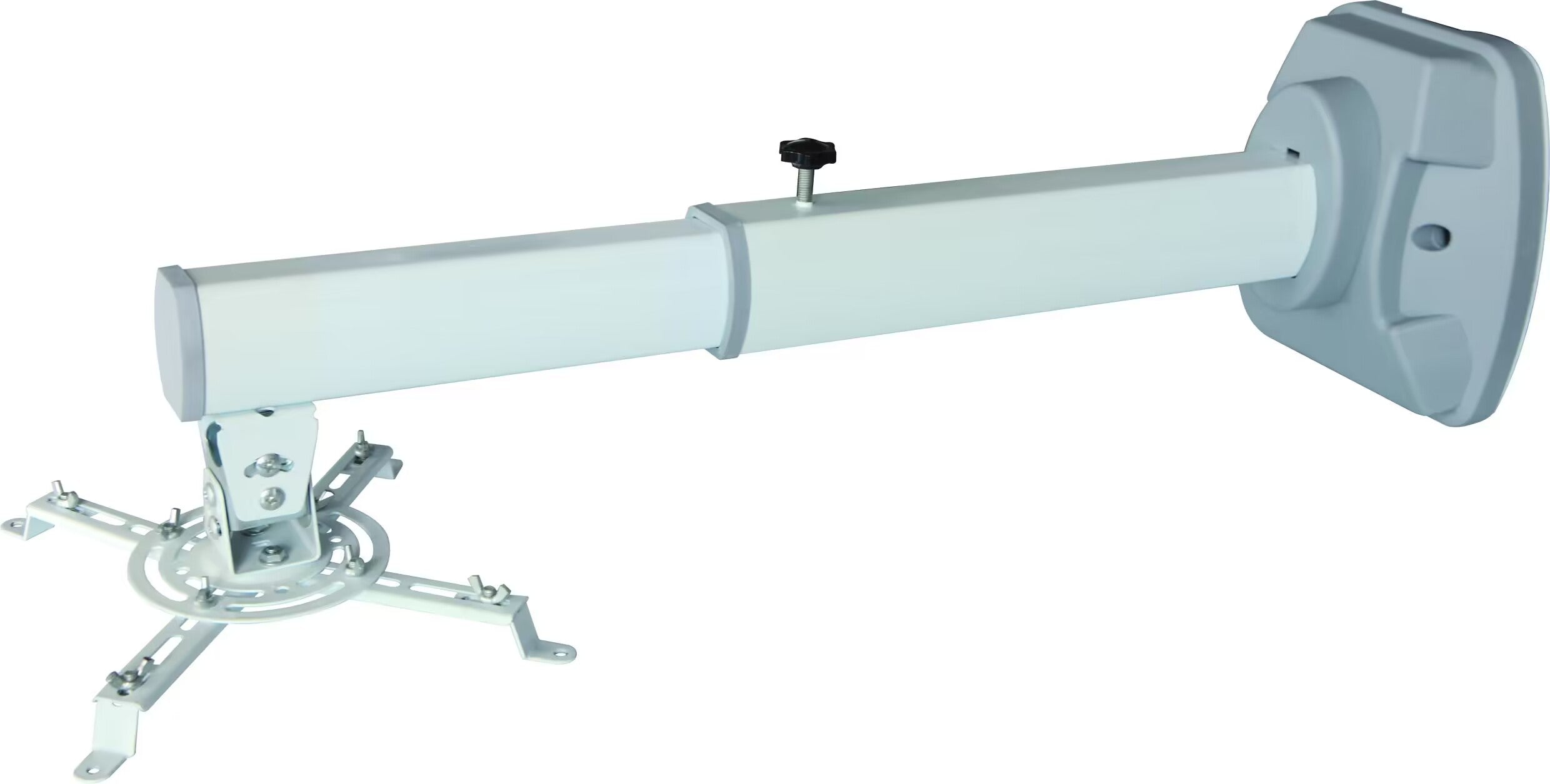
Lexin
In Stock
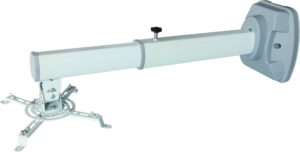
Lexin Short Throw Adjustable Wall Mount Projector Bracket - STO31500
R1,180.69
STO31500 In Stock
Reviews
There are no reviews yet.