All Categories
- ATEN
- EPSON
- HISENSE
-
AV Signal Distribution
In AV Signal Distribution
- JK
-
Screens
In Screens
-
Projector
-
Cables
In Cables
- DTECH
- Business
- VISION
-
Projector Bracket
In Projector Bracket
-
Digital Signage Solutions
In Digital Signage Solutions
Brands
-
Audio
In Audio














All Categories
- ATEN
- EPSON
- HISENSE
-
AV Signal Distribution
In AV Signal Distribution
- JK
-
Screens
In Screens
-
Projector
-
Cables
In Cables
- DTECH
- Business
- VISION
-
Projector Bracket
In Projector Bracket
-
Digital Signage Solutions
In Digital Signage Solutions
Brands
-
Audio
In Audio

BROWSE CATEGORIES
Help
ATEN
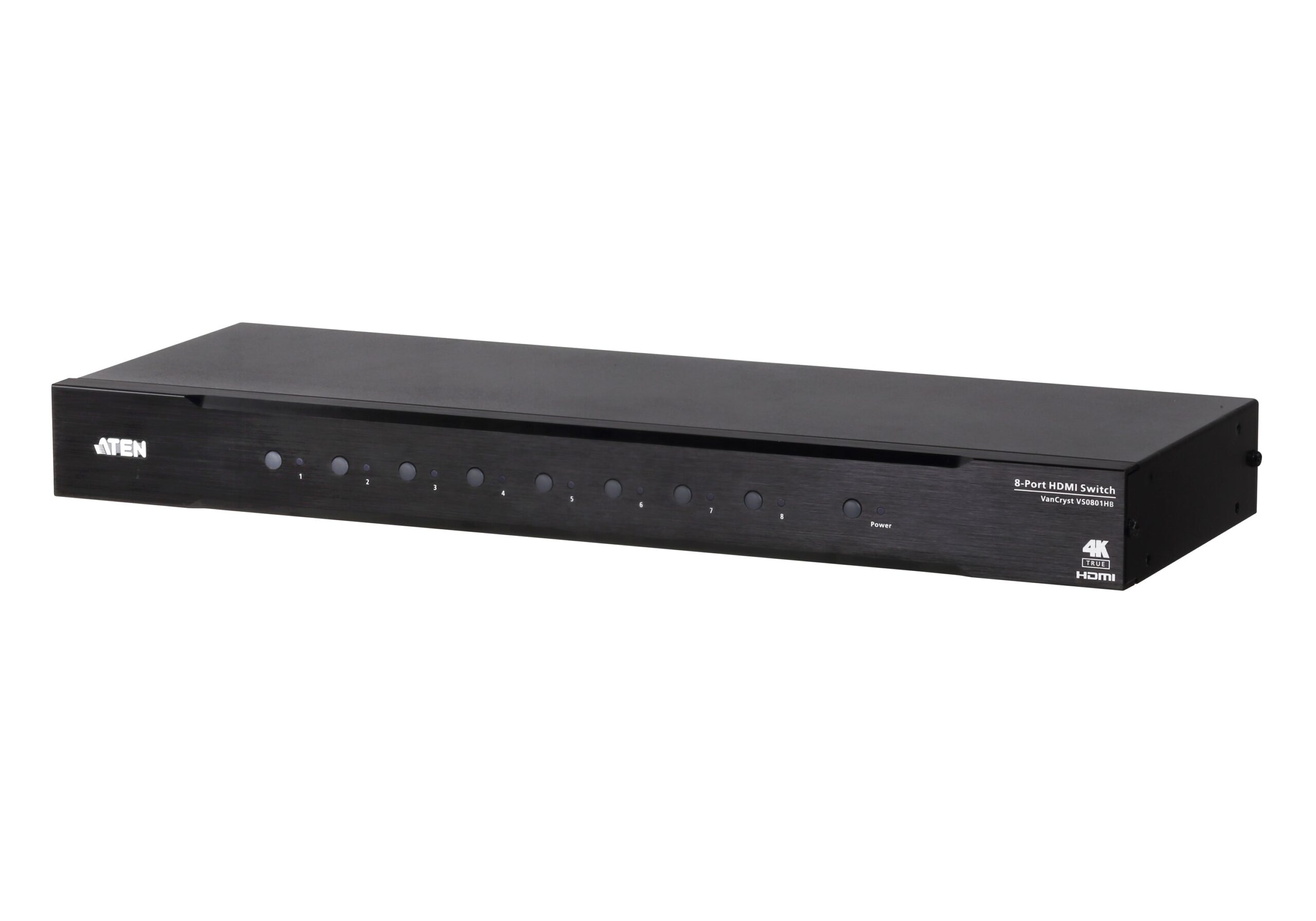
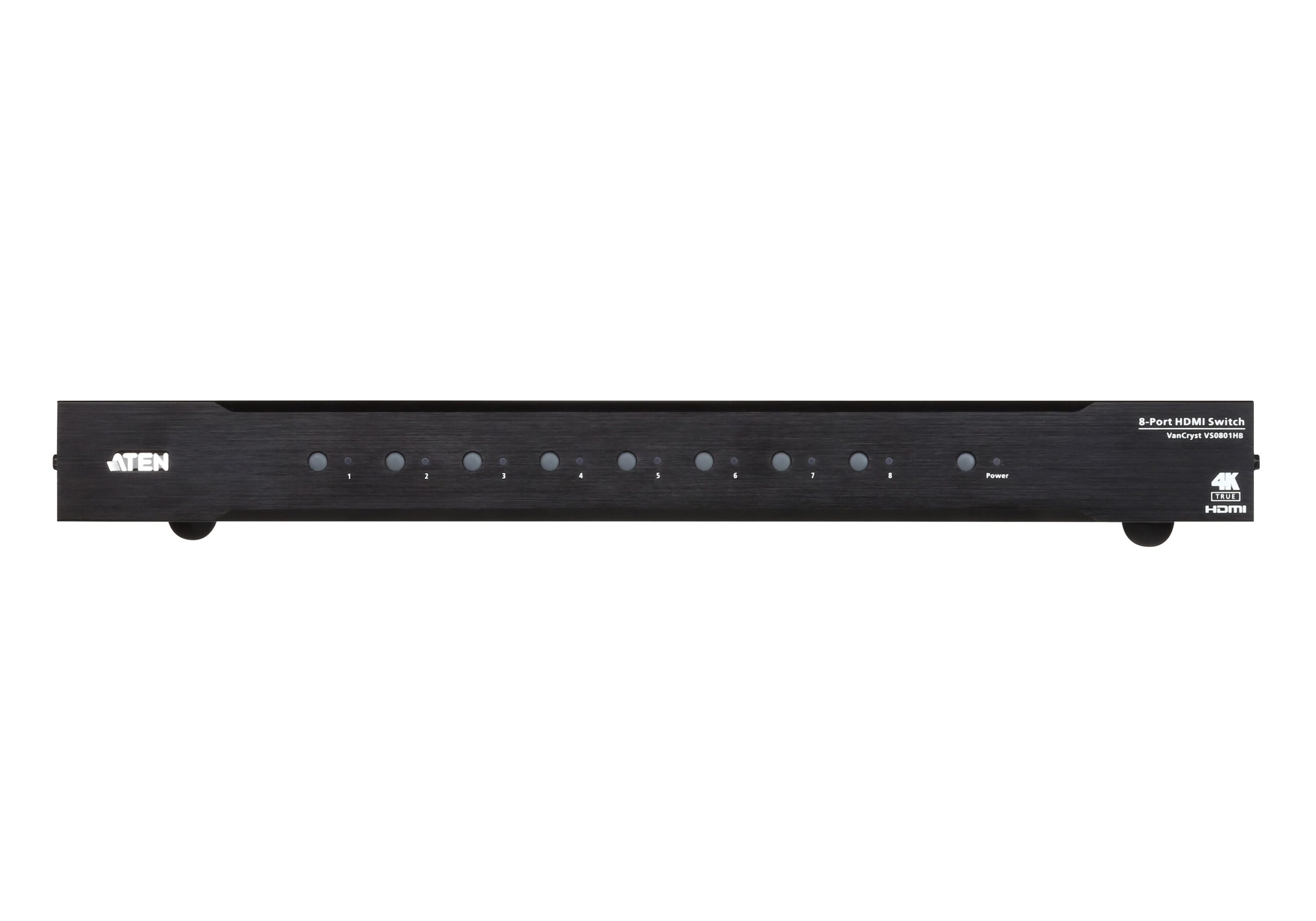
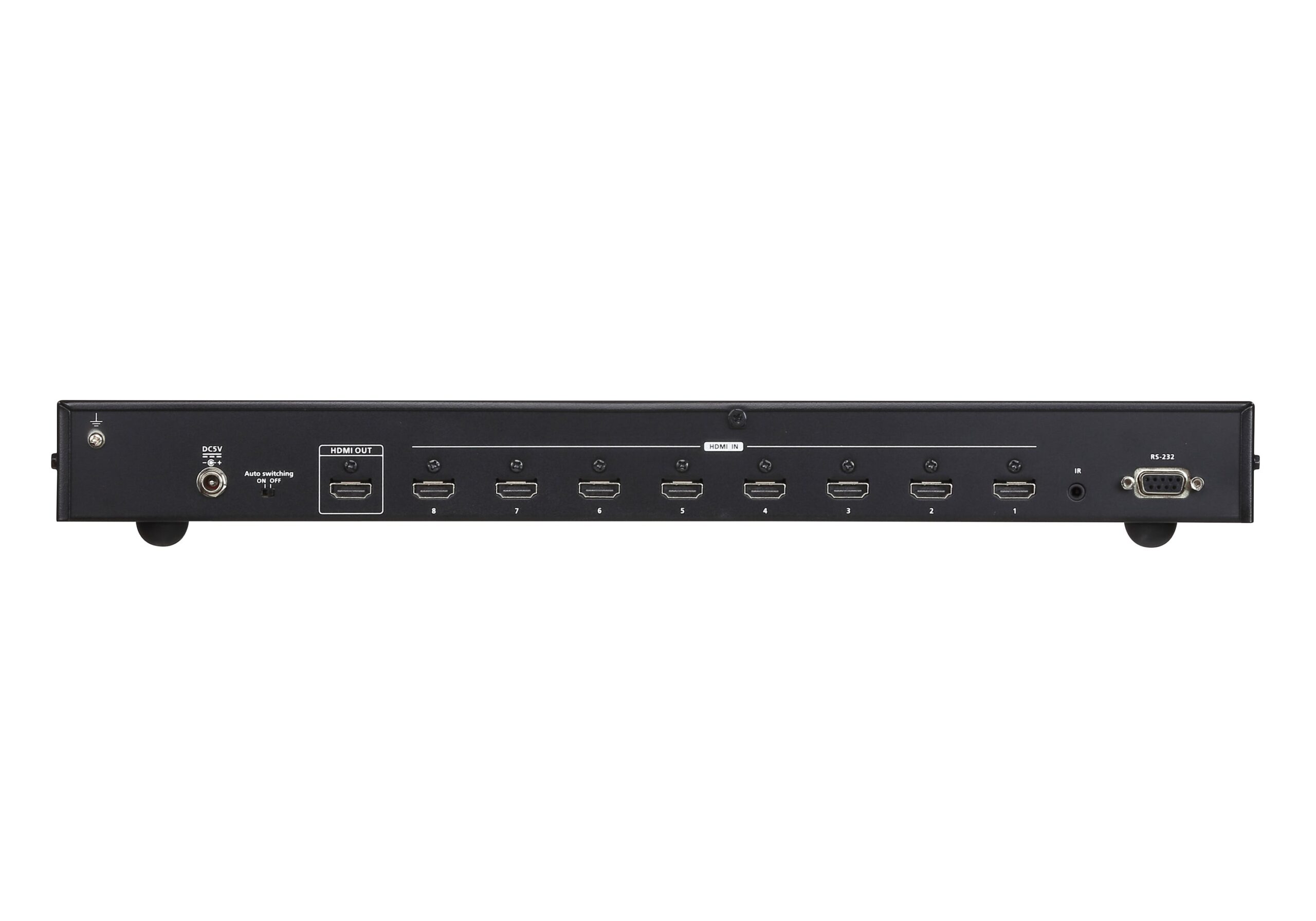
Aten Switch, HDMI, 8 Port – VS0801HB
R8,754.33
An eight-input True 4K HDMI switch for one display, rack mountable with RS-232, for AV racks and media rooms with several 4K60 and HDR sources.
- 4K 60 Hz with full 4:4:4 colour; HDCP 2.2
- HDR10+ listed by Aten; Deep Colour to 12-bit
- HDMI cables up to 3 m each, per Aten's manual
- Next, Priority and POD automatic switching
- IR receiver cable, remote and rack mounting kit included
- Brand :Aten
- SKU :ATEN-VS0801HB
- Category :ATEN
- Availability :
 In Stock
1 in stock
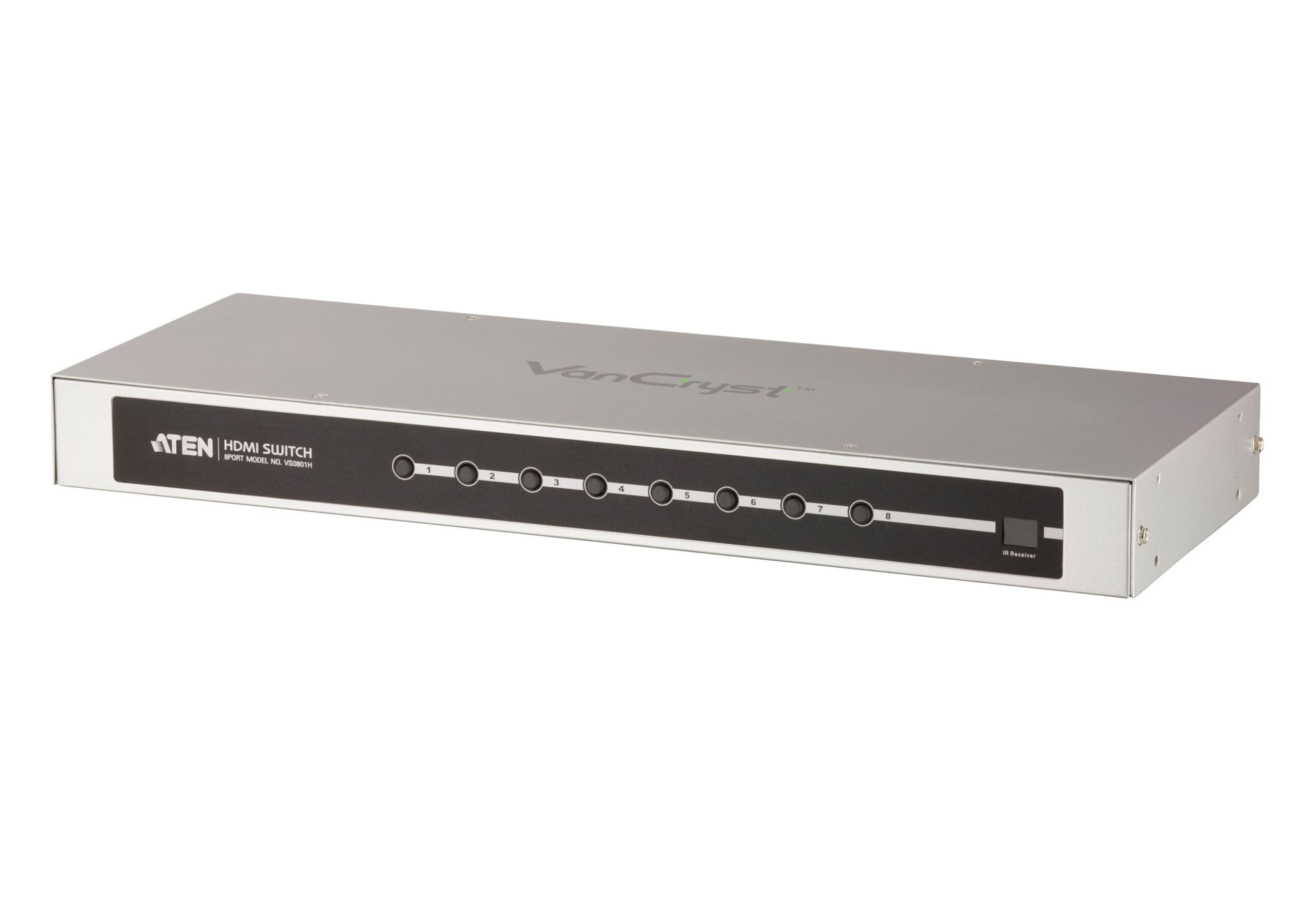
The Aten VS0801HB puts any one of eight HDMI sources on a single screen at up to 4K 60 Hz in full 4:4:4 colour, over 18 Gbps with HDCP 2.2 and, on Aten’s product page, HDR10+. Inputs change by front button, IR remote, RS-232 or automatic switching, and a rack mounting kit is in the box.
Plan the cabling before you buy: Aten’s user manual limits every HDMI cable on the switch to 3 m.
Video, HDR and audio
A 600 MHz pixel clock gives the 18 Gbps that 4K at 60 Hz needs without colour subsampling, in both the DCI (4096 x 2160) and UHD (3840 x 2160) formats, and 1080p at 60 Hz passes too. Aten lists HDMI 2.0, 3D, Deep Colour up to 12-bit and CEC. HDR10+ appears on the product page but not in the manual. Audio, including HD lossless formats, stays inside the HDMI output; there is no separate audio port.
HDMI cables of 3 m or less
Aten’s manual asks for HDMI cables no longer than 3 m, source side and display side alike, and its specification gives 3 m as the maximum distance. The product page quotes 5 m at 4K 60 Hz 4:4:4, so Aten’s two documents disagree; until Aten settles it, 3 m is the safe figure. Aten’s 2L-7D02H-1, a 2 m True 4K HDMI cable, sits inside that limit. A screen or projector further away needs one of our HDMI extenders on the switch output, rated for the 4K format you send. No HDMI cables come in the box.
Remote control through the IR receiver
Aten’s front-panel list has buttons and LEDs but no IR sensor. For remote control, the manual has you plug the supplied IR receiver, on a 1.8 m cable, into the IR extend jack on the rear, so the sensor can sit on the rack front or beside the screen while the switch itself is hidden. From up to 6 m, the remote picks any of ports 1 to 8 or steps through them, and its On/Off key blanks or restores the HDMI output.
Automatic switching modes
A slide switch on the rear locks the unit in Next mode, which follows the most recently connected source; while it is on, RS-232 mode commands are ignored. With the slide switch off, RS-232 commands choose Off (manual selection only), Next, or Priority, which gives the screen to one chosen port whenever that port detects a source. POD (power-on detection), also set over RS-232, works independently of those modes and hands over to the next powered-on input when the device on screen shuts down. After a restart, the switch opens on the first port with a powered-on source.
RS-232 control and firmware updates
The DB-9 port takes text commands at 19200 baud, 8-N-1, to select a port (sw i01), switch the output (sw on, sw off), change the switching mode and report the settings. Firmware updates use the same port and Aten’s Windows upgrade utility: hold the port 1 button while connecting power, and all port LEDs flash when the unit is ready.
How it differs from the VS0801H
The Aten VS0801H is the 1080p model: 6.75 Gbps, HDCP 1.4 on Aten’s product page, an IR receiver behind its front panel and a 15 m display cable rating at 1080p. Choose the VS0801HB when any source outputs 4K or HDR, or when you want priority switching or the rear mode switch; choose the VS0801H when every source is HD and the display cable has to run further than 3 m.
Key specifications of the VS0801HB
| Connections | 8 HDMI inputs, 1 HDMI output, RS-232, IR |
|---|---|
| Video | DCI and UHD 4K, 60 Hz, 4:4:4; 1080p at 60 Hz |
| Throughput | 600 MHz clock, 18 Gbps |
| Compliance | HDMI 2.0, HDCP 2.2, CEC; HDR10+ (product page) |
| HDMI cable length | 3 m per cable (manual); 5 m on the product page |
| Switching | 8 front buttons, IR remote, RS-232, auto switch slide switch |
| In the box | IR remote, 1.8 m IR receiver cable, power adapter, rack mounting kit, instructions |
| Power input | 5 V DC adapter (supplied), locking DC jack |
| Chassis | 43.72 x 15.83 x 4.40 cm, 2.14 kg, metal |
Questions about the Aten VS0801HB
Is it suitable for a games console running 4K at 120 Hz?
No. Aten specifies HDMI 2.0 at 18 Gbps with 4K up to 60 Hz and lists no 120 Hz or HDMI 2.1 features, so the console would have to output 4K at 60 Hz or less.
Can I stop it switching inputs on its own?
Yes. Set the rear auto switch to OFF, which disables Next mode, and if Priority or POD was enabled, send swmode off and swmode pod off over RS-232. Inputs then change only by button, remote or command.
Does it fit a 19-inch rack?
Yes, the rack mounting kit is in the box. The manual gives an overall width of 48.3 cm (19.0 in), the standard 19-inch rack width, and a height of 4.4 cm, within one 4.45 cm rack unit.
What does the front power button do?
It puts the switch into standby, a low-power mode in which the port buttons, port LEDs and IR receiver stop responding and the power LED lights green. Press it again to bring the switch back; Aten describes standby as low power, not off.
Switches
| DIP | 1 x Auto Switch ON / OFF |
|---|
Video Input
| Interfaces | 8 x HDMI Type A Female (Black) |
|---|---|
| Impedance | 100 Ω |
| Max. Distance | 5M at 4096 x 2160 / 3840 x 2160 @ 60Hz (4:4:4) |
Video Output
| Interfaces | 1 x HDMI Type A Female (Black) |
|---|---|
| Impedance | 100 Ω |
| Max. Distance | 5M at 4096 x 2160 / 3840 x 2160 @ 60Hz (4:4:4) |
Video
| Max. Data Rate | 18 Gbps (6 Gbps Per Lane) |
|---|---|
| Max. Pixel Clock | 600 MHz |
| Compliance | HDMI 2.0 (3D, Deep Colour) HDCP 2.2 Consumer Electronics Control (CEC) |
| Max. Resolution | Up to 4096 x 2160 / 3840 x 2160 @ 60Hz (4:4:4) |
| Max. Distance | 5M at 4096 x 2160 / 3840 x 2160 @ 60Hz (4:4:4) |
Control
| RS-232 | Connector: 1 x DB-9 Female (Black) Baud Rate: 19200, Data Bits: 8, Stop Bits:1, Parity: No, Flow Control: No |
|---|---|
| IR | 1 x Mini Stereo Jack Female (Black) |
Connectors
| Power | 1 x DC Jack (with locking) |
|---|---|
| Power Consumption | DC5.3V:3.73W:17BTU |
Environmental
| Operating Temperature | 0 - 40°C |
|---|---|
| Storage Temperature | 20 - 60°C |
| Humidity | 0 - 80% RH, Non-Condensing |
Physical Properties
| Housing | Metal |
|---|---|
| Weight | 2.14 kg ( 4.71 lb ) |
| Dimensions (L x W x H) | 43.72 x 15.83 x 4.40 cm (17.21 x 6.23 x 1.73 in.) |
| Carton Lot | 3 pcs |
| Note | For some of rack mount products, please note that the standard physical dimensions of WxDxH are expressed using a LxWxH format. |
You must be logged in to post a review.
VS0801HB Datasheet PDF
You may also like these
Aten
Low stock (1 left)
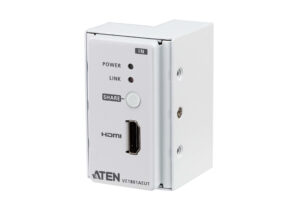
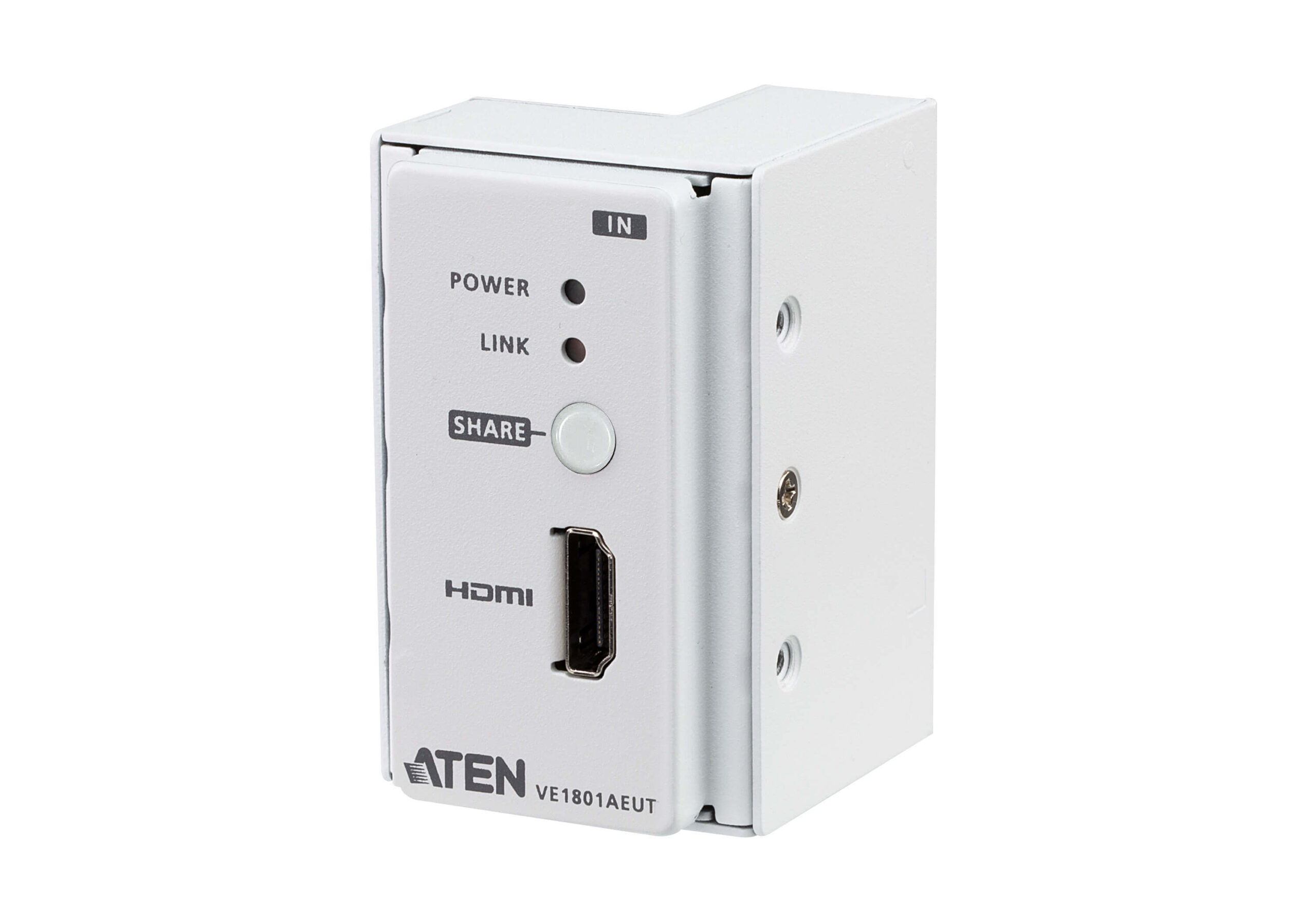
Aten Extender, HDMI, HDBaseT - Lite, Transmitter with EU Wall Plate - VE1801AEUT
R6,174.32
VE1801AEUT Low stock (1 left)
Reviews
There are no reviews yet.