All Categories
- ATEN
- EPSON
- HISENSE
-
AV Signal Distribution
In AV Signal Distribution
- JK
-
Screens
In Screens
-
Projector
-
Cables
In Cables
- DTECH
- Business
- VISION
-
Projector Bracket
In Projector Bracket
-
Digital Signage Solutions
In Digital Signage Solutions
Brands
-
Audio
In Audio














All Categories
- ATEN
- EPSON
- HISENSE
-
AV Signal Distribution
In AV Signal Distribution
- JK
-
Screens
In Screens
-
Projector
-
Cables
In Cables
- DTECH
- Business
- VISION
-
Projector Bracket
In Projector Bracket
-
Digital Signage Solutions
In Digital Signage Solutions
Brands
-
Audio
In Audio

BROWSE CATEGORIES
Help
DTECH
Dtech converter, type C to VGA – T0021
R420.59
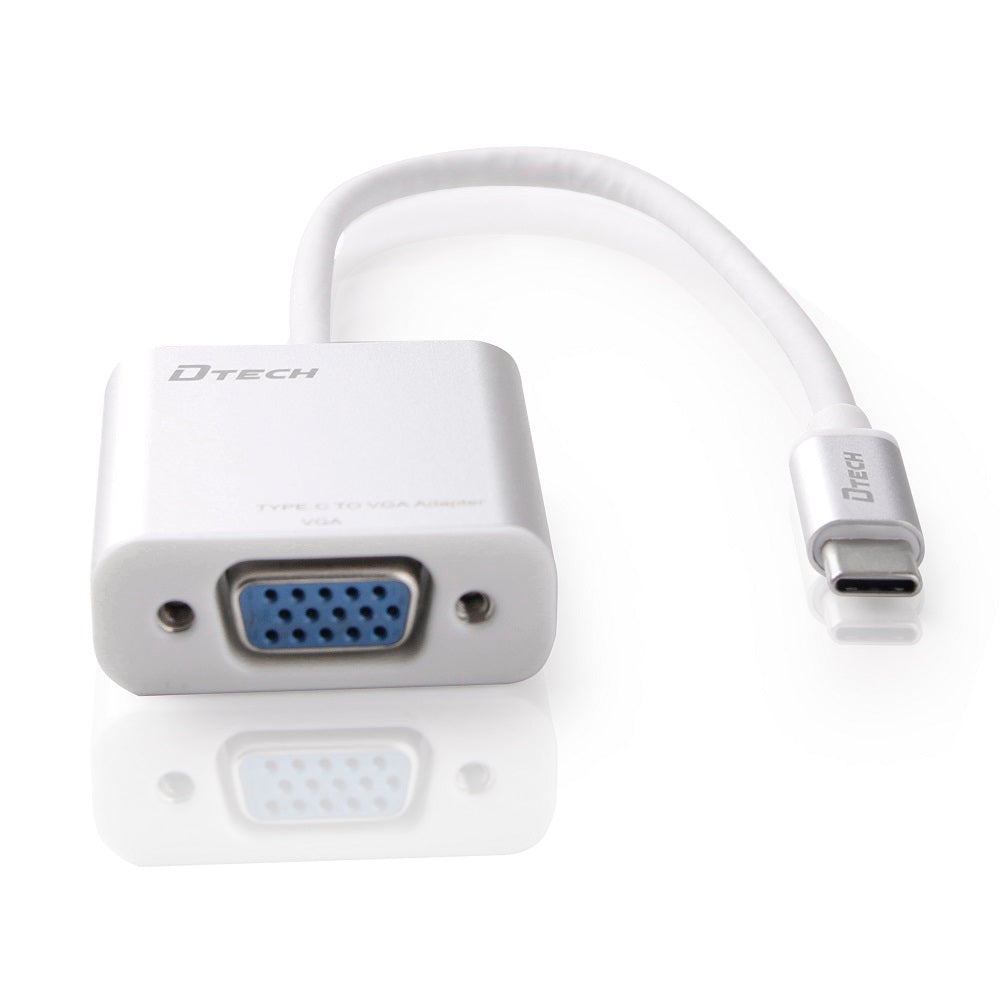
A USB-C to VGA adapter for running a laptop with a video-capable USB-C port into a projector or monitor that has only a VGA input.
- Up to 1920 x 1080
- Needs a USB-C port with DisplayPort Alt Mode
- Video only: VGA carries no sound
- Powered by the laptop; no charge-through port
- Brand :Dtech
- SKU :DTECH-T0021
- Category :DTECH
- Availability :
 In Stock
6 in stock
The Dtech T0021 turns a laptop’s USB-C video output into VGA, for a projector, monitor or TV whose only computer input is a 15-pin VGA socket. Dtech rates it for 1920 x 1080. It works only from a USB-C port that outputs DisplayPort, and because VGA has no sound, audio has to take a separate route from the laptop.
Check that your laptop’s USB-C port carries video
The T0021’s controller is the VIA Labs VL100, which VIA describes as a DisplayPort Alt Mode controller for USB-C video adapters. The adapter converts DisplayPort video arriving over USB-C; it cannot create a picture from a port that sends none. A USB-C port that only charges or only carries data therefore gives a blank screen. On a laptop with several USB-C ports, use the one its maker lists for display output.
1920 x 1080 and older projectors
Dtech’s sheet rates the T0021 at 1920 x 1080 and gives no refresh rate. That suits a Full HD projector or monitor, and a WXGA projector (1280 x 800) runs at its own lower resolution. A WUXGA projector (1920 x 1200) receives no more than 1920 x 1080, so it either scales the picture up or shows it as 16:9 with unused bands top and bottom.
Cabling, sound and power at the lectern
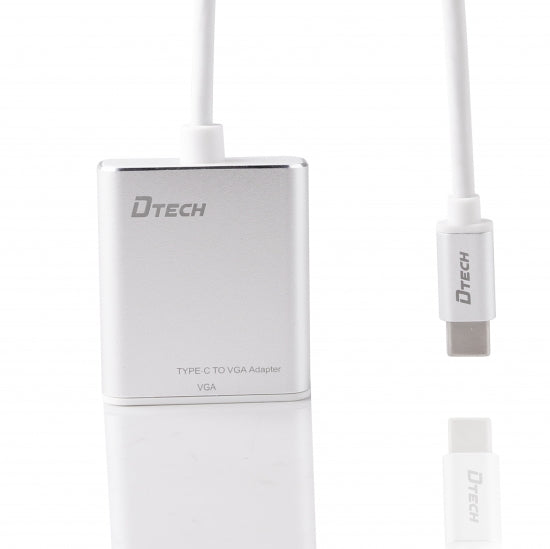
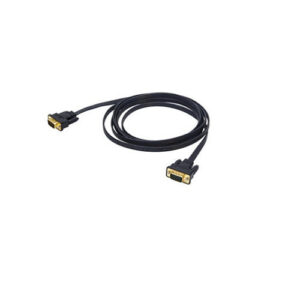
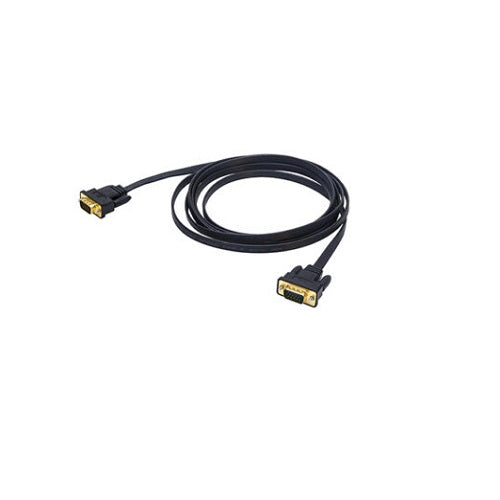
The adapter body is aluminium-magnesium alloy on a short white lead ending in the USB-C plug. Its VGA end is a socket with the two threaded holes that a VGA cable’s thumbscrews lock into, so you need a male-to-male VGA lead to reach the display; Dtech VGA leads from 1.5 m to 20 m are listed under VGA copper cables.
Sound stays on the laptop’s speakers unless you run a 3.5 mm cable from its headphone socket to the projector’s audio input or the room amplifier. There is no power socket: the T0021 draws its power from the laptop’s USB-C port.
If the laptop’s USB-C port turns out not to carry video but the laptop has HDMI, the Dtech DT-6404 HDMI to VGA converter connects from that port instead, and adds a 3.5 mm audio output.
Key specifications of the Dtech T0021
| Input | USB-C plug on a short attached lead |
|---|---|
| Output | VGA socket (15-pin, female), thumbscrew holes |
| Maximum resolution | 1920 x 1080 |
| Refresh rate | Not stated by Dtech |
| Laptop port needed | USB-C with DisplayPort Alt Mode |
| Controller chip | VIA Labs VL100 |
| Display modes | Mirror and extend |
| Audio | None (VGA is video only) |
| Power | From the laptop’s USB-C port; no charge-through |
| Housing | Aluminium-magnesium alloy, silver |
Questions about the Dtech T0021
Will the T0021 work with my phone or tablet?
Only if the phone or tablet sends DisplayPort video out of its USB-C port. The adapter depends on DisplayPort Alt Mode from the device, as it does with a laptop, and a phone whose USB-C port handles only charging and data shows nothing. The maker’s specification will say whether the port outputs video.
Can I charge the laptop while the adapter is plugged in?
Only if the laptop has another charging input, such as a second USB-C port or its own power socket. The T0021 has no USB-C power input to pass charge through, so on a laptop whose single USB-C port is also its charging port, the battery runs down while you present.
Can I keep my notes on the laptop and the slides on the projector?
Yes. The adapter supports extended as well as mirrored display, so the projector can act as a second screen. On Windows, press the Windows key and P together and choose Extend; Duplicate puts the same picture on both.
Why is there no picture on the projector?
Start with the laptop port: one without DisplayPort output gives no picture, so move to the USB-C port its maker lists for displays. Then check that the projector is on its VGA or computer input, that both thumbscrews are tight, and that Windows key and P is set to Duplicate or Extend.
You must be logged in to post a review.
DTT0021 Datasheet PDF
You may also like these
Dtech
In Stock
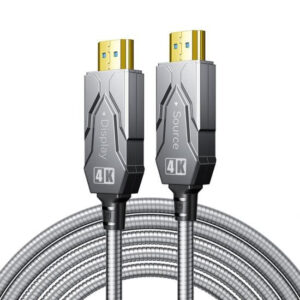
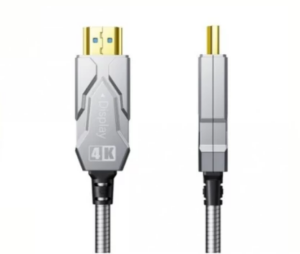
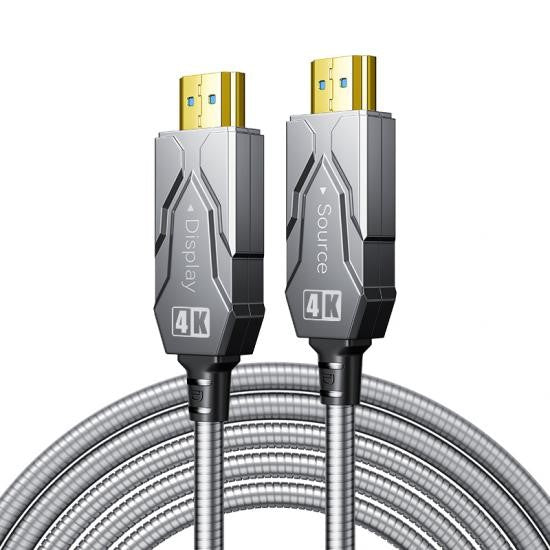
Dtech Armoured Fibre Cable, 20.0m, HDMI, V2.0, 4K resolution - HF2020K
R1,217.96
HF2020K In Stock
Dtech
Reviews
There are no reviews yet.