All Categories
- ATEN
- EPSON
- HISENSE
-
AV Signal Distribution
In AV Signal Distribution
- JK
-
Screens
In Screens
-
Projector
-
Cables
In Cables
- DTECH
- Business
- VISION
-
Projector Bracket
In Projector Bracket
-
Digital Signage Solutions
In Digital Signage Solutions
Brands
-
Audio
In Audio














All Categories
- ATEN
- EPSON
- HISENSE
-
AV Signal Distribution
In AV Signal Distribution
- JK
-
Screens
In Screens
-
Projector
-
Cables
In Cables
- DTECH
- Business
- VISION
-
Projector Bracket
In Projector Bracket
-
Digital Signage Solutions
In Digital Signage Solutions
Brands
-
Audio
In Audio

BROWSE CATEGORIES
Help
Cables
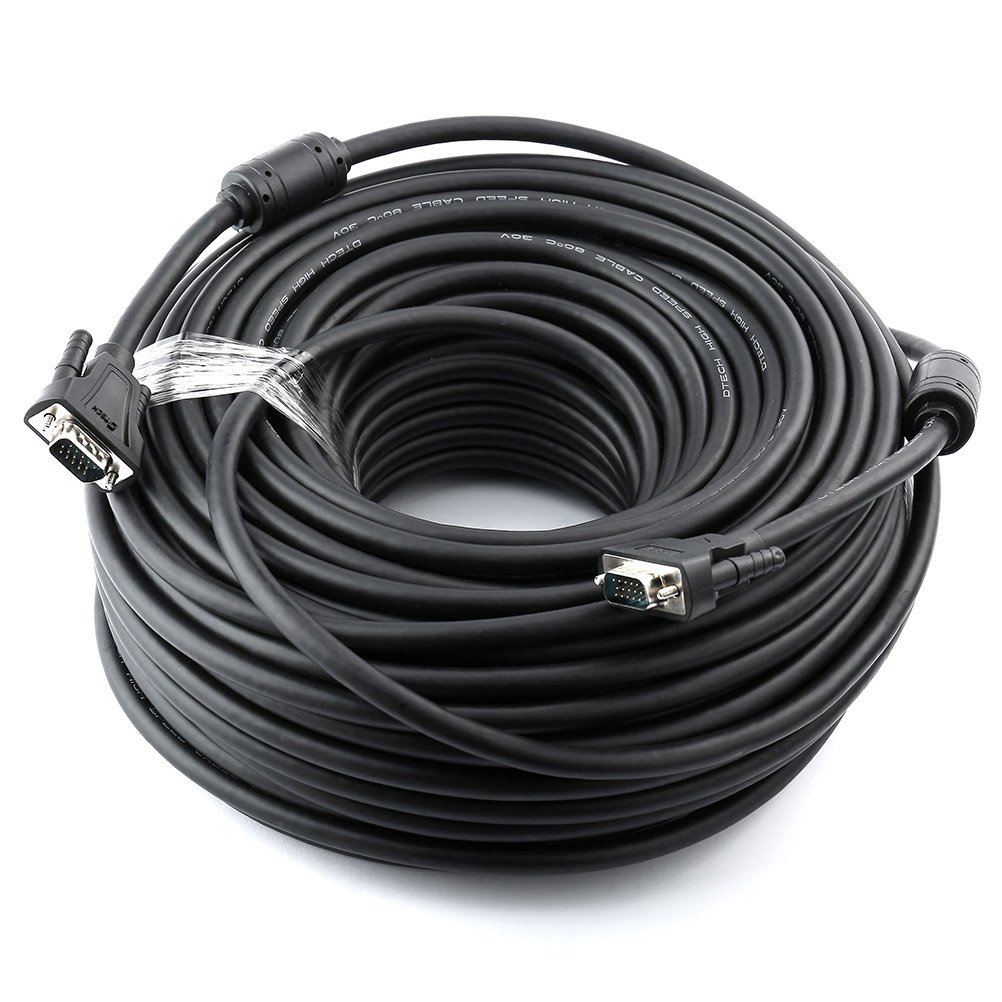
Dtech Copper Cable, 15.0m, VGA – V006
R161.00
A 15 m VGA cable for a single run across a lecture room or hall, such as a lectern computer to a ceiling projector.
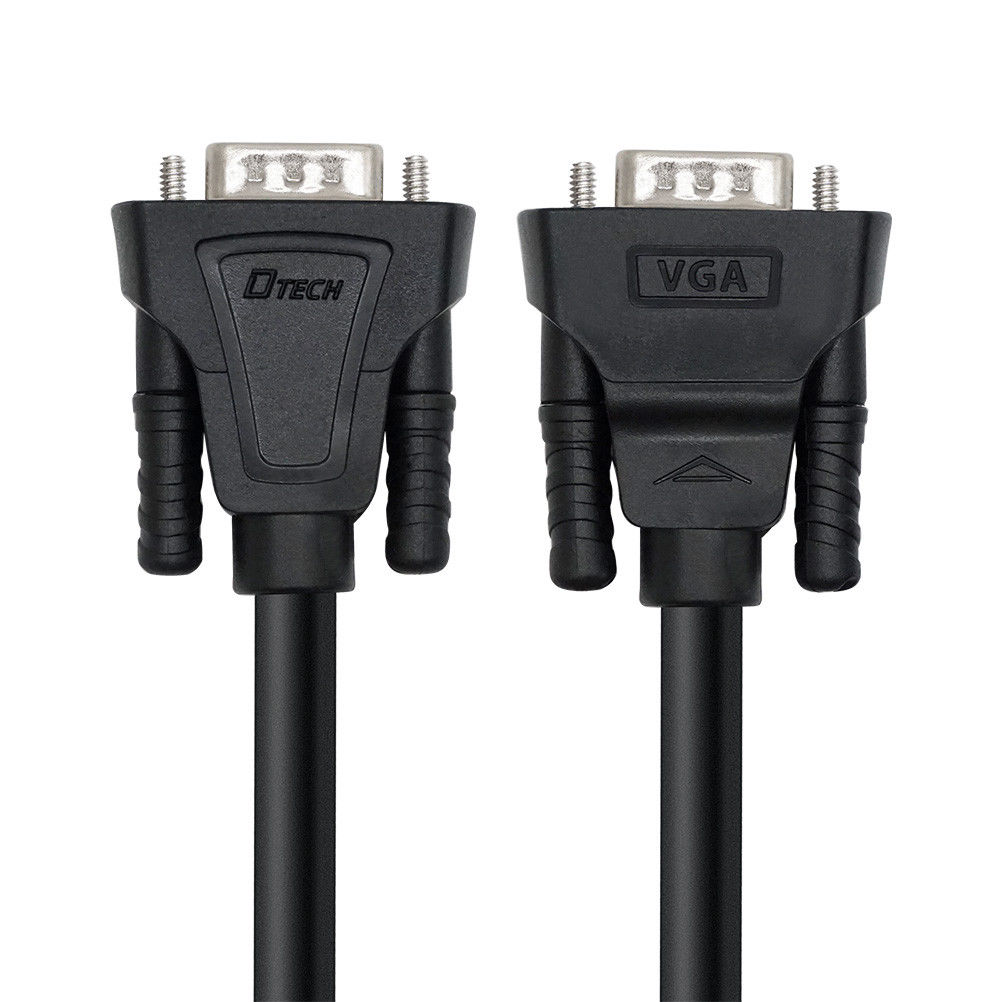
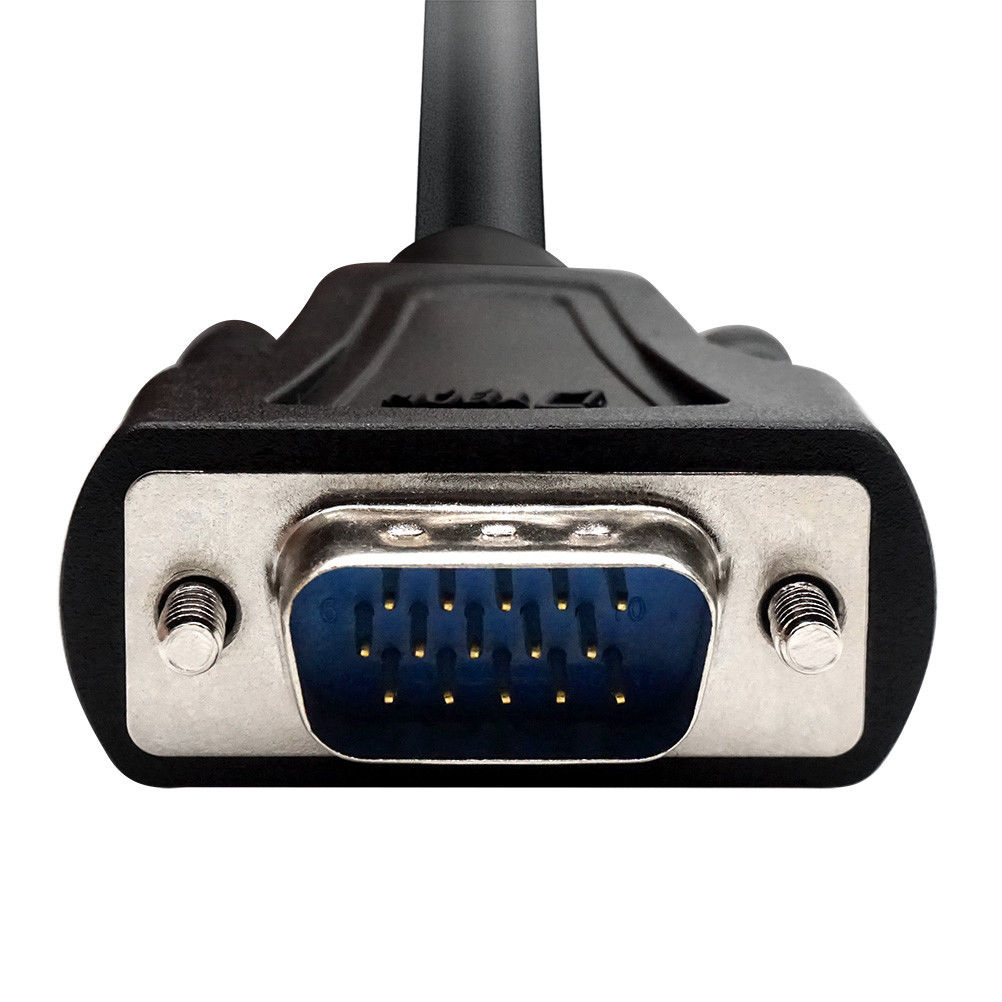
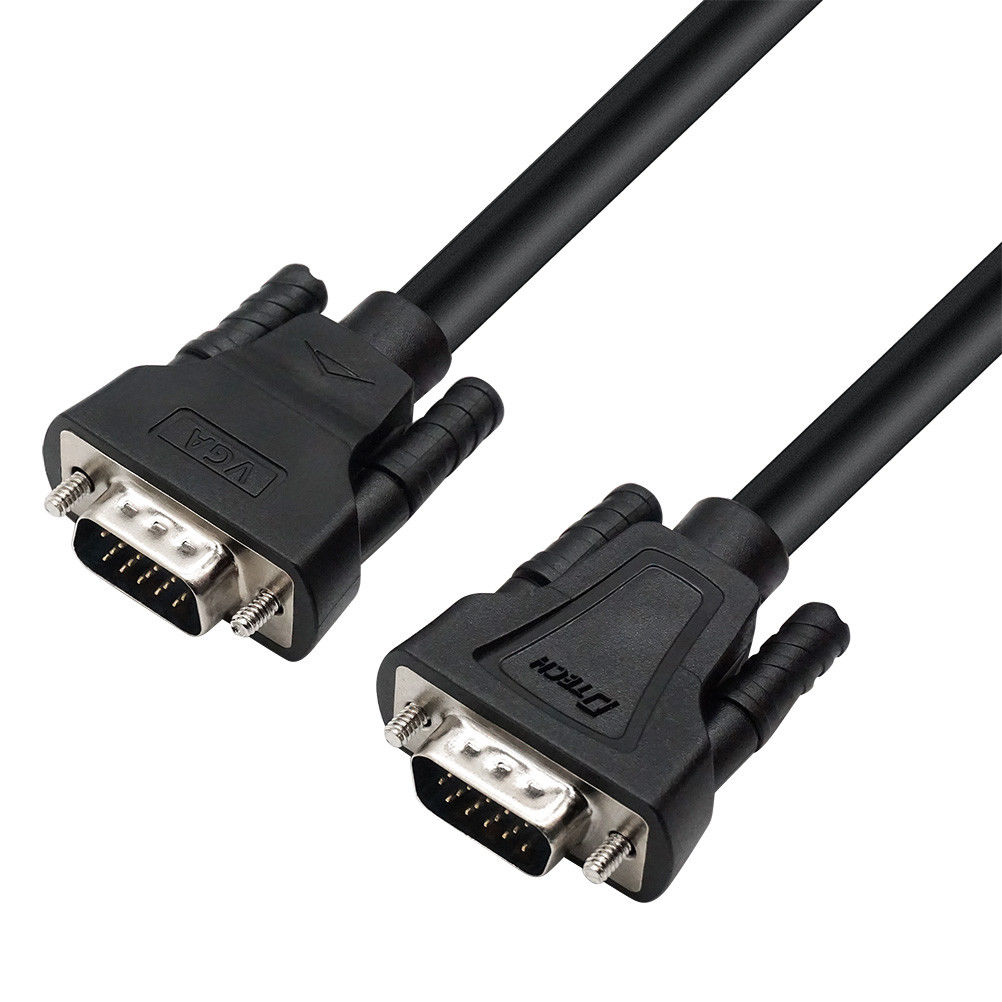
- 15-pin VGA male plug on each end, with thumbscrews
- Moulded plugs, so it runs end to end rather than into a wall plate
- Picture only; sound needs its own cable
- Brand :Dtech
- SKU :DTECH-V006
- Category :Cables
- Availability :
 In Stock
21 in stock
The Dtech V006 is a 15 m VGA cable for one continuous run across a room: a lectern computer at the front of a lecture room to the ceiling projector, or a control desk to a display on the far wall. Both ends are moulded 15-pin male plugs with thumbscrews. It carries the picture only: sound needs a cable of its own.
Working out the length from lectern to projector
Take a route of 2 m up the wall from the lectern, 9 m across the ceiling and 1 m down to the projector: that comes to 12 m and leaves 3 m spare. Use the spare as a loop at the projector end, so the unit can be lowered for service without straining the plug.
Routing moulded plugs through ceilings and walls
Every opening along the way, from the lectern’s cable hole to the ceiling tile, has to pass a plug hood with its thumbscrews. Wall plates are the catch: modules such as the Vision TC3 VGAF terminate on a Phoenix connector behind the plate, which takes bare wires rather than a moulded VGA plug. Run the V006 straight from the lectern to the projector; a wall plate at the lectern needs cable that is terminated on site.
Testing the picture before the ceiling closes
Retailers list the V-series at 1920 x 1080 and give no lower figure for the longer lengths. VGA is analogue, and over a run this long the picture can blur or show minor artefacts if anything along the path is marginal. Before the ceiling tiles go back, connect the real computer and projector, display a page of small text at the projector’s native resolution and read it from the back of the room. If it looks soft, a lower resolution setting or a VGA extender over network cable are the fallbacks.
Key specifications of the Dtech V006
| Model | V006 (DT-V006) |
|---|---|
| Length | 15 m |
| Plugs | VGA (HD15) male on both ends, moulded |
| Plug fixing | Thumbscrews |
| Signal | Analogue RGB with H and V sync |
| Audio | Not carried |
| Series resolution | 1920 x 1080, per retail listings |
Questions about the Dtech V006
Should I convert to HDMI instead of running 15 m of VGA?
Convert when the projector has an HDMI input and the lectern computer outputs only VGA. A Dtech DT-7004B VGA to HDMI converter at the lectern combines the PC’s VGA and 3.5 mm audio into one HDMI signal, and an HDMI fibre cable carries it across the room. Keep the V006 where the projector only takes VGA, since converting to HDMI and back again adds two boxes for no gain.
What if 15 m does not quite reach?
Choose the next length rather than adding a joint: the 20 m Dtech V007 is one continuous cable with the same male plugs. For distances well beyond that, a VGA extender sends the signal over network cable instead.
Does the V006 carry sound to the hall speakers?
No. VGA carries no audio, so the PC’s sound has to reach the amplifier by its own cable, by a VGA extender that carries audio, or inside HDMI after a converter such as the DT-7004B.
Can one lectern computer feed two projectors over V006 cables?
Yes, through a VGA splitter at the lectern: it takes the computer’s VGA output and drives two outputs, and a separate V006 runs from each output to its projector. The VGA splitters category has two-port models. A passive Y-cable is no substitute, since passive splitting can cause ghosting.
You must be logged in to post a review.
You may also like these
Dtech
In Stock
Dtech Detachable Connector Fibre Cable, 10.0m, HDMI, V2.0, 4K resolution - HF0310
R1,296.62
HF0310 In Stock
Dtech
In Stock
Dtech Armoured Fibre Cable, 20.0m, HDMI, V2.0, 4K resolution - HF2020K
R1,217.96
HF2020K In Stock
Reviews
There are no reviews yet.