All Categories
- ATEN
- EPSON
- HISENSE
-
AV Signal Distribution
In AV Signal Distribution
- JK
-
Screens
In Screens
-
Projector
-
Cables
In Cables
- DTECH
- Business
- VISION
-
Projector Bracket
In Projector Bracket
-
Digital Signage Solutions
In Digital Signage Solutions
Brands
-
Audio
In Audio














All Categories
- ATEN
- EPSON
- HISENSE
-
AV Signal Distribution
In AV Signal Distribution
- JK
-
Screens
In Screens
-
Projector
-
Cables
In Cables
- DTECH
- Business
- VISION
-
Projector Bracket
In Projector Bracket
-
Digital Signage Solutions
In Digital Signage Solutions
Brands
-
Audio
In Audio

BROWSE CATEGORIES
Help
Business
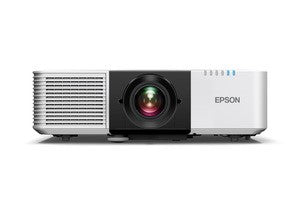
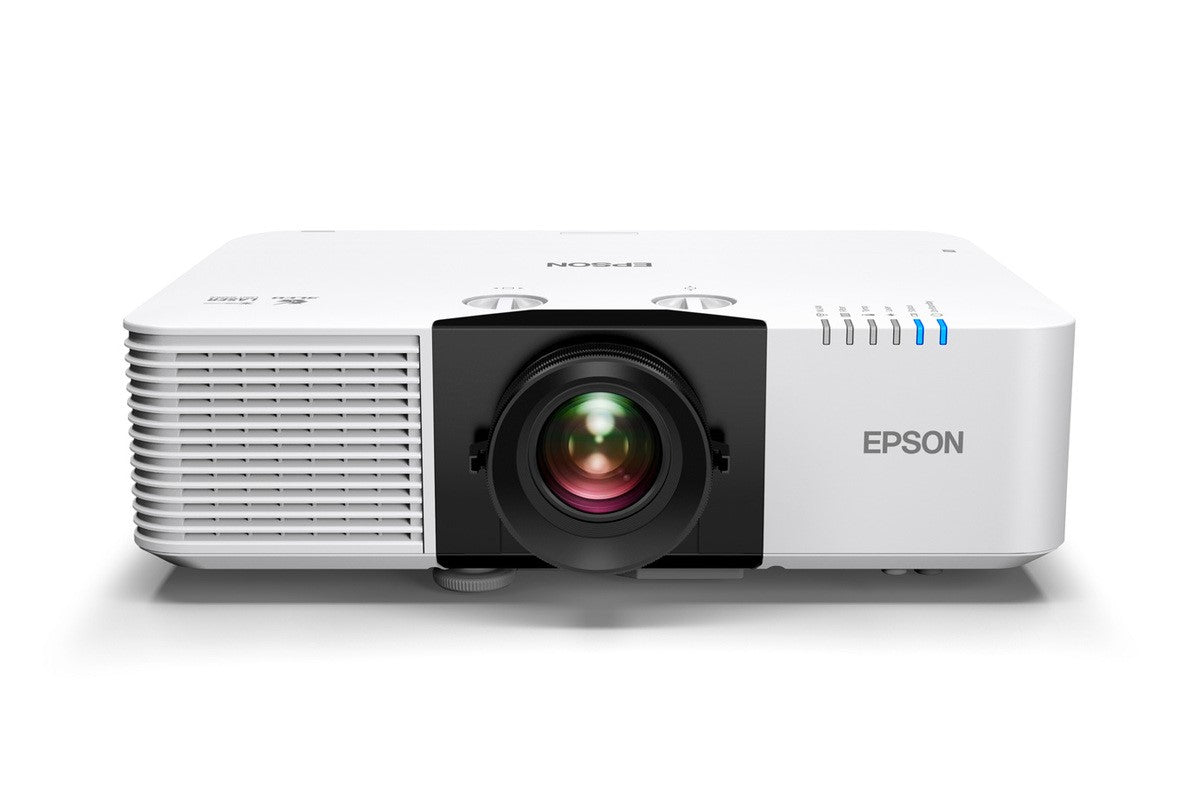
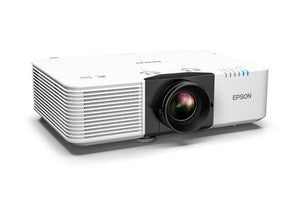
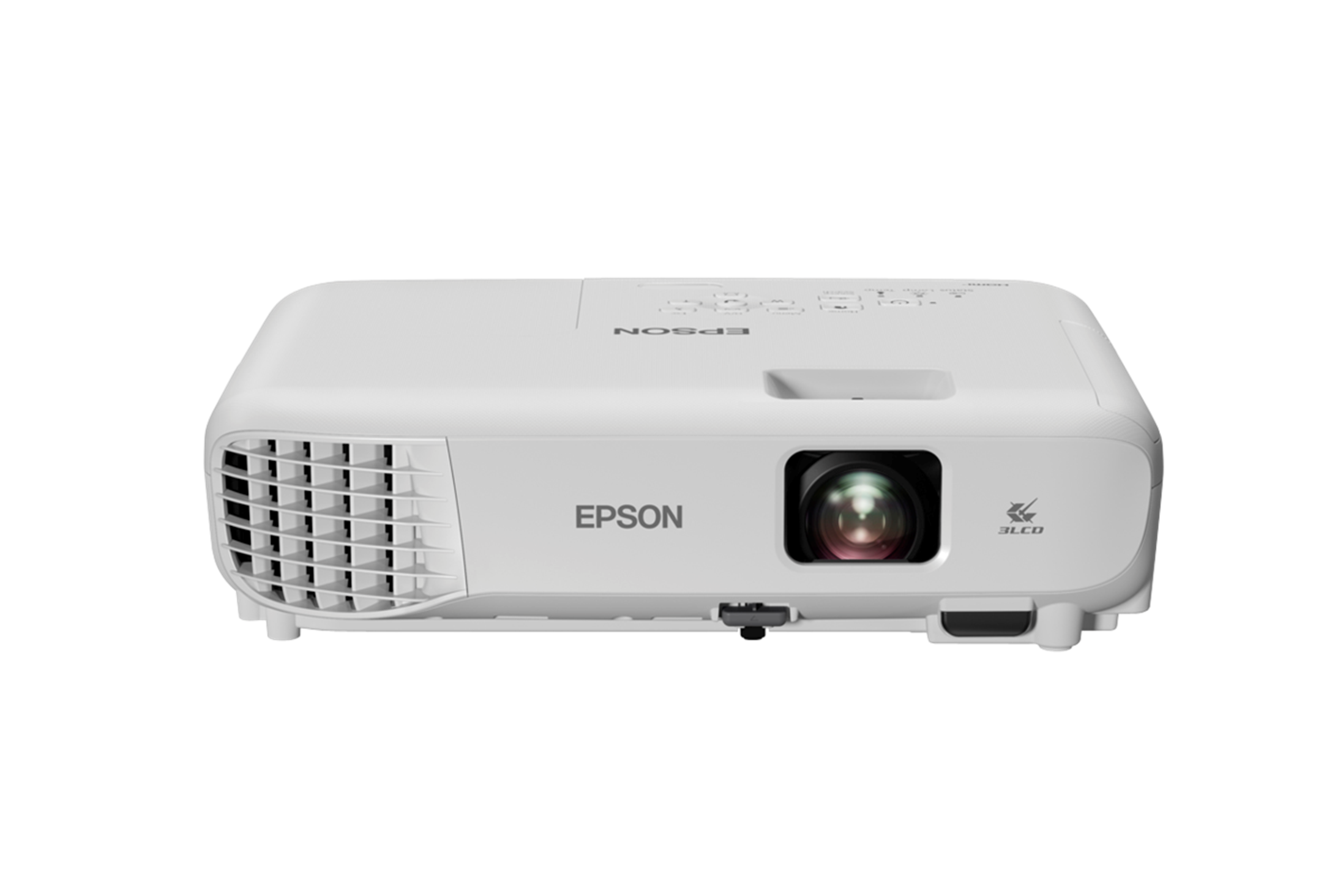
Epson Business Projector, 6500 Ansi Lumens, 3LCD WUXGA resolution, 16:10 Aspect Ratio – EBL690U
R81,470.55
A 6,500-lumen laser projector with native 1920 x 1200 panels and no pixel shift, for halls, training rooms and large meeting rooms.
- 6,500 lumens; 4,550 lumens in Quiet or Extended mode
- Shows 4K signals at 1920 x 1200
- 100-inch 16:10 image from 2.92 to 4.74 m
- HDBaseT to 100 m, two HDMI inputs, AirPlay 2
- Fan noise 32 dB, or 25 dB in economy
- Brand :Epson
- SKU :EPSON-EBL690U
- Category :Business
- Availability :Out of Stock
Out of stock
The Epson EB-L690U (EBL690U) is a 3LCD laser projector rated at 6,500 lumens, with 1920 x 1200 (WUXGA) panels that work without pixel shift, so a WUXGA laptop signal lands on them one pixel to one. Colour and white brightness are equal, and the 1.6x zoom fills a 100-inch 16:10 screen from anywhere between 2.92 and 4.74 m away. It suits halls, training rooms and large meeting rooms showing slides, video and calls.
Light output, Quiet and Extended modes, and fan noise
Epson UK rates it at 6,500 lumens, measured to ISO 21118 for white and IDMS 15.4 for colour: 25% more than the 5,200-lumen Epson EB-L530U. Quiet and Extended modes both cap output at 70%, which Epson UK lists as 4,550 lumens; Quiet does it to lower fan noise, Extended to stretch light source life from about 20,000 to 30,000 hours.
At full output the fan measures 32 dB, against 34 dB for the 7,300-lumen Epson EB-L790U in the same body, and both drop to 25 dB in economy. For a quiet lecture room, those 2 dB and 800 lumens are the trade between the two.
Throw distance for a 119-inch screen
The throw ratio runs from 1.35 to 2.20:1 across images of 50 to 500 inches. The JK F10119TF thin frame screen has a 119-inch 16:10 viewing area 256 cm wide; multiplied by each end of the ratio, that puts the lens roughly 3.5 to 5.6 m from the screen. Epson’s guide calls its own distances approximate, so check the mounting point against its table before drilling.
Zoom, focus and lens shift are all manual. The lens moves up to ±50% vertically and ±20% sideways, and keystone corrects ±30° in both directions when the projector cannot sit square to the screen.
When to choose the EB-L690E instead
Both models accept a 4K signal; the EB-L690U shows it at 1920 x 1200, while the Epson EB-L690E shifts the pixels of the same panels to put about 4.6 million on screen, twice as many. That helps where 4K computers show fine lines and small type to people sitting near the screen, as in a design office. Video calls, 1080p video and slides made at HD resolution hold no more detail than these panels already resolve.
HDBaseT and wireless sharing
The HDBaseT port takes HDMI and RS-232C from a transmitter over Cat 5e STP or better, up to 100 m. Epson’s guide lists the Epson ELPHD01 HDBaseT transmitter, which does not support HDCP 2.2; sources that demand it go to the two HDMI inputs (HDCP 2.3). Switching on Control Communications lets the transmitter’s Ethernet and serial ports control the projector but turns off the projector’s LAN and RS-232C sockets, so pick one control path. An Extron XTP transmitter or switcher also needs the Extron XTP setting turned on.
Also on the panel: an HDMI output, 100Base-TX LAN, RS-232C, two USB-A ports, a USB-B service port and a stereo mini-jack audio output. Built-in wireless LAN carries Miracast and Apple AirPlay 2, and NFC lets a phone with the Epson Projector Config Tool app copy settings to several projectors.
Weight, ceiling mounts and box contents
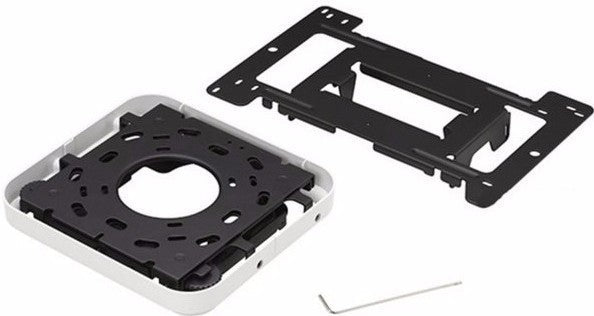
Epson UK lists 8.2 kg, but Epson’s user’s guide gives approx. 9.0 kg for the EB-L690U, so size the bracket for 9.0 kg. The guide names two Epson ceiling mounts: the ELPMB22, and the Epson ELPMB30 low ceiling bracket where headroom is short, with 450 mm (ELPFP13) and 700 mm (ELPFP14) pipes for high ceilings. Epson UK gives the body as 440 mm wide, 340 mm deep and 138 mm high.
In the box, per Epson UK: projector, power lead, remote control with batteries, Quick Start Guide and user guide. The bracket, transmitter and signal cables are extra.
Key specifications of the EB-L690U
| Native resolution | 1920 x 1200 (WUXGA), no pixel shift |
|---|---|
| Brightness | 6,500 lumens; 4,550 lumens in Quiet or Extended |
| Throw ratio | 1.35 to 2.20:1, images of 50 to 500 inches |
| Lens | Manual 1.6x zoom and focus; shift ±50% vertical, ±20% horizontal |
| Contrast | Over 5,000,000:1 |
| Video inputs | HDBaseT and 2 x HDMI (HDCP 2.3) |
| Other ports | HDMI out, LAN, RS-232C, USB-A x 2, USB-B (service), audio out |
| Wireless | Miracast, AirPlay 2, NFC |
| Fan noise | 32 dB, or 25 dB in economy |
| Light source | Laser, about 20,000 h (30,000 h Extended) |
| Weight | Approx. 9.0 kg (Epson user’s guide) |
EB-L690U buyer questions
Can the Epson EB-L690U show 4K content?
It accepts a 4K signal and scales it to the 1920 x 1200 panels, so a 4K laptop can stay at its usual setting while the picture carries WUXGA detail. For laptop content, a 1920 x 1200 output fills the 16:10 panels exactly; a 16:9 4K signal uses 1920 x 1080 of them.
Does the EB-L690U work with Crestron and Extron control systems?
Yes. Epson UK lists Crestron Integrated Partner status and Crestron XiO Cloud compatibility, Extron XTP and AMX Device Discovery, with PJLink among its network protocols. Control runs over the LAN or RS-232C port, or through the HDBaseT link.
Can two EB-L690U projectors be stacked or blended?
Yes. Edge blending is built in and can be set up by hand. With an Epson ELPEC01 camera on each projector, Epson adds screen matching, automatic colour calibration, blending assist and simple stacking without an external PC; some setups also need Epson’s Projector Professional Tool app.
What image size does the EB-L690U give from 4 m away?
About 85 to 135 inches diagonal in 16:10, from the longest to the widest zoom setting, worked from Epson’s distance table. The common 100, 106, 119 and 133-inch screen sizes all fall inside that, so a projector mounted 4 m back can take a different screen later.
| White Brightness | 6,500 Lumens (ISO) |
|---|---|
| Colour Brightness | 6,500 Lumens CLO |
| Resolution | 1920x1200 |
| 16 | 10 (WUXGA) |
| Display Type | 2 cm 3LCD |
| Colour Processing | 10-bit |
| Video Modes | 720p, 1080i, 1080p/60 |
| Lamp Type | Laser Phosphor |
| Lamp Life | 20,000 hours / 30,000 hours (Eco) |
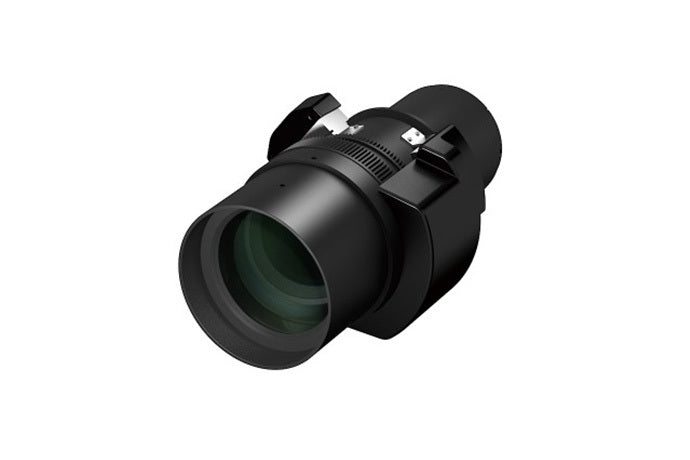
| Included Lens | 1.6x manual zoom , manual focus |
| Optional Lenses | No |
| Lens Shift | Horizontal +/-20% & Vertical +/-50% |
| Throw Distance | 2.4 m - 14.5 m |
| Image Size | 127 cm - 1269 cm |
| 1.35 | 1 - 2.20:1 (D:W) |
| Digital Zoom | Yes |
| Digital Keystone | Horizontal & Vertical |
| Projector Size | 14 cm x 44 cm x 34 cm (HxWxD) |
| Weight | 8.2 kg |
| Audible Noise | 32 dB / 25 dB (Eco) |
| Internal Speakers | 10.0 Watts Mono |
| Power | 415 Watts 100V - 240V |
| Audio Out | Mini Jack |
| HDBaseT | RJ-45 |
| Network | RJ-45 |
| RS232 | DB-9pin |
| Features | Edge Blending |
You must be logged in to post a review.
EBL690U Datasheet PDF
You may also like these
Epson
Epson Consumer Projector, 3000 Ansi Lumens, WXGA resolution, 16:10 Aspect Ratio - COWX01
R8,862.06
COWX01 Out of Stock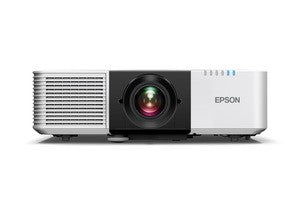
Epson
Epson Business Projector, 7000 Ansi Lumens, 3LCD WUXGA resolution, 16:10 Aspect Ratio - EBL790SE
R129,918.15
EBL790SE Out of Stock
Hisense
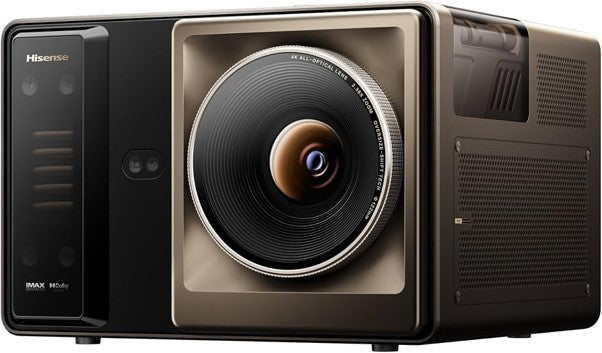
Hisense Mini Laser Projector, 6000 Ansi Lumens, 4K resolution - XR10
R86,894.89
XR10 Out of Stock
Epson
Reviews
There are no reviews yet.