All Categories
- ATEN
- EPSON
- HISENSE
-
AV Signal Distribution
In AV Signal Distribution
- JK
-
Screens
In Screens
-
Projector
-
Cables
In Cables
- DTECH
- Business
- VISION
-
Projector Bracket
In Projector Bracket
-
Digital Signage Solutions
In Digital Signage Solutions
Brands
-
Audio
In Audio














All Categories
- ATEN
- EPSON
- HISENSE
-
AV Signal Distribution
In AV Signal Distribution
- JK
-
Screens
In Screens
-
Projector
-
Cables
In Cables
- DTECH
- Business
- VISION
-
Projector Bracket
In Projector Bracket
-
Digital Signage Solutions
In Digital Signage Solutions
Brands
-
Audio
In Audio

BROWSE CATEGORIES
Help
ATEN
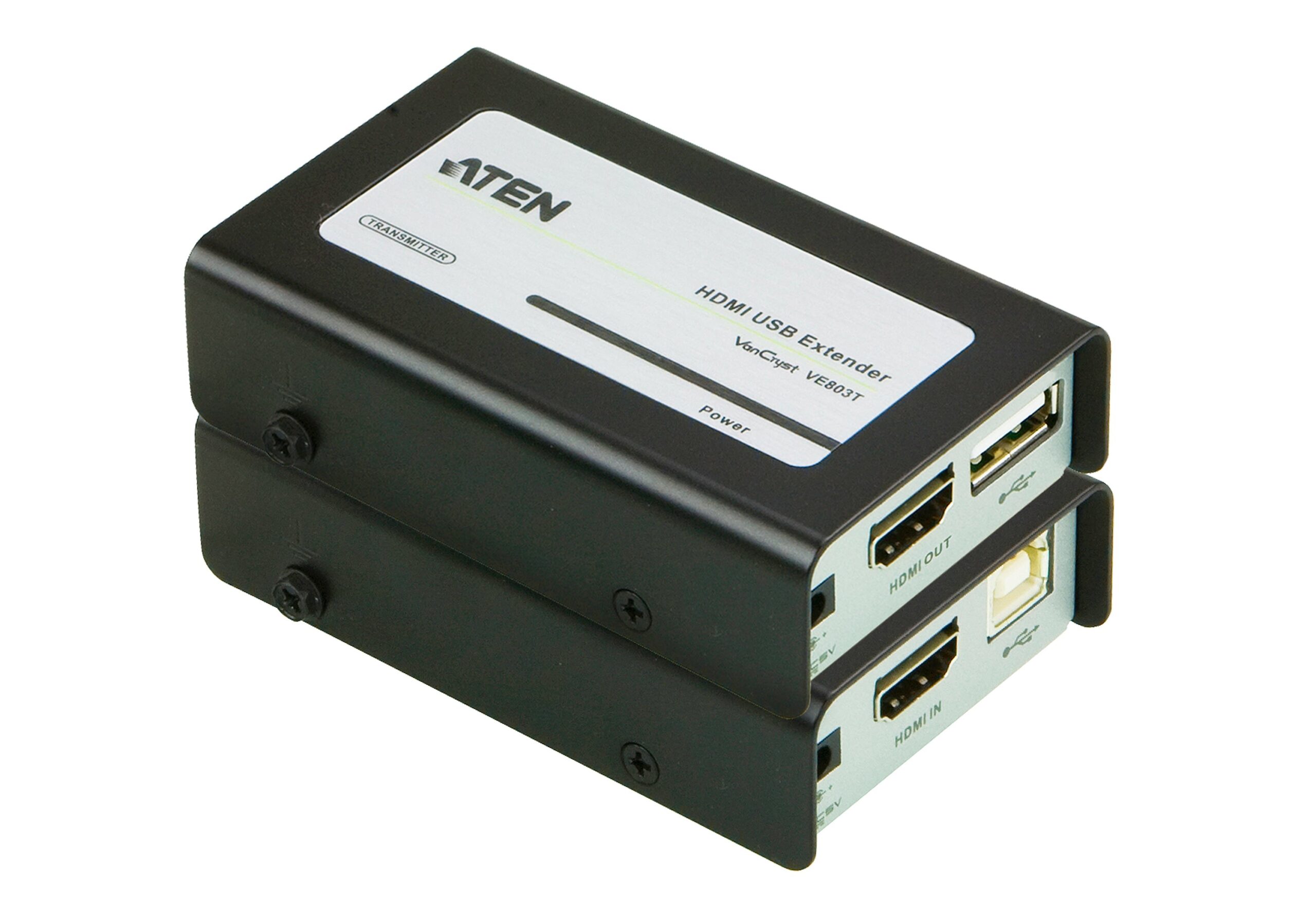
Aten Extender, HDMI, USB, Transmitter and Receiver – VE803
R4,615.37
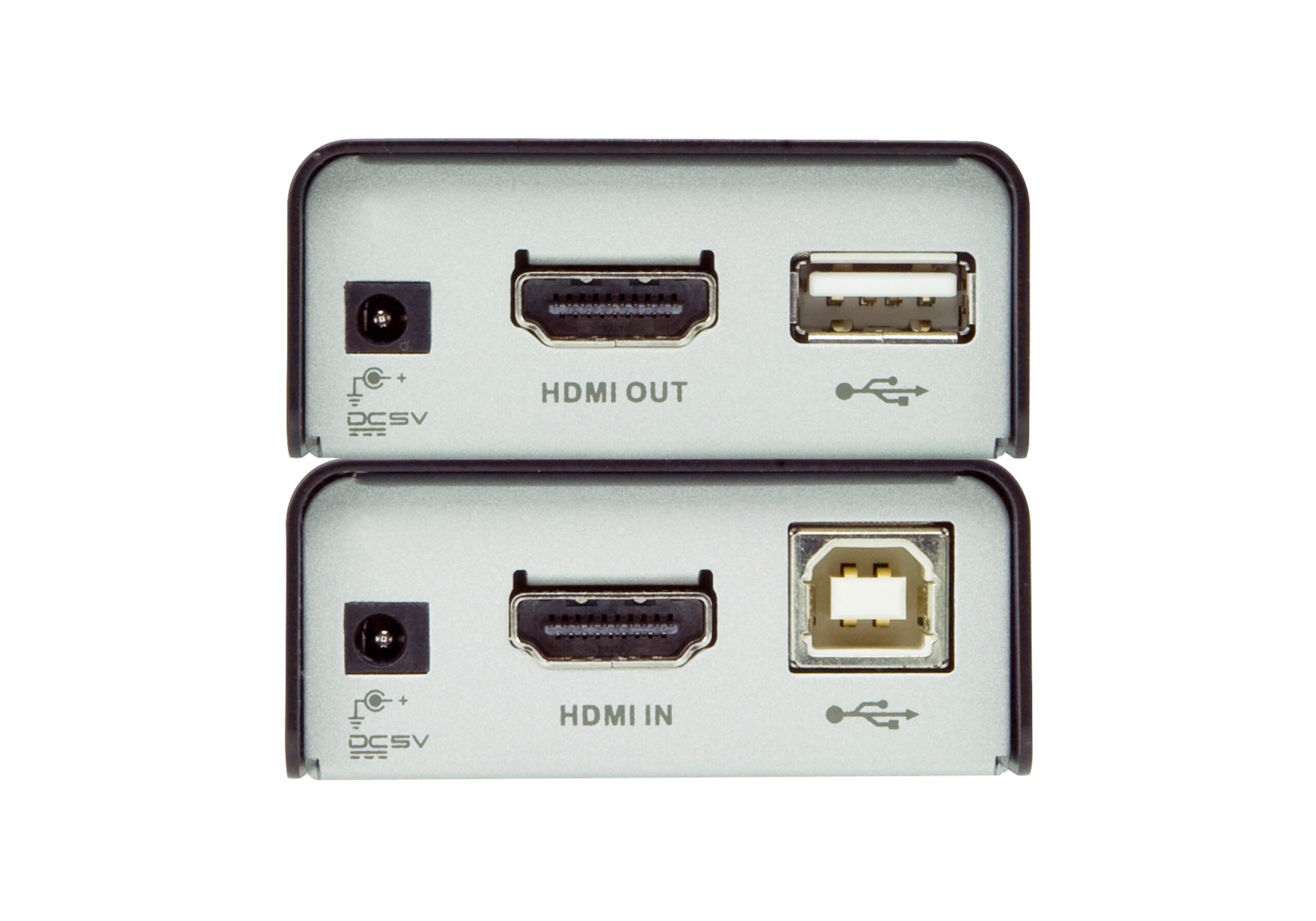
HDMI and USB extender pair for kiosks and touch screens, where a display up to 40 m away must also control the computer.
- 1080p to 40 m and 1080i to 60 m over two Cat 5e runs
- USB 2.0 full speed (12 Mbps), touch panels supported
- Transmitter powered from the computer's USB port
- Eight-step EQ on the receiver
- Brand :Aten
- SKU :ATEN-VE803
- Category :ATEN
- Availability :Out of Stock
Out of stock
With the Aten VE803, a touch screen at the display end can operate the computer that feeds it: HDMI and USB travel together over two Cat 5e cables. Aten’s limits are 1080p to 40 m and 1080i to 60 m, and the USB link runs at USB 2.0 full speed (12 Mbps). The transmitter can run on USB power from the computer, leaving the one adapter in the box for the screen end.
What travels on each Cat 5e cable
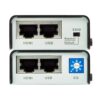
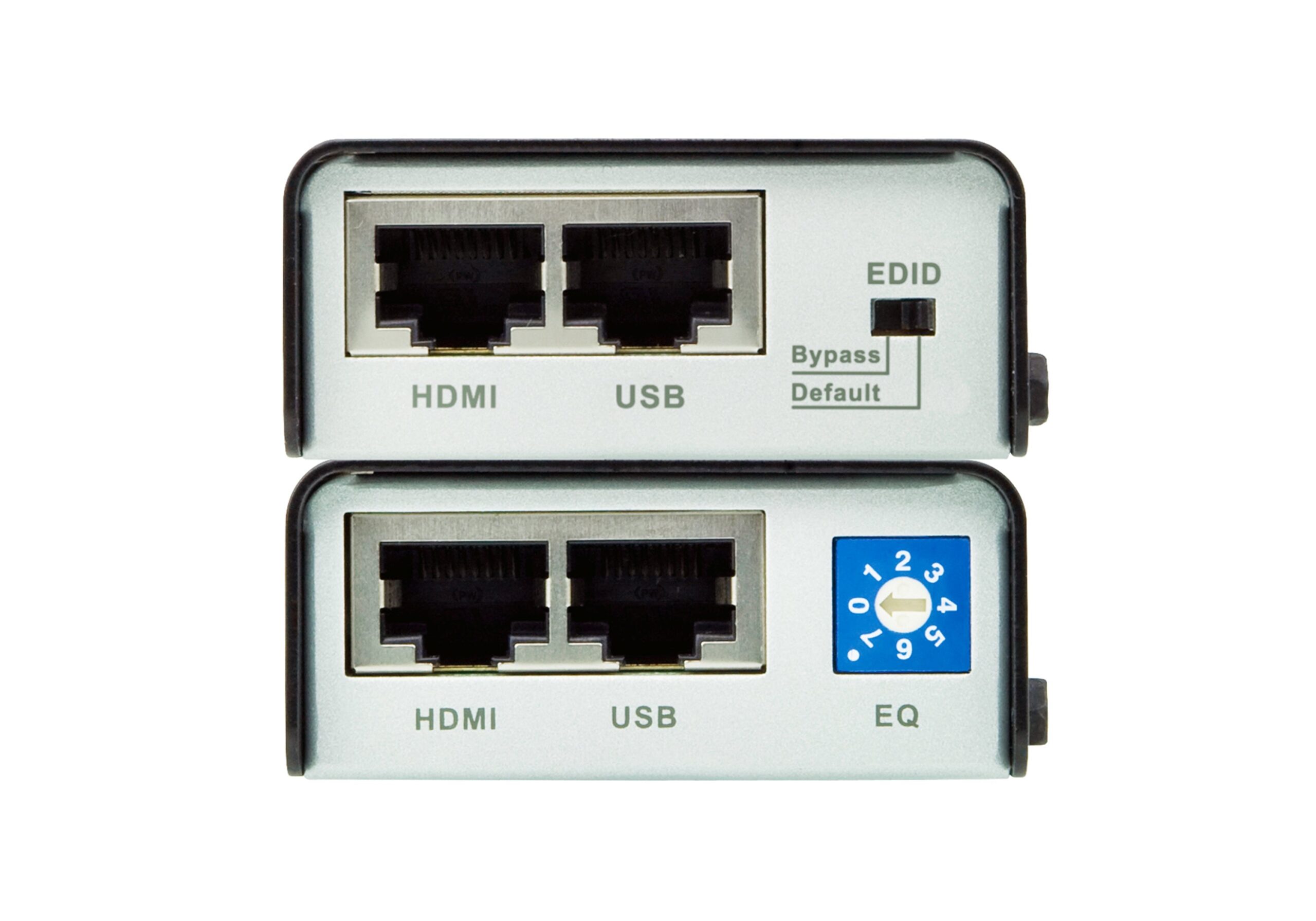
Both units have two RJ-45 sockets, marked HDMI and USB. Aten’s manual describes the HDMI socket as the TMDS channel that carries the HDMI signal, and the USB socket as the DDC channel that also carries the USB data between the units. USB therefore needs both runs connected, and EDID bypass and HDCP authentication depend on the second one too. Aten gives its distances for Cat 5e, and the VE803 is on the compatible list for the Aten 2L-2801 low-skew Cat 5e cable.
USB for touch screens and kiosks
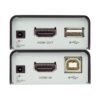
The VE803T has a USB Type-B port, and the 1.8 m USB cable in the box joins it to the computer. The same connection powers the transmitter. The VE803R has a USB Type-A port for the touch screen or other device at the display; that cable is not supplied. Aten describes the link as transparent USB that supports all USB 2.0 full-speed devices at up to 12 Mbps, and it names touch panels specifically. Devices that depend on USB 2.0 high speed are outside what Aten specifies.
EDID switch, EQ and picture formats
Aten’s 2021 manual describes a slide switch on the VE803T with two EDID modes. In Bypass, the source reads the display’s own EDID and settles on the best resolution for it; in Aten Default, the source receives Aten’s standard EDID instead. Aten’s 2024 datasheet lists only “EDID Mode: Default”, so check for the switch on the unit you receive. When the picture flickers or blinks, Aten’s manual points to the VE803R’s EQ switch, eight positions from 0 (weakest) to 7 (strongest).
- HDTV formats from 480p to 1080p, and computer modes from VGA to WUXGA (1920 x 1200)
- HDMI 3D and Deep Colour, HDCP compatible; pixel clock up to 225 MHz, bandwidth 6.75 Gbps
- Dolby TrueHD and DTS-HD Master Audio supported as part of the HDMI signal
What comes with the VE803 and what to add
Aten packs the VE803T, the VE803R, one power adapter (for the VE803R), a 1.8 m USB cable, a mounting kit and user instructions. You add two Cat 5e runs, two HDMI leads no longer than 3 m (for example the Aten 2L-7D03H 3 m HDMI cable) and a USB cable from the VE803R to the touch screen. Both units are metal, 9.00 x 5.74 x 2.40 cm and 0.16 kg each, for 0 to 50 °C. Where the far end needs no USB, the Aten VE800A HDMI extender kit reaches the same distances and can work on a single Cat 5e run.
Key specifications of the Aten VE803
| Link | 2 x Cat 5e (HDMI and USB ports) |
|---|---|
| Reach | 40 m for 1080p, 60 m for 1080i (24-bit colour) |
| Highest resolution | 1080p; WUXGA 1920 x 1200 |
| USB | USB 2.0 full speed, 12 Mbps; Type-B on VE803T, Type-A on VE803R |
| HDMI features | 3D, Deep Colour, HDCP compatible |
| EDID | Bypass or Aten Default slide switch on VE803T (2021 manual) |
| EQ | 8 positions (0 to 7) on VE803R |
| Power | 5 V DC; VE803T from USB or an optional adapter; adapter supplied for VE803R |
| Size and weight | 9.00 x 5.74 x 2.40 cm, 0.16 kg each |
| HDMI cable at each unit | 3 m maximum |
Questions about the Aten VE803
Does the VE803T need its own power adapter?
Usually not. In Aten’s set-up it is powered by the computer’s USB socket through the supplied cable. If that socket cannot deliver enough power, plug a second adapter, bought separately, into the VE803T’s DC jack.
What do I lose without the second Cat 5e cable?
USB, first of all, because the USB data travels on that cable with the DDC channel. EDID bypass and HDCP authentication go with it, so the source can no longer read the display’s EDID or authenticate protected content.
Do the 40 m and 60 m limits apply with Deep Colour?
Aten does not say. Its manual quotes 40 m at 1080p and 60 m at 1080i, both at 60 Hz and 24-bit colour depth, and gives no distance for Deep Colour signals, even though the datasheet lists Deep Colour support.
How can I tell the link is working?
Look at the VE803R. Aten’s manual says its three LEDs, Power, HDMI and USB, light green when the unit is properly connected to the source; the VE803T has a single green power LED.
USB
| VE803R | 1 x USB Type A Female |
|---|---|
| VE803T | 1 x USB Type B Female |
You must be logged in to post a review.
VE803 Datasheet PDF
 In Stock
Reviews
There are no reviews yet.